Product Overview
The High-Tech Place ZK10 3G Tablet is a versatile mobile device designed for communication, entertainment, and productivity. It features a 10.1-inch IPS display, a powerful MTK6735 Quad-Core processor, and runs on Android 7.0. With dual SIM support, Wi-Fi, Bluetooth, and GPS capabilities, it offers comprehensive connectivity. The tablet includes 2GB of RAM and 32GB of internal storage, expandable via TF card.
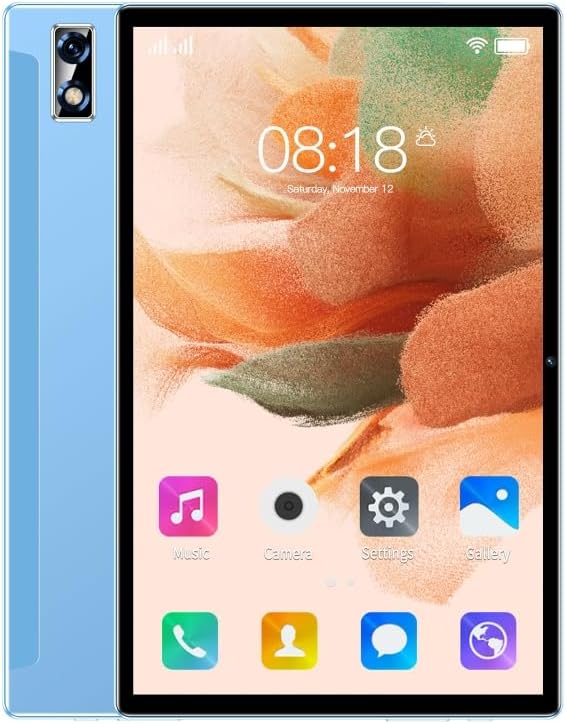
Image: Front and back view of the High-Tech Place ZK10 3G Tablet, showcasing its sleek design and camera placement.
Key Features:
- Android 7.0 Operating System
- MTK6735 1.3GHz Quad-Core Processor
- 2GB RAM + 32GB ROM (expandable)
- 10.1-inch IPS Screen, 1280x800 pixels resolution
- 2.0MP Front Camera and 5.0MP Rear Camera
- 5000 mAh Battery
- Dual SIM Support, Wi-Fi, Bluetooth V4.0, GPS
- G-sensor, Calendar, Calculator, Clock, Recorder
Setup
1. Charging the Tablet:
Before first use, fully charge the tablet. Connect the provided power adapter to the tablet's Type-C 2.0 port and plug it into a power outlet. The battery indicator on the screen will show charging progress.
2. Powering On/Off:
- To Power On: Press and hold the Power button until the screen lights up and the boot animation appears.
- To Power Off: Press and hold the Power button until a power options menu appears. Select "Power off" and confirm.
3. Inserting SIM Cards and TF Card:
The tablet supports Dual SIM cards and one TF (MicroSD) card for expandable storage.
- Locate the SIM/TF card slot on the side of the tablet.
- Carefully open the slot cover.
- Insert the SIM cards into the designated SIM card slots (2 x SIM Card Slot). Ensure the gold contacts face down and the notched corner is correctly aligned.
- Insert the TF card into the TF Card Slot if you wish to expand storage.
- Close the slot cover securely.
4. Initial Setup (Android 7.0):
Upon first power-on, follow the on-screen prompts to complete the initial setup:
- Select your language.
- Connect to a Wi-Fi network.
- Accept terms and conditions.
- Sign in with your Google account or create a new one.
- Set up screen lock (optional).
Operating Instructions
1. Navigation and Interface:
- Home Screen: Swipe left/right to navigate between home screens.
- Notifications Panel: Swipe down from the top of the screen to access notifications and quick settings.
- App Drawer: Swipe up from the bottom of the screen (or tap the app drawer icon) to view all installed applications.
- Recent Apps: Tap the square icon (or swipe up and hold from the bottom) to see recently used applications.
2. Connectivity:
- Wi-Fi: Go to Settings > Wi-Fi to connect to available networks.
- Mobile Data (3G): Ensure SIM cards are inserted. Go to Settings > Data usage or Network & Internet > Mobile network to enable mobile data.
- Bluetooth: Go to Settings > Bluetooth to pair with Bluetooth devices like headphones or speakers.
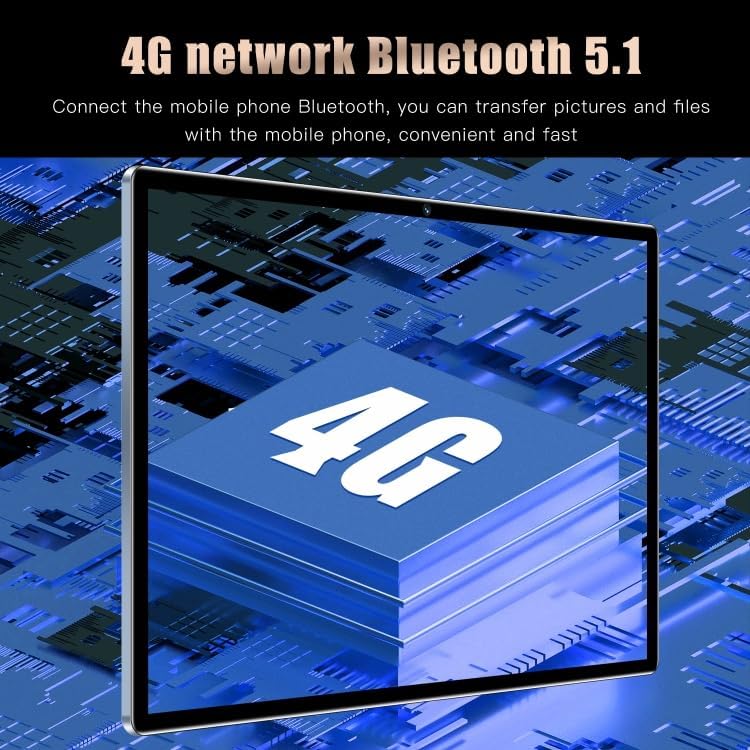
Image: Illustration of the tablet's 4G network and Bluetooth 5.1 capabilities, highlighting seamless data transfer and connectivity.
- GPS: Location services can be enabled via Quick Settings or Settings > Location.
3. Camera Usage:
The tablet is equipped with a 2.0MP front camera and a 5.0MP rear camera.
- Open the "Camera" application from the home screen or app drawer.
- Switch between front and rear cameras using the camera switch icon.
- Tap the shutter button to take a photo.
- Select video mode to record videos.
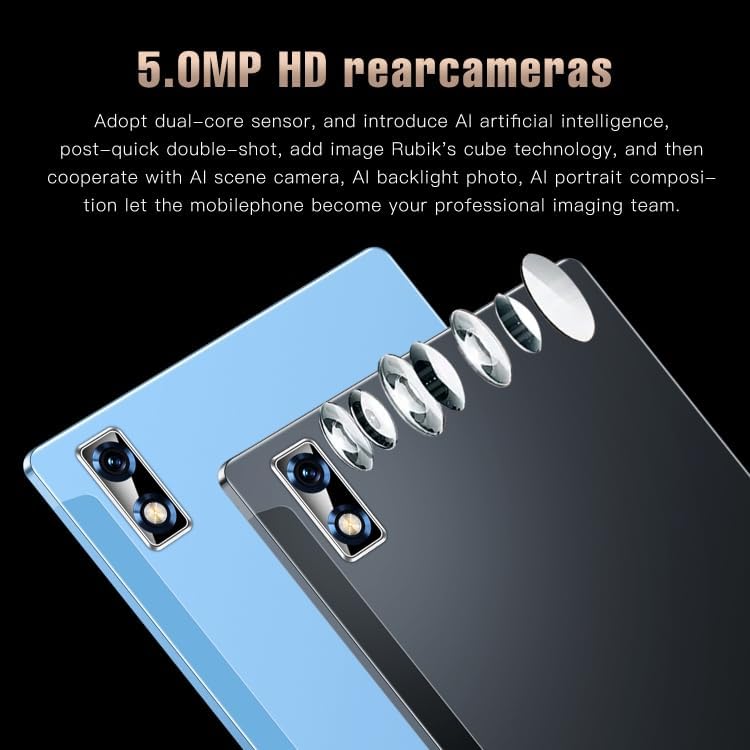
Image: Detailed view of the tablet's 5.0MP HD rear camera system, emphasizing its dual-core sensor and AI integration for enhanced photography.

Image: The tablet displaying the functionality of its 2.0MP front camera, suitable for video calls and selfies.
4. Storage and Performance:
The tablet comes with 2GB RAM and 32GB ROM, providing sufficient space for apps and media. For demanding applications or large files, the MTK6735 Quad-Core processor ensures smooth operation.

Image: The tablet displaying a game, illustrating its 2GB RAM and 32GB flash memory for smooth performance and ample storage.
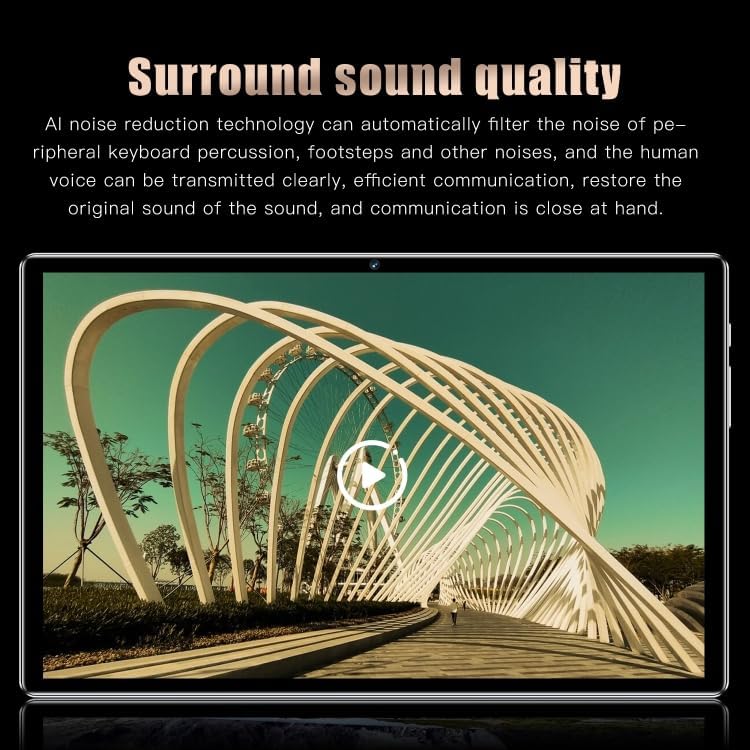
Image: The tablet displaying a video, highlighting its surround sound quality with AI noise reduction technology for clear audio.
Maintenance
1. Cleaning the Tablet:
- Use a soft, lint-free cloth to wipe the screen and body.
- For stubborn smudges, slightly dampen the cloth with water or a screen cleaner.
- Avoid using harsh chemicals, abrasive materials, or excessive moisture.
2. Software Updates:
Regularly check for system updates to ensure optimal performance and security. Go to Settings > About tablet > System updates.
3. Battery Care:
- Avoid extreme temperatures, as they can degrade battery life.
- Do not let the battery completely drain frequently.
- Use the original charger for optimal charging.
4. Storage Management:
Periodically clear unnecessary files and uninstall unused apps to free up storage space and maintain performance. Go to Settings > Storage.
Troubleshooting
| Problem | Possible Solution |
|---|---|
| Tablet does not power on. | Ensure the tablet is fully charged. Press and hold the Power button for at least 10-15 seconds to force a restart. |
| Cannot connect to Wi-Fi. | Check if Wi-Fi is enabled in settings. Restart your Wi-Fi router. Forget the network and reconnect. |
| Apps are crashing or freezing. | Clear the app's cache (Settings > Apps > [App Name] > Storage > Clear cache). Restart the tablet. Update the app or uninstall/reinstall it. |
| Slow performance. | Close unused apps. Clear cache and data of frequently used apps. Uninstall unnecessary apps. Consider a factory reset as a last resort (backup data first). |
| SIM card not detected. | Ensure the SIM card is correctly inserted. Restart the tablet. Try the SIM card in another device to check if it's functional. |
Specifications
| Feature | Detail |
|---|---|
| Brand | High-Tech Place |
| Model | ZK10 |
| Operating System | Android 7.0 |
| CPU | MTK6735 Quad-Core 1.3GHz |
| RAM | 2GB |
| ROM | 32GB |
| Screen Size | 10.1 inch |
| Screen Type | IPS Capacitive Screen |
| Resolution | 1280 x 800 pixels |
| Rear Camera | 5.0MP (with LED flash) |
| Front Camera | 2.0MP |
| Battery Capacity | 5000 mAh (Non-detachable Li-Polymer) |
| Network Communication | Built-in 3G, BT, WiFi |
| Frequency Bands | 2G GSM: 850/900/1800/1900MHz; 3G WCDMA: 850/2100MHz |
| Wi-Fi | 802.11b/g/n 2.4GHz |
| Bluetooth | V4.0 |
| SIM Card Quantity | Dual SIM |
| Interfaces | 2 x SIM Card Slot, 1 x TF Card Slot, 1 x 3.5mm Earphone Port, 1 x Type-C 2.0 |
| Dimensions | 242 x 161 x 8.5 mm |
| Additional Features | G-sensor, GPS, Calendar, Calculator, Clock, Recorder, Image Viewer, E-book, World Clock |

Image: Illustration of the MTK6735 8 Core processor, highlighting its role in the tablet's fast performance and resource management.
Warranty and Support
High-Tech Place offers a commercial warranty for this product. For specific warranty terms, conditions, and duration, please refer to the documentation included with your purchase or contact High-Tech Place customer support directly.
For technical support, troubleshooting assistance, or service inquiries, please visit the official High-Tech Place website or contact their customer service department. Keep your purchase receipt and product model number (ZK10) handy when seeking support.


