
Introduction
The Lacidoll LCD-MH-J18 Cool and Warm Mist Humidifier is designed to enhance indoor air quality and comfort by adding moisture to the air. This versatile appliance offers both warm and cool mist options, making it suitable for various seasonal needs and personal preferences. It helps alleviate dry skin, respiratory issues, and allergies, ensuring optimal humidity levels throughout your living space.
Safety Information
Please read all safety instructions carefully before using the humidifier to prevent injury or damage.
- Do not overfill the water tank.
- Turn off and unplug the device when not in use or when the water level is low.
- Always place the humidifier on a firm, flat, water-resistant surface at least 6 inches away from walls and furniture.
- Do not place the humidifier near heat sources or in direct sunlight.
- Keep out of reach of children and pets.
- Use only clean, cool tap water or distilled water. Do not add essential oils directly into the water tank unless specified by the manufacturer.
- Do not block the mist outlet or air intake.
- Unplug the unit before cleaning or refilling.
Product Overview
The Lacidoll LCD-MH-J18 humidifier features a large 5.3-gallon (20L) capacity water tank, providing up to 48 hours of continuous operation. It is designed for whole-house humidification, covering areas up to 3000 sq.ft. The unit operates quietly at 35dB or less, making it suitable for bedrooms and offices. It includes a customizable timer (1-24 hours), automatic shut-off for water shortage protection, and adjustable humidity settings from 45% to 90% with three spray volumes.

Figure 1: Overview of Lacidoll Humidifier features including 20L/5.3Gal capacity, no water leakage, 3 spray volumes, 1-24H timer, cool & warm mist, sleep mode, and water shortage protection.

Figure 2: Illustration of the humidifier's 5.3 Gallon capacity and ability to humidify large spaces up to 3000 sq.ft for 48 hours.

Figure 3: Depiction of the dual mist functionality, offering both healthy warm mist (high temp kills bacteria, 25% faster humidification, quick stuffiness relief) and refreshing cool mist (hydrates air, soothes skin, enhances sleep) through a 360° dual nozzle.

Figure 4: Close-up view of the humidifier's control panel and dual mist outlets, highlighting features like Warm Mist, Sleep, Timer, Humidity, Max-Min mist output, and Power buttons.

Figure 5: Diagram illustrating the faster and safer warm mist feature, showing how it reaches 104°F in just 5 minutes.
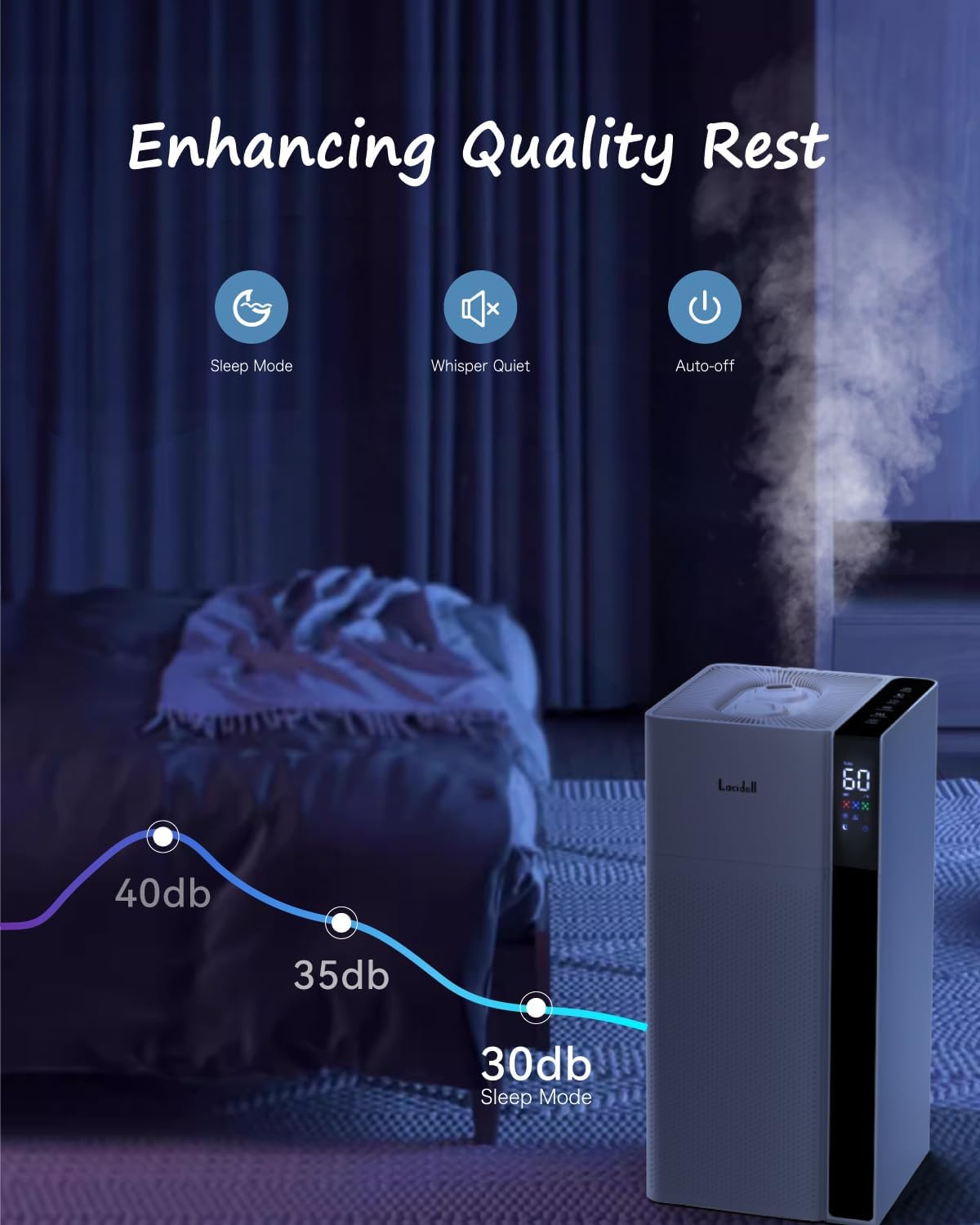
Figure 6: Visual representation of the humidifier's quiet operation, with noise levels as low as 30dB in Sleep Mode, enhancing quality rest.
Setup
- Unpack: Carefully remove the humidifier from its packaging and place it on a flat, stable surface.
- Positioning: Ensure the humidifier is placed at least 6 inches away from walls and furniture to allow for proper mist dispersion.
- Fill Water Tank:
The humidifier features a top-filling design for easy refilling. Remove the top cover and pour water directly into the tank up to the 'MAX' line. Use clean, cool tap water or distilled water for best results and to prevent mineral buildup.
Video 1: Demonstrates the top-filling design and how to add water directly to the 5.3 Gallon water tank.
- Adjust Mist Nozzle: The humidifier is equipped with a 360° rotatable mist nozzle, allowing you to direct the mist as needed.
- Plug In: Connect the power cord to a suitable electrical outlet.
Operation
The humidifier can be operated via the touch control panel or the included remote control.
- Power On/Off: Press the 'POWER' button to turn the device on or off.
- Select Mist Mode: Press the 'MODE' button to switch between 'WARM' and 'COOL' mist options.
- Adjust Mist Output: Use the '+' or '-' buttons to select one of the three available spray volumes (Low, Medium, High).
- Set Timer: Press the 'TIMER' button to set the desired operating duration from 1 to 24 hours. The unit will automatically shut off once the timer expires.
- Custom Humidity: Adjust the target humidity level from 45% to 90% using the humidity control settings. The humidifier will maintain the set humidity level automatically.
- Sleep Mode: Activate Sleep Mode for quiet operation (≤35dB) and dimmed display lights, ideal for nighttime use.
- Automatic Shut-off: The humidifier will automatically shut down when the water level is low, indicated by a warning on the display.
Video 2: Demonstrates various operational features including customized mist settings (Low, Medium, High), 1-12 hours timer, automatic shut-down, remote control functionality, and quiet operation.
Maintenance
Regular cleaning is essential to ensure optimal performance and hygiene of your humidifier.
- Daily Maintenance:
- Unplug the humidifier.
- Empty any remaining water from the tank.
- Wipe the tank and base with a clean, soft cloth.
- Weekly Cleaning (or more often with hard water):
- Unplug the humidifier and empty the water tank.
- Pour 2 cups of undiluted white vinegar into the water tank and base. Let it soak for 20 minutes.
- Use a soft brush or cloth to clean mineral deposits from the tank and ultrasonic atomizer.
- Rinse the tank and base thoroughly with clean water until the vinegar smell is gone.
- Wipe all surfaces dry.
Video 3: Illustrates the easy cleaning process for the humidifier's internal components and water tank.
- Storage: When not in use for an extended period, clean the unit thoroughly, ensure it is completely dry, and store it in a cool, dry place.
Troubleshooting
If you encounter issues with your humidifier, please refer to the following common solutions:
| Problem | Possible Cause | Solution |
|---|---|---|
| No mist or low mist output |
|
|
| Unusual odor |
|
|
| Water leakage |
|
|
| Unit not turning on |
|
|
Specifications
| Feature | Detail |
|---|---|
| Brand | Lacidoll |
| Model Number | LCD-MH-J18 |
| Capacity | 5.3 Gallons (20 Liters) |
| Coverage Area | Up to 3000 sq.ft |
| Max Cool Mist Output | 300ml/h |
| Max Warm Mist Output | 500ml/h |
| Runtime | Up to 48 hours |
| Power/Wattage | 50 watts |
| Noise Level | 35dB or less |
| Timer | 1-24 Hours |
| Custom Humidity | 45%-90% with 3 Spray Volume |
| Auto Shut-off | Yes (Water Shortage Protection) |
| Product Dimensions | 50.72 x 24 x 50.72 cm |
| Item Weight | 3.8 kg (8.38 pounds) |
| Special Features | Ultrasonic Technology, Cool & Warm Mist, Remote Control |
Warranty and Support
For warranty information, technical support, or any inquiries regarding your Lacidoll humidifier, please refer to the contact information provided in your product packaging or visit the official Lacidoll website. Keep your purchase receipt for warranty claims.


