
Product Overview
The Radtel RT-630 is a robust and versatile ham radio designed for reliable communication across multiple frequency bands. It features IP67 waterproofing, ensuring durability in various environments, and delivers a powerful 8-10W output for extended communication range. This radio is equipped with advanced features such as NOAA weather channel reception, one-key frequency matching, and a comprehensive set of channels and power settings, making it suitable for both amateur radio enthusiasts and outdoor adventurers.
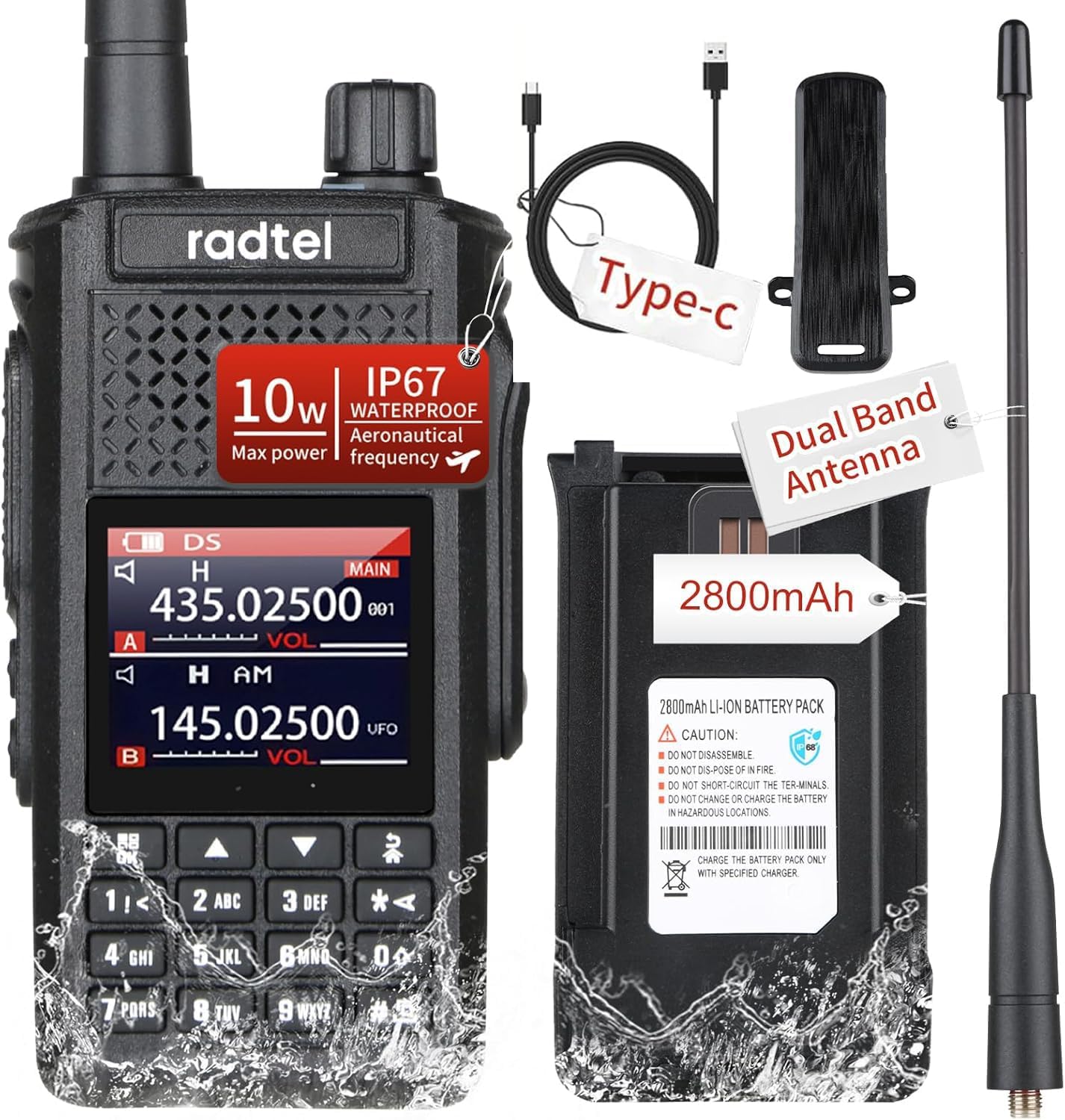
Image: The Radtel RT-630 radio, showcasing its main unit, detachable battery, dual-band antenna, and USB-C charging cable. This image highlights the complete package included with the product.
Key Features
- IP67 Waterproof Rating: Designed to withstand submersion in water up to 1 meter for 30 minutes, ensuring functionality even after exposure to wet conditions. Features a waterproof screw-locked jack and a sealed speaker hole.
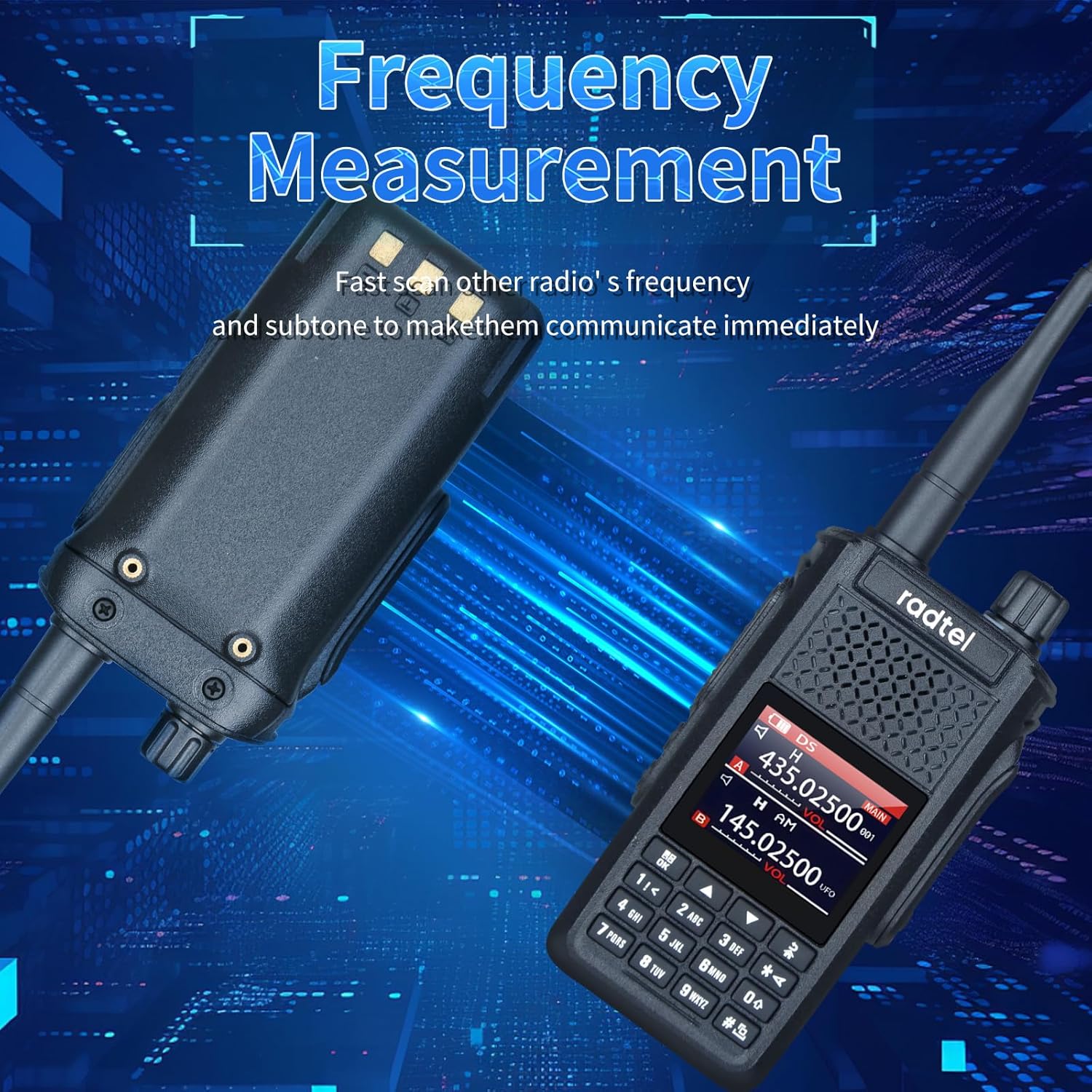
Image: The Radtel RT-630 radio with water splashing on its surface, illustrating its IP67 waterproof capability. This demonstrates the radio's resilience in challenging weather conditions.
- Multi-band Operation: Supports a wide range of frequencies for transmission and reception, including 144-148MHz/420-450MHz TX/RX, 18-630MHz FM RX, and 840-999MHz scanning reception. This includes aviation, marine, and police scanning bands.

Image: A graphic illustrating the multi-band transmitting and receiving capabilities of the Radtel RT-630, detailing various frequency ranges supported by the device.
- NOAA Weather Channel Reception: Features a dedicated monitor for NOAA weather channels, allowing for real-time weather alerts and scanning in standby mode.
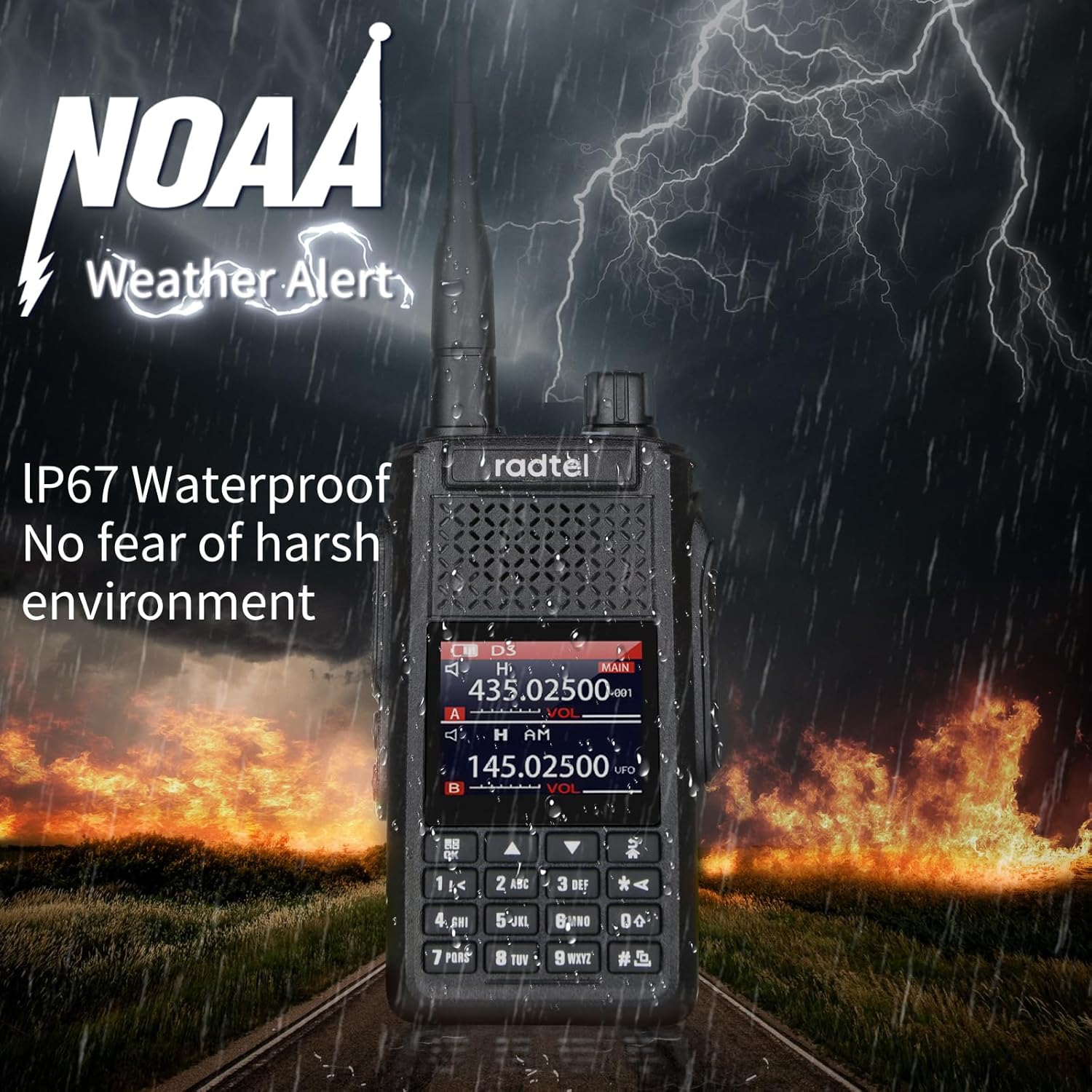
Image: The Radtel RT-630 radio depicted in a stormy environment with a "NOAA Weather Alert" graphic, emphasizing its weather monitoring feature.
- High Power Output: Delivers 8-10W of power on UHF/VHF main frequencies, significantly extending communication range compared to standard 5W walkie-talkies.
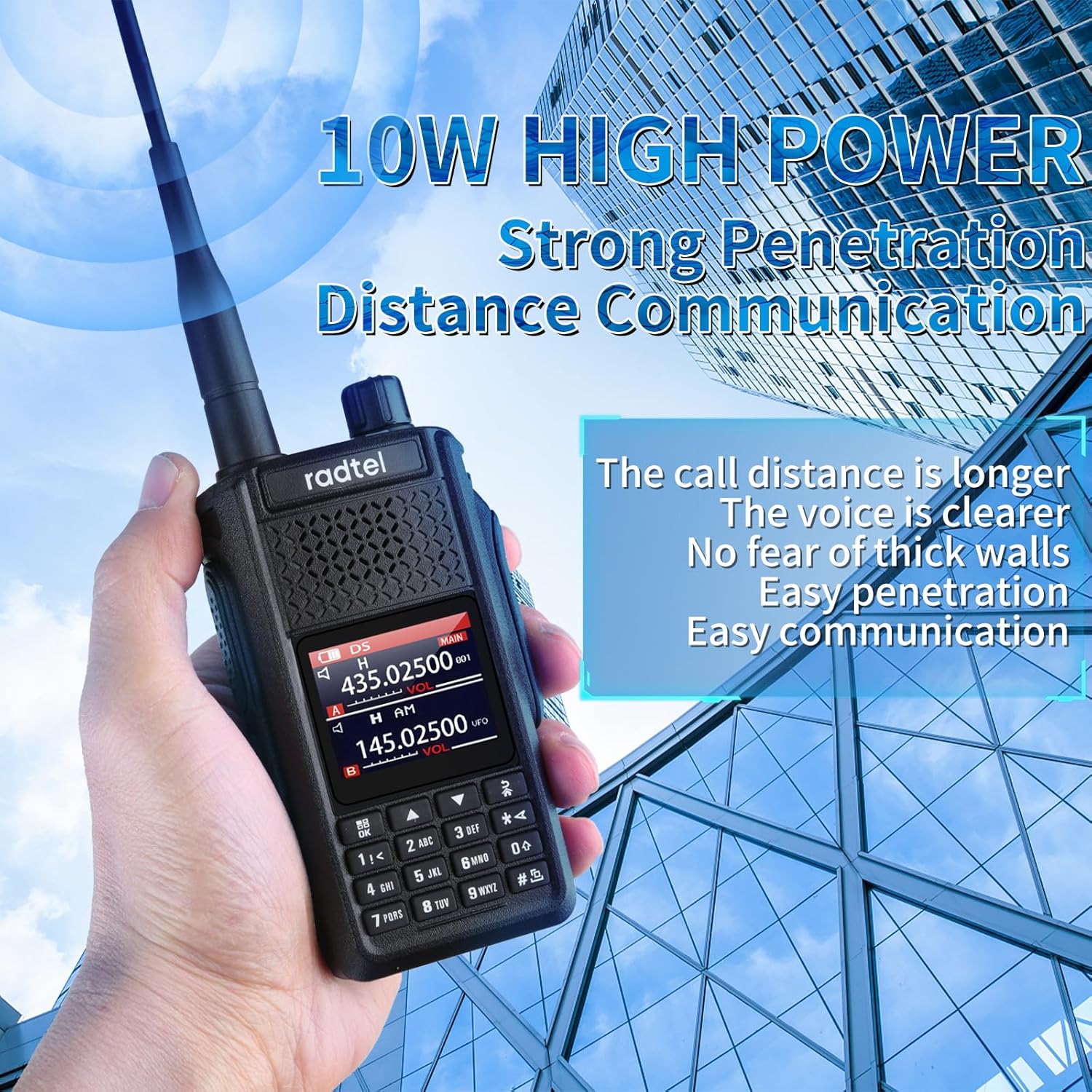
Image: A hand holding the Radtel RT-630 radio, with text highlighting its "10W HIGH POWER" and "Strong Penetration Distance Communication" capabilities, set against a backdrop of city buildings.
- One-Key Frequency Match: Enables quick and easy frequency capture from other radios within a 1-meter range, facilitating instant communication without manual programming.
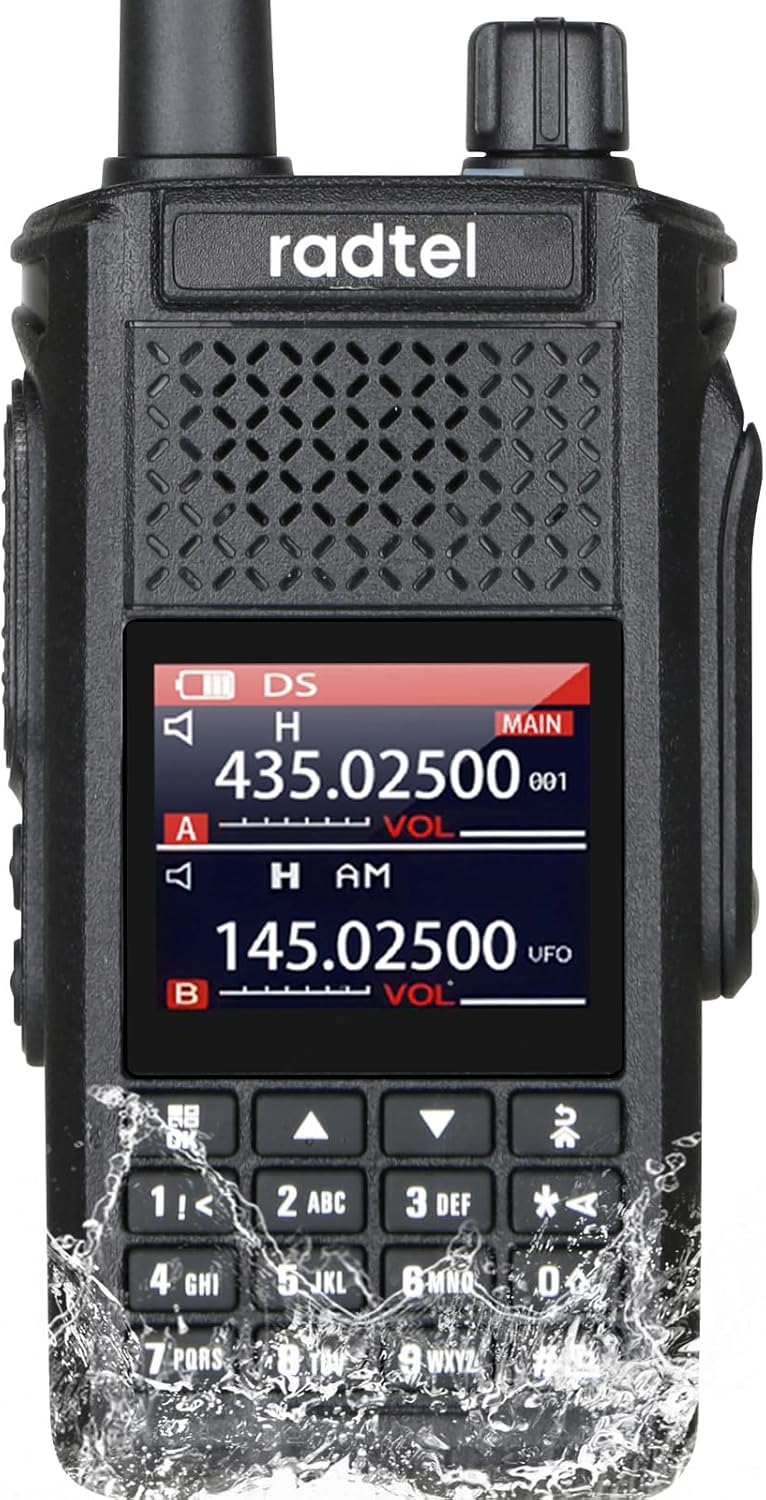
Image: The Radtel RT-630 radio alongside its battery pack, with graphics indicating "Frequency Measurement" and the ability to quickly match frequencies for immediate communication.
- Additional Features: Includes 256 channels, adjustable TX power settings (High/Middle/Low), Scan, DMTF, and Firmware Update capabilities.
Setup Guide
Before using your Radtel RT-630, please follow these steps to ensure proper setup and functionality.
- Unpack Contents: Carefully remove all items from the packaging. Verify that you have the RT-630 radio unit, 2600mAh Li-ion Battery Pack, USB-C Charger Cable, dual Band antenna, belt clip, and this user manual.
- Install Battery: Align the battery pack with the compartment on the back of the radio. Gently push the battery into place until it clicks securely. Ensure the battery release latch is engaged.
- Attach Antenna: Screw the dual-band antenna clockwise onto the antenna connector at the top of the radio until it is finger-tight. Do not overtighten.
- Initial Charging: Connect the USB-C charger cable to the radio's USB-C port and plug the other end into a compatible USB power adapter (not included) or a computer USB port. The charging indicator will illuminate. Charge the battery fully before first use. A full charge typically takes several hours.
- Attach Belt Clip: If desired, attach the belt clip to the back of the radio using the provided screws.
Operating Instructions
This section details the basic operation of your Radtel RT-630 radio.
Power On/Off and Volume Control
- To power on the radio, rotate the Volume/Power knob clockwise until you hear a click.
- To power off, rotate the knob counter-clockwise until it clicks.
- Adjust the volume by rotating the same knob clockwise to increase and counter-clockwise to decrease.
Channel Selection and Frequency Input
- The RT-630 supports 256 channels. Use the Up/Down arrow keys on the keypad to navigate through pre-programmed channels.
- For direct frequency input (VFO mode), enter the desired frequency using the numeric keypad. Press the Menu button to confirm or access further settings.
Push-to-Talk (PTT) Operation
- To transmit, press and hold the PTT button located on the side of the radio. Speak clearly into the microphone.
- Release the PTT button to stop transmitting and return to receive mode.
Multi-band Reception and Transmission
- The radio operates on 144-148MHz (VHF) and 420-450MHz (UHF) for transmit and receive.
- It can receive on a broad range from 18-630MHz FM and 840-999MHz, including aviation (108-136MHz AM), marine, and police scanning bands.
- Switch between bands using the designated band selection button (refer to the radio's display for current band).
NOAA Weather Channel
- Activate the NOAA weather channel monitor feature to scan for weather alerts. Consult the full manual for specific menu navigation to enable this function.
One-Key Frequency Match
- To use the one-key frequency match, place the RT-630 within 1 meter of another radio. Activate the frequency match function via the menu. The RT-630 will attempt to identify and match the other radio's frequency and sub-tone for immediate communication.
Alarm Function
- The radio features a one-key alarm function for distress signaling. Press the dedicated alarm button (refer to your radio's button layout) to emit a loud distress sound.
Maintenance
Proper maintenance ensures the longevity and optimal performance of your Radtel RT-630.
- Cleaning: Despite its waterproof rating, regularly wipe the radio with a soft, damp cloth to remove dust and dirt. Do not use harsh chemicals or abrasive cleaners. Ensure all ports are closed before cleaning with moisture.
- Battery Care:
- Charge the battery fully before extended storage.
- Store the radio and battery in a cool, dry place away from direct sunlight and extreme temperatures.
- Avoid overcharging or completely draining the battery frequently to prolong its lifespan.
- Antenna Care: Ensure the antenna is securely attached but not overtightened. Avoid bending or stressing the antenna, as this can damage the connector.
- General Handling: While the RT-630 is rugged, avoid unnecessary drops or impacts. Keep the radio away from strong magnetic fields.
Troubleshooting
If you encounter issues with your Radtel RT-630, refer to the following common problems and their solutions.
| Problem | Possible Cause | Solution |
|---|---|---|
| Radio does not power on. | Battery is low or not installed correctly. | Charge the battery fully. Ensure the battery is securely attached. |
| No reception or poor signal. | Antenna not attached, out of range, or incorrect frequency/channel. Squelch level too high. | Ensure antenna is secure. Move closer to transmitting radio/repeater. Verify frequency/channel settings. Adjust squelch level (lower it). |
| Audio is unclear or distorted. | Volume too high, speaker obstructed, or radio is too far from transmitting source. | Adjust volume. Check speaker for obstructions. Ensure good signal strength. |
| Cannot transmit. | Low battery, incorrect frequency/channel, or PTT button issue. | Charge battery. Verify transmit frequency is within allowed range. Ensure PTT button is fully pressed. |
| Difficulty programming channels. | Incorrect software settings or cable issues. | Refer to the programming guide (if separate) or manufacturer's website for software and driver installation. Ensure programming cable is correctly connected. |
Specifications
| Feature | Detail |
|---|---|
| Model Number | RT-630 |
| Water Resistance Level | IP67 Waterproof |
| Power Output | 8-10W (UHF/VHF main frequency) |
| Frequency Range (TX/RX) | 144-148MHz / 420-450MHz |
| Frequency Range (RX Only) | 18-630MHz FM, 840-999MHz Scanning Receive (includes Aviation, Marine, Police scanning bands) |
| Number of Channels | 256 |
| Battery | 2600mAh Li-ion (included) |
| Charging | USB-C |
| Item Weight | 1.01 pounds (approx. 458g) |
| Dimensions (Package) | 7.48 x 6.5 x 2.68 inches |
| Talking Range Maximum | Up to 10 Kilometers (dependent on terrain and conditions) |
| Tuner Technology | AM/FM |
| Voltage | 7.4 Volts |
Warranty Information
The Radtel RT-630 comes with a 1-month warranty from the date of purchase. This warranty covers manufacturing defects. Please retain your proof of purchase for any warranty claims. The warranty does not cover damage caused by misuse, accidents, unauthorized modifications, or normal wear and tear.
Customer Support
For technical assistance, troubleshooting beyond this manual, or warranty inquiries, please contact Radtel customer support. Refer to the official Radtel website or your purchase documentation for the most current contact information.
You can also visit the official Radtel store on Amazon for more information and support: Radtel Amazon Store.


