
Introduction
Thank you for choosing the HTZSAFE Wireless Doorbell System. This manual provides detailed instructions for the installation, operation, and maintenance of your new doorbell system. Please read this manual thoroughly before use to ensure proper functionality and to maximize the lifespan of your product.
Package Contents
- 1 x HTZSAFE Wireless Receiver
- 1 x HTZSAFE Wireless Transmitter (Doorbell Button)
- Mounting Hardware (double-sided adhesive tape, screws)
- 1 x 12V Alkaline Battery (for transmitter)
- User Manual
Product Overview
Familiarize yourself with the components of your HTZSAFE Wireless Doorbell System.

Image: This image displays the various parts of the HTZSAFE Wireless Receiver and Doorbell Button, along with their dimensions. The receiver includes volume and tone buttons, an indicator light, a power plug, and a speaker. The doorbell button features an indicator light and houses a 23A 12V alkaline battery.
- Wireless Receiver: Plugs into a standard electrical outlet. Features volume control, chime selection, and an LED indicator.
- Wireless Transmitter: Battery-powered doorbell button. Sends a signal to the receiver when pressed.
Setup
The HTZSAFE Wireless Doorbell System is designed for quick and easy installation.
- Install Transmitter Battery: Open the transmitter casing and insert the included 12V alkaline battery, ensuring correct polarity.
- Mount Transmitter: Choose a suitable location for the doorbell button (transmitter) near your door. Clean the surface thoroughly. Attach the double-sided adhesive tape to the back of the transmitter, then firmly press it onto the desired surface. For a more permanent installation, use the provided screws.
- Plug in Receiver: Plug the wireless receiver into a standard electrical outlet indoors. The receiver will power on and be ready for use.

Image: This image illustrates the three simple steps for installation: attaching the adhesive to the transmitter, placing the transmitter on the desired surface, and plugging the receiver into an electrical outlet.
Operating Instructions
Adjusting Volume
The receiver offers 5 adjustable volume levels, ranging from 0dB (mute) to 120dB. Press the Volume button on the side of the receiver repeatedly to cycle through the volume levels until your desired loudness is reached.
Changing Chimes
The system features 35 distinct melodies. Press the Tone button on the side of the receiver to preview the available chimes. Once you find a chime you like, stop pressing the button. The selected chime will be saved automatically.
Pairing Additional Transmitters (if applicable)
If you have multiple transmitters, you can assign different chimes to each to distinguish which door is being activated. Refer to the specific instructions provided with additional transmitters for pairing procedures.

Image: This image demonstrates the customized voice prompt feature, showing the receiver announcing "Front Door" when the doorbell button is pressed by a delivery person.

Image: This image illustrates another customized chime example, showing a dog pressing the doorbell button, triggering a "Dog Barking" sound, useful for pet training.
Mute Mode
To silence the chime while still receiving visual notifications, set the volume to 0dB. In this mode, the receiver's LED indicator will still flash when the doorbell button is pressed, providing a silent alert.

Image: This image shows the receiver in Mute Mode, indicated by a sleeping baby, where only the LED light flashes to provide a silent notification.
Features
- Long Wireless Range: The system boasts an impressive wireless range of up to 1300 feet (400 meters) in open areas, utilizing advanced FSK+FHSS wireless transmission technology to minimize interference and ensure reliable signal penetration through walls, doors, and floors.
- Versatile Chime Selection: Choose from 35 distinct melodies, including voice prompts and animal sounds, to personalize your doorbell experience.
- Adjustable Volume: Five volume levels (0dB to 120dB) allow you to set the perfect loudness for any environment.
- Memory Function: The receiver remembers your last settings for volume and chime selections, even after a power outage or restart, eliminating the need for frequent reconfigurations.
- Portable Receiver with Backup Battery: The receiver includes a built-in rechargeable battery, allowing it to function even if AC power is interrupted. This ensures continuous operation and portability.

Image: This image highlights the key features of the receiver, including 35 chime options, 5 adjustable volume levels, the ability to match chimes with different sensors, and the portable receiver's long-lasting backup battery.

Image: This image visually represents the 1300ft operating range, showing the receiver's signal reaching various parts of a house, ensuring no delivery or visitor is missed.
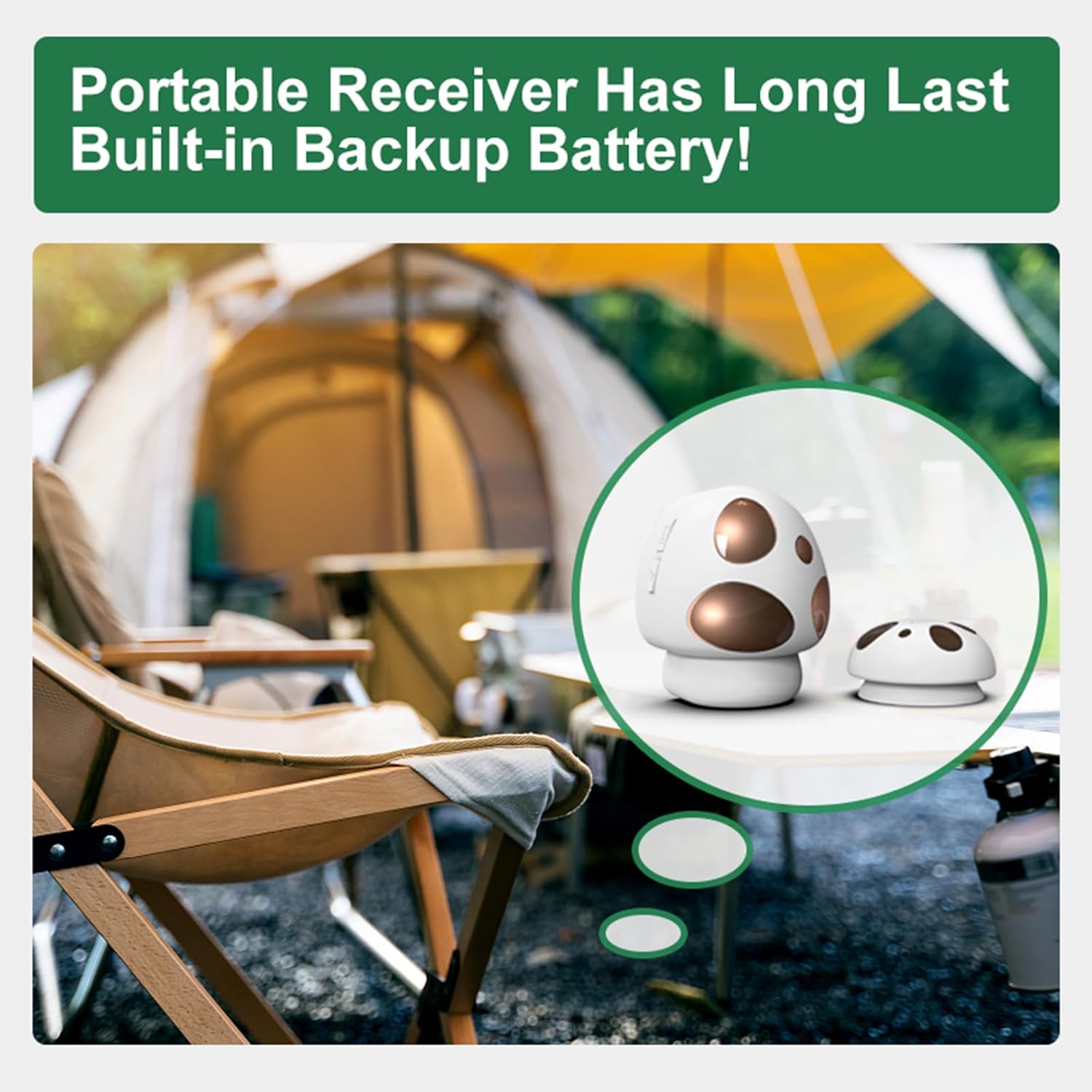
Image: This image focuses on the portable receiver, emphasizing its built-in backup battery feature, which allows it to operate even without direct AC power.
Maintenance
- Cleaning: Wipe the receiver and transmitter with a soft, dry cloth. Do not use abrasive cleaners or solvents.
- Battery Replacement: The transmitter uses a 12V alkaline battery. When the transmitter's indicator light no longer illuminates or the signal becomes unreliable, replace the battery. To replace, carefully open the transmitter casing, remove the old battery, and insert a new one with correct polarity.
- Receiver Battery: The receiver has a built-in rechargeable battery. Ensure it is regularly plugged into an AC outlet to keep it charged.
Troubleshooting
| Problem | Possible Cause | Solution |
|---|---|---|
| Doorbell does not ring | Transmitter battery is dead or low. Receiver is unplugged or uncharged. Distance too far or too many obstacles. | Replace transmitter battery. Ensure receiver is plugged in and charged. Reduce distance between transmitter and receiver, or relocate to minimize obstructions. |
| Chime volume is too low or too high | Volume setting is incorrect. | Press the Volume button on the receiver to adjust to the desired level. |
| Chime is not the desired melody | Incorrect chime selected. | Press the Tone button on the receiver to cycle through and select a new chime. |
| Interference from other devices | Other wireless devices operating on similar frequencies. | Relocate the receiver or transmitter away from potential sources of interference. The FSK+FHSS technology helps minimize this, but extreme cases may require adjustment. |
Specifications
- Wireless Range: Up to 1300 feet (400 meters) in open air
- Chime Options: 35 melodies
- Volume Levels: 5 (0dB to 120dB)
- Transmitter Battery: 1 x 12V 23A Alkaline battery (included)
- Receiver Power: AC plug-in with built-in rechargeable backup battery
- Operating Temperature: -4°F to 140°F (-20°C to 60°C)
- Receiver Dimensions: Approximately 3.33 x 2.89 x 3.02 inches (84.5 x 73.4 x 76.7 mm)
- Transmitter Dimensions: Approximately 1.18 x 2.36 x 1.18 inches (30 x 60 x 30 mm)
- Item Weight: 6.4 ounces (total package)
Warranty and Support
HTZSAFE products are designed for reliability and durability. For specific warranty information, please refer to the product packaging or contact HTZSAFE customer support directly. If you encounter any issues or have questions regarding your wireless doorbell system, please visit the official HTZSAFE website or contact their customer service team for assistance.
Contact Information:
- Website: HTZSAFE Official Store on Amazon
- Email: Refer to product packaging or website for current contact details.
