1. Introduction
The LG XG2T XBOOM Go is an ultra-compact and durable wireless speaker designed to deliver powerful sound in various environments. This manual provides essential information for setting up, operating, and maintaining your speaker, ensuring optimal performance and longevity.

Figure 1.1: LG XG2T XBOOM Go Wireless Speaker in use outdoors.
2. Safety Information
- Do not charge the device while wet. Ensure the USB Type-C port is dry before connecting the charging cable.
- Avoid exposing the speaker to extreme temperatures or direct sunlight for prolonged periods.
- Do not attempt to disassemble or modify the speaker. This may void the warranty and pose a safety risk.
- Keep the speaker away from medical devices, as it contains magnets that could interfere with their operation.
3. What's in the Box
Verify that all components are present in the packaging:
- LG XG2T XBOOM Go Wireless Speaker
- Adjustable Strap
- USB Type-C Cable
- Warranty Card
4. Product Overview
Familiarize yourself with the speaker's components and controls.
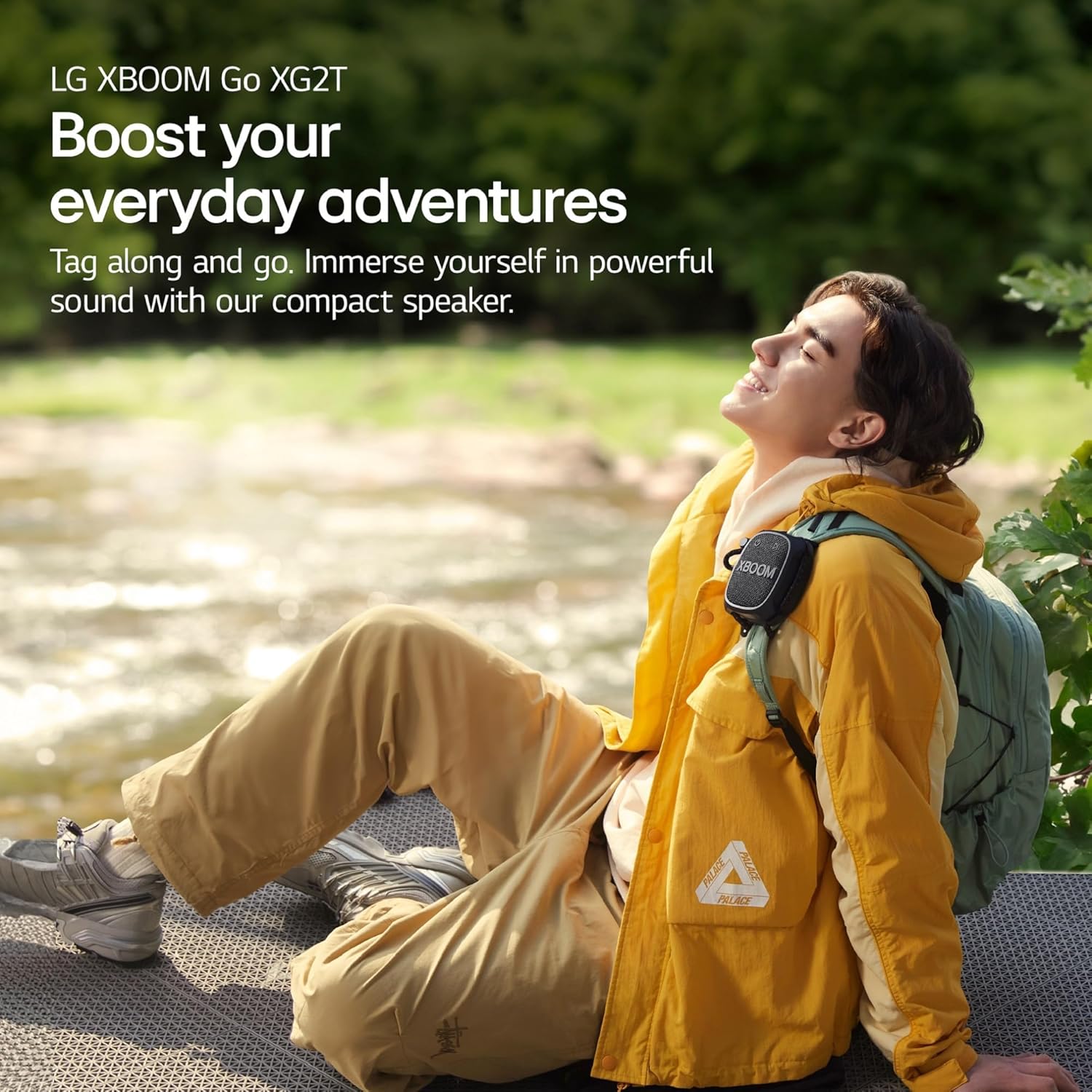
Figure 4.1: Front view of the LG XG2T XBOOM Go Speaker.
- Power Button: Located on the top left of the front panel. Press and hold to power on/off.
- Play/Pause Button: Located on the top right of the front panel. Controls media playback.
- Volume Knob: A red rotary knob on the side for adjusting volume.
- Sound Boost Button: Located on the side, below the volume knob. Activates enhanced sound mode.
- Bluetooth Button: Located on the side, above the volume knob. Used for Bluetooth pairing.
- Adjustable Strap: A durable strap for attaching the speaker to various objects.
- USB Type-C Port: Located on the side, protected by a cover, for charging.
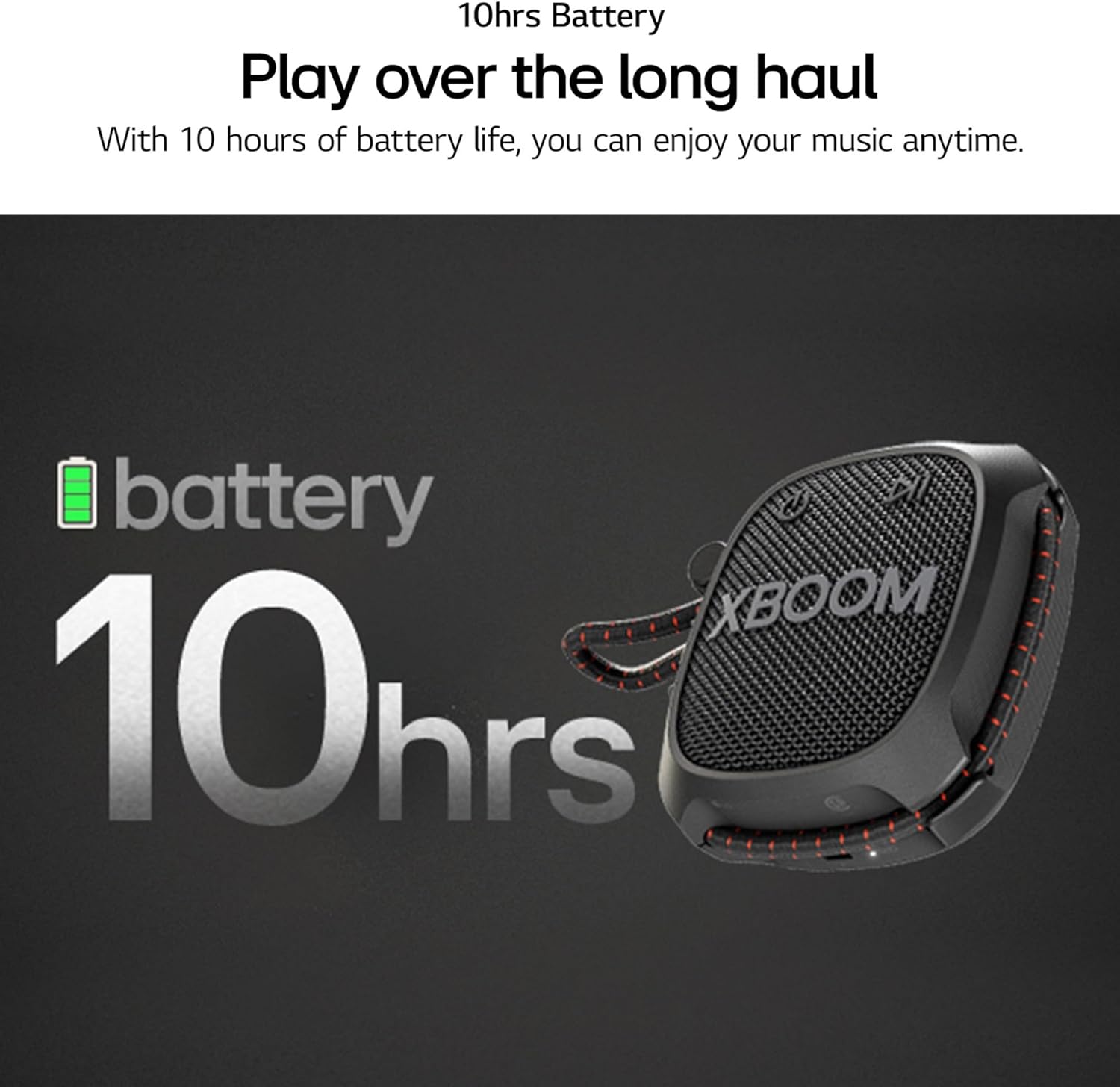
Figure 4.2: Side view with volume control and strap.
5. Setup
5.1 Charging the Speaker
- Open the protective cover on the side of the speaker to access the USB Type-C port.
- Connect the provided USB Type-C cable to the speaker's charging port.
- Connect the other end of the USB Type-C cable to a compatible USB power adapter (not included).
- The charging indicator light will illuminate. A full charge takes approximately 4 hours.
- Once fully charged, disconnect the cable and securely close the protective cover to maintain water resistance.
5.2 Bluetooth Pairing
- Ensure the speaker is powered on.
- Press and hold the Bluetooth button on the side of the speaker until the Bluetooth indicator light flashes, indicating it is in pairing mode.
- On your smartphone or tablet, navigate to the Bluetooth settings.
- Select 'LG XG2T' from the list of available devices.
- Once connected, the Bluetooth indicator light will remain solid.
6. Operating Instructions
6.1 Power On/Off
- To power on, press and hold the Power button for approximately 2 seconds.
- To power off, press and hold the Power button for approximately 2 seconds.
6.2 Volume Control
Rotate the red volume knob on the side of the speaker clockwise to increase volume and counter-clockwise to decrease volume.
6.3 Sound Boost Feature
Press the 'Sound Boost' button on the side of the speaker to activate an enhanced sound mode, providing richer bass and clearer vocals. Press again to toggle off.

Figure 6.1: Sound Boost feature.
6.4 XBOOM App (Android/iOS)
Download the LG XBOOM App from your device's app store to control audio settings, equalizer, and other features via Bluetooth connection.
6.5 Answering Calls
When connected to a smartphone, the speaker can be used to answer calls hands-free. Press the Play/Pause button to answer or end a call.

Figure 6.2: Hands-free calling feature.
6.6 Using the Adjustable Strap
The adjustable strap allows for secure attachment to various objects such as backpacks, bike handles, or tent poles. Adjust the strap length as needed to ensure a snug fit.
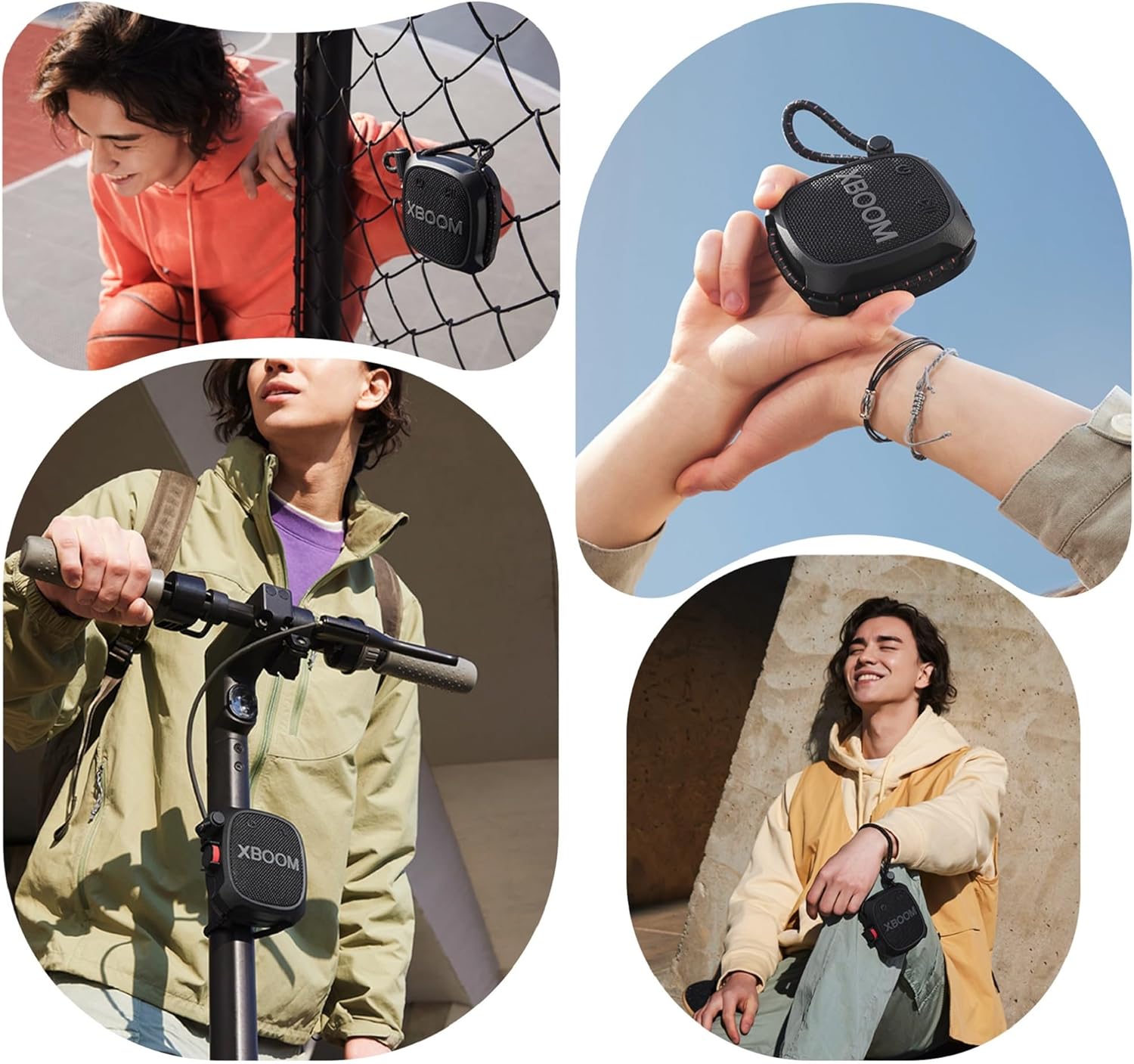
Figure 6.3: Examples of using the adjustable strap.
7. Maintenance
7.1 Cleaning
Wipe the speaker with a soft, damp cloth. Do not use abrasive cleaners or solvents. Ensure the speaker is completely dry before use or charging.
7.2 Water Resistance (IP67)
The speaker is IP67 rated, meaning it is dust-tight and water-resistant up to 1 meter for 30 minutes in fresh water. Always ensure the USB port cover is securely closed to maintain water resistance. Do not charge while wet.

Figure 7.1: IP67 Dust and Water Resistance.
8. Troubleshooting
- No Power: Ensure the speaker is charged. Connect to a power source using the USB Type-C cable.
- Cannot Pair Bluetooth: Ensure the speaker is in pairing mode (flashing Bluetooth indicator). Check that Bluetooth is enabled on your device and that the speaker is within range (up to 10 meters). Try restarting both the speaker and your device.
- No Sound: Check the volume level on both the speaker and your connected device. Ensure the speaker is properly paired via Bluetooth.
- Poor Sound Quality: Move the speaker closer to your connected device. Ensure there are no obstructions between the speaker and the device. Try adjusting the Sound Boost feature or equalizer settings via the XBOOM App.
9. Specifications
| Feature | Detail |
|---|---|
| Model Name | XG2TBK.CUSALLK |
| Material | Plastic Or Metal |
| Speaker Type | Multimedia |
| Special Feature | Lightweight, Portable |
| Recommended Uses | For Smartphones or Tablets |
| Compatible Devices | Smartphone, Tablet |
| Unit Count | 16.0 Ounce |
| Surround Sound Channel Configuration | 2.0 |
| Color | Black |
| Product Dimensions | 1.8"D x 3.7"W x 3.9"H |
| Item Weight | 11.2 ounces |
| Is Waterproof | False (Water Resistant) |
| Number of Items | 1 |
| Control Method | Touch |
| Wireless Communication Technology | Bluetooth |
| Speaker Size | 1.5 Inches |
| Power Source | Battery Powered |
| Water Resistance Level | Water Resistant (IP67) |
| Number of Batteries | 1 Lithium Ion batteries required. |
| Audio Driver Type | Dynamic Driver |
| Bluetooth Range | 10 Meters |
| UPC | 195174079881 |
| Battery Capacity | 1200 mAh |
| Charging Time | 4 Hours |
| Audio Output Mode | Stereo |
| Input Voltage | 5 Volts |
| Mounting Type | Freestanding |
10. Warranty & Support
The LG XG2T XBOOM Go Wireless Speaker comes with a Full Warranty. For detailed warranty information, service, or technical support, please refer to the included Warranty Card or visit the official LG website.