
1. Product Overview
The OMTech Pro 80W CO2 Laser Engraver is a high-performance machine designed for industrial use, custom production, and demanding engraving applications on a wide range of non-metal materials. It features an 80W CO2 laser tube, a spacious 40"x24" work area, and advanced features for precision and efficiency.
Video: Overview of OMTech Laser Engraving Machines with Latest Technology. This video provides a general introduction to the capabilities and features of OMTech laser engravers.
2. Safety Information
Always prioritize safety when operating the laser engraver. This machine is a Class 2 laser product with 0.827 mW output power. Follow all safety guidelines provided in the full manual. Key safety features include a flame-retardant viewing window, cooling water pump, emergency stop button, and password protection.
- Eye Protection: Always wear appropriate laser safety glasses.
- Ventilation: Ensure proper ventilation to remove fumes and debris.
- Emergency Stop: Familiarize yourself with the emergency stop button location.
- Material Safety: Only engrave/cut approved materials. Avoid materials that produce toxic fumes or are highly flammable.

Image: Extra Safety Features. This image illustrates the integrated safety mechanisms of the OMTech Pro laser engraver, including the water chiller, emergency stop button, air assist, and cover interlock.
3. Setup
3.1 Unpacking and Placement
Due to its heavy-duty industrial-grade design, the machine weighs 970 lb. Ensure you have adequate assistance and equipment for unpacking and placing the unit on a stable, level surface in a well-ventilated area.
3.2 Power Connection
Connect the laser engraver to a compatible power source as specified in the full electrical requirements section of the manual.
3.3 Cooling System
The machine includes a built-in high-efficiency water chiller (S&A RMCW-5200) to maintain optimal laser tube temperature. Ensure the chiller is filled with distilled water and powered on before operating the laser.

Image: Built-in Water Chiller. This diagram illustrates the integrated water chiller system, which is crucial for maintaining the laser tube's temperature and extending its operational lifespan.
3.4 Air Assist and Exhaust
A powerful air pump and exhaust fan are integrated to ensure optimal cooling and debris removal during operation, guaranteeing clean and precise results. Connect the exhaust system to an external vent.
3.5 Connectivity
The OMTech Pro offers intuitive connectivity options. You can upload files effortlessly via WiFi, Ethernet, or USB. Ensure your computer is connected to the machine via one of these methods.

Image: Seamless Connectivity. This image demonstrates the various ways to connect the laser engraver to a computer, including WiFi, USB cable, and USB drive, simplifying file transfer and operation.
3.6 Software Installation
Install the compatible software (LightBurn, CorelDraw, Photoshop) on your computer. Refer to the software-specific instructions for detailed installation steps.
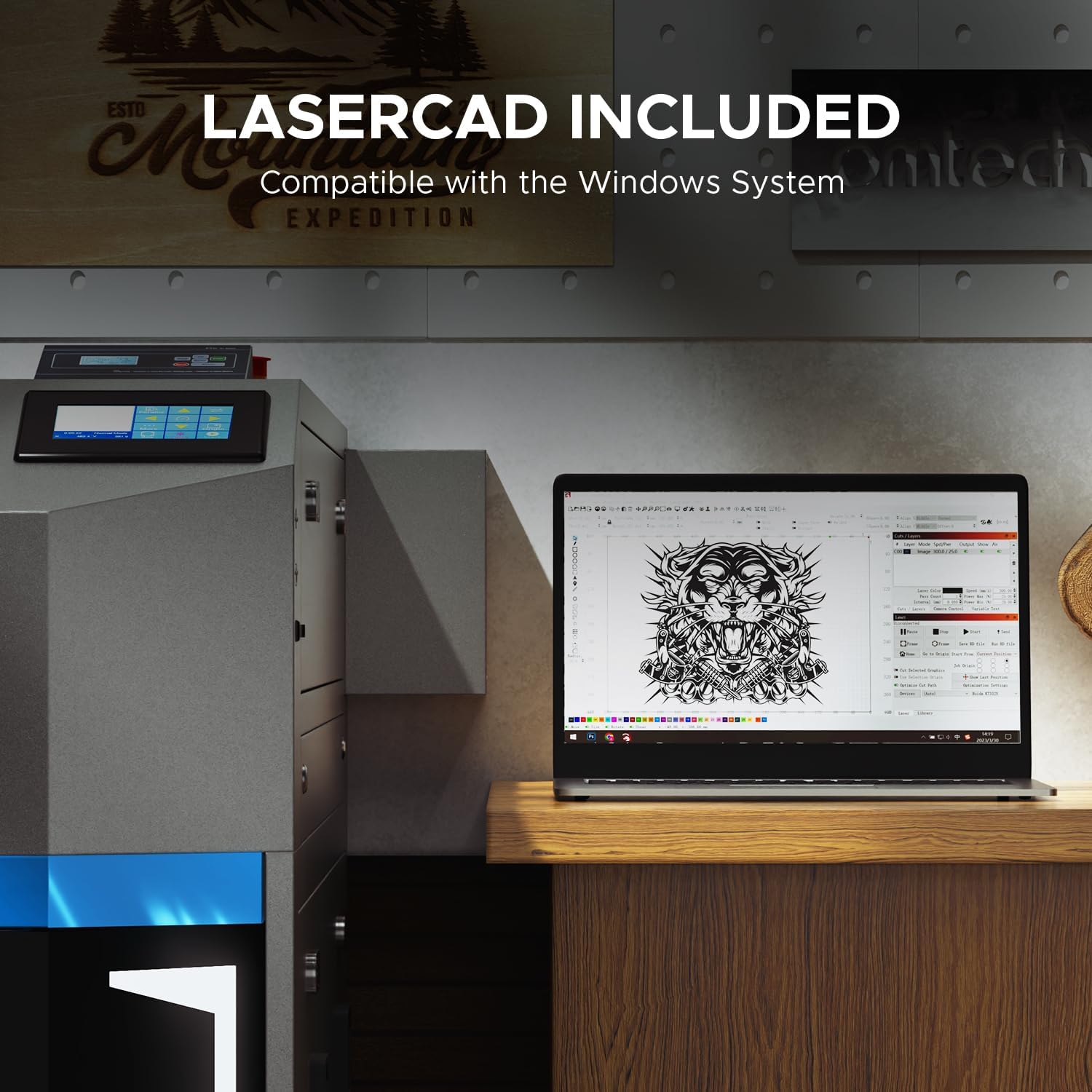
Image: LightBurn Included. This image shows the LightBurn software interface on a laptop, emphasizing its compatibility with the OMTech Pro laser engraver for design and control.
4. Operating Instructions
4.1 Loading Material
The machine features a generous 40"x24" work area with dual honeycomb and aluminum blade beds. Utilize the four-way pass-through doors (31.5" x 3.94" and 19.69" x 0.79") for handling oversized or bulkier materials. Secure your material flat on the workbed.

Image: 70% Larger Than Others. This image highlights the spacious 24"x40" workbed, allowing for easy processing of large workpieces or batch work.

Image: Four-Way Pass-Through Doors. This image demonstrates the machine's four-way pass-through doors, which allow users to feed materials from any direction and handle projects larger than the workbed.
4.2 Autofocus and Red Dot Guidance
The precise laser head features autofocus, allowing quick focus adjustment at the push of a button for flawless results. The red dot guidance assists in visualizing the laser's location and facilitates precise adjustments.
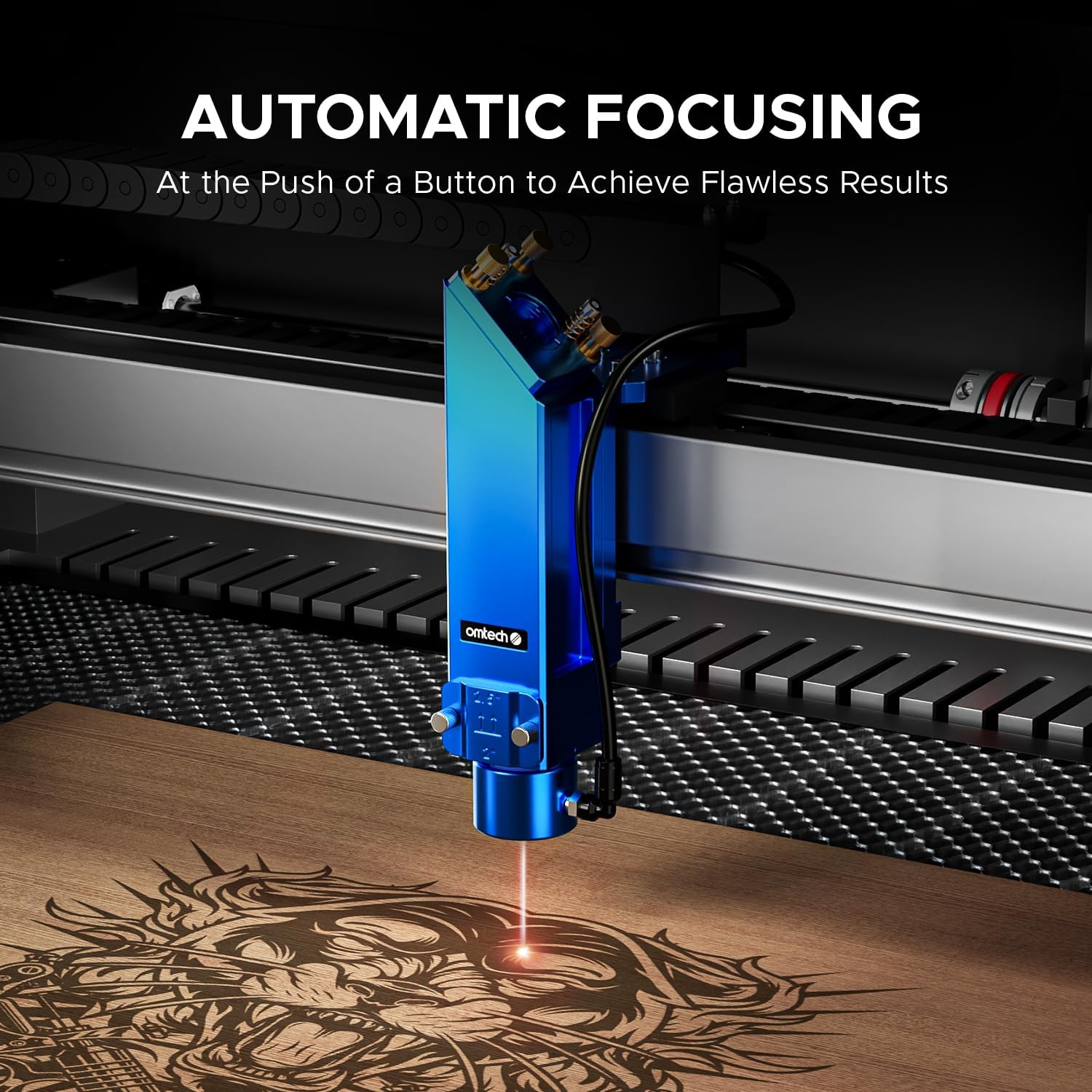
Image: Automatic Focusing. This image shows the laser head automatically focusing on a material, ensuring precise and flawless engraving results with the push of a button.

Image: Red Dot Guidance. This diagram highlights the red dot guidance feature, which helps users visualize the laser's exact location and make precise adjustments before starting a job.
4.3 Using the Ruida 6445G Touchscreen
Operate the machine with ease using the intuitive Ruida 6445G touchscreen. Navigate through menus, select files, and adjust settings directly from the panel.
Video: Very Useful Control Panel. This video demonstrates the functionality and ease of use of the Ruida control panel on the OMTech laser engraver.

Image: Ruida Control Panel. This image provides a close-up view of the responsive Ruida touchscreen control panel, highlighting its ease of use.
4.4 Setting Engraving/Cutting Parameters
Achieve blazing speeds of up to 1,200mm/s with advanced ball-bearing guide rails and X/Y servo motors. Adjust speed, power, and other parameters in the software to match your material and desired outcome.

Image: Ball-Bearing Guide Rails. This image showcases the ball-bearing guide rails, which contribute to the machine's high precision and smooth movement during operation.

Image: X & Y-Axis Servo Motors. This image highlights the X & Y-axis servo motors, which provide higher acceleration and accuracy tailored for demanding applications.
4.5 Material Compatibility
The 80W CO2 laser cutter effortlessly cuts through acrylic up to 0.98" and wood up to 0.59". It is suitable for engraving and cutting a wide range of non-metal materials including wood, glass, leather, slate, ceramic, and plastic. For engraving on metals, use OMTech laser marking spray.

Image: Engrave Your Imagination. This image displays various materials like wood, glass, leather, slate, ceramic, and plastic, showcasing the diverse engraving capabilities of the machine.
Video: Laser Engraving and Cutting on Acrylic Mirror - DIY Project. This video demonstrates the process of laser engraving and cutting on acrylic mirror material, providing practical examples.
Video: How to laser engrave a photo with a CO2 Laser Engraver. This video guides users through the steps of engraving a photo onto a material using a CO2 laser engraver.
5. Maintenance
5.1 Cleaning Laser Head and Lenses
The detachable laser head makes lens changing and cleaning a breeze. Regularly inspect and clean the lenses and mirrors to ensure optimal laser performance and longevity.
5.2 Water Chiller Maintenance
Periodically check the water level and quality in the built-in chiller. Replace the water as recommended in the full maintenance schedule to prevent algae growth and ensure efficient cooling.
5.3 Air Assist System Check
Ensure the air pump and exhaust fan are free from obstructions and functioning correctly to maintain clear visibility and prevent material scorching.
5.4 Guide Rail Lubrication
Lubricate the X/Y axis guide rails and hybrid servo motors regularly to ensure smooth movement and micron-level accuracy.
6. Troubleshooting
If you encounter any issues, refer to the comprehensive troubleshooting guide in the full manual. Common issues and their solutions are detailed there. For persistent problems, contact OMTech customer support.
7. Specifications
| Feature | Specification |
|---|---|
| Product Dimensions | 69.49 x 58.66 x 48.43 inches |
| Item Weight | 948 pounds |
| Laser Power | 80W CO2 |
| Work Area | 40" x 24" |
| Engraving Speed | Up to 1,200 mm/s |
| Water Chiller | Built-in S&A RMCW-5200 |
| Pass-Through Doors | 4-Way (31.5" x 3.94" and 19.69" x 0.79") |
| Control Panel | Ruida 6445G Touchscreen |
| Connectivity | WiFi, Ethernet, USB |
| Software Compatibility | LightBurn, CorelDraw, Photoshop |
| Laser Class | Class 2, 0.827 mW output power |
8. Warranty
The OMTech Pro 80W CO2 Laser Engraver comes with 2 years of comprehensive service, ensuring peace of mind and personalized care.
9. Support
Our 24/7 global support team delivers expert assistance, including technical guidance and local demos by appointment. For any inquiries or assistance, please reach out to our customer service.

Image: Reliable Local Support in the U.S. This image depicts OMTech's commitment to customer support, featuring U.S.-based technical assistance, 24/7 online service, and a two-year support period.


