
Introduction
Thank you for choosing the ZZA Mini Portable Bluetooth Karaoke Machine. This compact and versatile system is designed to provide hours of entertainment with its dual wireless microphones, dynamic LED lights, and various sound effects. This manual will guide you through the setup, operation, and maintenance of your new karaoke machine to ensure optimal performance and enjoyment.
Package Contents
Please check the box for the following items:
- 1 x ZZA Mini Portable Bluetooth Karaoke Speaker
- 2 x Wireless Microphones
- 1 x Type-C Charging Cable
- 1 x AUX Cable
- 1 x User Manual

Image: All components included in the ZZA Mini Portable Bluetooth Karaoke Machine package.
Video: An unboxing demonstration of the ZZA Mini Portable Bluetooth Karaoke Machine, showing the speaker, two wireless microphones, and accessories.
Product Overview
The ZZA Mini Portable Bluetooth Karaoke Machine features a compact design with a powerful speaker and two wireless microphones. It offers multiple connectivity options and dynamic LED lighting for an immersive experience.
Main Unit (Speaker)
- Compact Design: Easy to carry with a leather handle.
- Dynamic LED Lights: 360° colorful lighting effects that synchronize with music.
- Control Buttons: Power, Volume/Track, Light Function.
- Connectivity: Bluetooth 5.3, Micro TF card slot, AUX input, Type-C charging port, USB port.
Wireless Microphones
- Dual Microphones: Allows for duets and interactive singing.
- Voice Changer Modes: Multiple sound change effects (e.g., female to male, male to female, doll sound, monster sound, machine sound, original sound).
- Integrated Controls: Power/Voice effect button, Volume controls.
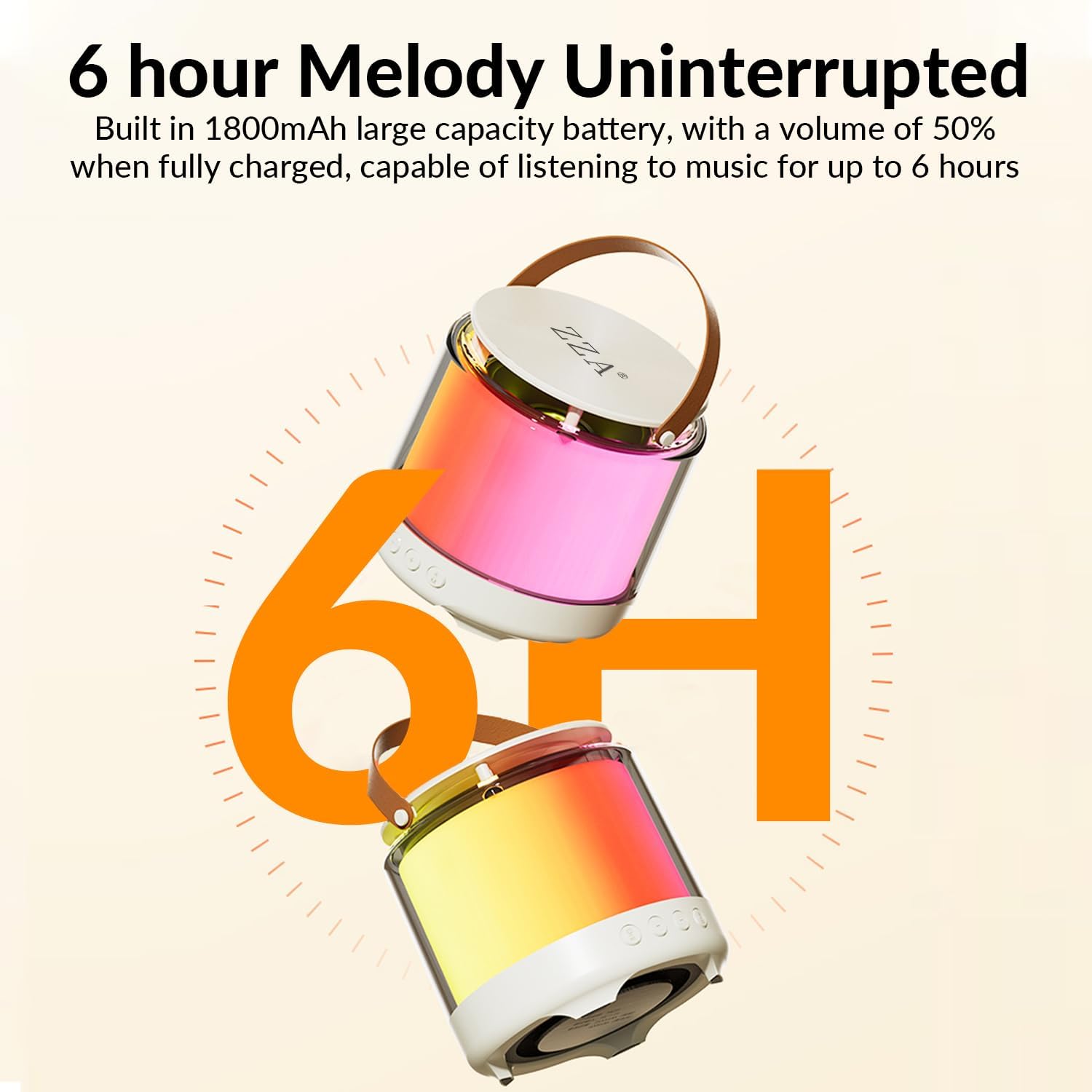
Image: The main speaker unit and two wireless microphones.

Image: Exploded view of the speaker highlighting HIFI sound quality and 3D surround sound features.
Setup
1. Charging the Devices
Before first use, fully charge the speaker and both microphones.
- Connect the Type-C charging cable to the speaker's Type-C port and a USB power adapter (not included).
- Connect the Type-C charging cable to each microphone's charging port and a USB power adapter.
- The charging indicator light will show charging status (refer to specific light behavior in the full manual).
2. Power On/Off
- Speaker: Long press the Power On/Off key (button 1 in the image below) for 2 seconds to turn on/off. The speaker will announce "Power On" and enter Bluetooth pairing mode.
- Microphones: Long press the power button on each microphone until the blue indicator light illuminates.

Image: Detailed view of the speaker's control buttons.
3. Bluetooth Pairing
The speaker and microphones are designed to pair automatically when turned on. To connect to your external device (smartphone, tablet, etc.):
- Ensure the speaker is powered on and in "Bluetooth Mode" (announced by the speaker).
- On your external device, go to Bluetooth settings.
- Search for available devices and select "K12" (or similar model name) to connect.
- The speaker will confirm with an audio prompt when successfully connected.
Video: A demonstration of turning on the speaker and microphones, and connecting the system to a tablet via Bluetooth.
Operating Instructions
1. Music Playback
- Bluetooth: Once paired with your device, play music directly from your device. Use the speaker's 'Plus' and 'Minus' keys (buttons 2 & 3) for volume control and long press for next/previous track.
- Micro TF Card: Insert a Micro TF card with MP3 music files into the TF card slot. The speaker will automatically switch to TF card mode and begin playback.
- AUX Input: Connect your audio device using the provided AUX cable to the speaker's AUX port.
2. Microphone Usage & Voice Effects
- Ensure microphones are powered on and connected to the speaker.
- Speak or sing into the microphone. The sound will be amplified through the speaker.
- Change Voice Effects: Short press the power button on the microphone to cycle through the 6 available voice changer modes (female to male, male to female, doll sound, monster sound, machine sound, original sound).
- Adjust Microphone Volume: Use the volume buttons on the microphone to increase or decrease microphone volume.

Image: Visual representation of the 6 karaoke voice effects.
Video: A demonstration of the various voice changer effects available on the wireless microphones.
3. LED Light Control
- Long press the Light Function key (button 4 in the image above) on the speaker to switch between different light modes or turn them off.
- The lights offer 360° colorful effects that can enhance your karaoke experience.
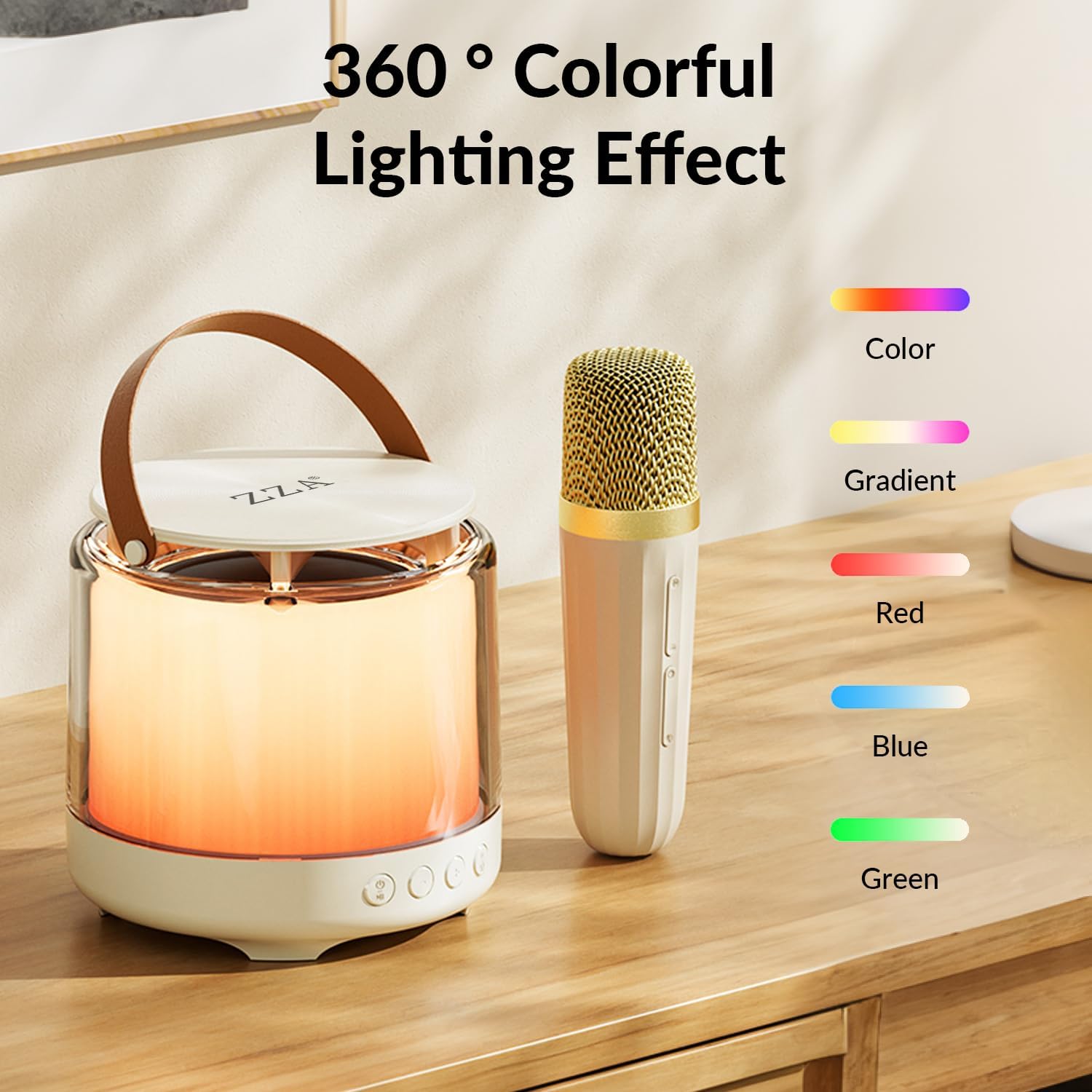
Image: The speaker showcasing its 360° colorful lighting effects.
Video: A user demonstrating the different light modes and voice effects of the karaoke machine.
Key Features
- Exceptional Sound Quality: Advanced audio drivers and digital signal processors deliver clear, balanced, and three-dimensional sound with active noise reduction.
- Long Battery Life: Built-in 1800mAh battery provides 6-12 hours of playtime on a single charge (depending on volume and light usage).
- Portable Design: Compact and lightweight, making it easy to carry for various occasions.
- Versatile Connectivity: Supports Bluetooth 5.3, Micro TF card, and AUX input for broad compatibility.

Image: Information on the 6-hour battery life for continuous music playback.
Maintenance
- Cleaning: Wipe the device with a soft, dry cloth. Do not use harsh chemicals or abrasive cleaners.
- Storage: Store the karaoke machine in a cool, dry place away from direct sunlight and extreme temperatures.
- Battery Care: To prolong battery life, avoid fully discharging the battery frequently. Charge regularly, even if not in use for extended periods.
Troubleshooting
| Problem | Solution |
|---|---|
| Device does not power on. | Ensure the device is fully charged. Long press the power button for 2 seconds. |
| Cannot pair via Bluetooth. | Ensure Bluetooth is enabled on your device and the karaoke machine is in pairing mode. Move closer to the speaker and try again. Disconnect from other Bluetooth devices. |
| No sound from microphone. | Ensure the microphone is powered on and fully charged. Check microphone volume levels. |
| Audio feedback/squealing. | Keep the microphone at a distance from the speaker to avoid feedback. Reduce microphone volume if necessary. |
Specifications
| Feature | Detail |
|---|---|
| Model | KarokeeMachineK3CA (K3) |
| Bluetooth Version | Bluetooth 5.3 |
| Audio Battery Capacity | 1800mAh |
| Connection Method | Bluetooth/TF card/AUX |
| Charging Interface | Type-C |
| Rated Input | 5V-1A |
| Transmission Distance | 10 meters (in an accessible open environment) |
| Charging Time | About 1.5 hours |
| Peak Power | 15W |
| Rated Power | 10W |
| Product Dimensions | 15.4 x 11.39 x 15.4 cm |
| Weight | 820 g |
| Material Type | Plastic |
Warranty & Support
Your ZZA Mini Portable Bluetooth Karaoke Machine is covered by a standard manufacturer's warranty. For any product inquiries, technical support, or warranty claims, please refer to the contact information provided on the product packaging or reach out to your retailer.
Please retain your proof of purchase for warranty purposes.