
1. Introduction
The Thermaltake CT120 EX ARGB Sync PC Cooling Fan is designed to provide efficient cooling and vibrant addressable RGB lighting for your computer system. This 3-fan pack features MagForce 2.0 magnetic connection technology for simplified installation and reduced cable clutter. The fans are compatible with 5V motherboard ARGB sync software, allowing for extensive lighting customization.
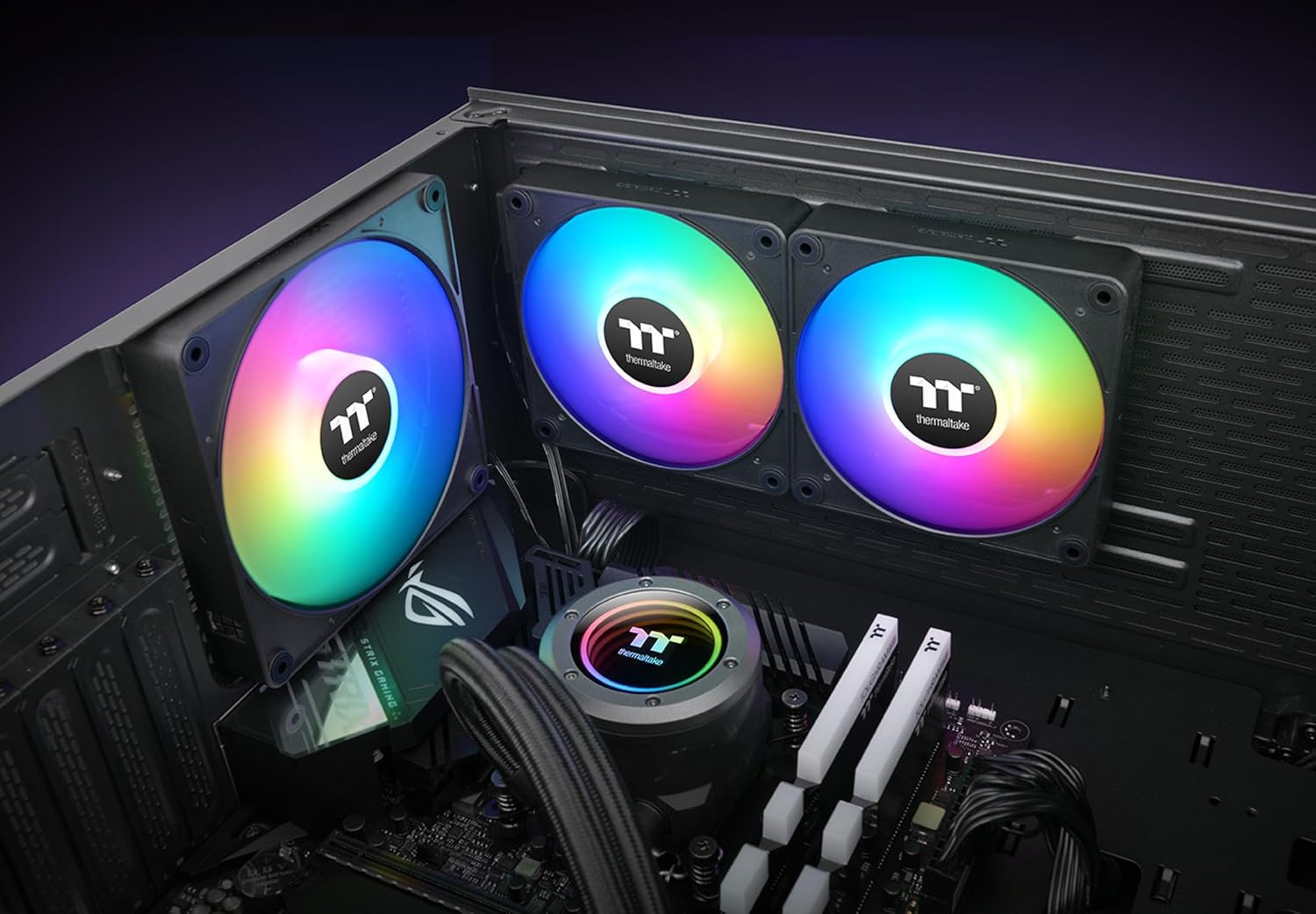
Image 1.1: CT120 EX ARGB Sync fans installed in a PC case, demonstrating their cooling and lighting capabilities.
Key features include:
- MagForce 2.0 Magnetic Connection: For optimized fan daisy-chaining and easier installation.
- 5V Motherboard Sync ARGB: 9 addressable LEDs for 16.8 million colors, controllable via motherboard software.
- Optimized Performance: 2000 RPM fan speed, 68 CFM airflow, 2.95 mm-H2O static pressure, and 28.5 dBA noise level.
- Hydraulic Bearing: Ensures reliable and quiet operation.
- Anti-vibration Mounting System: Embedded rubber pads to reduce noise and vibration.
2. Package Contents
Please check the package contents to ensure all items are present and undamaged. If any items are missing or damaged, please contact your retailer or Thermaltake support.
- Thermaltake CT120 EX ARGB Sync PC Cooling Fan x 3
- Fan Frames x 3
- Connection Cable x 3

Image 2.1: Example of the Thermaltake CT120 EX ARGB Sync PC Cooling Fan (3-Fan Pack).
3. Setup and Installation
Follow these steps to properly install your Thermaltake CT120 EX ARGB Sync PC Cooling Fans.
3.1 Fan Placement
Determine the optimal placement for your fans within your PC case or on a radiator. Ensure proper airflow direction for intake or exhaust, depending on your cooling strategy.

Image 3.1: Three CT120 EX ARGB Sync fans mounted on a radiator, ready for installation.
3.2 Magnetic Connection (Daisy-Chaining)
The CT120 EX fans feature MagForce 2.0 for magnetic daisy-chaining, reducing the need for multiple cables between fans. Align the magnetic contact pads on the side of the fans and gently push them together until they click into place. MagForce 2.0 features larger Pogo pin contact pads for improved tolerance and connection stability.

Image 3.2: Close-up of the magnetic connection interface on the fan.
This design allows you to connect multiple fans with a single cable, simplifying cable management.
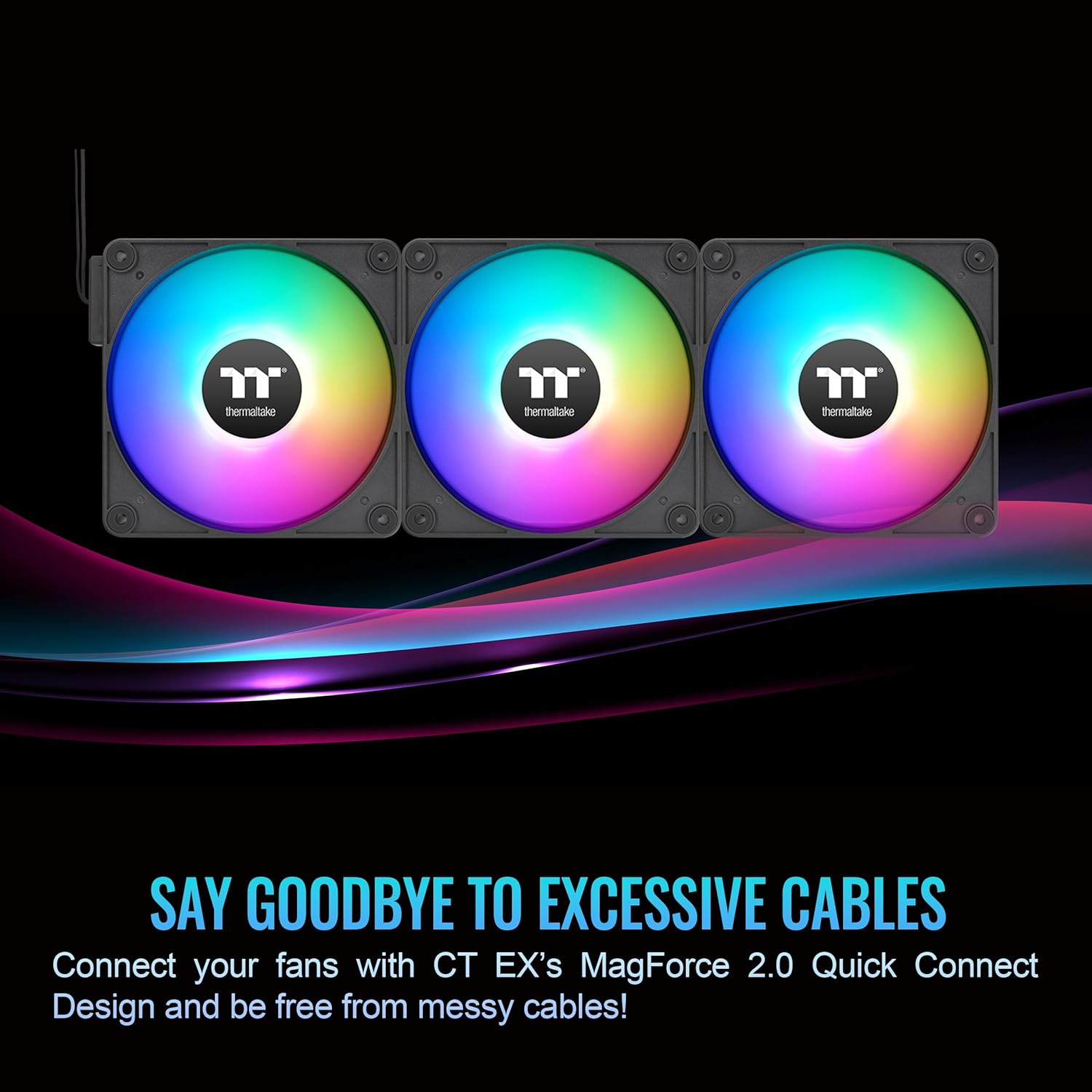
Image 3.3: Multiple fans connected via MagForce 2.0, minimizing cable clutter.
3.3 Power and ARGB Connection
Connect the provided cable to the last fan in your daisy-chain. This cable will split into two connectors:
- 4-Pin PWM Connector: Connect this to an available 4-pin fan header on your motherboard. This allows for fan speed control.
- 5V ARGB Header (3-Pin): Connect this to an available 5V addressable RGB header on your motherboard. This enables software control of the fan's lighting effects.
Caution: Do NOT connect the 5V ARGB header to a 12V RGB header, as this will damage the LEDs.
3.4 Mounting the Fans
Secure the fans to your PC case or radiator using the appropriate screws. The fans are equipped with four round undetachable anti-vibration rubber pads on each corner to dampen vibrations and reduce noise.

Image 3.4: Anti-vibration pads on the fan corners for stable mounting.
4. Operating Instructions
Once installed, the Thermaltake CT120 EX ARGB Sync fans offer customizable cooling and lighting.
4.1 Fan Speed Control (PWM)
The 4-pin PWM connector allows your motherboard to dynamically control the fan speed based on system temperature. You can configure fan curves and profiles through your motherboard's BIOS/UEFI settings or dedicated software utilities provided by your motherboard manufacturer.
4.2 ARGB Lighting Control
The 9 addressable LEDs in each fan provide 16.8 million uniform colors. To customize the lighting effects, use your motherboard's ARGB sync software. Compatible motherboard software includes:
- ASUS Aura Sync
- MSI Mystic Light Sync
- GIGABYTE RGB Fusion 2.0
- BIOSTAR RGB Sync
- ASROCK Polychrome Sync
Install the relevant software for your motherboard and use it to select colors, patterns, and synchronize lighting across all compatible components.
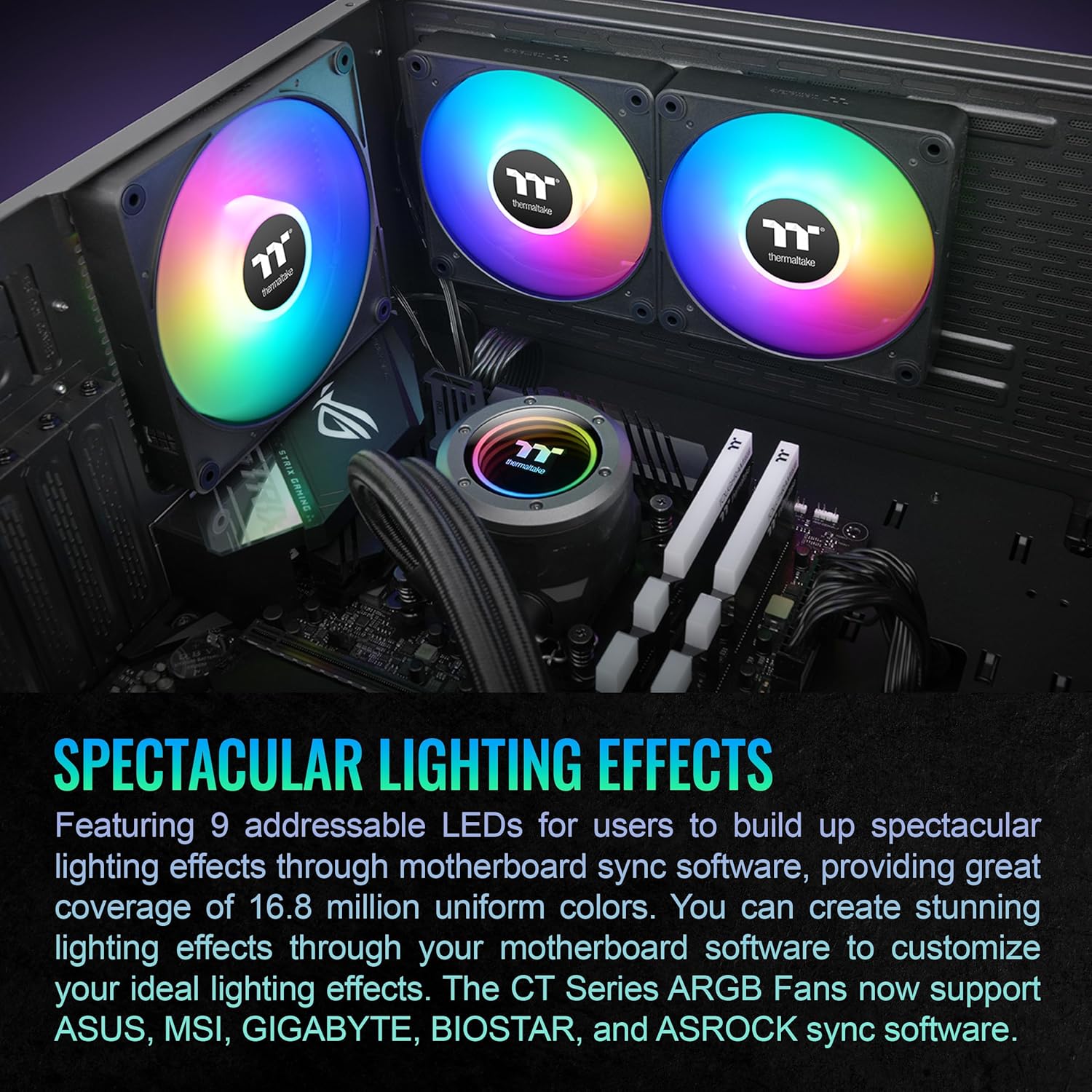
Image 4.1: Fans showcasing spectacular lighting effects.
5. Maintenance
Regular maintenance helps ensure optimal performance and longevity of your cooling fans.
- Dust Cleaning: Periodically clean dust from the fan blades and frames using compressed air or a soft brush. Ensure the PC is powered off and unplugged before cleaning.
- Connection Check: Occasionally verify that all magnetic and cable connections are secure.
- Avoid Liquids: Do not use liquid cleaners directly on the fans or electrical components.
6. Troubleshooting
If you encounter issues with your Thermaltake CT120 EX ARGB Sync fans, refer to the following common problems and solutions:
| Problem | Possible Cause | Solution |
|---|---|---|
| Fans not spinning | Loose or incorrect PWM connection. Insufficient power. | Ensure the 4-pin PWM connector is securely attached to the motherboard fan header. Check BIOS settings for fan control. |
| ARGB lighting not working | Loose or incorrect ARGB connection. Incorrect motherboard header (e.g., 12V instead of 5V). Software issue. | Verify the 3-pin 5V ARGB header is correctly connected to a 5V ARGB header on the motherboard. Ensure motherboard ARGB software is installed and configured. Restart the software or PC. |
| Excessive noise | High fan speed. Obstruction. Loose mounting. | Adjust fan speed via motherboard software or BIOS. Check for cables or debris obstructing fan blades. Ensure fans are securely mounted with anti-vibration pads. |
| Magnetic connection is loose | Improper alignment. | Ensure the magnetic contact pads are fully aligned and pushed together firmly until they click. |
7. Specifications
Detailed technical specifications for the Thermaltake CT120 EX ARGB Sync PC Cooling Fan:
| Feature | Specification |
|---|---|
| Model Number | CL-F181-PL12SW-A |
| Dimensions | 120 x 120 x 25 mm (4.72"L x 0.98"W x 4.72"H) |
| Started Voltage | 5 V |
| Rated Voltage | 12 V & 5V |
| Rated Current (one fan) | 0.19 A & 0.32A |
| Power Input (one fan) | 2.28 W & 1.6W |
| Fan Speed | PWM 500~2000 R.P.M |
| Max Air Pressure | 2.95 mm-H2O |
| Max Air Flow | 68 CFM (57.05 Cubic Feet Per Minute) |
| Noise Level | 28.5 dB-A |
| Bearing Type | Hydraulic Bearing |
| Life Expectation | 40,000 hrs, 25℃ |
| Connector | 2510 - 4 PIN PWM; 5V ARGB header - 3 PIN |
| Material | Copper (referring to internal components/motor) |
| Compatible Devices | Desktop |

Image 7.1: Dimensional drawing of the CT120 EX ARGB Sync fan.
8. Warranty and Support
8.1 Warranty Information
This Thermaltake CT120 EX ARGB Sync PC Cooling Fan (3-Pack) comes with a 2-year manufacturer's warranty from the date of purchase. This warranty covers defects in materials and workmanship under normal use. It does not cover damage caused by improper installation, accident, abuse, misuse, natural disaster, or unauthorized modification.
Please retain your proof of purchase for warranty claims.
8.2 Technical Support
For technical assistance, troubleshooting, or warranty inquiries, please visit the official Thermaltake website or contact their customer support team. You can typically find contact information, FAQs, and driver/software downloads on their support page.
Thermaltake Official Website: www.thermaltake.com


