
Introduction
This manual provides instructions for the proper setup, operation, and maintenance of your AZBME DG11J1-72 Replacement AC Remote Control. This remote is designed to be compatible with various Hisense air conditioner models, including DG11J1-01, DG11J1-04, DG11J1-05(E), DG11J1-72, DG11J1-98, K1849621, AP10CR1W, AP10CW2G, AP14CR2WG, AP08CR2W, AP10CR2W, AP12CR2G, AP13HR2G, AP10CR1SEJS, AP08CR1W, AP14DR1SFJS2, AP12CR1SEPS, AP13HR1SEJS00, AP12CR1G, AP14DR1G, AP14CR1WG, AP13HR1G, AP08CR1SEJS, CAP14DR1SFJS2, AP10CW1G, ABSEM4H4S12, and ABSCI4H4S18. Please read this manual thoroughly before use.
Setup
1. Battery Installation
The remote control requires two (2) 1.5V AAA batteries (not included). To install the batteries:
- Open the battery compartment cover on the back of the remote control.
- Insert the AAA batteries, ensuring the positive (+) and negative (-) terminals align correctly with the markings inside the compartment.
- Close the battery compartment cover securely.
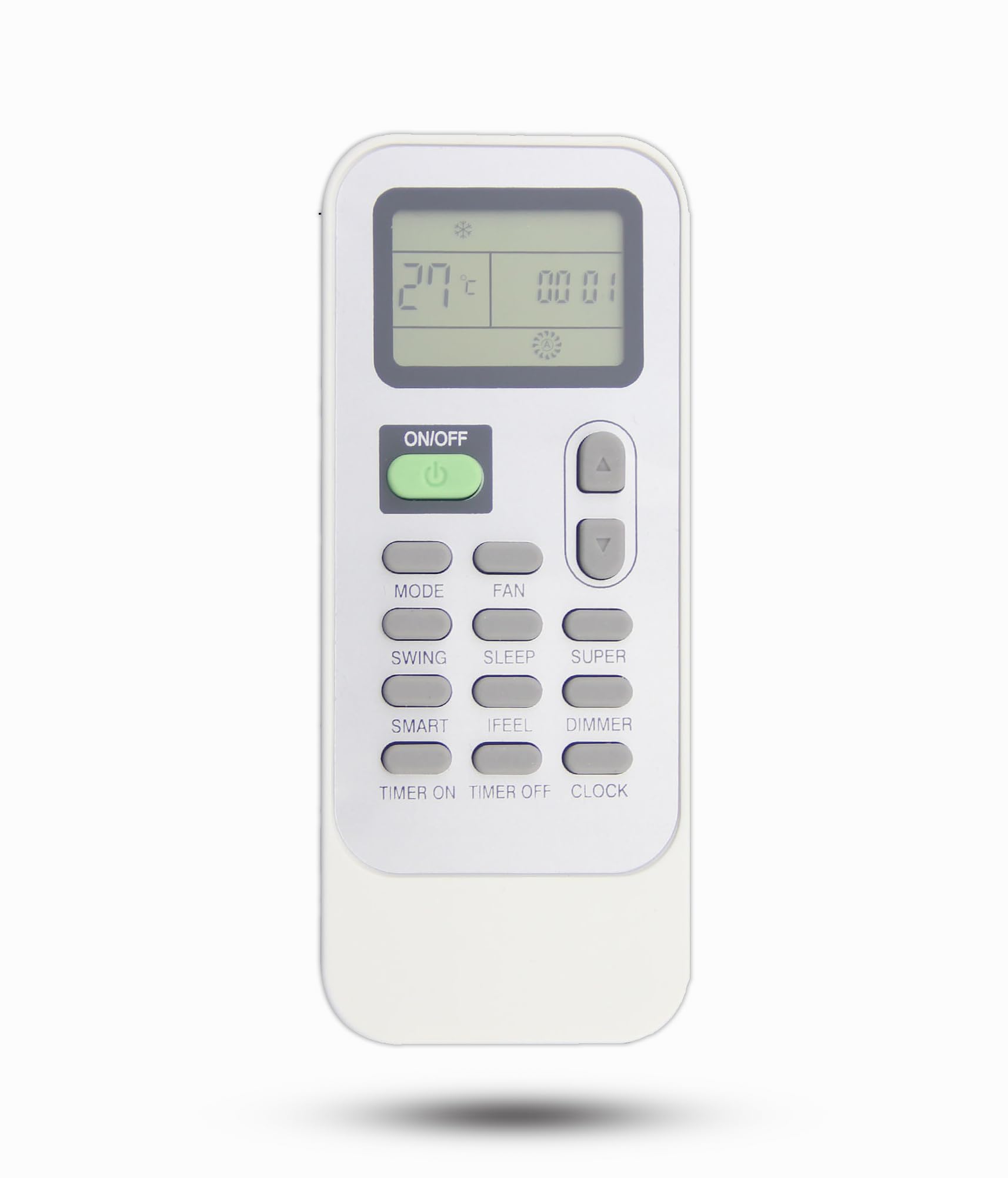
Image: Front and back view of the remote control, showing the battery compartment on the rear.
2. Initial Use
This replacement remote control requires no programming. Once batteries are installed, it is ready for direct use with compatible Hisense air conditioner units. Simply point the remote at your air conditioner and press the desired function button.

Image: The remote control's display showing temperature in Celsius, with text indicating no setup is required for direct use.
Operating Instructions
The remote control operates using infrared technology. Ensure a clear line of sight between the remote and the air conditioner's receiver for optimal performance. The maximum operational range is approximately 8 meters (26 feet).
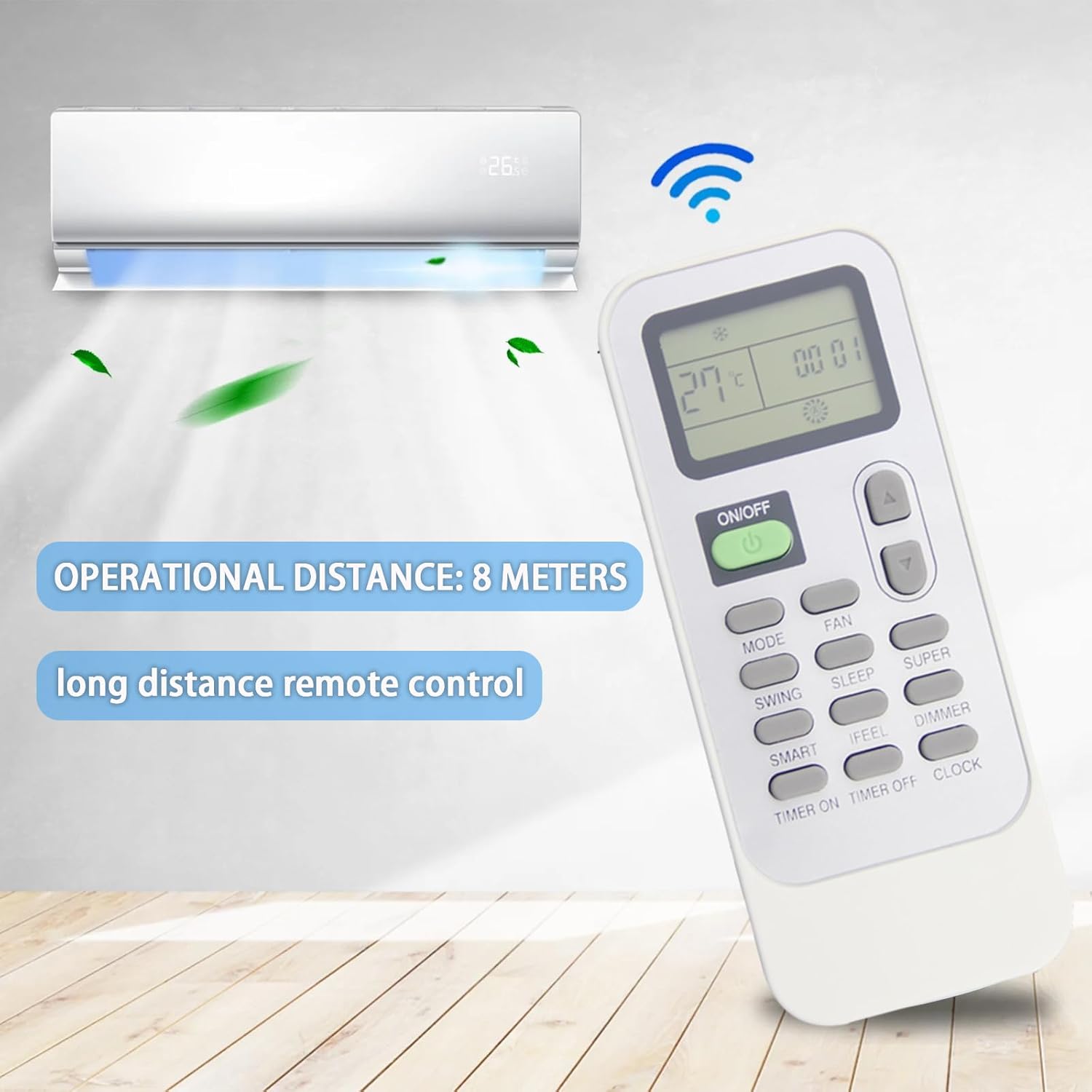
Image: A visual representation of the remote control's effective operational distance of 8 meters when pointed at an air conditioner.
Button Functions:
- ON/OFF: Powers the air conditioner on or off.
- MODE: Cycles through operating modes (e.g., Cool, Heat, Fan, Dry, Auto).
- FAN: Adjusts fan speed.
- SWING: Controls the louver swing function.
- SLEEP: Activates or deactivates sleep mode for energy saving and comfort during sleep.
- SUPER: Engages a powerful cooling or heating mode for rapid temperature change.
- SMART: Automatically adjusts settings based on room conditions.
- IFEEL: Activates the 'I FEEL' function, which senses the temperature at the remote's location.
- DIMMER: Adjusts the brightness of the air conditioner's display.
- TIMER ON: Sets a timer for the air conditioner to turn on.
- TIMER OFF: Sets a timer for the air conditioner to turn off.
- CLOCK: Sets the current time on the remote control.
- Temperature Up/Down Arrows: Adjusts the desired temperature setting.
Note: This remote control displays temperature exclusively in Celsius. It does not support Fahrenheit display.

Image: A user comfortably operating their air conditioner with the remote control from a living room setting.
Maintenance
Battery Replacement:
Replace batteries when the remote control's display becomes dim or when the remote fails to operate the air conditioner from a normal distance. Always replace both batteries simultaneously with new AAA batteries.
Cleaning:
Wipe the remote control with a soft, dry cloth. Do not use liquid cleaners or abrasive materials, as these can damage the remote's surface or internal components.
Storage:
If the remote control will not be used for an extended period, remove the batteries to prevent leakage and potential damage.
Troubleshooting
- Remote not responding:
- Check if the batteries are installed correctly and are not depleted. Replace with new batteries if necessary.
- Ensure there is a clear line of sight between the remote control and the air conditioner's receiver. Obstructions can block the infrared signal.
- Verify that the remote is pointed directly at the air conditioner.
- Temperature display is in Celsius only:
- This remote control is designed to display temperature in Celsius only. There is no function to switch to Fahrenheit.
- Buttons not working:
- Ensure the remote is clean and free of debris that might obstruct button presses.
- If only specific buttons are not working, the remote may be damaged.
If you continue to experience issues, please refer to the Customer Support section.
Specifications
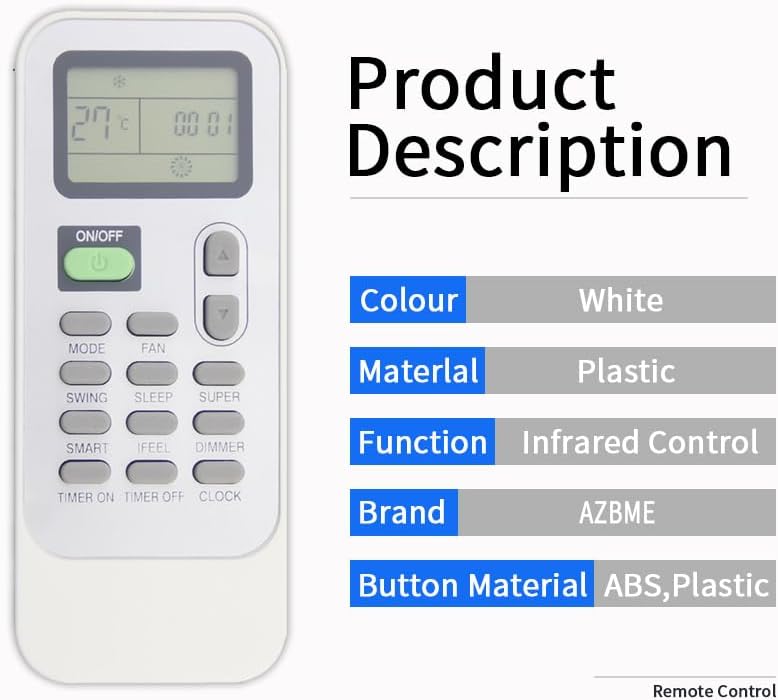
Image: Key product specifications including color, material, and brand.
| Feature | Detail |
|---|---|
| Brand | AZBME |
| Model Name | DG11J1-72 |
| Model Number | DG11J1-72 |
| Color | White |
| Material | Durable and recyclable ABS material (buttons made of soft rubber) |
| Connectivity Technology | Infrared |
| Maximum Range | 10 Meters (approx. 33 feet) |
| Battery Type | 2 x 1.5V AAA Batteries |
| Item Weight | 0.07 Kilograms (approx. 2.47 ounces) |
| Button Quantity | 10 |
| Special Feature | Ergonomic design |
Warranty Information
This product comes with a 90-day warranty from the date of purchase. This warranty covers manufacturing defects. Please retain your proof of purchase for warranty claims.
Customer Support
For any questions, concerns, or assistance with your AZBME DG11J1-72 Replacement AC Remote Control, please contact our customer support team. We are available to help you with any queries you may have.
Please refer to your purchase platform or product packaging for specific contact details.


