
1. Introduction
This manual provides instructions for the installation, operation, and maintenance of your WiZ Connected 16.4 ft RGBIC LED Light Strip. This smart LED strip offers dynamic multicolor lighting, app and voice control, and integration with popular smart home platforms. Please read this manual thoroughly before use.

Image: The WiZ Connected 16.4 ft RGBIC LED Light Strip, its packaging, and the WiZ app interface on a smartphone.
2. What's in the Box
Verify that all components are present before beginning installation:
- 1x WiZ RGBIC LED strip (5 meters / 16.4 ft)
- 1x Power Adapter
- 5x Mounting Accessories (clips)
- 5x Screws

Image: A visual representation of the items included in the product packaging: the LED strip, power supply, and mounting hardware.
3. Setup and Installation
The WiZ LED Light Strip is designed for easy installation. Follow these steps for a hassle-free setup:
- Plan Placement: Determine the desired location for your LED strip. Ensure the surface is clean, dry, and smooth for optimal adhesion.
- Cut to Length (Optional): If the 16.4 ft length is too long, you can trim the strip at designated cut marks. Warning: Cut pieces cannot be re-used.
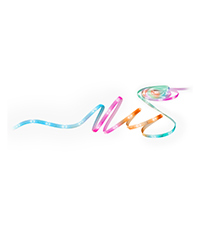
Image: A person cutting the LED strip at a marked point with scissors.
- Apply Adhesive: Peel off the protective backing from the adhesive tape on the back of the LED strip. Press the strip firmly onto the desired surface.

Image: Close-up of hands peeling the protective layer from the adhesive tape on the LED strip.
- Secure with Clips (Optional): For added security, use the provided mounting clips and screws to further fasten the strip, especially around corners or on textured surfaces.
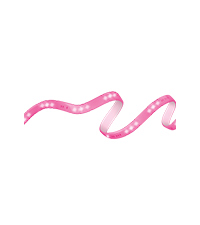
Image: A clear mounting clip holding the LED strip securely in place on a wall corner.
- Connect Power: Connect the LED strip to the power adapter, then plug the adapter into a standard electrical outlet.
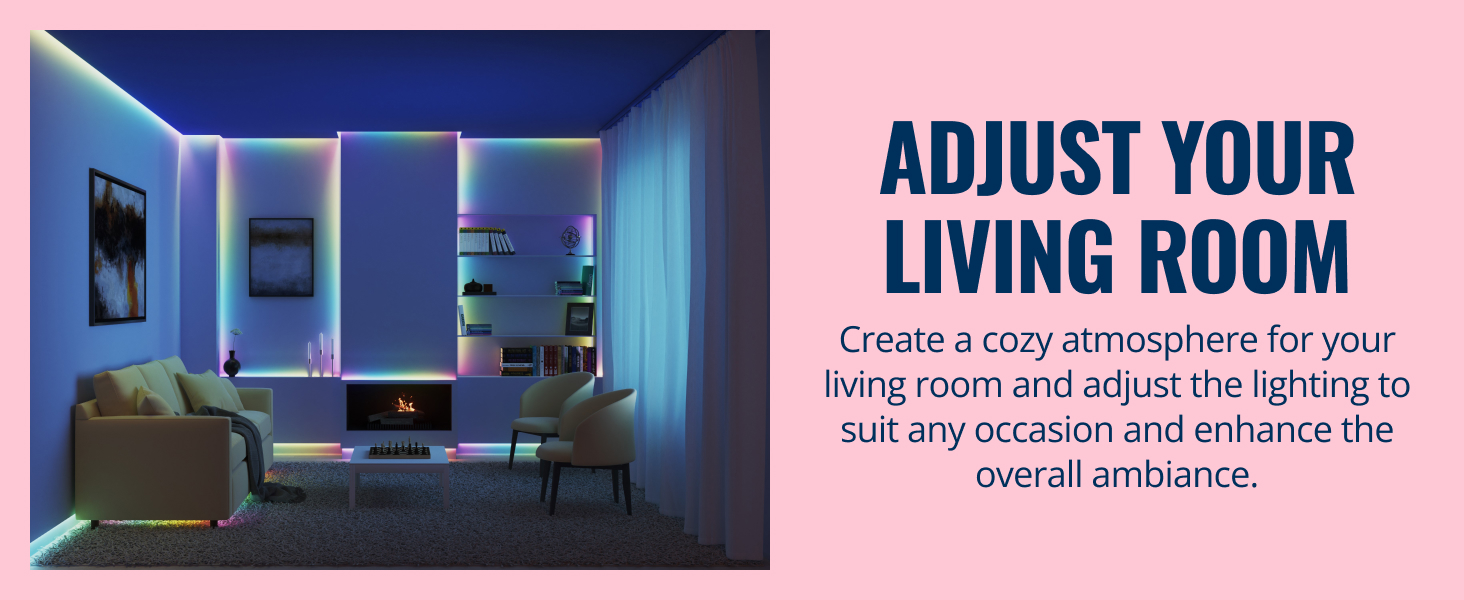
Image: A visual guide demonstrating the simple installation process: cut, paste, and mount.
4. Operating Instructions
4.1 WiZ App Control
The WiZ app is the primary method for controlling your LED light strip. It allows for comprehensive customization and smart features.
- Download the WiZ App: Search for "WiZ Connected" in your smartphone's app store (iOS or Android).
- Connect to Wi-Fi: Open the app and follow the on-screen instructions to connect your light strip to your home's 2.4 GHz Wi-Fi network. Ensure your phone is connected to the same Wi-Fi network during setup.

Image: A user interacting with the WiZ app on a smartphone to establish a Wi-Fi connection.
- Control Features: Once connected, you can use the app to:
- Adjust brightness and color (16 million colors available).
- Select from pre-set scenes and dynamic lighting effects.
- Create custom scenes and schedules.
- Utilize RGBIC technology for multiple colors simultaneously along the strip.

Image: The WiZ app interface on a smartphone, showing options for color selection and dynamic lighting modes.
4.2 Voice Control
The WiZ LED Light Strip is compatible with major voice assistants:
- Google Home: Link your WiZ account in the Google Home app. Then use commands like "Hey Google, turn on the LED strip" or "Hey Google, set the LED strip to blue."
- Amazon Alexa: Enable the WiZ skill in the Alexa app. Use commands such as "Alexa, turn off the LED strip" or "Alexa, dim the LED strip to 50%."
- Apple HomeKit: Integrate your WiZ lights with Apple HomeKit for control via Siri and the Home app.
4.3 Advanced Features
- RGBIC Technology: Experience multiple colors simultaneously along the strip, creating flowing and dynamic lighting effects.

Image: An interior space showcasing the RGBIC LED strip emitting a gradient of colors simultaneously.
- Consistent Color & Brightness: The strip maintains uniform color and brightness across its entire length.

Image: A room with LED strips installed, demonstrating uniform color and brightness throughout the strip's length.
- Music Sync: Sync your lights with music to create an immersive audio-visual experience.
Image: Individuals dancing in a vibrant room, with LED lights dynamically changing in response to music.
- SpaceSense™: This feature allows your lights to detect motion and turn on automatically without additional sensors. It requires at least two WiZ lights spaced approximately 2 meters (6.5 ft) apart.
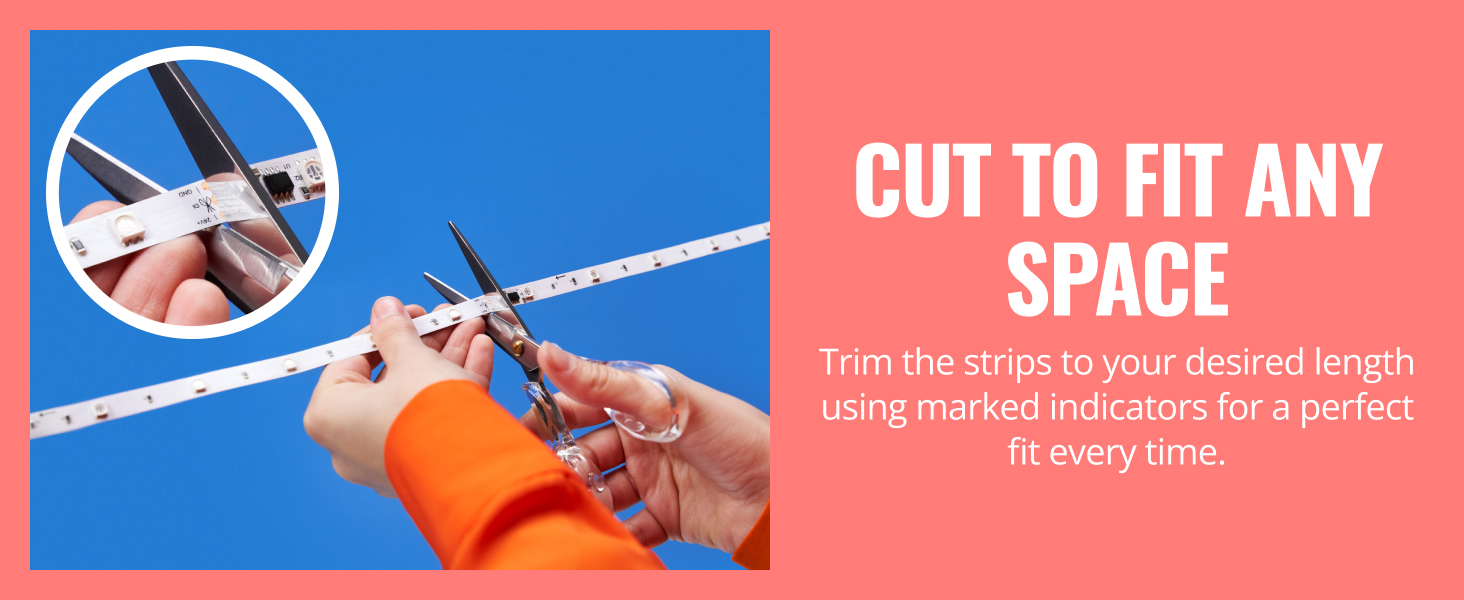
Image: A woman entering a room, illustrating how SpaceSense™ detects motion and activates the lights.
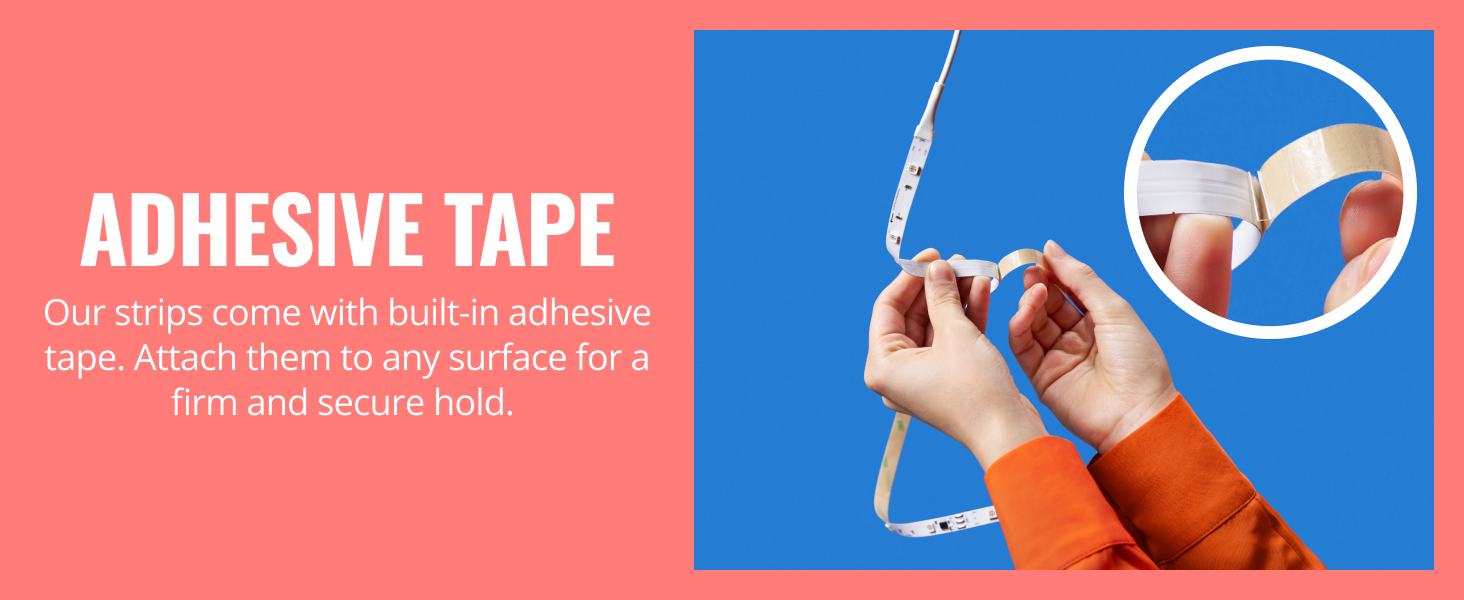
Image: A person walking between two WiZ lights, highlighting the minimum 2-meter spacing for SpaceSense™ functionality.
5. Maintenance
The WiZ LED Light Strip requires minimal maintenance. Follow these guidelines to ensure longevity:
- Cleaning: Gently wipe the LED strip with a dry, soft cloth to remove dust. Do not use liquid cleaners or abrasive materials.
- Environment: This product is designed for indoor use only. Avoid exposure to water or high humidity, as it is not water-resistant.
- Handling: Avoid bending the strip sharply or applying excessive force, which could damage the internal components.
6. Troubleshooting
If you encounter issues with your WiZ LED Light Strip, refer to the following common problems and solutions:
| Problem | Possible Cause | Solution |
|---|---|---|
| Light strip does not turn on. | No power, loose connection, or faulty adapter. | Check power outlet, ensure all connections are secure. Test with another outlet if possible. |
| Cannot connect to WiZ app. | Incorrect Wi-Fi network (must be 2.4 GHz), incorrect password, or temporary network issue. | Ensure your phone is on a 2.4 GHz Wi-Fi network. Verify Wi-Fi password. Restart your router and try again. If issues persist, try resetting the light strip (refer to WiZ app for specific reset instructions). |
| Lights flicker or display incorrect colors. | Loose connection, power fluctuation, or software glitch. | Check all physical connections. Restart the light strip by unplugging and re-plugging it. Update the WiZ app and light strip firmware. |
| Voice control not working. | Incorrect linking with voice assistant, or voice assistant device is offline. | Ensure your WiZ account is correctly linked in the Google Home/Alexa/HomeKit app. Check if your voice assistant device is online and responsive. |
For further assistance, please contact WiZ Connected customer support.
7. Specifications
- Model Number: 605568
- Length: 16.4 ft (5 meters)
- Color: RGBIC (Multicolor)
- Light Source Type: LED
- Number of Light Sources: 150
- Power Source: Corded Electric
- Voltage: 240 Volts
- Wattage: 10 watts
- Indoor/Outdoor Usage: Indoor only
- Water Resistance Level: Not Water Resistant
- Control Method: App, Voice
- Item Weight: 13.1 ounces
- Product Dimensions: 196.85 x 196.85 x 0.08 inches
- Manufacturer: Signify North America Inc.
- UPC: 046677605568
8. Warranty and Support
This WiZ Connected LED Light Strip comes with a 2-year manufacturer's warranty. Please retain your proof of purchase for warranty claims.
For technical support, warranty inquiries, or further assistance, please visit the official WiZ Connected website or contact their customer service department.