1. Introduction
Thank you for choosing the YIWENG G9S BT5.1 In-Ear Sports Earbuds. This manual provides detailed instructions on how to set up, operate, and maintain your earbuds to ensure optimal performance and longevity. Please read this manual carefully before using the product and retain it for future reference.
2. Package Contents
Please check the package for the following items:
- YIWENG G9S Wireless Earbuds (Left and Right)
- Charging Case
- USB Charging Cable
- User Manual
- Silicone Eartips (various sizes)
3. Product Overview
Familiarize yourself with the components of your YIWENG G9S earbuds and charging case.
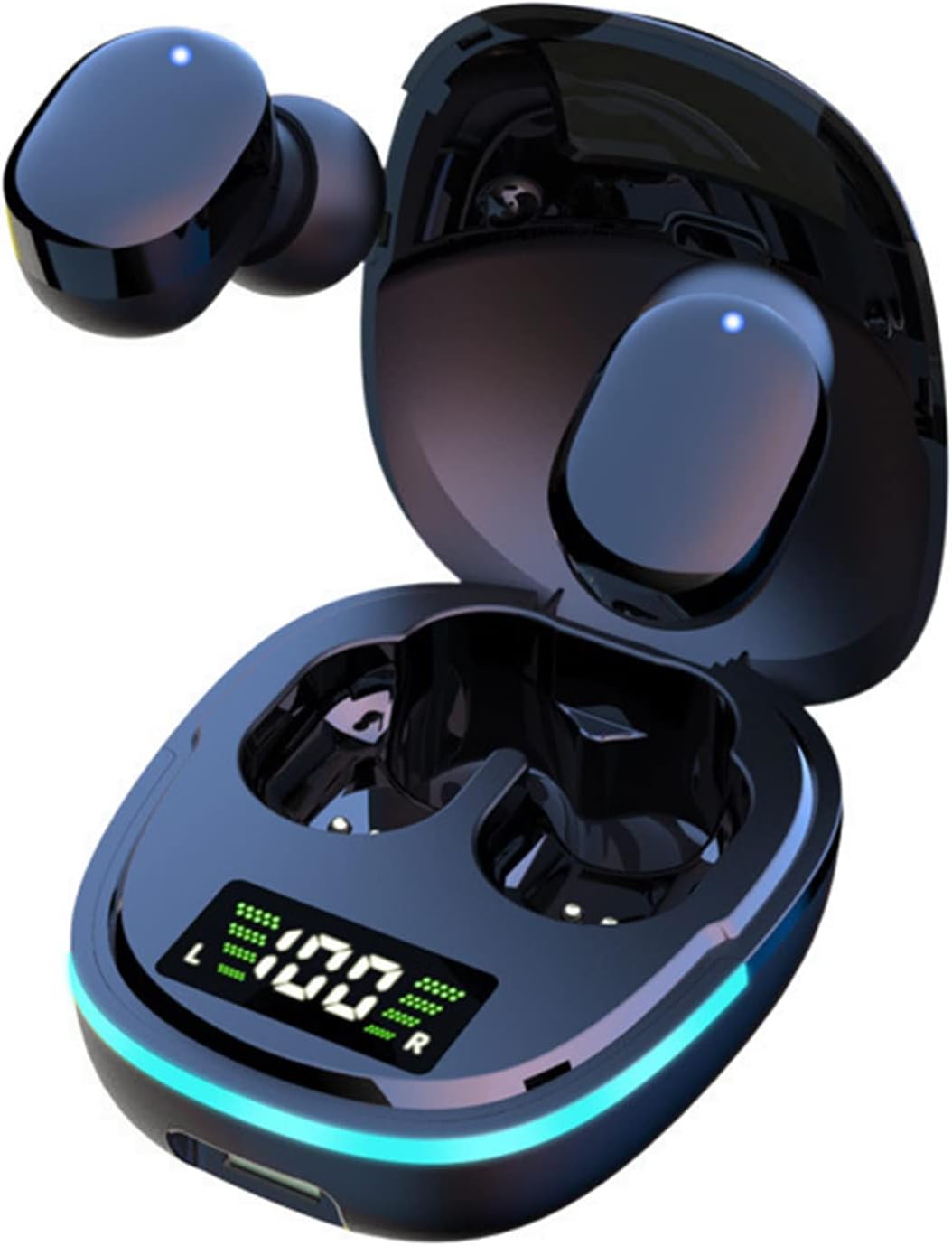
Figure 3.1: YIWENG G9S Earbuds in their open charging case, showcasing the digital LED display for battery levels and the cool breathing light feature.

Figure 3.2: Detailed view of the LED battery display screen on the charging case, indicating the power status of the charging case itself, and the individual battery levels for the left and right earbuds.
Key Components:
- Earbuds: Left (L) and Right (R) earbuds with touch control areas.
- Charging Case: Houses and charges the earbuds, features an LED digital display.
- LED Digital Display: Shows charging case battery percentage and individual earbud battery levels.
- Charging Port: Located on the charging case for power input.
- Breathing Light: Integrated light on the charging case for aesthetic and status indication.
4. Setup
4.1 Charging the Earbuds and Case
Before first use, fully charge both the earbuds and the charging case.
- Place the earbuds into the charging case. Ensure they are correctly seated; the earbuds will show a charging indicator.
- Connect the USB charging cable to the charging port on the case and the other end to a USB power adapter (not included) or a computer's USB port.
- The LED digital display on the case will show the charging progress. When fully charged, the display will indicate 100%.
- Charging time for the case is approximately 1.5-2 hours. Earbuds charge within the case in about 1 hour.
4.2 Bluetooth Pairing
Follow these steps for initial pairing with your device:
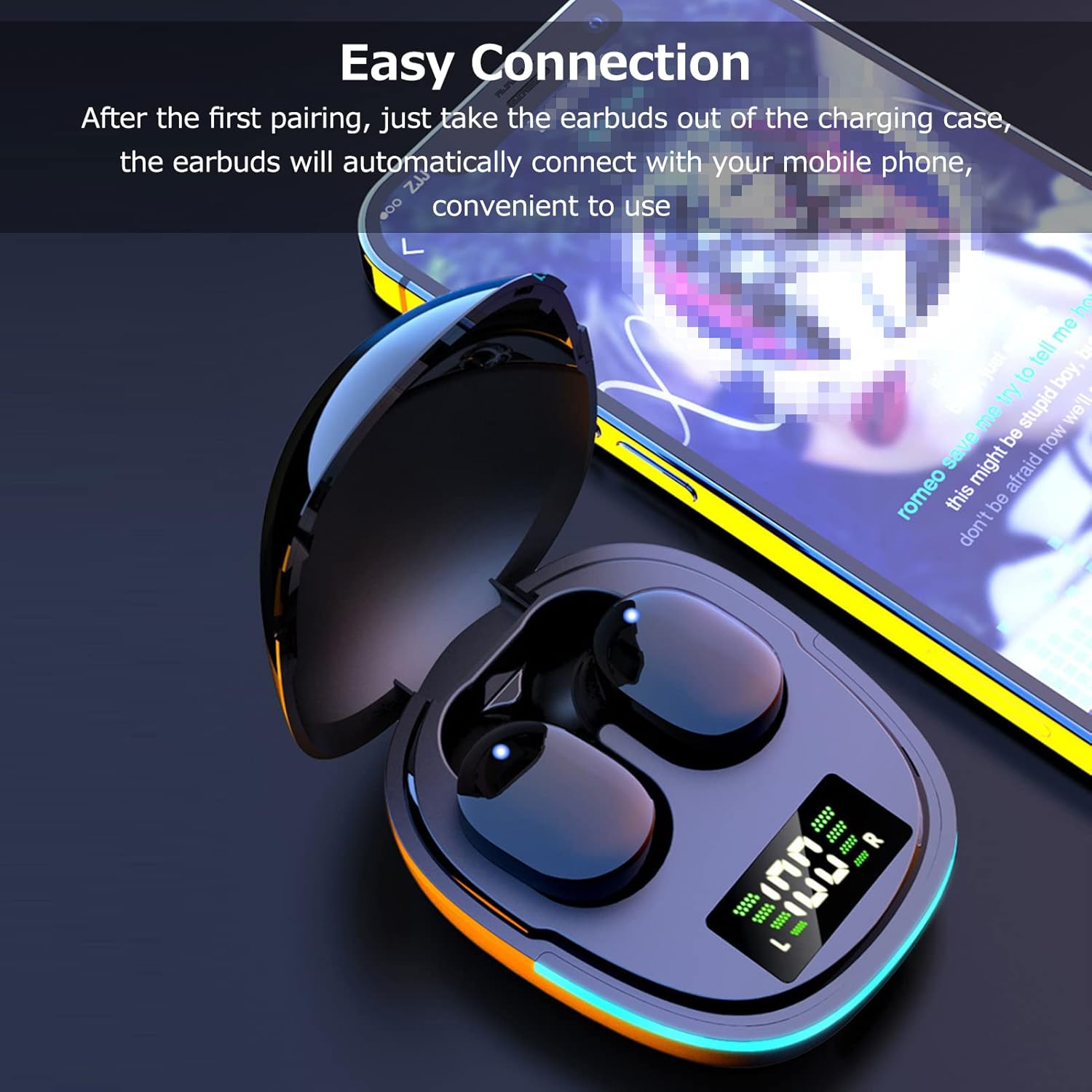
Figure 4.1: Illustration of the easy connection process: simply remove the earbuds from the charging case, and they will automatically connect to your mobile phone after the first pairing.
- First-time Pairing:
- Open the charging case, and the earbuds will automatically power on and enter pairing mode.
- Enable Bluetooth on your mobile phone or device.
- Search for "G9S" in the list of available Bluetooth devices and select it to connect.
- Once connected, you will hear a confirmation tone, and the earbuds will be ready for use.
- Automatic Reconnection: After the first successful pairing, the earbuds will automatically connect to the last paired device when removed from the charging case, provided Bluetooth is enabled on the device.
- Single Earbud Mode: Either earbud can be used independently. Simply take one earbud out of the case, and it will connect.
5. Operating Instructions
5.1 Power On/Off
- Power On: Earbuds automatically power on when removed from the charging case.
- Power Off: Earbuds automatically power off when placed back into the charging case and the lid is closed.
5.2 Smart Touch Controls
The G9S earbuds feature sensitive touch controls for easy management of calls and music playback.
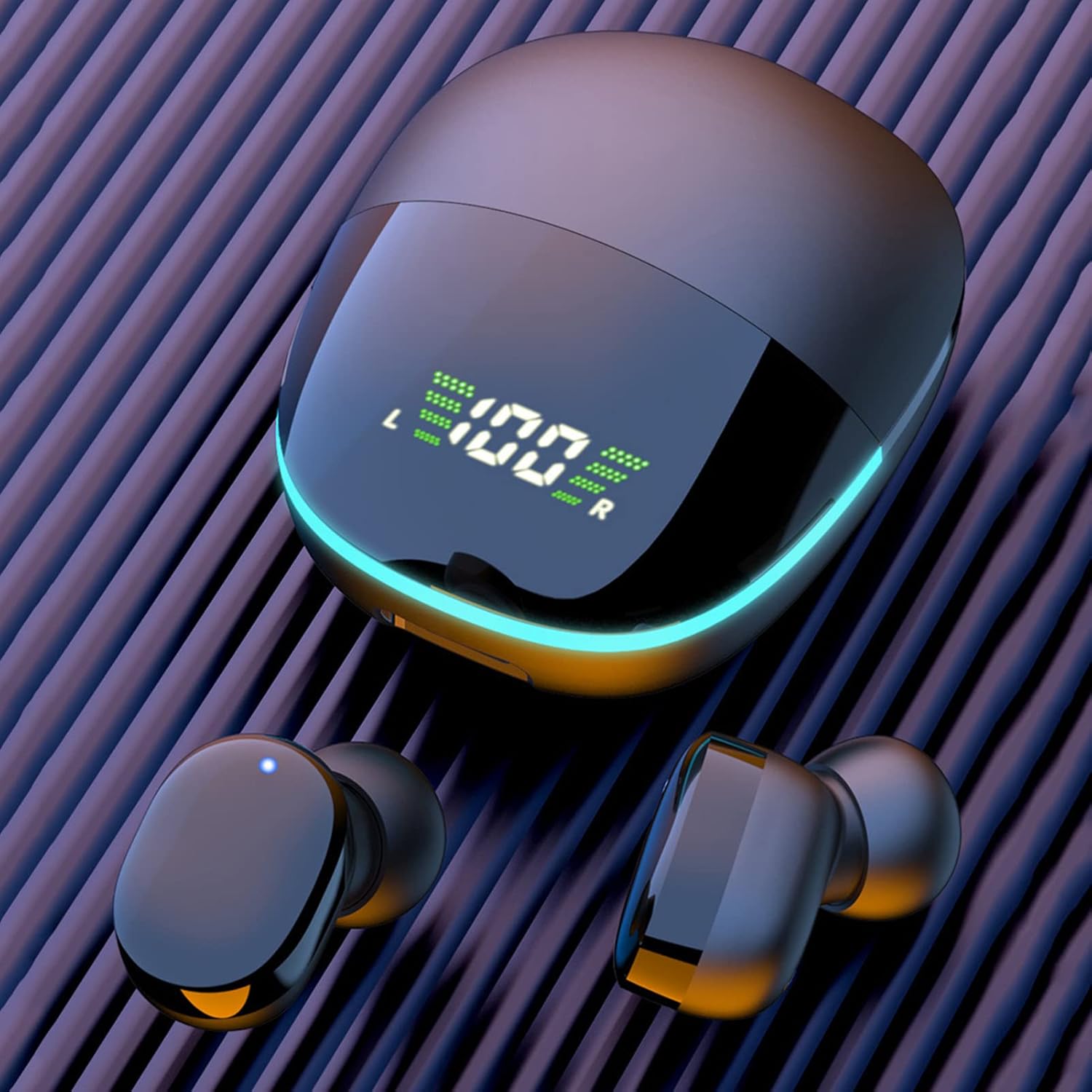
Figure 5.1: Diagram illustrating the smart touch control area on the earbuds, highlighting its sensitivity for various functions like switching songs, play/pause, answering/hanging up calls, and activating voice assistant.
| Function | Action |
|---|---|
| Play/Pause Music | Single tap on either earbud. |
| Next Song | Double tap on the Right earbud. |
| Previous Song | Double tap on the Left earbud. |
| Answer/End Call | Single tap on either earbud during an incoming call. |
| Reject Call | Long press (approx. 2 seconds) on either earbud during an incoming call. |
| Activate Voice Assistant | Triple tap on either earbud. |
| Volume Up | Long press on the Right earbud. |
| Volume Down | Long press on the Left earbud. |
6. Comfort and Fit
For the best audio experience and secure fit, ensure the earbuds are properly seated in your ears.
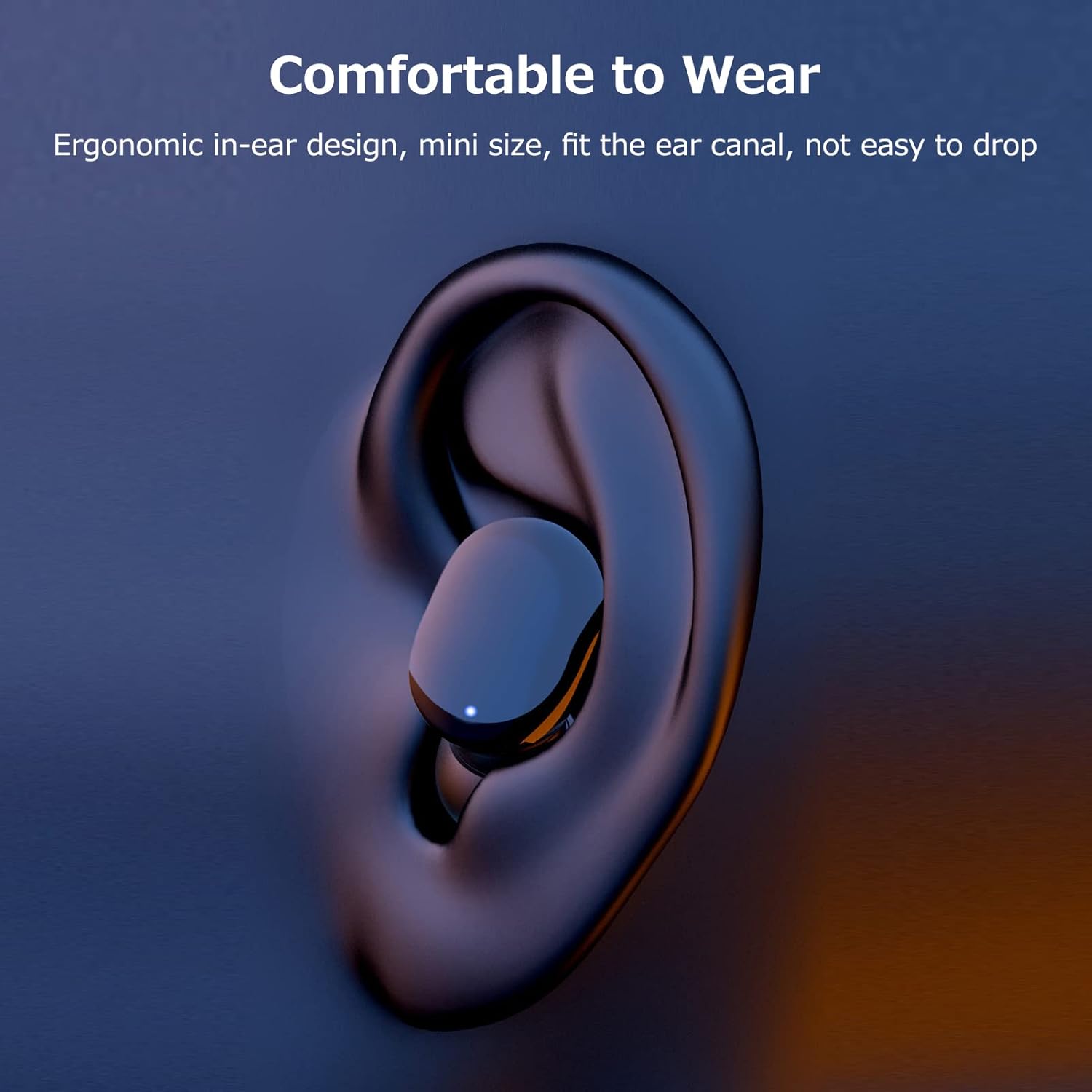
Figure 6.1: Depiction of an earbud comfortably seated in an ear, highlighting its ergonomic in-ear design and mini size, which ensures a snug fit within the ear canal and prevents easy dropping.
- Choose the correct size of silicone eartips that provide a comfortable and secure seal in your ear canal.
- Gently insert the earbud into your ear and rotate it slightly until it feels snug and stable.
- A good seal is crucial for optimal bass response and noise isolation.
7. Maintenance
Proper maintenance will extend the lifespan of your earbuds.
- Cleaning: Regularly clean the earbuds and charging case with a soft, dry, lint-free cloth. Do not use harsh chemicals or abrasive materials.
- Eartips: Remove and clean the silicone eartips with mild soap and water if necessary. Ensure they are completely dry before reattaching.
- Charging Contacts: If charging issues occur, gently clean the charging contacts on both the earbuds and inside the case with a dry cotton swab.
- Storage: When not in use, store the earbuds in their charging case to protect them and keep them charged. Avoid extreme temperatures.
8. Troubleshooting
If you encounter any issues, please refer to the following common solutions:
| Problem | Possible Solution |
|---|---|
| Earbuds not pairing with device. |
|
| No sound from one or both earbuds. |
|
| Charging case not charging. |
|
| Earbuds not charging in case. |
|
9. Specifications
| Feature | Detail |
|---|---|
| Model | G9S |
| Bluetooth Version | BT5.1 |
| Earbud Battery Life | Approx. 4-5 hours (single charge) |
| Charging Case Battery Life | Provides multiple charges for earbuds |
| Charging Port | USB (Type-C, assumed based on modern devices) |
| Wireless Range | Up to 10 meters (33 feet) in open space |
| Water Resistance | Sweat-resistant (suitable for sports, not submersible) |
10. Warranty and Support
YIWENG products are designed and manufactured to the highest quality standards. This product is covered by a limited warranty from the date of purchase. For detailed warranty terms and conditions, please refer to the warranty card included in your package or contact our customer support.
If you have any questions, require technical assistance, or experience issues not covered in this manual, please contact YIWENG customer support through the retailer where you purchased the product or visit the official YIWENG website for contact information.
Customer Support Email: support@yiweng.com (placeholder)
Official Website: www.yiweng.com (placeholder)


