
1. Introduction
Thank you for choosing the ZZA K3 Mini Karaoke Machine. This portable Bluetooth speaker with wireless microphones is designed to provide an enjoyable and versatile audio experience for both kids and adults. Featuring advanced Bluetooth 5.0 technology, a powerful DSP chip for high-fidelity sound, and various fun voice effects, the K3 is perfect for home entertainment, parties, and gatherings. Please read this manual carefully to ensure proper use and maintenance of your device.

Image: The ZZA K3 Mini Karaoke Machine, showcasing the main speaker unit with its colorful light effect and two accompanying wireless microphones.
2. What's in the Box
Please check the package contents to ensure all items are present:
- 1 x ZZA K3 Mini Karaoke Speaker
- 2 x Wireless Microphones
- 1 x USB Type-C Charging Cable
- 1 x AUX Cable
- 1 x User Manual

Image: A visual representation of the ZZA K3 package contents, including the speaker, two microphones, Type-C cable, AUX cable, and the instruction manual.
3. Product Features
- Bluetooth 5.0 Connectivity: Ensures stable and fast pairing with mobile phones, iPads, PCs, and other Bluetooth-enabled devices.
- Dual Wireless Microphones: Two microphones allow for duets and interactive singing sessions.
- High-Fidelity Sound: Equipped with a DSP chip and audio driver for 3D surround high-fidelity sound quality and clear, loud volume.
- Long Playtime: Built-in rechargeable battery provides 6-8 hours of playtime on a full charge (at 50% volume).
- Multiple Playback Modes: Supports Bluetooth, TF card, and AUX input.
- Colorful Lighting Effects: Features 360-degree colorful lighting to enhance the party atmosphere.
- Magic Voice Effects: Includes 6 fun voice modes: Female to Male, Male to Female, Doll Sound, Machine Sound, Monster Sound, and Original Sound.
- Portable Design: Lightweight and compact with a sturdy strap for easy carrying.

Image: An exploded view diagram highlighting the speaker's internal components responsible for HIFI sound quality and 3D surround sound performance.
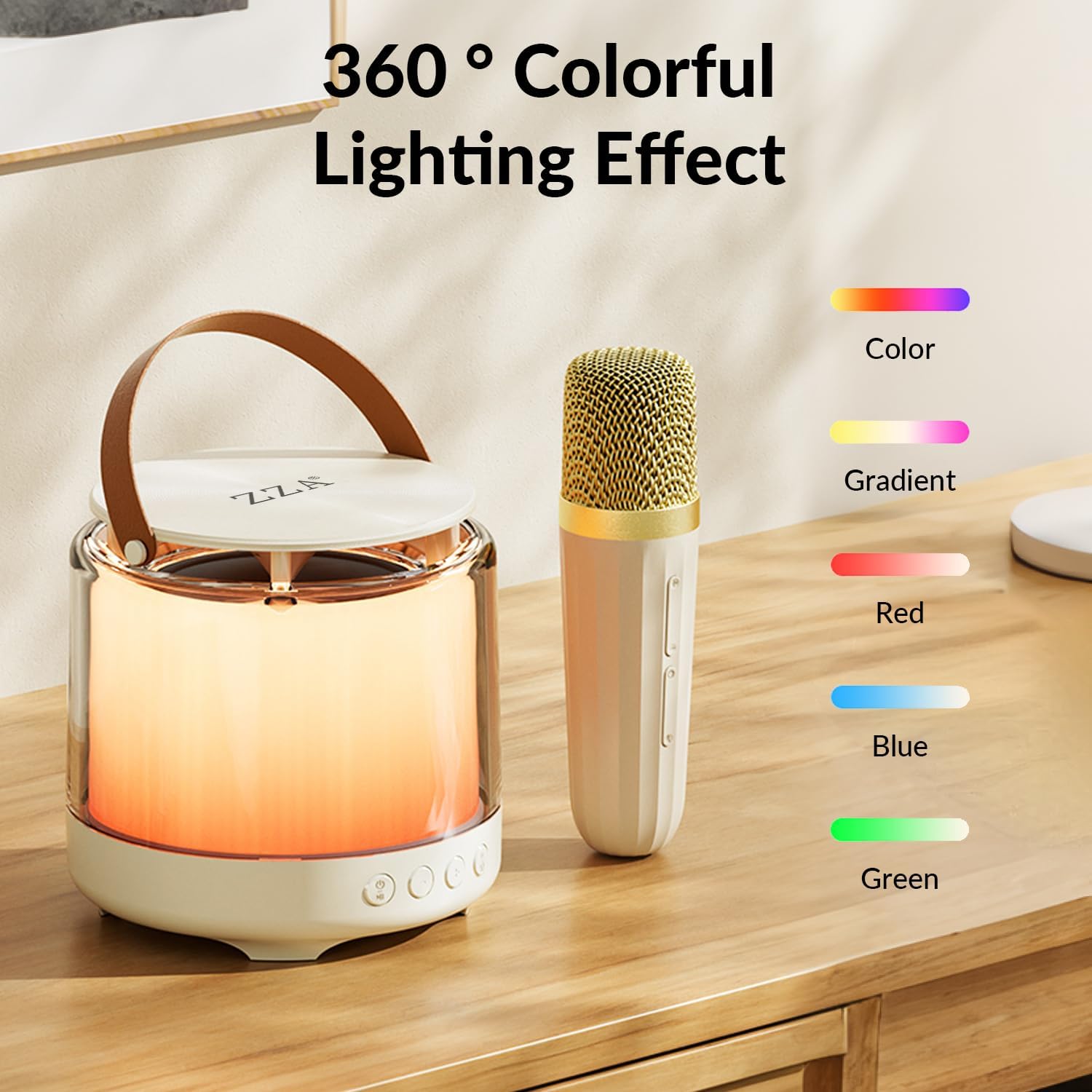
Image: The ZZA K3 speaker unit displaying its vibrant 360-degree colorful lighting effect, with a microphone beside it and a color legend.
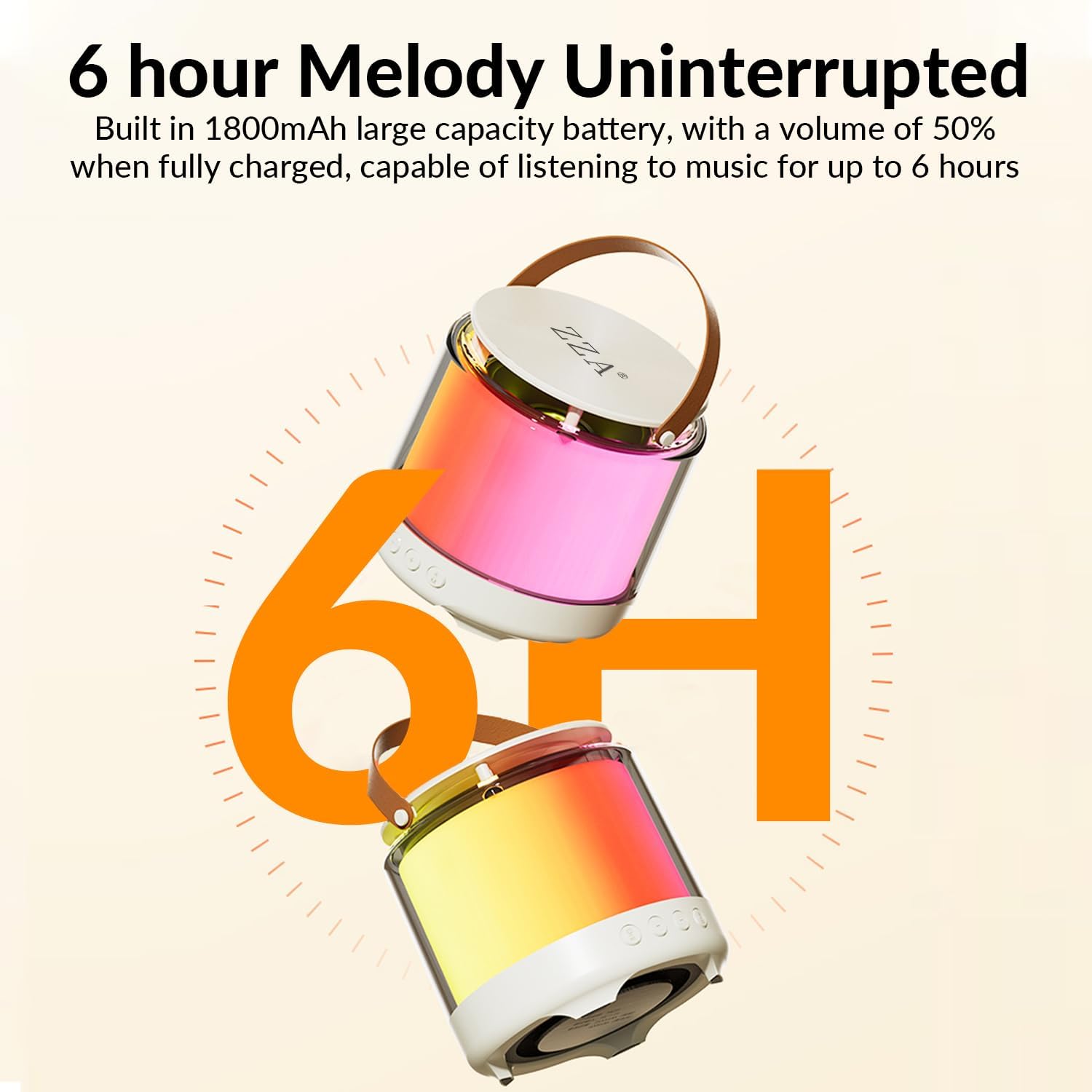
Image: A graphic emphasizing the 6-hour melody uninterrupted playtime of the ZZA K3, with two speakers shown and a large '6H' indicator.
4. Setup Guide
4.1 Charging the Device
Before first use, fully charge the karaoke machine and microphones. Use the provided USB Type-C cable to connect the speaker to a 5V-1A power adapter (not included). The charging indicator will show the charging status and turn off when fully charged. Charging time is approximately 1.5 hours.
4.2 Microphone Pairing
The wireless microphones are designed to automatically connect to the speaker upon powering on. Simply turn on both the speaker and the microphones, and they will establish a connection within a few seconds.
4.3 Bluetooth Connection
- Turn on the ZZA K3 speaker.
- Enable Bluetooth on your mobile phone, iPad, PC, or other compatible device.
- Search for "ZZA K3" in the list of available Bluetooth devices.
- Select "ZZA K3" to pair. A confirmation sound will indicate successful connection.
4.4 TF Card Usage
Insert a TF (MicroSD) card with your desired music files into the TF card slot on the back of the speaker. The speaker will automatically switch to TF card playback mode.
5. Operating Instructions

Image: A detailed view of the ZZA K3 speaker's control panel, showing the four main buttons and their corresponding functions.
5.1 Speaker Controls
- Power On/Off Key: Long press for 2 seconds to turn on/off. Short press for playback/pause.
- Minus Key: Short press to reduce volume. Long press for 1 second to go back to the previous track.
- Plus Key: Short press to increase volume. Long press for 1 second to go to the next track.
- Light Function Key: Short press to switch modes (e.g., Bluetooth, TF card). Double-click to disconnect Bluetooth connection. Long press for 1 second to switch lights (on/off or different light modes).
5.2 Microphone Controls
- Power On/Off: Long press to turn on/off.
- Volume Control: Use the +/- buttons on the microphone to adjust microphone volume.
- Magic Voice Key: Short press the microphone button to cancel the original sound (vocal removal). Long press to switch between the six magic sound modes.
5.3 Magic Voice Effects
The ZZA K3 offers 6 fun voice effects to enhance your singing experience. To cycle through these effects, long press the microphone button:
- Female to Male
- Male to Female
- Doll Sound
- Machine Sound
- Monster Sound
- Original Sound (no effect)

Image: A graphic depicting a child singing into the microphone, surrounded by icons representing the six different karaoke sound effects: Female to Male, Male to Female, Doll sound, Machine sound, Monster sound, and Original sound.
6. Maintenance
- Keep the device away from water, moisture, and extreme temperatures.
- Clean the surface with a soft, dry cloth. Do not use abrasive cleaners or solvents.
- Store the device in a cool, dry place when not in use for extended periods.
- Avoid dropping or subjecting the device to strong impacts.
7. Troubleshooting
| Problem | Possible Cause | Solution |
|---|---|---|
| Device does not power on. | Low battery. | Charge the device fully. |
| No sound from speaker. | Volume too low; device not connected; incorrect mode. | Increase volume; ensure Bluetooth is connected or TF card is inserted correctly; check mode. |
| Microphone not working. | Microphone not powered on; not paired. | Ensure microphone is charged and powered on; it should automatically pair with the speaker. |
| Bluetooth connection unstable. | Device too far from speaker; interference. | Move device closer to speaker (within 32 feet); avoid obstacles or other strong wireless signals. |
8. Specifications
| Feature | Detail |
|---|---|
| Product Name | ZZA K3 Mini Karaoke Machine |
| Model Number | K3Karokee |
| Bluetooth Version | Bluetooth 5.3 |
| Audio Battery Capacity | 1800mAh (Speaker) |
| Connection Method | Bluetooth / TF card / AUX |
| Rated Input | 5V-1A |
| Charging Interface | USB Type-C |
| Transmission Distance | 10 meters (in an accessible open environment) |
| Charging Time | About 1.5 hours |
| Peak Power | 15W |
| Rated Power | 10W |
| Item Weight | 1.76 pounds |
| Product Dimensions | 6.1 x 6.1 x 4.48 inches |
| Batteries | 1 Lithium Ion battery required (included) |
| Compatible Devices | Smartphone, Tablet, Laptop |
| Speaker Count | 4 |
9. Warranty and Support
The ZZA K3 Mini Karaoke Machine comes with a one-year warranty from the date of purchase, covering manufacturing defects. Additionally, a 30-day return privilege is offered for your peace of mind. For any product inquiries, technical support, or warranty claims, please contact ZZA customer service through the platform where you purchased the product.