1. Introduction
Thank you for choosing the WENCAI 88-Key Fully Weighted Electric Piano Keyboard. This digital piano is designed to provide a realistic playing experience with its hammer action keys and rich sound capabilities. This manual will guide you through the setup, operation, and maintenance of your new instrument, ensuring you can fully utilize its features for practice and performance.

Figure 1: WENCAI 88-Key Digital Piano (Model 130Z-4S) with stand and triple pedal.
2. Setup
2.1 Assembly
The WENCAI digital piano requires minimal assembly. It is recommended that two people perform the assembly to ensure stability and prevent damage. The process typically takes approximately 30 minutes.
- Carefully unpack all components: the piano unit, stand legs, triple pedal unit, power adapter, and hardware.
- Attach the stand legs to the piano unit using the provided screws and tools. Ensure all connections are secure.
- Place the assembled piano on a stable, level surface.
- Connect the triple pedal unit cable to the designated port on the piano.
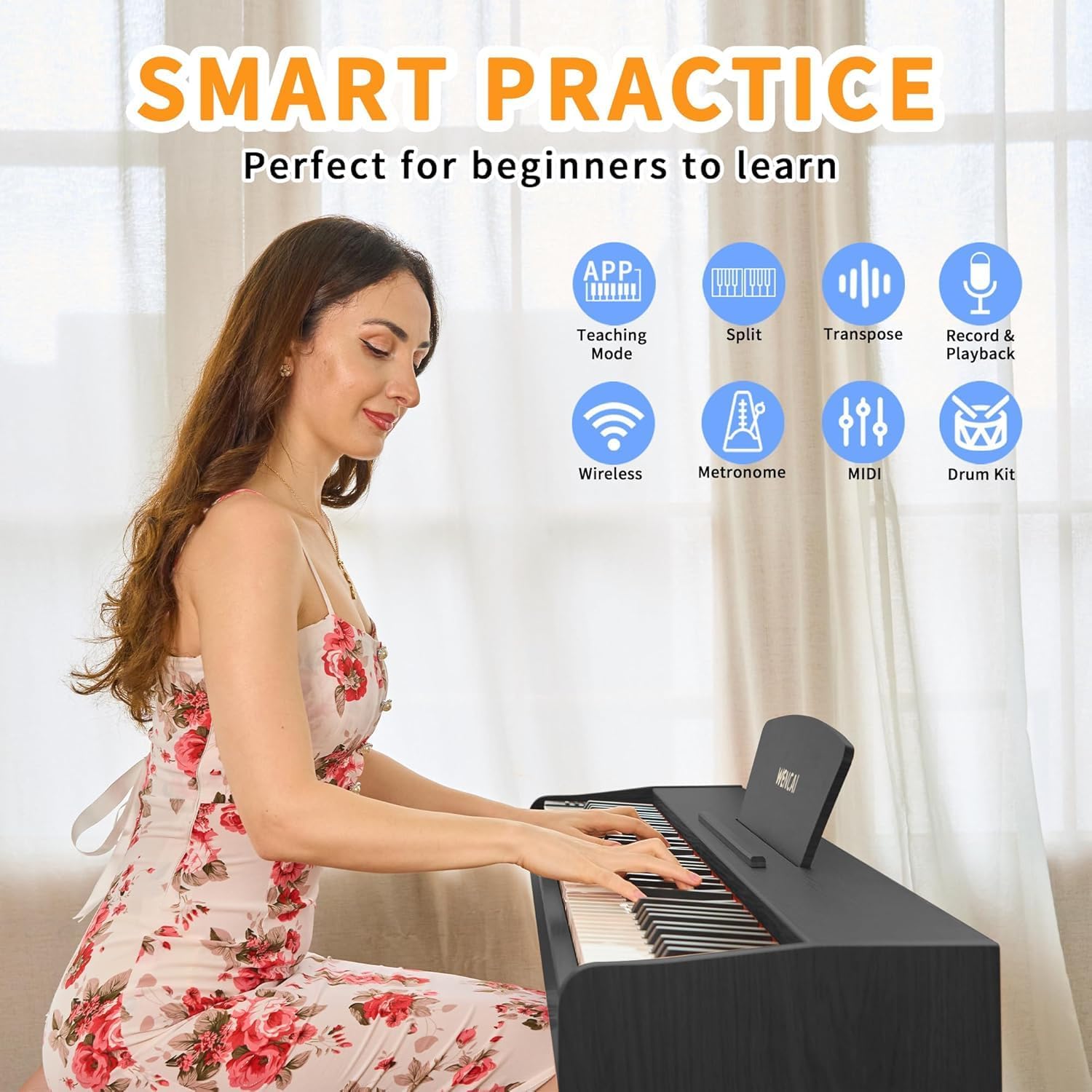
Figure 2: Side view of the assembled WENCAI digital piano.
2.2 Connections
The piano offers various connectivity options located on the rear panel.
- Power Adapter: Connect the included power adapter to the DC power socket and then to a wall outlet.
- Headphones: Use the 3.5mm headphone jack for private practice.
- MIDI USB: Connect to a computer or smart device for MIDI input/output using a USB-C/USB-A or USB-2.0 Micro-B cable.
- Audio Input/Output: Use the audio jacks to connect to external amplifiers, speakers, or recording devices.
- Pedal: Ensure the triple pedal unit is securely connected to its dedicated port.

Figure 3: Rear panel connections for the WENCAI digital piano.
3. Operating Instructions
3.1 Basic Controls
- Power On/Off: Press and hold the "POWER" button until the digital display illuminates, typically showing "001" upon startup. Press and hold again to power off.
- Volume Adjustment: Use the "VOL+/-" buttons to increase or decrease the overall volume.
- Tone Selection: Press "SELECT+/-" to cycle through the 128 available tones (instrument sounds). The selected tone number will appear on the digital display.
- Rhythm Selection: Press "SELECT+/-" to choose from the 100 built-in rhythms.
- Demo Song Selection: Press "SELECT+/-" to browse the 88 demonstration songs.

Figure 4: Control panel for tone, rhythm, and demo selection.
3.2 Advanced Functions
The piano includes several advanced features to enhance your playing and learning experience.
- Recording and Playback: Use the dedicated "REC/PLAY" button to record your performances and play them back. This feature is useful for self-assessment and tracking progress.
- Split Mode: Divides the keyboard into two sections, allowing two different instrument sounds to be played simultaneously or for two players to use the keyboard at once.
- Transpose: Adjusts the pitch of the entire keyboard up or down in semitone steps without changing your finger positions.
- Metronome: Provides a steady beat to assist with rhythm and timing practice.
- MIDI Connectivity: Connect the piano to a computer or other MIDI devices to use with music software, educational apps, or for recording MIDI data.
- Wireless Connectivity: Supports wireless connection for smart devices, enabling interaction with compatible applications.
- Drum Kit: Access various drum sounds for rhythmic accompaniment.

Figure 5: Smart practice features for enhanced learning and performance.
3.3 Pedal Functions
The included triple pedal unit provides the standard piano pedal functions:
- Soft Pedal (Left): Reduces the volume and slightly alters the tone of the notes played.
- Sostenuto Pedal (Middle): Sustains only the notes that are held down at the moment the pedal is pressed, allowing subsequent notes to remain unaffected.
- Sustain Pedal (Right): Extends the decay of notes, allowing them to ring out longer. Releasing the pedal immediately stops the sustain.
Figure 6: The triple pedal unit connected to the digital piano.
4. Features Overview
4.1 88-Key Fully Weighted Hammer Action Keyboard
The WENCAI digital piano features a full 88-key keyboard with hammer action weighting. This design provides a realistic touch response, mimicking the feel of an acoustic piano with heavier resistance in the bass keys and lighter resistance in the treble keys. This allows for dynamic expression and helps develop proper finger strength and technique.

Figure 7: Illustration of the fully weighted hammer action key mechanism.
4.2 Sound Engine and Speakers
Equipped with a French digital chip, the piano delivers a high-quality sound experience. It includes 128 distinct timbres, 100 rhythms, and 88 demonstration songs. The integrated high-power dual stereo speakers ensure clear and resonant audio output, suitable for various musical styles.
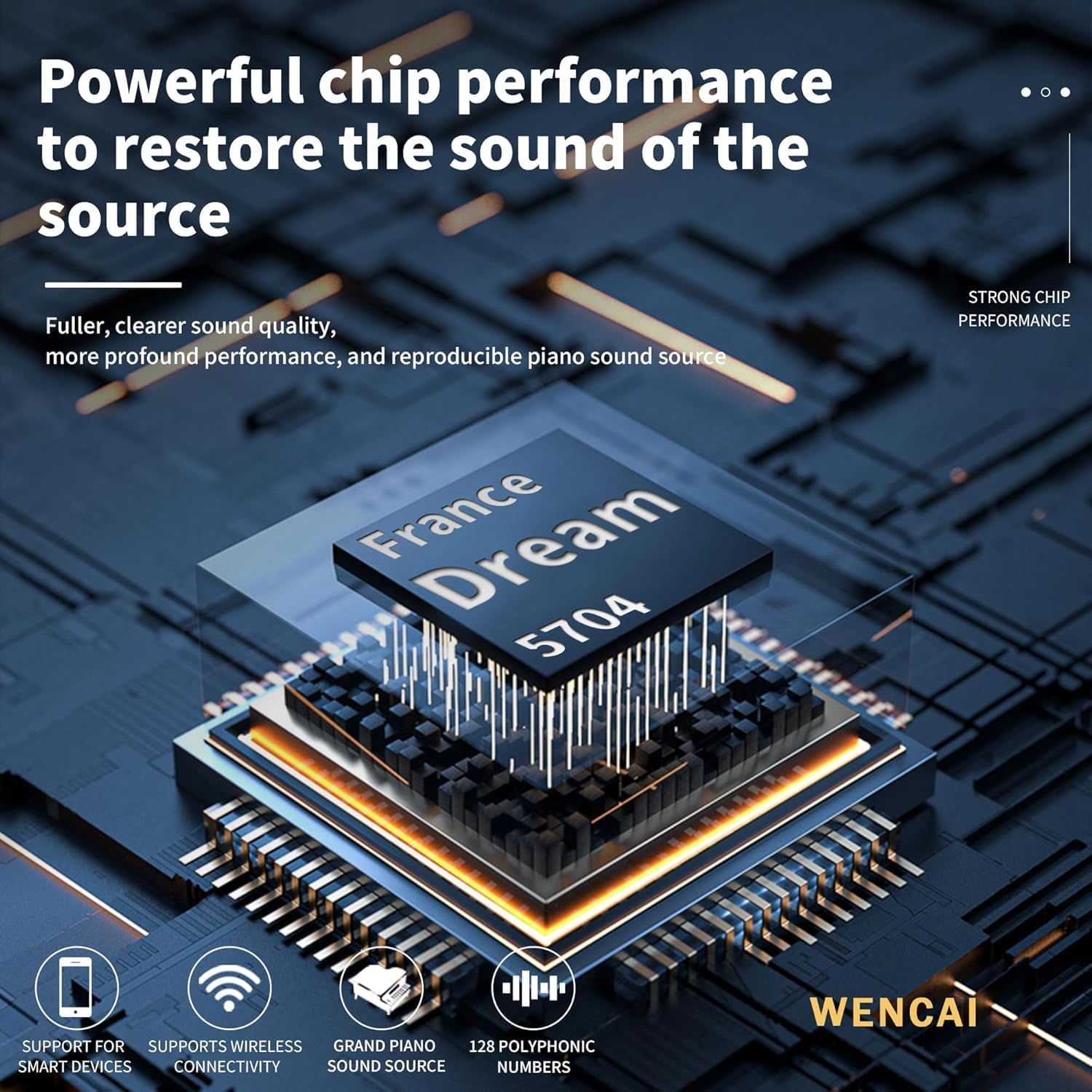
Figure 8: The digital piano's sound chip and capabilities.
5. Maintenance
To ensure the longevity and optimal performance of your WENCAI digital piano, follow these maintenance guidelines:
- Cleaning: Use a soft, dry cloth to wipe the surface of the piano. For keys, a slightly damp cloth can be used, followed immediately by a dry cloth. Avoid abrasive cleaners or solvents.
- Environment: Keep the piano away from direct sunlight, extreme temperatures, and high humidity. Avoid placing heavy objects on the keyboard.
- Dust Cover: When not in use, cover the piano with a dust cover to protect it from dust and debris.
6. Troubleshooting
If you encounter any issues with your digital piano, please refer to the following common problems and solutions:
- No Power:
- Ensure the power adapter is securely connected to both the piano and a working wall outlet.
- Verify that the power button is pressed correctly.
- No Sound:
- Check the volume level using the "VOL+/-" buttons.
- If headphones are connected, disconnect them to check speaker output.
- Ensure external speakers/amplifiers are properly connected and powered on if used.
- Keys Not Responding:
- Ensure the piano is powered on and not in a specific mode (e.g., demo mode) that might prevent playing.
- If only certain keys are affected, contact customer support.
- Pedals Not Working:
- Verify the pedal unit cable is securely plugged into the correct port.
For issues not covered here, please contact WENCAI customer support.
7. Specifications
| Feature | Detail |
|---|---|
| Model Name | 130Z-4S |
| Number of Keys | 88 |
| Key Type | Fully Weighted, Hammer Action |
| Tones | 128 |
| Rhythms | 100 |
| Demo Songs | 88 |
| Connectivity | 3.5mm Jack, MIDI USB (USB-C/USB-A, Micro USB B), USB, Wireless |
| Power Source | Corded Electric |
| Product Dimensions | 55.7 x 12.6 x 15.15 inches |
| Item Weight | 46.2 pounds |
| Color | Black |

Figure 9: Product dimensions of the WENCAI digital piano.
8. Warranty and Support
For warranty information or technical support, please contact WENCAI customer service through their official channels. Keep your purchase receipt as proof of purchase for any warranty claims.
For further assistance, visit the WENCAI Store on Amazon.


