
1. Product Overview
The Leeocar Car Stereo Radio is an advanced in-car entertainment and navigation system designed for specific Jeep and Dodge models. It features a 10-inch HD touchscreen, Android 12 operating system, wireless CarPlay and Android Auto compatibility, GPS navigation, and enhanced audio capabilities with DSP sound processing. This manual provides detailed instructions for installation, operation, and maintenance to ensure optimal performance and user experience.

Figure 1.1: Leeocar Car Stereo Radio main unit with included backup camera and a smartphone displaying mirroring functionality.
2. Applicable Car Models
This car stereo radio is compatible with the following vehicle models:
- Jeep Wrangler 2007-2018
- Jeep Patriot & Compass 2009-2016
- Jeep Grand Cherokee 2005-2011
- Jeep Liberty & Commander 2008-2011
- Chrysler Sebring & Town & Country 2007-2010
- Dodge Grand Caravan 2011-2014
- Dodge Charger 2008-2010
The plug-and-play design simplifies installation, requiring no additional accessories for these models.
3. Setup and Installation
The Leeocar Car Stereo Radio features a plug-and-play design for straightforward installation. For detailed visual guidance, please refer to the "Installation Comparison Chart" image below, which illustrates the appearance before and after installation.

Figure 3.1: Comparison of car radio appearance before and after installation.
If you encounter any installation difficulties, please utilize the technical support options detailed in the "Warranty and Support" section.
4. Operating Instructions
4.1. Display and Interface
The unit features a 10.1-inch HD 1280x800P IPS touchscreen, offering sensitive operation and eye protection. The Android 13 system, powered by a 4-Core processor with 2GB RAM and 32GB ROM, allows for downloading and installing various applications like Google Maps and YouTube.
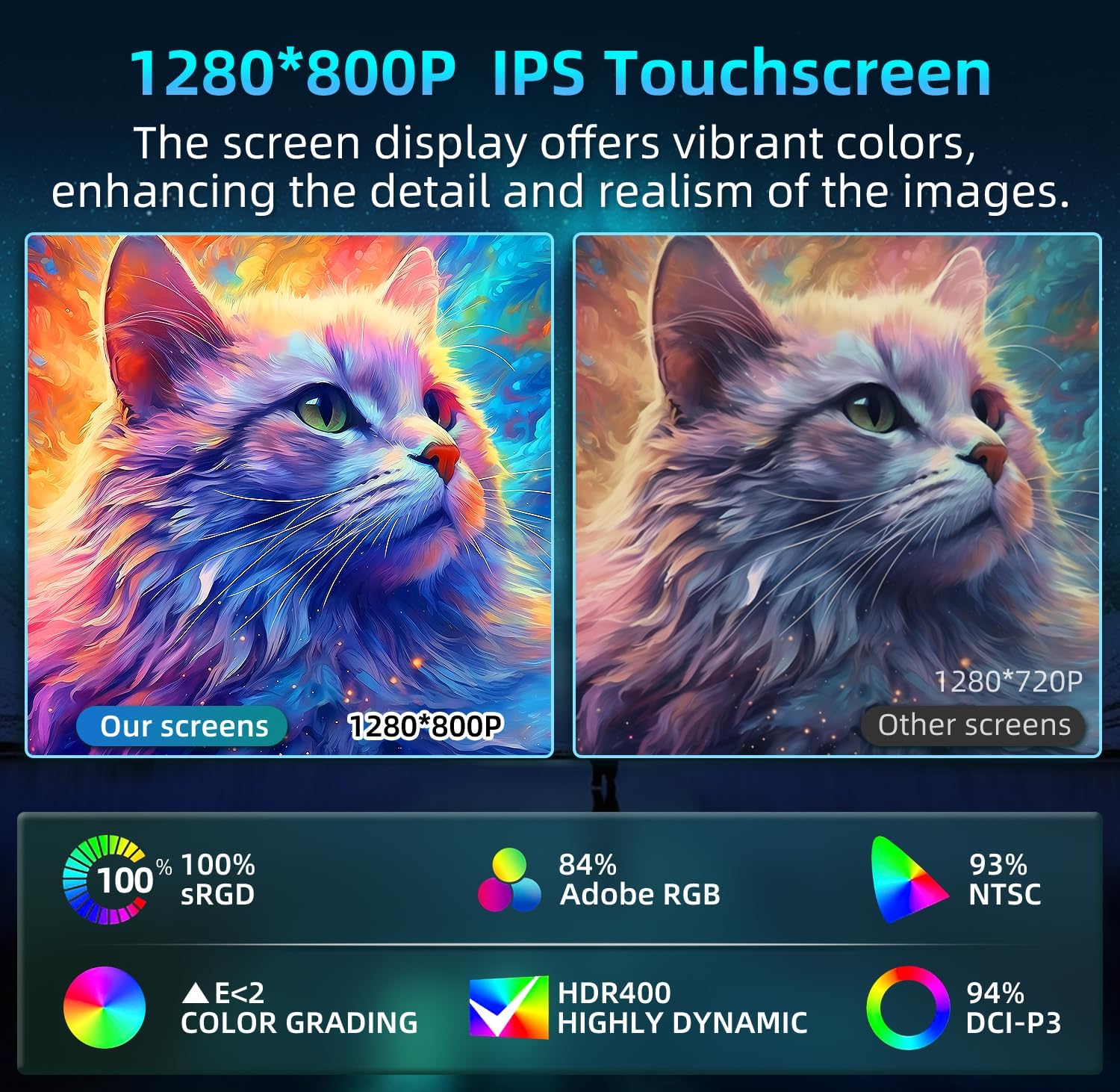
Figure 4.1: High-definition IPS touchscreen display capabilities.
The user interface can be customized. Refer to the video demonstration for UI replacement options.
4.2. Wireless CarPlay & Android Auto
Connect your iOS or Android phone via Bluetooth to access maps, music, news, emails, and more directly on the car stereo. This feature supports voice assistants like Siri for hands-free calls and GPS navigation, enhancing driving safety.

Figure 4.2: Wireless CarPlay and Android Auto functionality.
4.3. GPS Navigation
The unit includes built-in offline maps for North America and supports both online and offline navigation applications. This ensures reliable guidance even without an internet connection.

Figure 4.3: GPS Navigation interface.
4.4. HD Backup Camera
A waterproof 1080P backup camera with night vision is included, providing clearer and more detailed images compared to standard cameras. This significantly improves visibility and safety when reversing.

Figure 4.4: HD Backup Camera view and features.
4.5. Steering Wheel Controls (SWC)
Control your radio functions directly from your steering wheel. This includes answering calls, adjusting volume, and switching music tracks, allowing you to drive without distractions.

Figure 4.5: Steering Wheel Control functionality.
4.6. Professional DSP Sound
Experience superior sound quality with the integrated Digital Signal Processor (DSP). The 16-band equalizer allows for precise audio adjustments, and features like stereo sound enhancement and bass enhancement provide a rich listening experience.

Figure 4.6: DSP Sound settings interface.
4.7. Bluetooth & FM/AM Radio
The built-in stable Bluetooth 4.0 supports hands-free dialing, answering calls, and music playback. The FM/AM radio functions, with RDS tuner, allow you to select your favorite radio stations and stay updated with the latest news.
4.8. WiFi Connectivity
With built-in WiFi, you can go online and download various applications, such as Google Maps and YouTube, directly to your device.
4.9. Split Screen Functionality
The split-screen feature allows you to run two applications simultaneously, such as listening to the radio while navigating or browsing the web.
5. Maintenance
To ensure the longevity and optimal performance of your Leeocar Car Stereo Radio, follow these general maintenance guidelines:
- Keep the screen clean using a soft, lint-free cloth. Avoid abrasive cleaners.
- Ensure proper ventilation around the unit to prevent overheating.
- Regularly update the system software to benefit from the latest features and bug fixes.
- Avoid exposing the unit to extreme temperatures or direct sunlight for prolonged periods.
6. Troubleshooting
If you encounter any issues with your Leeocar Car Stereo Radio, please refer to the following general troubleshooting steps:
- No Power: Check all power connections and ensure the vehicle's ignition is on.
- No Sound: Verify speaker connections, volume levels, and audio source selection. Check DSP settings.
- Touchscreen Unresponsive: Try restarting the unit. If the issue persists, contact support.
- GPS Signal Loss: Ensure the GPS antenna is properly installed and has a clear view of the sky.
- Bluetooth Pairing Issues: Ensure Bluetooth is enabled on both devices and try re-pairing.
- App Crashes: Clear the app's cache or reinstall the app. Ensure sufficient storage space.
For persistent problems or issues not covered here, please contact Leeocar technical support.
7. Specifications
| Feature | Detail |
|---|---|
| Product Dimensions | 8.31 x 5.47 x 12.24 inches |
| Item Weight | 3.56 pounds |
| ASIN | B0CWQ51FQ7 |
| Brand | Leeocar |
| Model Name | RM |
| Vehicle Service Type | Car |
| Screen Size | 10 Inches (Visible screen diagonal: 10" / 26 cm) |
| Special Feature | 10.1 Inch 1280*800 Touchscreen, 1080P AHD Backup Camera, 4 Core Processor, 2GB RAM+32GB ROM, Bluetooth & FM Radio, GPS, DSP, Mirror Link, Wireless CarPlay, Android Auto |
| Connectivity Technology | Bluetooth, USB, Wi-Fi |
| Map Type | North America |
| Audio Output Mode | Stereo |
| Resolution | 1280 x 800 |
8. What's in the Box
The package includes the following components:
- 2 x USB Cable
- 1 x CanBus
- 1 x Backup Camera
- 1 x Reversing Line
- 1 x GPS Module
- 1 x RCA Cable
- 1 x Crowbar
- 1 x Antenna Adapter Cable
- 1 x Power Cable

Figure 8.1: All components included in the product package.
9. Official Product Video
Video 9.1: Official product demonstration video showcasing various features including Bluetooth, FM Radio, DSP Sound, GPS Navigation, CarPlay, WiFi, Split Screen, and UI replacement.
10. Warranty and Support
Leeocar provides 24-hour technical support for its products. If you have any installation problems or require assistance, please follow these steps to contact support:
- Go to the product page on Amazon.
- Locate the "Sold by" section, usually near the "Add to Cart" or "Buy Now" buttons.
- Click on the seller's name (Liaoka-US).
- On the seller's storefront, find and click the "Ask a question" button.
Your questions will be received, and the support team will respond promptly.

Figure 10.1: Steps to contact technical support.


