
1. Introduction and Overview
The Leviton Level 2 Smart EV Charger, Model EV40P, is designed to provide efficient and reliable electric vehicle charging. This smart charging station offers a 40 Amp, 9.6kW output and features a 25-foot cable with a NEMA 14-50P plug for indoor and outdoor use. It integrates seamlessly with the My Leviton App, allowing users to monitor, control, and schedule charging sessions remotely.
Key features include Wi-Fi connectivity for smart control, UL/Energy Star certification for safety and efficiency, and a robust design suitable for various environmental conditions. The EV40P is compatible with any electric vehicle utilizing an industry-standard SAE J1772 connector, including Tesla vehicles with a Leviton NACS Adapter (sold separately).
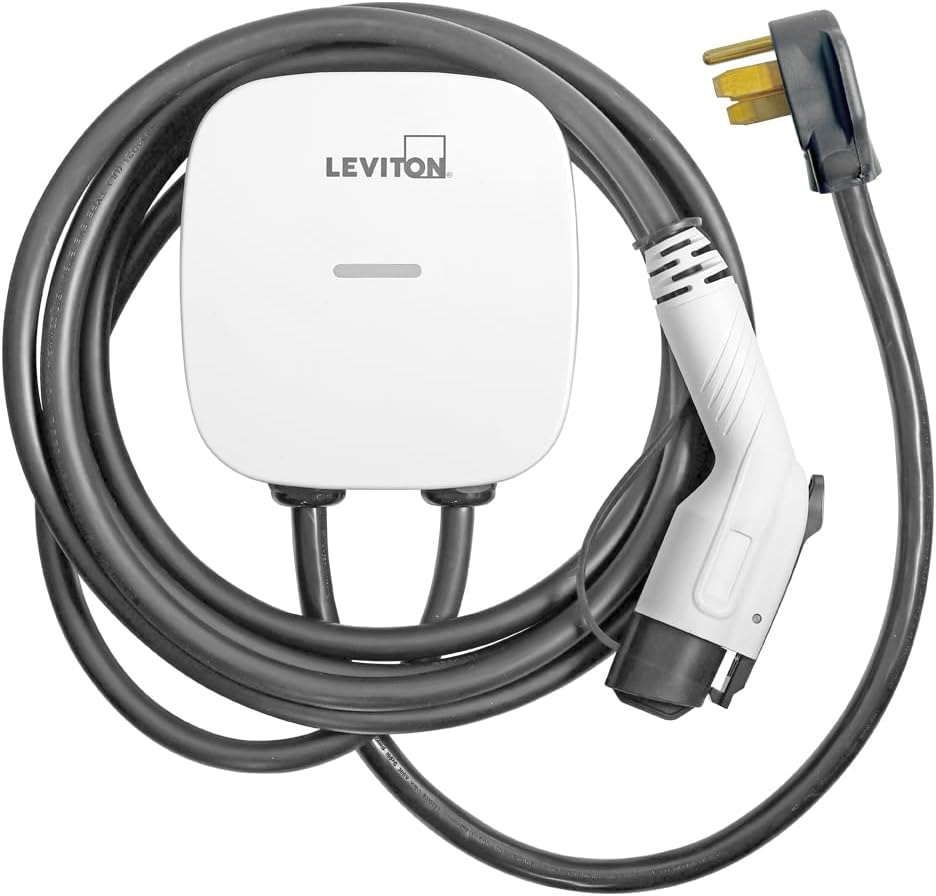
Figure 1.1: The Leviton Level 2 Smart EV Charger, Model EV40P, showcasing its compact design and integrated cable.
2. Safety Information
Please read and understand all safety instructions before installing, operating, or maintaining this product. Failure to follow these instructions may result in electric shock, fire, serious injury, or death.
- Qualified Personnel: Installation and servicing must be performed by qualified, licensed electricians in accordance with all local and national electrical codes.
- Grounding: Ensure the charging station is properly grounded to prevent electrical shock.
- Power Disconnection: Always disconnect power to the circuit breaker before performing any installation or maintenance.
- Environmental Conditions: While rated for indoor/outdoor use (NEMA Type 3R), avoid submerging the unit in water or exposing it to extreme physical impact.
- Cable Integrity: Regularly inspect the charging cable and connector for any signs of damage, fraying, or wear. Do not use if damaged.
- Children and Pets: Keep the charging station and cable out of reach of children and pets when not in use.
3. Package Contents
Verify that all items are present in the package:
- Leviton Level 2 Smart EV Charger (Model EV40P)
- Integrated 25 ft Charging Cable with SAE J1772 Connector
- NEMA 14-50P Plug (pre-attached input cable)
- Mounting Hardware
- User Manual (this document)
4. Setup and Installation
The Leviton EV40P charger is designed for straightforward installation. It comes with a pre-attached input cable and mounting hardware. This unit is equipped with a NEMA 14-50P plug and is intended for use with Leviton 1450R and 1450W EV Charging Receptacles.
Important: A dedicated 50-amp circuit breaker is required for the NEMA 14-50R receptacle to support the 40-amp charger. Consult a qualified electrician for proper circuit installation and to ensure compliance with local electrical codes.
- Mounting: Select a suitable indoor or outdoor location for mounting. The unit is rated NEMA Type 3R, providing protection against rain, sleet, and external ice formation. Use the included mounting hardware to securely attach the charger to a wall or suitable structure.
- Power Connection: Plug the NEMA 14-50P plug into a compatible 14-50R receptacle. Ensure the receptacle is properly installed and wired to a dedicated 50-amp circuit.
- Initial Power-Up: Once physically installed and connected to power, the charger's LED indicator will illuminate.

Figure 4.1: The EV40P charger is NEMA Type 3R rated, making it suitable for both indoor and outdoor installations, capable of withstanding various weather conditions.
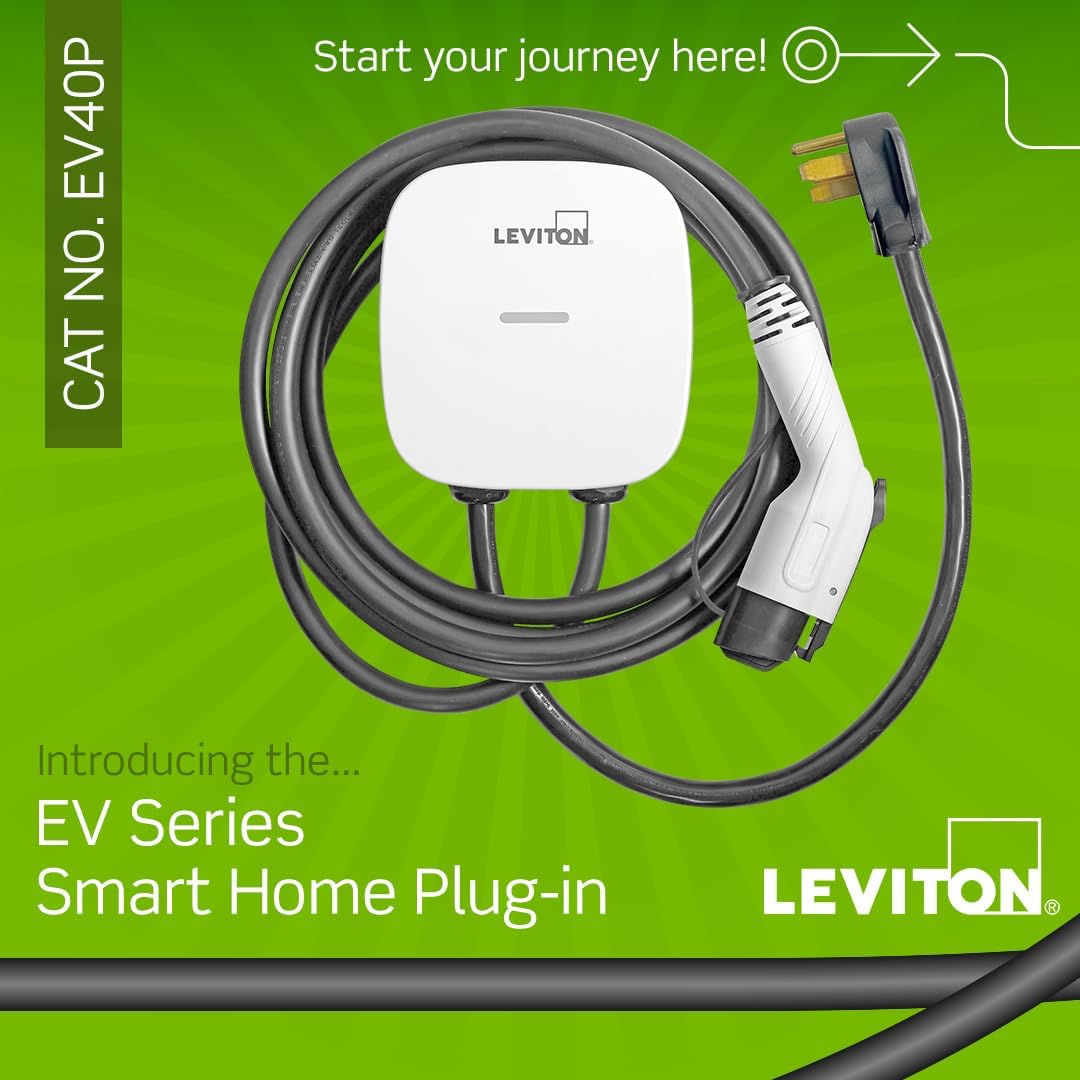
Figure 4.2: The EV40P charger features a NEMA 14-50P plug for easy plug-in installation into a compatible receptacle.
5. Operating Instructions
The Leviton EV40P charger is designed for simple and intuitive operation.
- Connect to Vehicle: Take the SAE J1772 connector from the charging station and firmly insert it into your electric vehicle's charging port. Ensure a secure connection.
- Charging Indicator: The LED indicator on the charger will change to indicate active charging.
- Charging Completion: Once your vehicle's battery is fully charged, the charger will automatically stop the charging session. Disconnect the connector from your vehicle and return it to its holder on the charging station.
- NACS Adapter Compatibility: For Tesla vehicles, use a Leviton NACS Adapter (sold separately) to connect the SAE J1772 cable to your vehicle's charging port.

Figure 5.1: The standard SAE J1772 connector ensures compatibility with most electric vehicles.

Figure 5.2: The EV40P is suitable for use with NACS adapters, allowing charging of Tesla vehicles (adapter sold separately).
6. My Leviton App Integration
The My Leviton App provides advanced control and monitoring capabilities for your EV charger and other compatible Leviton smart devices.
- Download and Setup: Download the My Leviton App from your device's app store. Follow the in-app instructions to add your EV40P charger and connect it to your home Wi-Fi network.
- Remote Control: Remotely start or stop charging sessions from anywhere.
- Scheduling: Schedule charging sessions during off-peak utility hours to save on electricity costs.
- Status Monitoring: View the real-time status of your charging session, including charging progress and estimated cost.
- Notifications: Receive alerts for charging status changes, session completion, or any detected faults.
- Smart Home Integration: The My Leviton App also allows control of Leviton Smart Load Center and Decora Smart™ Wi-Fi® product lines for a comprehensive smart home experience.

Figure 6.1: The My Leviton App allows remote start/stop, scheduled charging, and session logging for your EV charger.

Figure 6.2: The My Leviton App provides a unified platform for controlling your EV charger and other compatible Leviton smart home devices.
7. Maintenance
Regular maintenance ensures the longevity and optimal performance of your Leviton EV Charger.
- Cleaning: Clean the exterior of the charging station with a soft, damp cloth. Do not use abrasive cleaners or solvents. Ensure the unit is unplugged before cleaning.
- Cable and Connector Inspection: Periodically inspect the charging cable and connector for any signs of damage, cuts, cracks, or discoloration. Ensure the pins inside the connector are clean and free of debris.
- Mounting Security: Check that the mounting hardware remains secure and the unit is firmly attached to its mounting surface.
- Software Updates: Keep the My Leviton App updated to the latest version to ensure access to new features and performance improvements. The charger's firmware may also be updated via the app.
8. Troubleshooting
If you encounter issues with your Leviton EV Charger, refer to the following common troubleshooting steps:
| Problem | Possible Cause | Solution |
|---|---|---|
| Charger not powering on. | No power from outlet; circuit breaker tripped. | Check the NEMA 14-50R outlet for power. Reset the circuit breaker. Ensure the plug is fully inserted. |
| Vehicle not charging. | Connector not fully inserted; vehicle charging schedule; charger fault. | Ensure the J1772 connector is fully seated in the vehicle's port. Check your vehicle's charging settings and the My Leviton App schedule. Check the charger's LED for fault indicators. |
| Wi-Fi connectivity issues. | Weak Wi-Fi signal; incorrect network credentials. | Ensure the charger is within Wi-Fi range. Re-enter Wi-Fi credentials in the My Leviton App. Restart your router if necessary. |
| Fault notification in My Leviton App. | Internal error; ground fault; overcurrent. | Refer to the My Leviton App for specific fault codes and recommended actions. Disconnect and reconnect the charger. If the fault persists, contact Leviton support. |
For more detailed troubleshooting or persistent issues, contact Leviton customer support.
9. Specifications
| Specification | Detail |
|---|---|
| Brand | Leviton |
| Model Name | Level 2 Smart Electric Vehicle (EV) Charger with Wi-Fi |
| Item Model Number | EV40P |
| Connector Type | SAE J1772 |
| AC Adapter Current | 40 Amps (Adjustable via app: 8, 16, 24, 32, or 40 Amp) |
| Wattage | 9.6 kW |
| Maximum Voltage | 240 Volts (AC) |
| Cable Length | 25 feet |
| Plug Type | NEMA 14-50P |
| Indoor/Outdoor Usage | Outdoor, Indoor (NEMA Type 3R rated) |
| Special Feature | My Leviton App Compatibility |
| Certification | UL, Energy Star Certified |
| Product Dimensions | 8.23 x 8.63 x 3.74 inches |
| Item Weight | 14.77 pounds |
| UPC | 078477015582 |
10. Warranty and Support
Leviton products are backed by a commitment to quality and customer satisfaction. For warranty information, technical assistance, or customer support, please refer to the official Leviton website or contact their dedicated support team.
Leviton offers a 24/7 dedicated support team to assist with any inquiries or issues related to their EV charging stations.
Online Resources: Visit leviton.com/EVcharging for product information, FAQs, and additional support materials.


