Introduction
The Fresh 'n Rebel Smart Finder is designed to help you locate your valuable items using the Apple Find My app on your iOS devices. Its integrated speaker, Lost Mode functionality, and IP67 dust and water resistance ensure reliable tracking and durability. This device is powered by a replaceable CR-2032 battery, offering up to 16 months of use.

The image displays three Fresh 'n Rebel Smart Finders, each with a keyring, showcasing the compact design and available color variations.
1. Getting Started
1.1. What's in the Box

This image illustrates the items included in the package: three Smart Finders, three keyring bumpers, three normal bumpers, three pre-installed CR-2032 batteries, three additional CR-2032 batteries, and a quick start guide.
- Fresh 'n Rebel Smart Finder (3 units)
- Keyring bumpers (3 units)
- Normal bumpers (3 units)
- CR-2032 batteries (3 pre-installed, 3 supplementary)
- Quick Start Guide
1.2. Battery Installation
Your Smart Finder comes with a pre-installed CR-2032 battery. If you need to replace it, follow these steps:
- Gently twist the two halves of the Smart Finder to open the casing.
- Remove the old CR-2032 battery.
- Insert a new CR-2032 battery with the positive (+) side facing up.
- Align the two halves and twist them back together until securely closed.
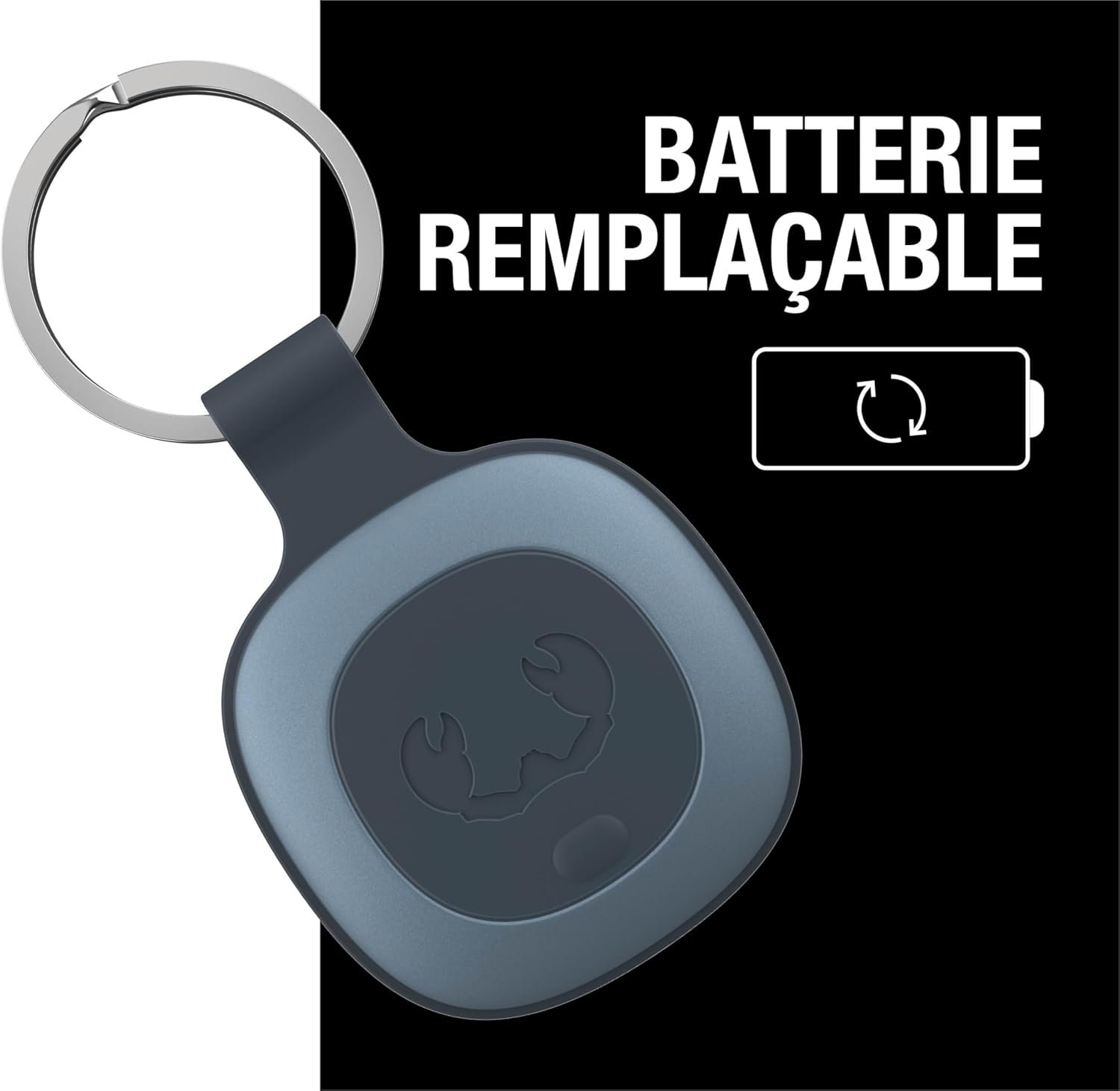
The image shows a Smart Finder with a visual cue highlighting its replaceable battery feature, ensuring long-term usability.
1.3. Pairing with Apple Find My App
To use your Smart Finder, you must pair it with the Apple Find My app on your iPhone:
- Ensure your iPhone's Bluetooth is enabled.
- Open the Find My app on your iPhone.
- Tap the Items tab at the bottom of the screen.
- Tap + Add Item and then Other Supported Item.
- Follow the on-screen instructions to connect your Smart Finder. You may need to press the button on the Smart Finder to activate pairing mode.
- Once connected, you can name your Smart Finder and assign an emoji.
2. Operation
2.1. Locating Your Smart Finder
Once paired, you can locate your Smart Finder using the Find My app:
- Open the Find My app.
- Go to the Items tab.
- Select your Fresh 'n Rebel Smart Finder from the list.
- The app will display its current or last known location on a map.
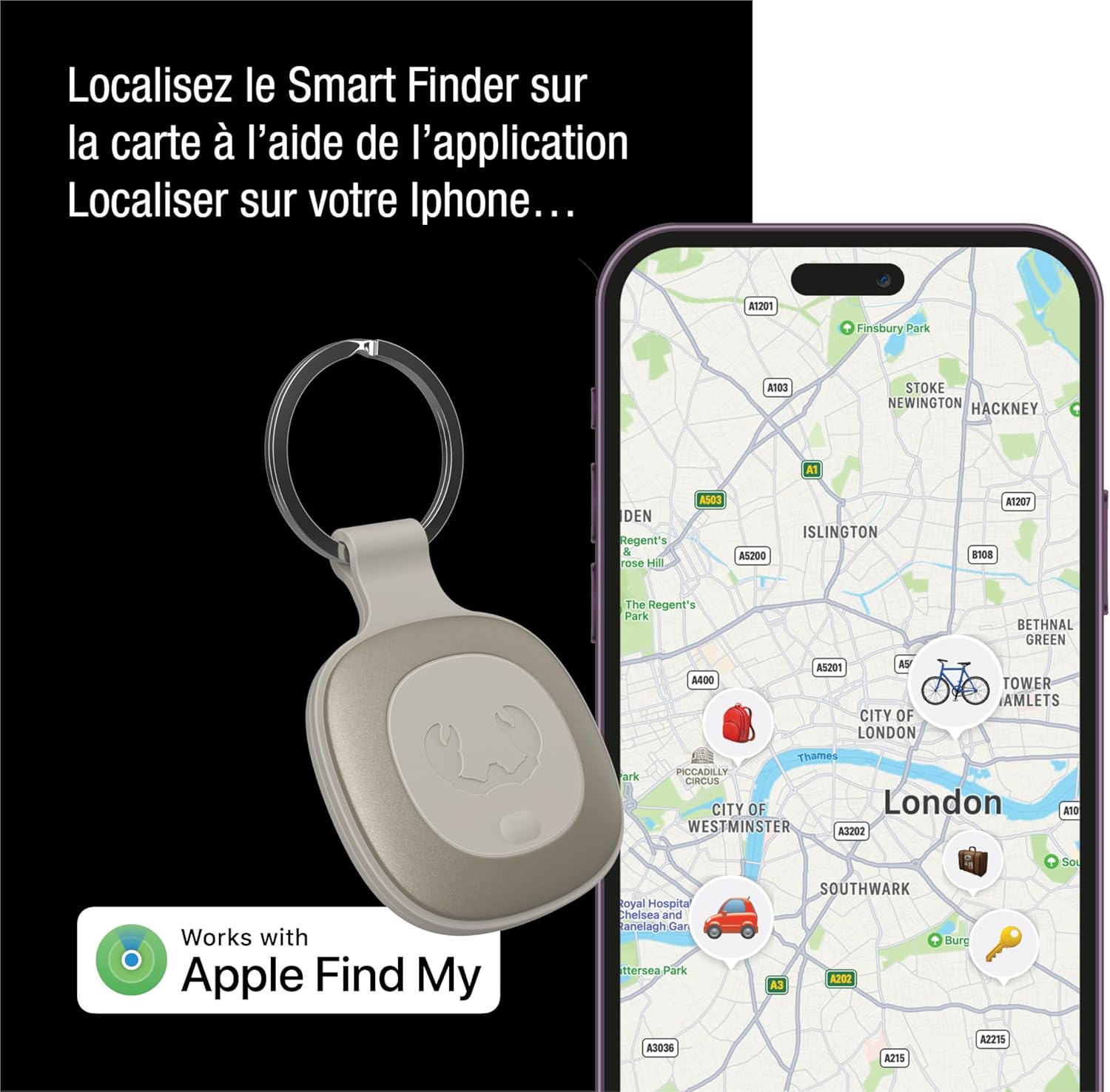
This image demonstrates how the Fresh 'n Rebel Smart Finder appears on the Apple Find My app map on an iPhone, allowing users to track its location.
2.2. Playing a Sound
If your Smart Finder is nearby but out of sight, you can make it play a sound:
- In the Find My app, select your Smart Finder.
- Tap Play Sound.
- The Smart Finder will emit a distinctive beep, helping you pinpoint its exact location.
- Tap Stop Sound when you have found your item.

The image shows a Smart Finder attached to keys, playing a sound to help locate it when it's out of sight, such as when it's wedged in furniture.
2.3. Using Lost Mode
If your Smart Finder is lost, you can activate Lost Mode:
- In the Find My app, select your Smart Finder.
- Scroll down and tap Enable under Lost Mode.
- Follow the prompts to enter a phone number or email address where you can be contacted if someone finds your item.
- You can also enable Notify When Found to receive an alert when your Smart Finder's location is updated, and Notify When Left Behind to get an alert if you leave your item behind.
This image displays a notification from the Apple Find My app, alerting the user that their keys (with the Smart Finder) have been left behind, illustrating the 'Notify When Left Behind' feature.
3. Maintenance
3.1. Battery Replacement
The Fresh 'n Rebel Smart Finder uses a replaceable CR-2032 lithium coin cell battery. The battery life is approximately 16 months, depending on usage. When the battery is low, you will receive a notification in the Find My app. Refer to section 1.2 for replacement instructions.
3.2. Durability and Water Resistance
The Smart Finder features an IP67 rating, meaning it is dust-tight and protected against immersion in water up to 1 meter for up to 30 minutes. This makes it suitable for various environments and accidental splashes, but it is not recommended for prolonged submersion.

The image shows a Smart Finder on a dog's harness, highlighting its IP67 rating for dust and water resistance, making it suitable for various environments.

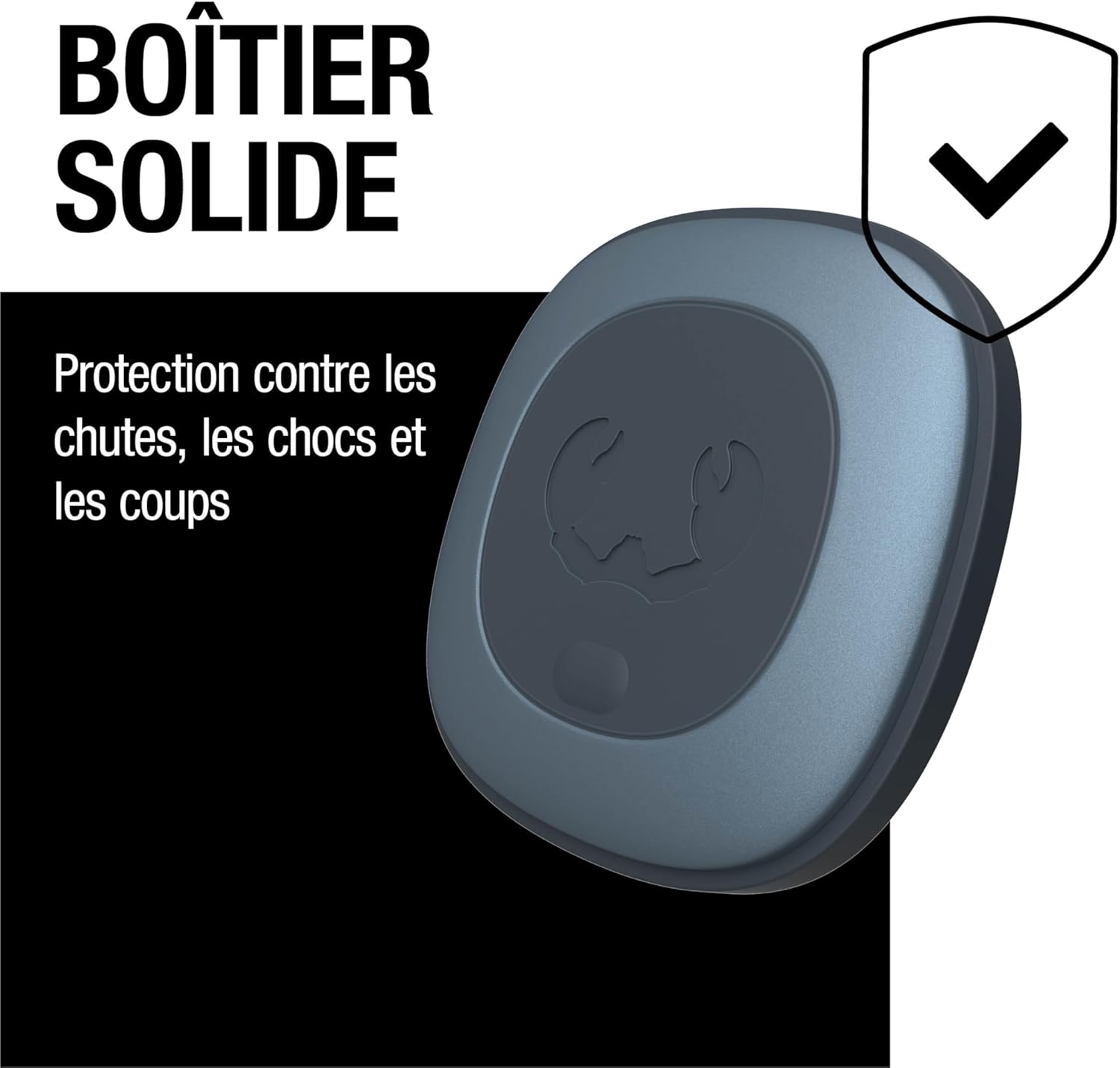
This image illustrates the robust construction of the Smart Finder, featuring a shield icon to represent its solid casing and protection against physical damage.
4. Troubleshooting
4.1. Device Not Connecting to Find My App
- Check Battery: Ensure the CR-2032 battery is correctly installed and not depleted. Replace if necessary.
- Bluetooth: Verify that Bluetooth is enabled on your iPhone.
- App Permissions: Ensure the Find My app has necessary permissions (e.g., Location Services) enabled in your iPhone settings.
- Reset Device: If issues persist, try resetting the Smart Finder by removing and reinserting the battery, then attempt pairing again.
4.2. Sound Not Playing or Too Quiet
- Battery Level: A low battery can affect speaker performance. Replace the battery if it's low.
- Proximity: Ensure the Smart Finder is within Bluetooth range of an Apple device in the Find My network.
- Obstructions: Check if the speaker is blocked by dirt or debris.
4.3. Short Battery Life
- Battery Quality: Ensure you are using a high-quality, genuine CR-2032 battery. Some generic batteries may have shorter lifespans.
- Usage Patterns: Frequent use of the 'Play Sound' feature or constant tracking in dense areas may slightly reduce battery life.
- Environmental Factors: Extreme temperatures can impact battery performance.
5. Specifications
| Feature | Detail |
|---|---|
| Brand | Fresh 'n Rebel |
| Model Number | SMART-FINDER |
| Connectivity Technology | Bluetooth |
| Compatible Devices | iPhone |
| Battery Type | CR-2032 Lithium Metal (replaceable, non-rechargeable) |
| Battery Life | Up to 16 months |
| IP Rating | IP67 (Dust and Water Resistant) |
| Material | Plastic |
| Product Dimensions | 40L x 40W x 5H millimeters |
| Control Method | Application (Apple Find My) |
| International Article Code (EAN/UPC) | 08720249806554 |
6. Warranty and Support
6.1. Manufacturer Warranty
The Fresh 'n Rebel Smart Finder comes with a 2-year manufacturer's warranty from the date of purchase. This warranty covers defects in materials and workmanship under normal use. Please retain your proof of purchase for warranty claims.
6.2. Customer Support
For further assistance, technical support, or warranty inquiries, please visit the official Fresh 'n Rebel website or contact their customer service department. Refer to the packaging or the Fresh 'n Rebel website for specific contact details.


