
KitchenAid 5KSM70
KitchenAid 5KSM70 Premium Bowl-Lift Stand Mixer User Manual
Model: 5KSM70 | Brand: KitchenAid
Introduction
The KitchenAid 5KSM70 Premium Bowl-Lift Stand Mixer is a robust and versatile appliance designed for professional-style performance in various culinary tasks. Its durable full metal body ensures stability, especially when mixing heavy or dense ingredients like bread dough. Featuring a powerful yet energy-efficient 500-watt motor and a unique 59-point planetary mixing action, this mixer provides thorough and consistent results for folding, kneading, mixing, shredding, and beating.
This manual provides essential information for the safe and effective operation, maintenance, and troubleshooting of your KitchenAid 5KSM70 Stand Mixer.
Important Safety Information
WARNING: To reduce the risk of fire, electric shock, or other injury, always follow these basic safety precautions:
- Read all instructions before using the stand mixer.
- Do not immerse the mixer base in water or other liquids.
- Unplug the mixer from the outlet when not in use, before putting on or taking off parts, and before cleaning.
- Avoid contact with moving parts. Keep hands, hair, clothing, as well as spatulas and other utensils away from beaters during operation to reduce the risk of injury to persons and/or damage to the mixer.
- The use of attachments not recommended or sold by KitchenAid may cause fire, electric shock, or injury.
- Do not use the appliance outdoors.
- Do not let the cord hang over the edge of a table or counter.
- Do not let the cord contact hot surfaces, including the stove.
- Do not operate any appliance with a damaged cord or plug, or after the appliance malfunctions or has been dropped or damaged in any manner. Return appliance to the nearest authorized service facility for examination, repair, or electrical or mechanical adjustment.
- Close supervision is necessary when any appliance is used by or near children.
Components and Features
Mixer Overview

This image shows the KitchenAid 5KSM70 Premium Bowl-Lift Stand Mixer in Empire Red, highlighting its robust design and the bowl-lift mechanism. The speed control lever is visible on the side.
- A. Power Hub: For attaching optional accessories.
- B. Motor Head: Contains the motor and attachment shaft.
- C. Speed Control Lever: Adjusts mixing speed from 0 to 10.
- D. Bowl-Lift Handle: Raises and lowers the mixing bowl.
- E. 6.6L Stainless Steel Bowl: Large capacity bowl for various recipes.
- F. Attachment Shaft: Where beaters, dough hooks, or whisks attach.
Included Attachments

This image displays the KitchenAid 5KSM70 Stand Mixer alongside its standard accessories: the flat beater, dough hook, and wire whisk, all crafted from durable stainless steel.
- 1. Flat Beater: For normal to heavy mixtures such as cakes, frostings, cookies, and mashed potatoes.
- 2. Dough Hook: For mixing and kneading yeast doughs such as breads, pizza dough, and pasta dough.
- 3. Wire Whisk: For incorporating air into eggs, egg whites, whipping cream, and dips.
Setup and Assembly
- Before First Use: Wipe the mixer body with a damp cloth. Wash the stainless steel bowl, flat beater, dough hook, and wire whisk in warm, soapy water. Rinse thoroughly and dry.
- Attaching the Bowl:
Place the mixing bowl into the bowl clamps on the mixer base. Press down on the back of the bowl until it snaps firmly into the bowl clamps. Lift the bowl-lift handle to raise the bowl into the mixing position.
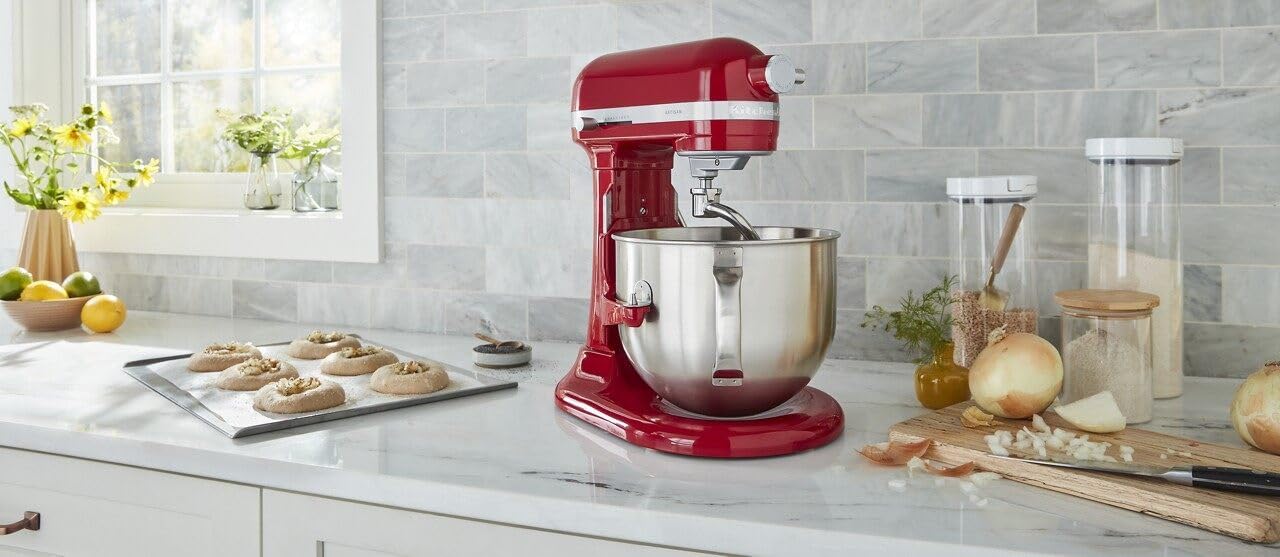
This image demonstrates the KitchenAid 5KSM70 Stand Mixer with its bowl securely lifted into the operating position, ready for attachment installation.
- Attaching an Accessory:
Ensure the mixer is unplugged and the speed control is set to "0" (OFF). Slide the desired accessory (flat beater, dough hook, or wire whisk) onto the attachment shaft, pushing upward as far as it will go. Turn the accessory to the right, hooking it over the pin on the shaft. The accessory should be securely in place.
Operating Instructions
- Adding Ingredients: With the mixer off and the bowl and attachment in place, add your ingredients to the mixing bowl.
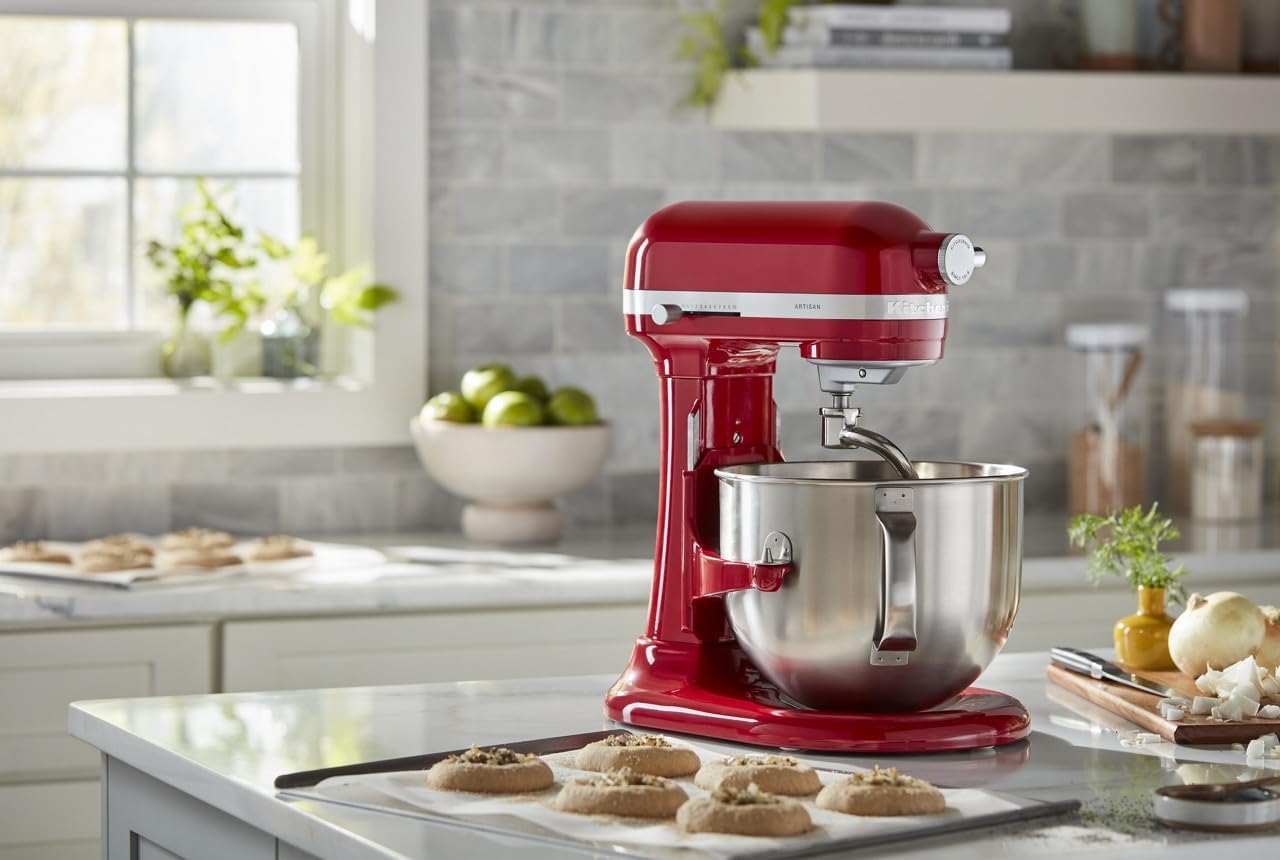
This image illustrates the process of adding ingredients to the mixing bowl of the KitchenAid 5KSM70 Stand Mixer, demonstrating the ample space for easy ingredient incorporation.
- Selecting Speed: Plug the mixer into a grounded electrical outlet. Move the speed control lever to the desired setting. The mixer features 11 distinct speeds, including a 1/2 speed for delicate folding.
- Stir (Speed 1/2 - 2): For slow stirring, combining, mashing, and starting all mixtures.
- Mix (Speed 2 - 4): For medium speed mixing, beating, and creaming.
- Beat/Whip (Speed 6 - 10): For fast beating and whipping.
- Planetary Mixing Action: The unique 59-point planetary mixing action ensures that the beater spirals to 59 different points within the bowl for thorough ingredient incorporation, eliminating the need to scrape the bowl frequently.
- Stopping the Mixer: When finished, move the speed control lever to "0" (OFF) and unplug the mixer. Lower the bowl using the bowl-lift handle and remove the attachment by pushing it upward and turning to the left.
Maintenance and Cleaning
- Mixer Body: Wipe the mixer body with a soft, damp cloth. Do not use abrasive cleaners or immerse the mixer in water.
- Stainless Steel Bowl: The 6.6L stainless steel bowl is dishwasher-safe for easy cleaning.
- Attachments (Flat Beater, Dough Hook, Wire Whisk): These stainless steel attachments are dishwasher-safe. For best results, wash them immediately after use to prevent food from drying on.
- Power Hub: Keep the power hub clean and dry. If using attachments with the power hub, follow their specific cleaning instructions.
Troubleshooting
| Problem | Possible Cause | Solution |
|---|---|---|
| Mixer does not start. | Not plugged in; circuit breaker tripped; speed control not set to "0" before plugging in. | Ensure mixer is securely plugged into a working outlet. Check circuit breaker. Turn speed control to "0" (OFF) before plugging in, then select desired speed. |
| Attachment hits the bottom of the bowl or does not reach ingredients. | Attachment not properly seated; bowl not properly seated; beater-to-bowl clearance needs adjustment. | Ensure attachment is fully pushed onto the shaft and turned to the right. Ensure bowl is snapped firmly into the clamps and lifted. Refer to KitchenAid's official support for beater-to-bowl clearance adjustment if necessary. |
| Mixer seems to be struggling with heavy dough. | Overloaded with ingredients; dough too stiff. | Reduce the amount of ingredients. Ensure recipe liquid ratios are correct. The mixer is designed for heavy doughs, but extreme overloading can affect performance. |
| Mixer makes unusual noise. | Normal operation noise; internal issue. | Some noise is normal during operation, especially with heavy loads. If the noise is excessive, grinding, or new, discontinue use and contact KitchenAid customer service. |
Specifications
| Feature | Detail |
|---|---|
| Brand | KitchenAid |
| Model Name | 5KSM70 |
| Model Number | KSM70SHX |
| Part Number | 5KSM70SHXBER |
| Capacity | 7 Liters (approx. 7.4 Quarts) |
| Wattage | 500 Watts |
| Material | Stainless Steel, Plastic (body is full metal) |
| Color | Empire Red |
| Product Dimensions (L x W x H) | 37.1 x 28.7 x 41.9 cm |
| Item Weight | 15.1 kg |
| Special Features | Safety Lock, Removable Bowl, Planetary Mixing Action |
| Included Accessories | Flat Beater, Dough Hook, Wire Whisk |
Warranty and Support
For detailed warranty information, product registration, and customer support, please refer to the documentation included with your KitchenAid 5KSM70 Stand Mixer or visit the official KitchenAid website. You can also find additional resources, recipes, and attachment information there.
For service, please contact an authorized KitchenAid service center.
Related documents5KSM70


Ask a question about this manual
Ask about setup, troubleshooting, compatibility, parts, safety, or missing instructions. Manuals+ will review the question and use this page’s manual context to help answer it.