
Introduction
This manual provides instructions for the proper installation and maintenance of the AOKLEY MC-G01 Waste Collection Cartridge. This product is designed to collect waste ink from compatible Canon MAXIFY GX series printers, ensuring optimal printer performance and longevity. Please read these instructions carefully before installation.
Compatible Printer Models
The AOKLEY MC-G01 Waste Collection Cartridge is compatible with the following Canon MAXIFY printer models:
- MAXIFY GX6010 / GX7010
- MAXIFY GX6020 / GX7020 / GX6030 / GX7030
- MAXIFY GX6040 / GX7040
- MAXIFY GX6050 / GX7050
- MAXIFY GX6060 / GX7060
- MAXIFY GX6070 / GX7070 / GX6080 / GX7080
- MAXIFY G6090 / G6091 / G6092
- MAXIFY GX7090 / GX7091 / GX7092
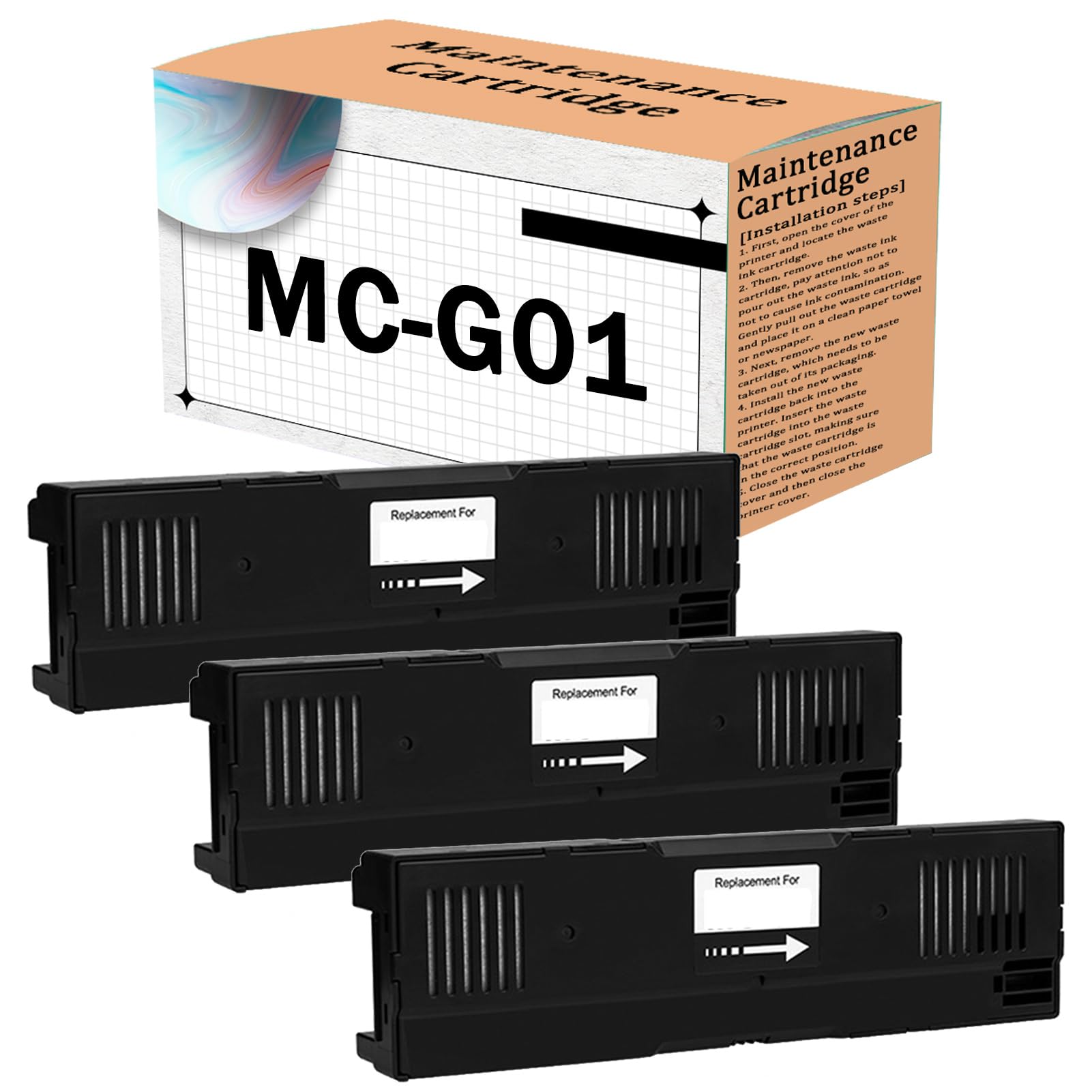
Figure 1: Compatible Canon MAXIFY printer models for the MC-G01 waste collection cartridge.
Setup: Installation Steps
- Locate the Waste Ink Cartridge: First, open the cover of your printer and locate the existing waste ink cartridge.
- Remove the Old Cartridge: Gently pull out the waste ink cartridge. Exercise caution to avoid spilling any waste ink, which could cause contamination. Place the removed cartridge on a clean paper towel or newspaper.

Figure 2: The AOKLEY MC-G01 waste collection cartridge.
- Prepare the New Cartridge: Remove the new AOKLEY MC-G01 waste collection cartridge from its packaging.
- Install the New Cartridge: Insert the new waste cartridge into the waste cartridge slot within the printer. Ensure that the cartridge is correctly seated and in the proper position.

Figure 3: Detailed views of the cartridge's chip and port for proper installation.
- Close Covers: Close the waste cartridge cover, and then close the main printer cover.
Operating Instructions
Once installed, the AOKLEY MC-G01 Waste Collection Cartridge operates automatically with your compatible Canon MAXIFY printer. It collects excess ink generated during printing and cleaning cycles, preventing internal printer contamination and maintaining print quality. No manual operation is required for its function.
Maintenance
- Replacement: The waste collection cartridge should be replaced when your printer indicates it is full or nearing capacity. Refer to your printer's display or software for alerts.
- Disposal: Dispose of used waste ink cartridges responsibly according to local regulations for electronic waste or ink products.
- Ink Absorption Pads: The cartridge contains high-adsorption sponge pads designed for strong and stable ink collection.

Figure 4: Internal structure showing the quality ink-absorbing pads.
- Chip Functionality: The cartridge features a chip for accurate recognition by the printer. This chip is designed for single use.
Figure 5: The integrated chip for printer recognition.
Troubleshooting
If you encounter issues after installing the AOKLEY MC-G01 Waste Collection Cartridge, consider the following:
- Printer Not Recognizing Cartridge: Ensure the cartridge is fully seated in its slot. Open and close the printer cover to reset sensors. If the issue persists, verify that the chip on the cartridge is clean and undamaged.
- Ink Spillage: If ink spillage occurs during installation or removal, immediately clean the affected area with a damp cloth. Always handle used cartridges carefully.
- Error Messages: Refer to your printer's user manual or online support for specific error codes related to waste ink tanks.
Specifications
| Model | MC-G01 |
| Brand | AOKLEY |
| Compatibility | Canon MAXIFY GX6010, GX7010, GX6020, GX7020, GX6030, GX7030, GX6040, GX7040, GX6050, GX7050, GX6060, GX7060, GX6070, GX7070, GX6080, GX7080, G6090, G6091, G6092, GX7090, GX7091, GX7092 |
| Type | Waste Collection Cartridge / Maintenance Tank |
| Chip Type | Disposable |
Important Notes
- The chip included with this product is a disposable chip, designed for single use.
- This product consists of non-genuine aftermarket components.
- Any mention of printer brands or model names is solely for demonstrating compatibility.
- Before purchasing, always verify that the product model matches the model you intend to replace.
Warranty Information
Specific warranty details for the AOKLEY MC-G01 Waste Collection Cartridge are not provided in the product information. Please refer to the retailer or manufacturer's official website for any applicable warranty policies.
Support
For technical assistance or further inquiries regarding the AOKLEY MC-G01 Waste Collection Cartridge, please contact the seller or refer to the support resources provided by AOKLEY. Contact information is typically available on the product packaging or the point of purchase.


