
1. Introduction
Thank you for choosing the TUGARD C26 Indoor Security Camera. This camera is designed to provide reliable home surveillance with features such as pan and tilt functionality, motion detection, color night vision, and two-way audio. This manual will guide you through the setup, operation, and maintenance of your device to ensure optimal performance and security.
2. What's in the Box
Please verify that all components are present in your package:
- Security Camera x1
- Charge USB Cable x1
- Charge Adaptor x1
- Screw x2
- Product Manual x1

Image: The TUGARD C26 Indoor Security Camera along with its included accessories: USB cable, power adapter, mounting screws, and user manual.
Video: An unboxing demonstration of the TUGARD C26 Security Camera, showing all included components and their initial presentation.
3. Product Overview
The TUGARD C26 camera offers advanced features for comprehensive indoor surveillance.
3.1 Key Features
- 2.4G WiFi Connectivity: Ensures stable wireless connection for remote monitoring.
- Pan & Tilt Functionality: Offers 355° horizontal and 100° vertical rotation for wide area coverage.
- Motion, Person, and Sound Detection: Advanced AI algorithms detect activity and send real-time alerts.
- Color Night Vision: Provides clear, full-color video even in low-light conditions up to 30 ft.
- Two-Way Talk: Built-in microphone and speaker allow for real-time communication.
- Local & Cloud Storage: Supports MicroSD cards up to 128GB (not included) and optional AWS cloud storage.
- Smart Actions: Create interactions with other TUGARD devices for an integrated smart home experience.
- Voice Control: Compatible with Alexa for convenient voice commands.
- Privacy Mode: Ability to turn off the camera for privacy when needed.
3.2 Camera Components
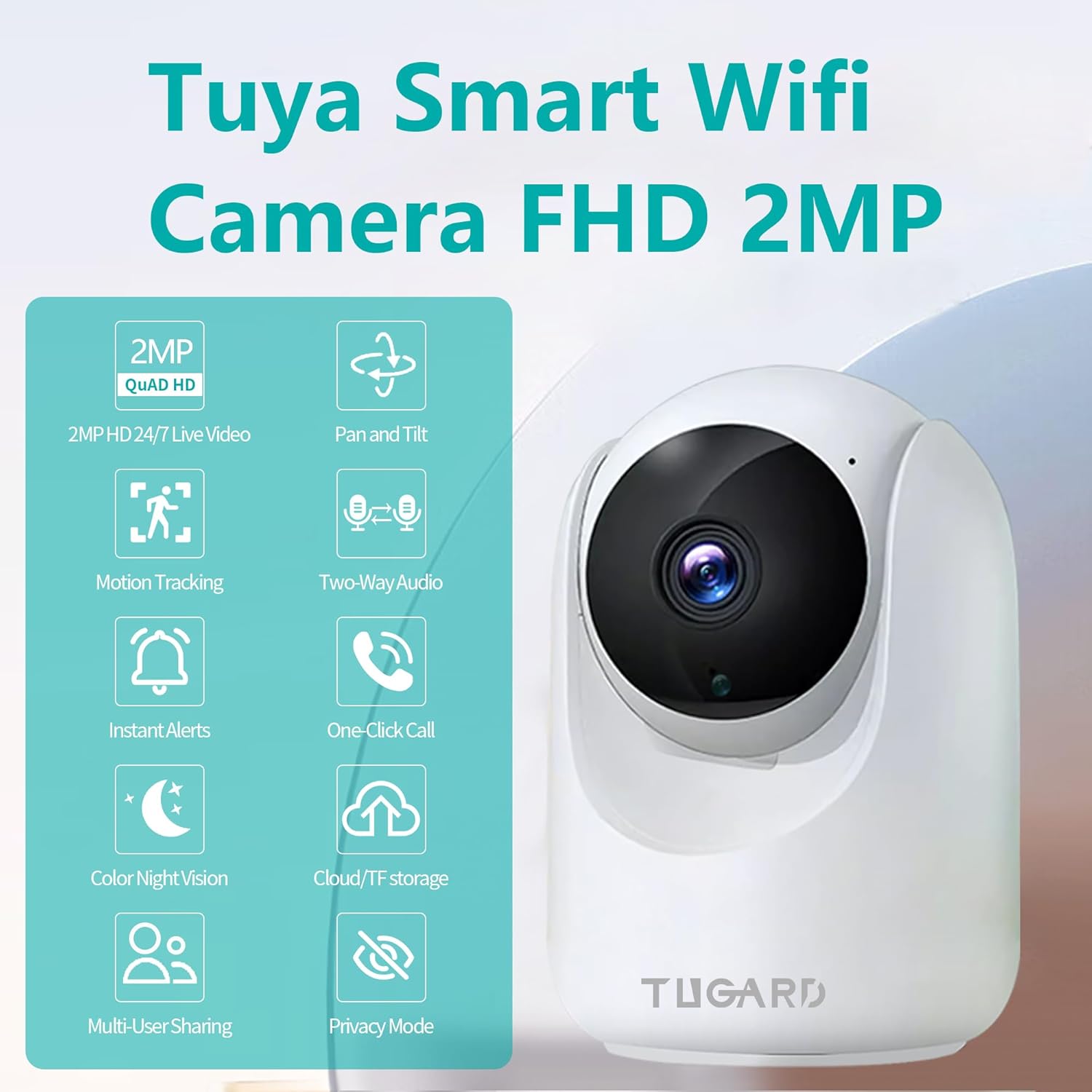
Image: The TUGARD C26 camera illustrating its 355-degree horizontal pan and 90-degree vertical tilt capabilities, providing extensive room coverage.
Image: A visual representation of the TUGARD C26 camera highlighting its core features through icons, including 2MP HD video, pan and tilt, motion tracking, two-way audio, instant alerts, one-click call, color night vision, cloud/TF storage, multi-user sharing, and privacy mode.

Image: The TUGARD C26 camera demonstrating its flexible storage options, including cloud storage and continuous 24/7 recording to a MicroSD card up to 128GB.
4. Setup
4.1 Powering On
- Connect the provided USB cable to the camera's power port (usually located at the back or bottom).
- Plug the USB cable into the power adapter, then plug the adapter into a wall outlet.
- The camera will power on, and an indicator light will show its status (refer to the app for specific light indications).
4.2 App Download and Account Registration
- Download the 'Smart Life' or 'Tuya' app from your smartphone's app store (Android/iOS).
- Open the app and register for a new account or log in if you already have one.
4.3 Adding the Device
- In the app, tap the '+' icon to add a new device.
- Select 'Security Camera' or 'Smart Camera' from the device list.
- Follow the on-screen instructions to connect the camera to your 2.4G Wi-Fi network. Ensure your phone is connected to the same 2.4G Wi-Fi network during setup.
- The app will guide you through scanning a QR code with the camera or using other pairing methods.
- Once connected, you can name your camera and begin monitoring.
4.4 MicroSD Card Installation
- Gently push the camera lens upwards to reveal the MicroSD card slot.
- Insert a MicroSD card (up to 128GB, not included) into the slot with the gold contacts facing down.
- Push until it clicks into place. The camera will automatically detect and format the card.
Video: A demonstration of inserting and removing the MicroSD card from the TUGARD C26 camera, along with an overview of its physical features and mounting options.
4.5 Mounting Options
The TUGARD C26 camera can be placed on any flat surface, or mounted to a wall or ceiling using the included quick-release bracket and screws.
- Tabletop: Simply place the camera on a stable, flat surface.
- Wall/Ceiling Mount: Use the provided mounting bracket as a template to mark and drill holes. Secure the bracket with screws, then attach the camera to the bracket. Ensure the camera is securely fastened.
5. Operating Your Camera
5.1 Live View and Pan/Tilt Control
- Open the 'Smart Life' or 'Tuya' app and select your camera.
- You will see the live video feed. Use the on-screen controls to pan (horizontal) and tilt (vertical) the camera lens to adjust the viewing angle.
5.2 Two-Way Audio
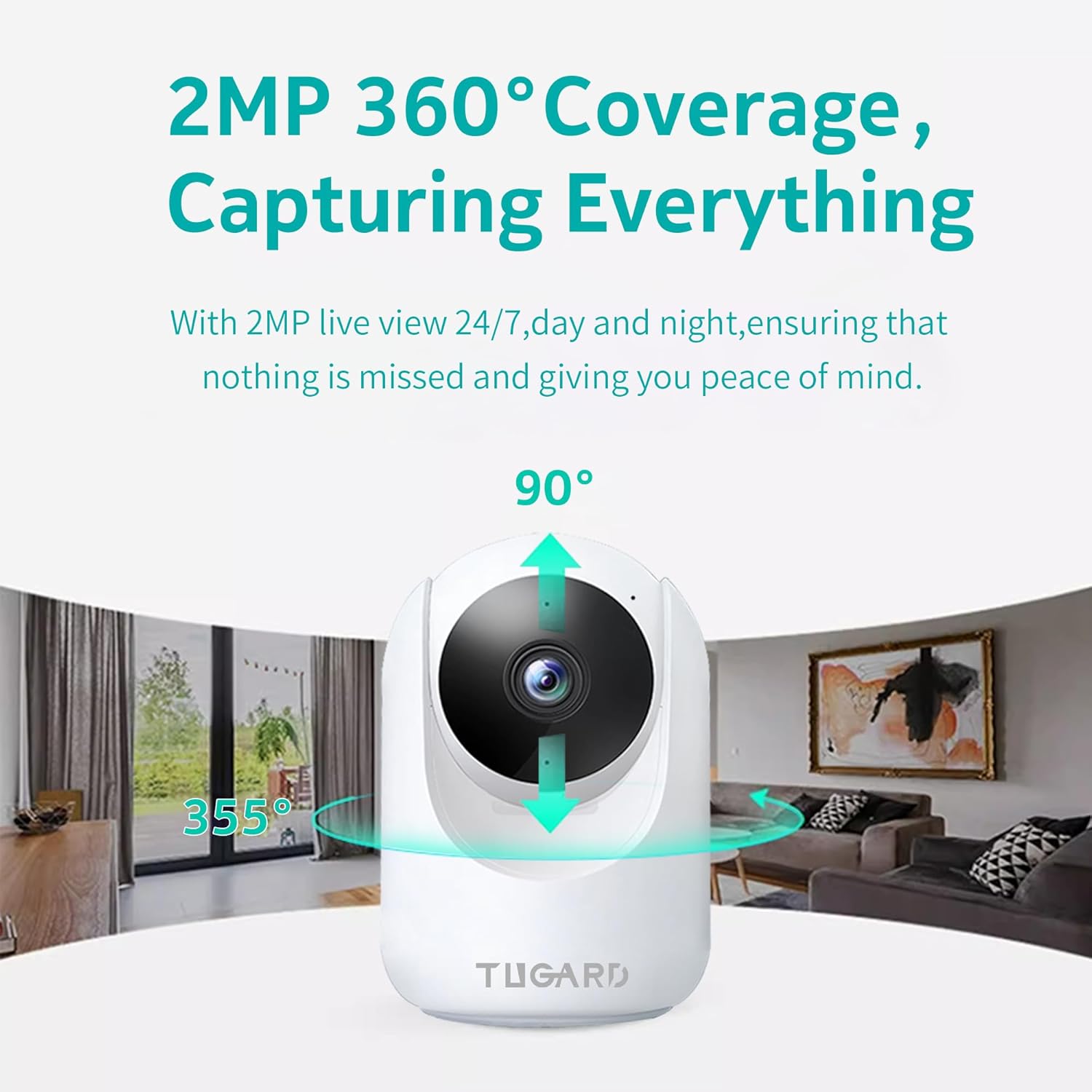
Image: The TUGARD C26 camera in use, showing its two-way audio feature allowing communication with a child through the connected smartphone app.
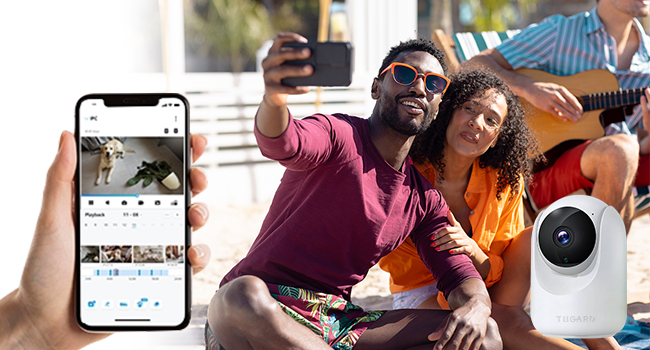
Image: A visual illustrating the smooth two-way audio capability of the TUGARD C26 camera, with icons for microphone and speaker.
- While in live view, tap the microphone icon to speak through the camera's speaker.
- Tap the speaker icon to hear audio from the camera's surroundings.
5.3 Motion, Person, and Sound Detection
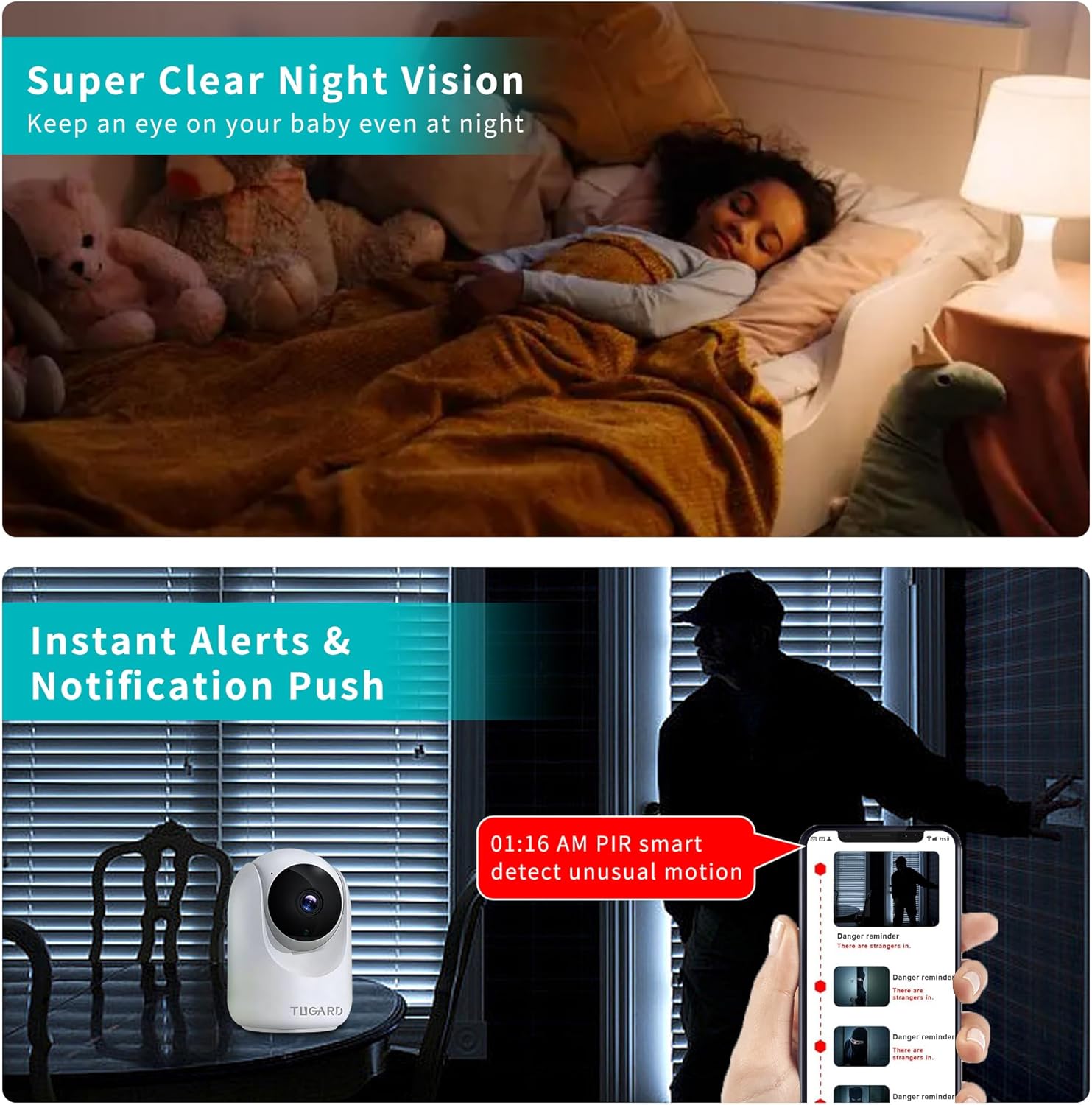
Image: The TUGARD C26 camera's advanced detection capabilities, including human and pet identification, with instant alerts displayed on a smartphone.
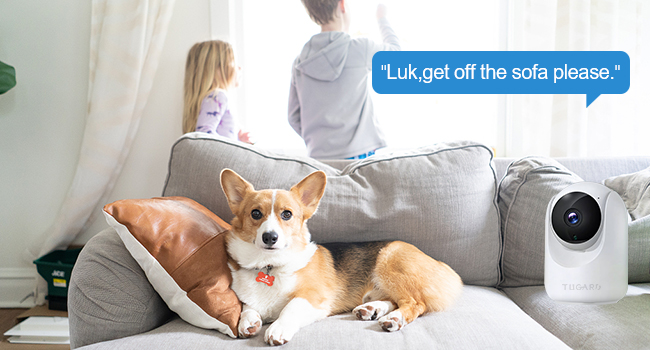
Image: A depiction of the TUGARD C26 camera's smart motion detection feature, showing an instant alert notification on a smartphone when motion is detected.
- Access detection settings in the app to enable/disable motion, person, or sound detection.
- Customize activity zones to focus detection on specific areas.
- Receive instant notifications on your smartphone when activity is detected.
5.4 Night Vision
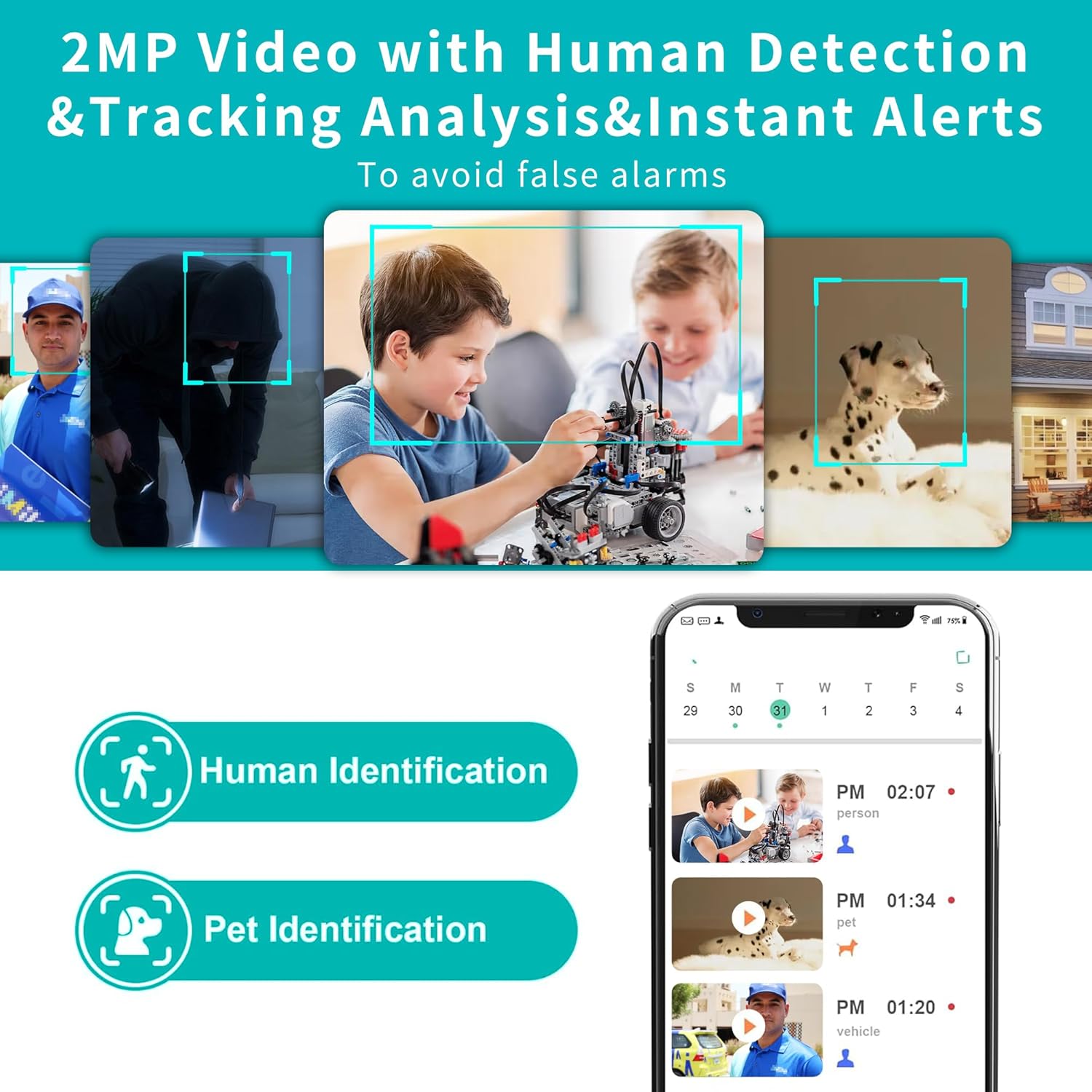
Image: A comparison demonstrating the clarity of 2MP Starlight Color Night Vision from the TUGARD C26 camera versus standard 1080P QHD, showing a sleeping baby.
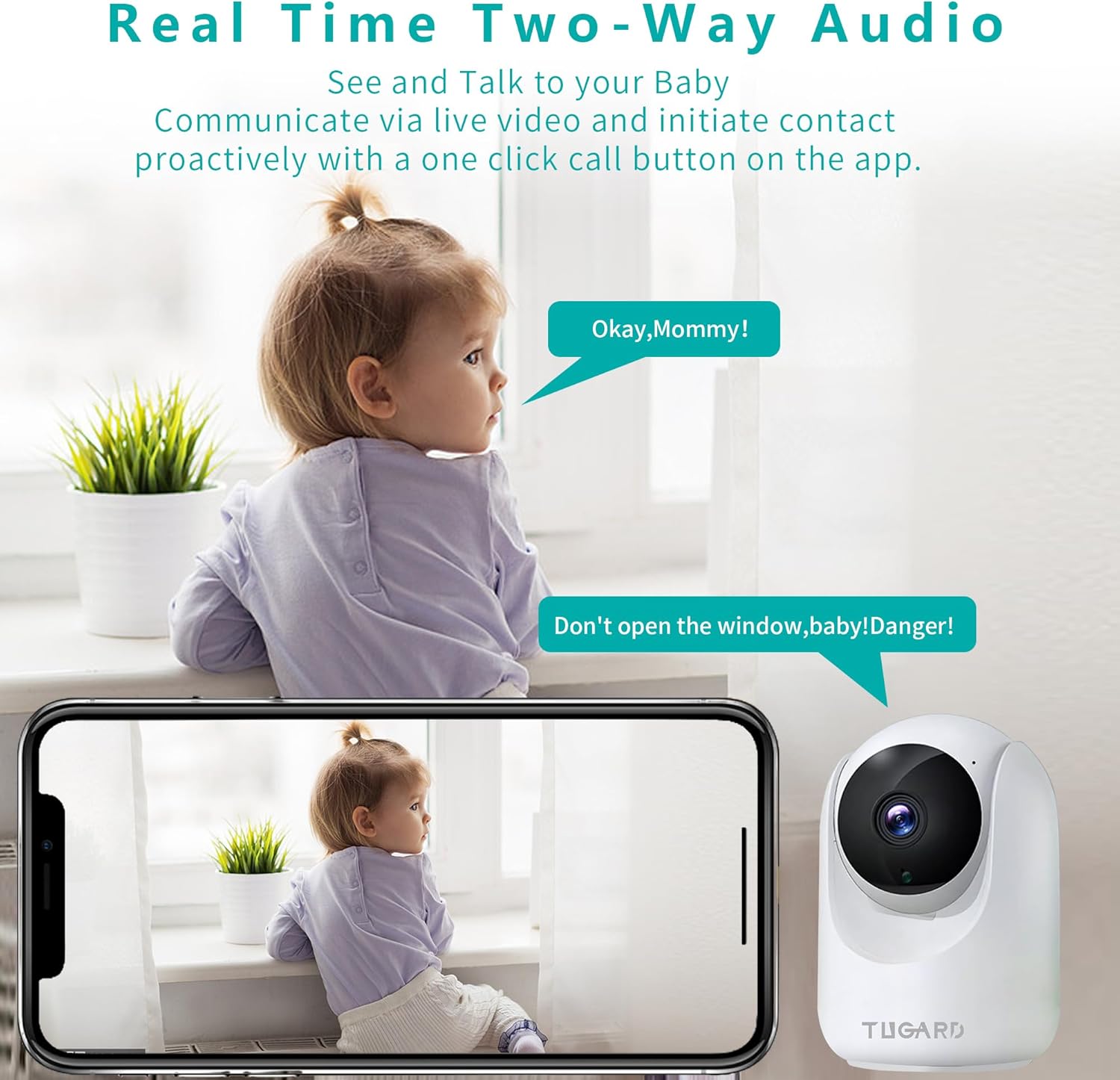
Image: The TUGARD C26 camera's super clear night vision capturing a sleeping child, alongside an example of instant alerts triggered by PIR smart detection of unusual motion.
- The camera automatically switches to night vision in low light conditions.
- Color night vision provides enhanced detail and color accuracy in the dark.
5.5 Storage Options
- MicroSD Card: Continuous recording or event-triggered recording can be stored locally on a MicroSD card (up to 128GB). Manage recordings through the app.
- Cloud Storage: Optional cloud storage plans are available for secure, encrypted video storage. Access recordings from anywhere via the app.
5.6 Privacy Mode
- Activate Privacy Mode via the app to temporarily disable video recording and live view, ensuring your privacy.
5.7 Smart Actions and Voice Control
- Smart Actions: Integrate your TUGARD C26 with other TUGARD smart devices through the app to create automated routines (e.g., turn on lights when motion is detected).
- Voice Control: Pair your camera with Amazon Alexa. Use voice commands like "Alexa, show me the living room camera" on compatible Alexa devices.
6. Maintenance
6.1 Cleaning
- Ensure the camera is powered off before cleaning.
- Use a soft, dry cloth to wipe the camera body.
- For the lens, use a lens cleaning cloth to gently remove dust or smudges. Avoid abrasive cleaners or solvents.
6.2 Firmware Updates
- Periodically check the app for available firmware updates.
- Follow the in-app instructions to update the firmware, which can improve performance and add new features. Ensure the camera remains powered during the update process.
7. Troubleshooting
If you encounter issues with your TUGARD C26 camera, please refer to the following common solutions:
- Camera not connecting to Wi-Fi:
- Ensure your Wi-Fi network is 2.4GHz. The camera does not support 5GHz Wi-Fi.
- Check Wi-Fi password for accuracy.
- Place the camera closer to your Wi-Fi router.
- Restart your router and the camera.
- No live video feed:
- Verify the camera is powered on and connected to Wi-Fi.
- Check your internet connection.
- Restart the app.
- Motion detection alerts not received:
- Ensure motion detection is enabled in the app settings.
- Check notification settings on your smartphone.
- Adjust sensitivity levels in the app.
- MicroSD card not recording:
- Ensure the MicroSD card is inserted correctly and is not full.
- Format the MicroSD card through the app.
- Check if the card is damaged; try a different MicroSD card.
- Poor video quality:
- Ensure the camera lens is clean.
- Check your Wi-Fi signal strength; a weak signal can affect video quality.
- Adjust video resolution settings in the app if available.
For further assistance, please contact TUGARD customer support.
8. Specifications
| Feature | Detail |
|---|---|
| Model Number | ZX-C26 |
| Video Capture Resolution | 1080p (2 MP Effective Still Resolution) |
| Connectivity Technology | Wireless (2.4G Wi-Fi) |
| Pan Angle | 355 Degrees |
| Tilt Angle | 100 Degrees |
| Night Vision Range | 30 Feet (Color Night Vision) |
| Storage | Micro SD (up to 128 GB), Cloud Storage |
| Two-Way Audio | Yes |
| Motion Detection | Yes (Person/Motion/Sound Detection with PIR) |
| Compatible Devices | Android/iOS Smartphones, Alexa Echo |
| Power Source | Corded Electric (Adapter Input: 100-240 VAC, 50/60 Hz, 0.2 A; Output: 5.0 VDC, 1.0 A) |
| Operating Temperature | 0°C~50°C (32°F~122°F) |
| Dimensions (L x W x H) | 3.93 x 2.95 x 2.75 inches |
| Item Weight | 8.8 ounces |
| Material | Acrylonitrile Butadiene Styrene (ABS) |
| Included Components | Security Camera, Charge USB Cable, Charge Adaptor, Screws, Product Manual |
9. Warranty and Support
TUGARD provides a 1-year manufacturer's warranty for this product, covering defects in materials and workmanship under normal use. Please retain your proof of purchase for warranty claims.
For technical support, troubleshooting assistance, or warranty inquiries, please contact TUGARD customer service through the contact information provided in your product packaging or on the official TUGARD website.


