
1. Product Overview
The 1MORE Z30 Sleep Headphones are designed to provide a comfortable and immersive audio experience, especially for side sleepers. These mini, noise-blocking earbuds feature Bluetooth 5.3 for stable connectivity, built-in white noise, and auto-off timers to enhance your sleep quality.
Key Features:
- Superior Sound Quality: Utilizes AAC for fast transmission and high-fidelity audio, delivering balanced and authentic sound.
- Enhanced Sleep Quality: Access 30 soothing sounds via the 1MORE MUSIC app and set auto-off timers (30/60/90/120/150 minutes).
- Comfortable Design: Ultra-small and lightweight, designed for comfort even when sleeping on your side.
- Effective Noise Isolation: Reduces external noise by up to 24dB.
- Long Playtime: Up to 32 hours of total playback with the charging case in soothing mode.
2. What's in the Box
- 1MORE Z30 Sleep Headphones
- Charging Case
- USB-C Charging Cable
- Various Sizes of Ear Tips
- User Manual
3. Product Components
The 1MORE Z30 consists of two ultra-compact earbuds and a sleek charging case. The earbuds are designed to fit snugly and discreetly within the ear canal, making them ideal for extended wear, especially during sleep. The charging case protects the earbuds and provides additional battery life on the go.

Image: The 1MORE Z30 Sleep Headphones, showing both earbuds and their compact charging case. The earbuds are white and designed for a minimal profile.
4. Getting Started
4.1. Charging the Earbuds and Case
Before first use, fully charge the earbuds and the charging case. Place the earbuds into the charging case, then connect the USB-C charging cable to the case and a power source. The indicator light on the case will show charging status.

Image: The 1MORE Z30 charging case, illustrating its compact size and the impressive battery life of up to 32 hours when combined with the case.
4.2. Bluetooth Pairing
- Ensure the earbuds are in the charging case and the case lid is open.
- On your device (smartphone, tablet, etc.), enable Bluetooth.
- Search for "1MORE Z30" in the list of available Bluetooth devices and select it to pair.
- Once paired, the earbuds are ready for use.
4.3. 1MORE MUSIC App Installation
For full functionality, including access to soothing sounds and timer settings, download the 1MORE MUSIC app from your device's app store. Follow the in-app instructions to connect your 1MORE Z30 earbuds.

Image: A user sleeping comfortably with the 1MORE Z30 earbuds, alongside a smartphone displaying the 1MORE MUSIC app interface, highlighting the soothing sound selection feature.
5. Operating Your 1MORE Z30
5.1. Wearing the Earbuds
Choose the ear tips that provide the most comfortable and secure fit. Gently insert the earbuds into your ear canal. The compact design ensures they sit flush with your ear, minimizing discomfort, especially when lying on your side.

Image: A person sleeping peacefully on their side, demonstrating the comfortable and low-profile fit of the 1MORE Z30 Sleep Headphones, which are only 7.5mm thick.
5.2. Playing Soothing Sounds and White Noise
The 1MORE Z30 earbuds do not feature on-device touch controls. All audio playback and sound selection are managed directly through your connected smartphone or tablet, primarily via the 1MORE MUSIC app. Open the app to browse and select from 30 built-in soothing sounds, including various white noise options, to create your ideal sleep environment.
5.3. Setting Sleep Timers
Within the 1MORE MUSIC app, you can set an automatic shut-off timer for the soothing sounds. Available timer options include 30, 60, 90, 120, and 150 minutes. This feature helps conserve battery life and ensures the audio stops after you've fallen asleep.
6. Noise Isolation
The 1MORE Z30 Sleep Headphones are engineered to provide significant passive noise isolation, reducing ambient noise by up to 24dB. This helps to block out disruptive sounds, allowing you to focus on the soothing audio or simply enjoy a quieter environment for better rest.
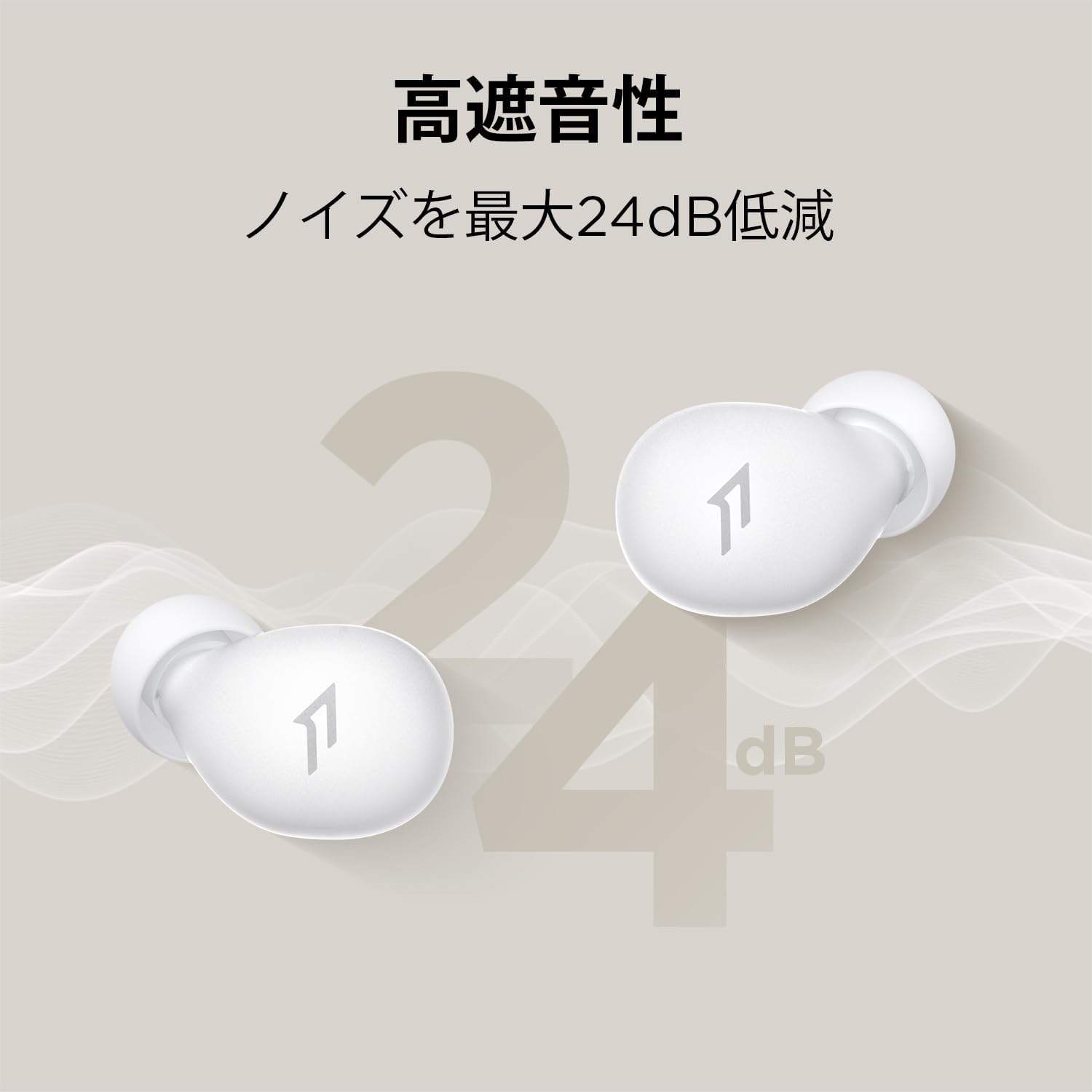
Image: A graphic representation of the 1MORE Z30 earbuds highlighting their capability to reduce noise by up to 24dB, emphasizing their noise isolation feature.
7. Superior Sound Quality
Despite their small size, the 1MORE Z30 earbuds deliver high-quality audio. They utilize the AAC codec for efficient and high-fidelity sound transmission, ensuring a clear, balanced, and authentic listening experience. The balanced armature design contributes to rich detail across the frequency range.
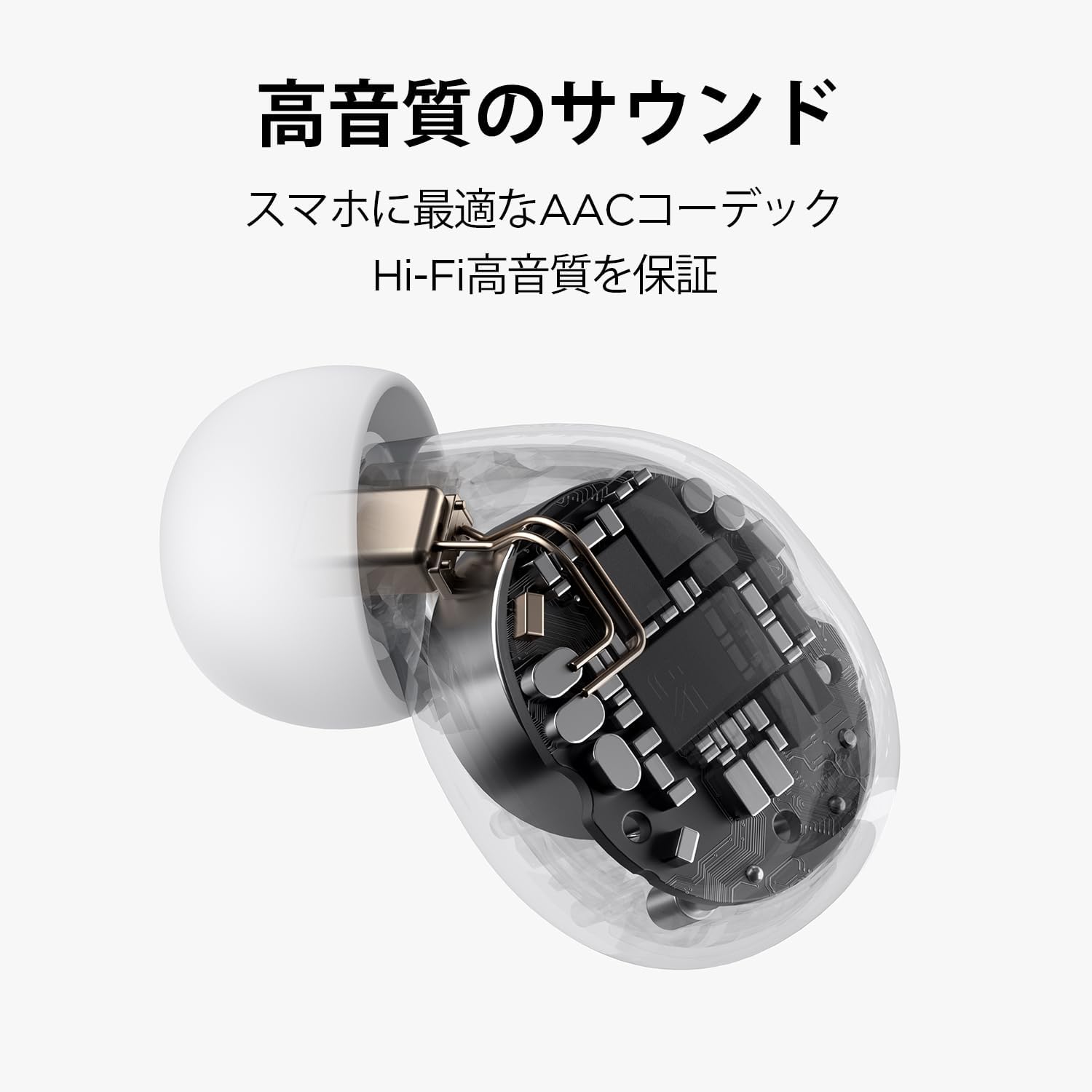
Image: A transparent view of the 1MORE Z30 earbud, showcasing its internal components and highlighting the advanced acoustic design for high-quality sound.
8. Care and Maintenance
- Cleaning: Regularly clean the ear tips and the mesh filters of the earbuds with a dry, soft cloth. Do not use liquids or abrasive cleaners.
- Storage: Always store the earbuds in their charging case when not in use to protect them from dust and damage.
- Temperature: Avoid exposing the earbuds to extreme temperatures (hot or cold) or high humidity.
- Water Resistance: These earbuds are not waterproof. Avoid contact with water or excessive moisture.
9. Troubleshooting
| Issue | Possible Solution |
|---|---|
| Earbuds not pairing | Ensure earbuds are charged. Turn off and on Bluetooth on your device. Forget "1MORE Z30" from your device's Bluetooth list and re-pair. |
| No sound | Check volume levels on your device. Ensure earbuds are connected. Try playing different audio sources. |
| Charging issue | Ensure the charging cable is securely connected. Try a different USB-C cable or power adapter. Clean charging contacts on earbuds and case. |
| App not connecting | Ensure Bluetooth is enabled and earbuds are paired. Restart the 1MORE MUSIC app. Check for app updates. |
10. Technical Specifications
| Feature | Specification |
|---|---|
| Model Name | Z30 |
| Model Number | EH608 |
| Connectivity Technology | Wireless (Bluetooth 5.3) |
| Ear Placement | In-Ear |
| Noise Isolation | Up to 24dB |
| Impedance | 22 ohms |
| Battery Composition | Lithium-ion |
| Rechargeable Battery | Yes |
| Material | Acrylonitrile Butadiene Styrene (ABS), Polycarbonate (PC) |
| Recommended Use | Sleeping |
| Water Resistance Level | Not Water Resistant |
11. Warranty and Support
1MORE products are manufactured to the highest quality standards. For information regarding warranty coverage, technical support, or service, please refer to the warranty card included in your product packaging or visit the official 1MORE website. Please have your product model number (EH608) and proof of purchase ready when contacting support.
Note: No official product videos were available for embedding based on the provided data.


