
Introduction
Thank you for choosing the Gosasa Digital Watch Model 1220. This manual provides detailed instructions for setting up, operating, and maintaining your new watch. Please read this manual carefully to ensure proper use and to enjoy all the features of your timepiece.
The Gosasa Digital Watch Model 1220 features a multi-functional digital display, durable stainless steel construction, and water resistance. It includes functions such as dual time zones, stopwatch, countdown timer, daily alarm, day/date display, and an EL backlight for visibility in low light conditions.
Product Overview
Familiarize yourself with the main components and functions of your Gosasa Digital Watch.
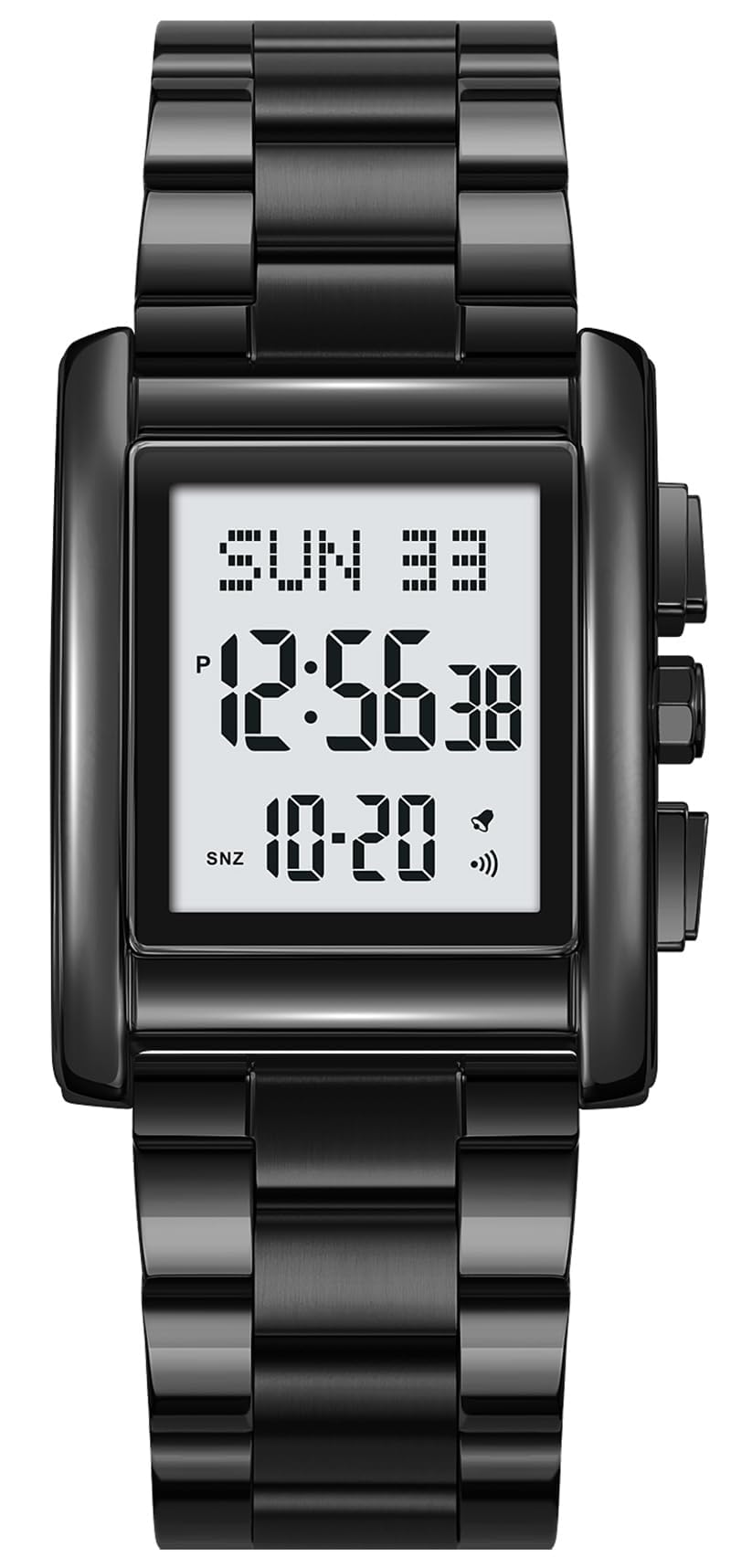
Figure 1: Front view of the Gosasa Digital Watch Model 1220, displaying the time, day, and date.
Key Features:
- Multi-Functional Digital Display: Dual time zones, stopwatch, countdown, daily alarm, day/date display, 12/24-hour format.
- EL Backlight: Ensures easy readability in dark environments.
- Durable Build: Zinc alloy case and high-quality stainless steel band.
- Water Resistance: 30M (withstands splashes or brief immersion, not suitable for swimming).
- Comfortable Fit: Adjustable strap with a folding clasp.
Setup
1. Adjusting the Watch Band
The watch comes with a tool for adjusting the stainless steel band to fit your wrist. If the band is too loose, you can remove links. If it's too tight, additional links may be required (not included). It is recommended to have a professional jeweler adjust the band to prevent damage.

Figure 2: The Gosasa Digital Watch Model 1220 worn on a wrist, demonstrating its fit.
2. Initial Time and Date Setting
Your watch may require initial time and date setting. Refer to the "Operating Instructions" section for detailed steps on how to navigate the watch's settings using the side buttons.
Operating Instructions
The Gosasa Digital Watch features multiple buttons for various functions. The exact button layout and functions are typically as follows:
- MODE Button: Cycles through different modes (Time, Alarm, Stopwatch, Countdown).
- SET Button: Used to enter setting mode for the current function.
- ADJUST/START Button: Used to adjust values or start/stop functions.
- LIGHT Button: Activates the EL backlight.
1. Setting Time and Date
- In Timekeeping Mode, press the MODE button until the time display flashes, indicating setting mode.
- Use the ADJUST/START button to change the flashing value (e.g., hours, minutes, year, month, day).
- Press the SET button to move to the next setting item.
- Once all settings are adjusted, press the MODE button to exit setting mode.
- To switch between 12-hour and 24-hour format, press the ADJUST/START button while the hour is flashing.
2. Using the Alarm Function
- Press the MODE button to navigate to the Alarm Mode (usually indicated by "AL" or a bell icon).
- Press the SET button to enter alarm setting mode. The hour digits will flash.
- Use the ADJUST/START button to set the desired alarm hour.
- Press the SET button to move to the minute digits and set them using the ADJUST/START button.
- Press the MODE button to exit alarm setting mode.
- To turn the alarm ON/OFF, press the ADJUST/START button in Alarm Mode (without entering setting mode). An alarm icon will appear/disappear.
3. Using the Stopwatch
- Press the MODE button to navigate to the Stopwatch Mode (usually indicated by "ST" or "STOP").
- Press the ADJUST/START button to start the stopwatch.
- Press the ADJUST/START button again to pause the stopwatch.
- Press the SET button to reset the stopwatch to zero.
4. Using the EL Backlight
Press the LIGHT button (typically located on the top left side of the watch) to illuminate the display for a few seconds. This feature is useful in low-light conditions.
Video 1: Demonstration of the Gosasa Digital Watch's features, including time setting, alarm, and backlight. This video shows the gold variant of the watch.
Maintenance
1. Cleaning Your Watch
To maintain the appearance of your watch, wipe it regularly with a soft, dry cloth. For stainless steel bands, a slightly damp cloth can be used, followed by immediate drying. Avoid using harsh chemicals or abrasive materials.
2. Water Resistance
This watch is rated 30M water resistant. This means it can withstand splashes, rain, and brief immersion in water (e.g., hand washing). It is not suitable for swimming, diving, or showering with hot water, as steam can penetrate the seals. Ensure all buttons are not pressed while the watch is wet.
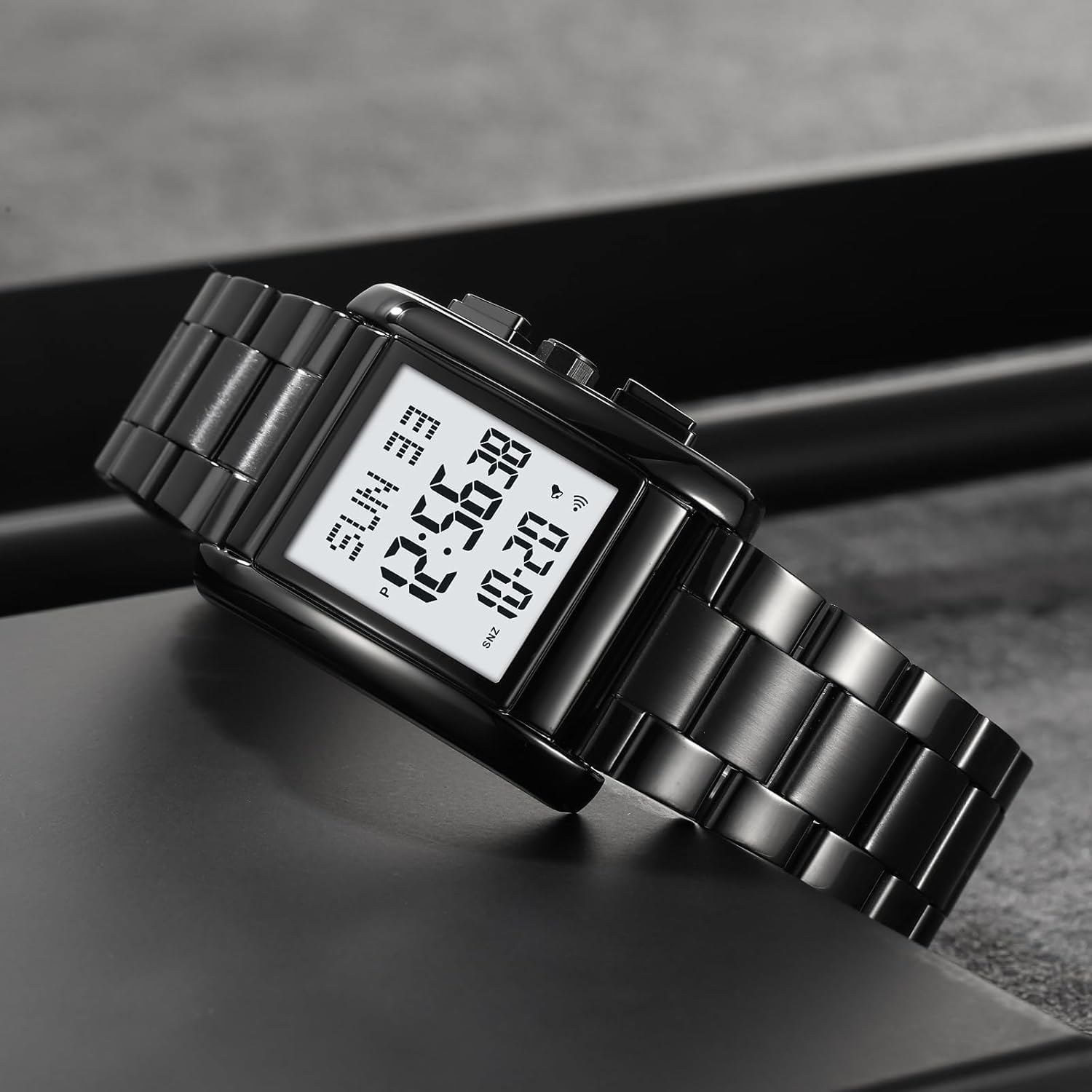
Figure 3: The Gosasa Digital Watch Model 1220 submerged in water, illustrating its water resistance capabilities.
3. Battery Replacement
The watch uses a standard watch battery (CR2025, as indicated on the case back). When the display dims or functions become erratic, it may be time to replace the battery. It is recommended to have the battery replaced by a qualified watch technician to ensure proper sealing and maintain water resistance.
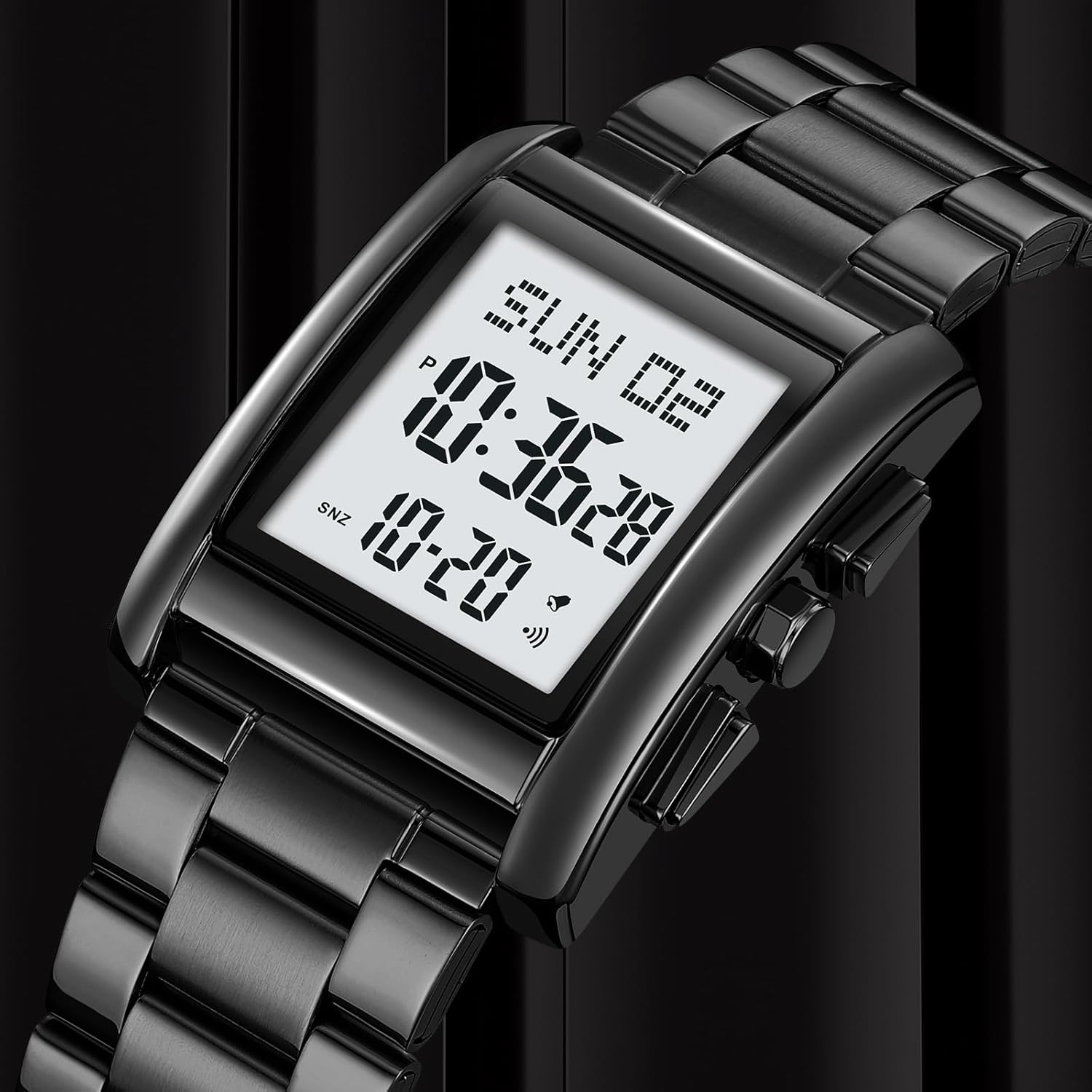
Figure 4: Rear view of the Gosasa Digital Watch Model 1220, showing the engraved model and water resistance details.
Troubleshooting
| Problem | Possible Cause | Solution |
|---|---|---|
| Display is blank or dim. | Low battery. | Replace the battery (CR2025). |
| Time is incorrect. | Time not set correctly or accidental button press. | Refer to "Setting Time and Date" in Operating Instructions. |
| Buttons are unresponsive. | Watch may be in a locked mode or battery is very low. | Try pressing all buttons to see if any respond. If not, consider battery replacement. |
| Condensation inside the watch. | Water ingress due to damaged seal or improper use (e.g., hot shower). | Stop using the watch immediately and take it to a professional for inspection and repair to prevent further damage. |
Specifications
- Model Number: 1220
- Display Type: Digital
- Movement: Quartz
- Case Material: Zinc Alloy
- Band Material: Stainless Steel
- Water Resistance: 30M (3ATM)
- Case Diameter: 30.2 mm
- Case Thickness: 13 mm
- Band Width: 20 mm
- Item Weight: 100 Grams
- Battery Type: CR2025 (included)
Warranty Information
This Gosasa watch is covered by a limited warranty against manufacturing defects. The warranty period typically covers defects in materials and workmanship under normal use. It does not cover damage resulting from improper handling, accidents, unauthorized repairs, or normal wear and tear.
For specific warranty terms and conditions, please refer to the warranty card included with your purchase or contact Gosasa customer support.
Customer Support
If you have any questions or require assistance with your Gosasa Digital Watch Model 1220, please contact our customer support team. You can typically find contact information on the product packaging or the official Gosasa website.
For online support and FAQs, visit: Gosasa Brand Store on Amazon