
1. Introduction
This manual provides essential information for the safe and effective operation, maintenance, and troubleshooting of your Makita JV002GZ Cordless Pendulum Jigsaw. Please read and understand all instructions before using the tool.

Figure 1: Front view of the Makita JV002GZ Cordless Pendulum Jigsaw, showing the handle, motor housing, and blade area.
2. Safety Instructions
Always observe basic safety precautions to reduce the risk of fire, electric shock, and personal injury. Keep this manual for future reference.
General Power Tool Safety Warnings
- Work Area Safety: Keep your work area clean and well-lit. Cluttered or dark areas invite accidents.
- Electrical Safety: Do not expose power tools to rain or wet conditions. Water entering a power tool will increase the risk of electric shock.
- Personal Safety: Always wear eye protection. Use hearing protection when operating for extended periods. Dress properly; avoid loose clothing or jewelry.
- Tool Use and Care: Do not force the power tool. Use the correct power tool for your application. Disconnect the battery pack from the power tool before making any adjustments, changing accessories, or storing power tools.
- Battery Tool Use and Care: Recharge only with the charger specified by the manufacturer. Use power tools only with specifically designated battery packs.
3. Product Overview
Familiarize yourself with the components of your Makita JV002GZ Jigsaw.

Figure 2: Side view of the jigsaw, highlighting the handle, motor, and base plate.
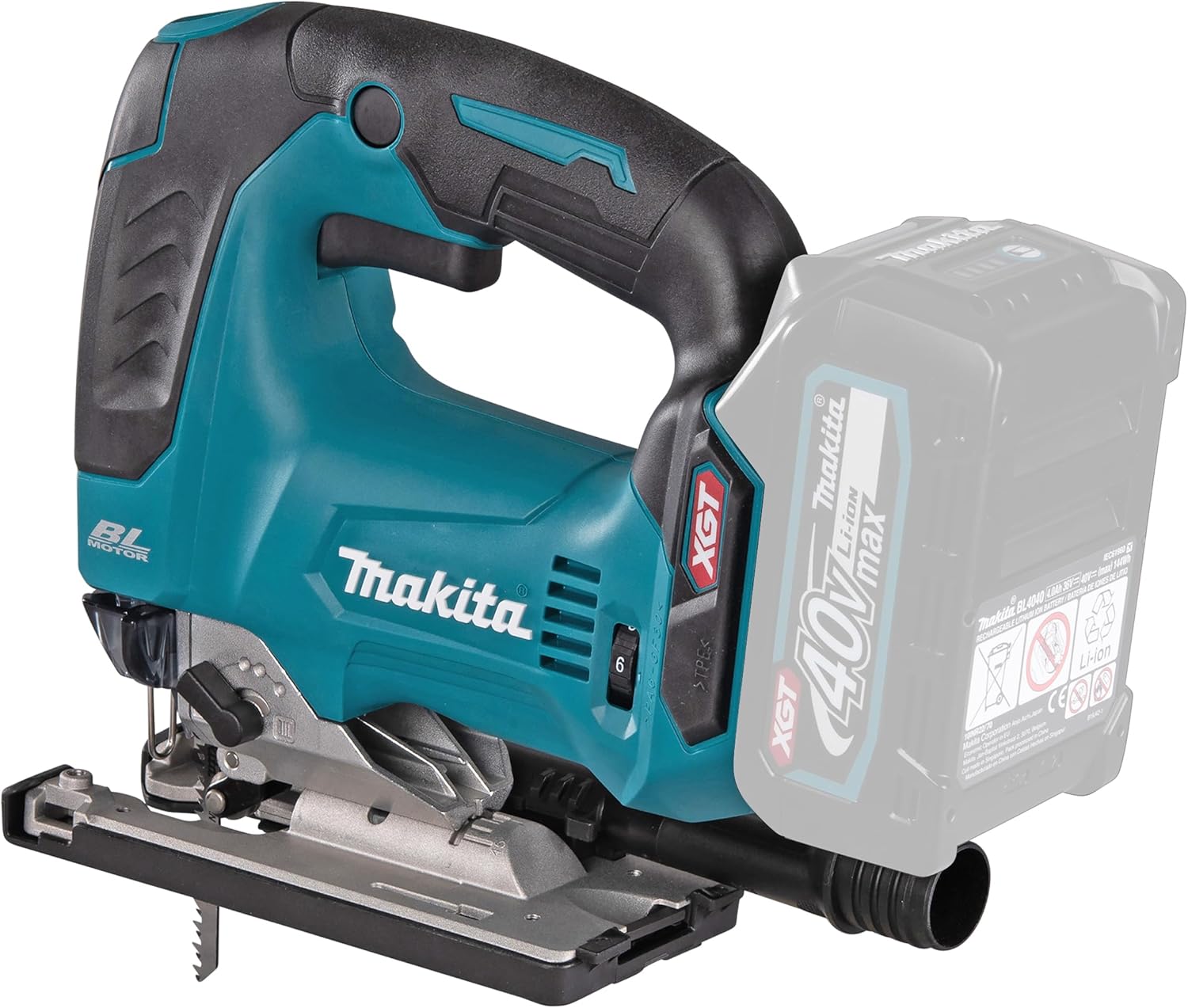
Figure 3: Angled view showing the battery slot and overall tool shape.
4. Setup
4.1 Battery Installation and Removal
To install the battery, align the battery pack with the housing and slide it in until it clicks into place. To remove, press the release button on the battery pack and slide it out.
4.2 Blade Installation and Removal
Ensure the tool is switched off and the battery is removed before changing blades.
- Open the blade clamp lever located near the blade guide.
- Insert the jigsaw blade into the blade holder with the teeth facing forward. Ensure the blade is fully seated.
- Close the blade clamp lever firmly to secure the blade.
- To remove, open the lever and pull the blade out.

Figure 4: Close-up view of the blade installation mechanism, showing the blade clamp lever and guide roller.
5. Operating Instructions
5.1 Powering On/Off
To start the jigsaw, press the trigger switch. To stop, release the trigger switch.
5.2 Adjusting Pendulum Action
The pendulum action can be adjusted to suit different materials and cutting speeds. Use the pendulum action lever to select one of the four settings (0 to III).
- Position 0: No pendulum action. For fine cuts in thin materials or metal.
- Positions I-III: Increasing pendulum action. For faster cuts in wood and softer materials.

Figure 5: Detail of the pendulum action lever, showing the different settings.
5.3 Adjusting Speed
The variable speed dial allows you to match the cutting speed to the material. Rotate the dial to select the desired speed from 1 (low) to 6 (high).

Figure 6: Close-up of the speed adjustment dial on the jigsaw.
5.4 LED Light Function
The integrated LED light illuminates the cutting line. It can be dimmed by holding the standby switch, which is useful for working overhead or in varying light conditions.

Figure 7: The jigsaw with its LED light activated, illuminating the work area.
5.5 Cutting Techniques
Always ensure the workpiece is securely clamped. Guide the jigsaw smoothly along the cutting line without forcing the tool. Allow the blade to do the work. For angled cuts, the base plate can be adjusted.
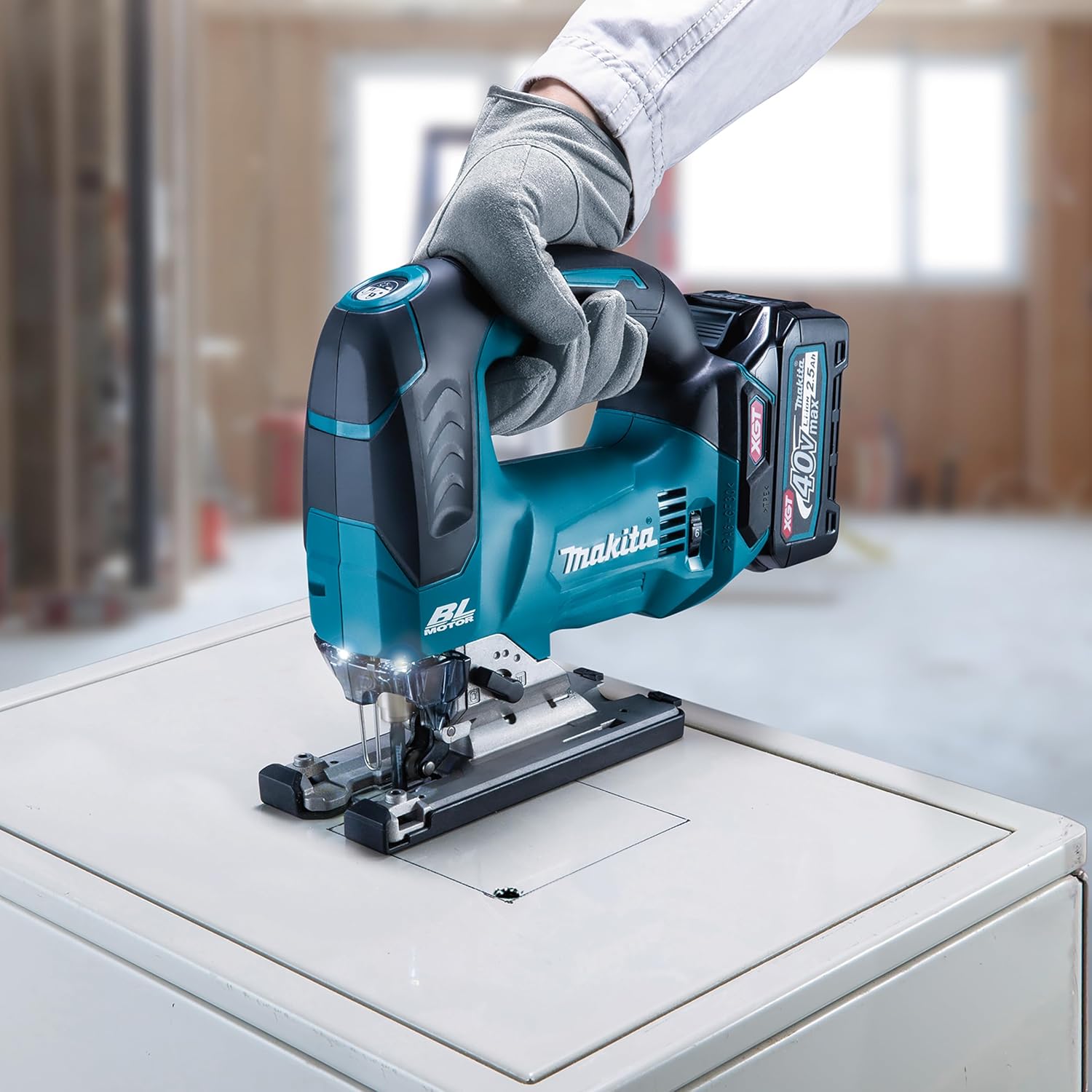
Figure 8: User operating the Makita JV002GZ jigsaw to cut a wooden workpiece.
6. Maintenance
Regular maintenance ensures optimal performance and extends the tool's lifespan.
- Cleaning: Regularly clean the tool's ventilation openings to prevent overheating. Remove sawdust and debris from the blade area.
- Blade Care: Use sharp blades. Dull blades can cause kickback and reduce cutting efficiency.
- Inspection: Periodically check all screws and fasteners for tightness. Inspect the power cord (if applicable) and battery contacts for damage.
- Storage: Store the tool in a dry, secure place out of reach of children.
7. Troubleshooting
Refer to the table below for common issues and their solutions.
| Problem | Possible Cause | Solution |
|---|---|---|
| Tool does not start | Battery not charged or improperly installed | Charge battery; ensure battery is fully inserted. |
| Blade not cutting efficiently | Dull or incorrect blade for material | Replace blade; ensure correct blade type is used. |
| Excessive vibration | Loose blade or damaged blade | Check blade for tightness and damage; replace if necessary. |
| Motor overheats | Blocked ventilation slots | Clean ventilation slots; allow tool to cool. |
8. Technical Specifications
Key technical data for the Makita JV002GZ Cordless Pendulum Jigsaw.
| Specification | Value |
|---|---|
| Brand | Makita |
| Model Number | JV002GZ |
| Power Source | Battery Powered |
| Voltage | 40 Volts |
| Blade Material | High Speed Steel |
| Surface Recommendation | Wood |
| Product Dimensions | 11.02"L x 0.33"W x 8.19"H |
| Item Weight | 0.106 ounces (tool only) |
| UPC | 197050002013 |
9. Warranty Information
This Makita product is covered by a Limited Warranty. For specific terms and conditions, please refer to the warranty card included with your purchase or visit the official Makita website. Keep your proof of purchase for warranty claims.
10. Support
For further assistance, technical support, or to locate an authorized service center, please visit the official Makita website or contact their customer service department. Always provide your model number (JV002GZ) when seeking support.
Makita Official Website: www.makitatools.com


