
1. Introduction
Thank you for choosing the energeeks Sentinel III Indoor WiFi Security Camera. This manual provides detailed instructions for setting up, operating, and maintaining your camera. Please read this manual thoroughly before use to ensure proper functionality and safety. Keep this manual for future reference.
2. Package Contents
Verify that all items are present in your package:
- energeeks Sentinel III Camera (EG-CIP004)
- Power Adapter
- USB Cable
- Mounting Bracket and Screws
- User Manual
3. Product Overview
Familiarize yourself with the camera's components and features.
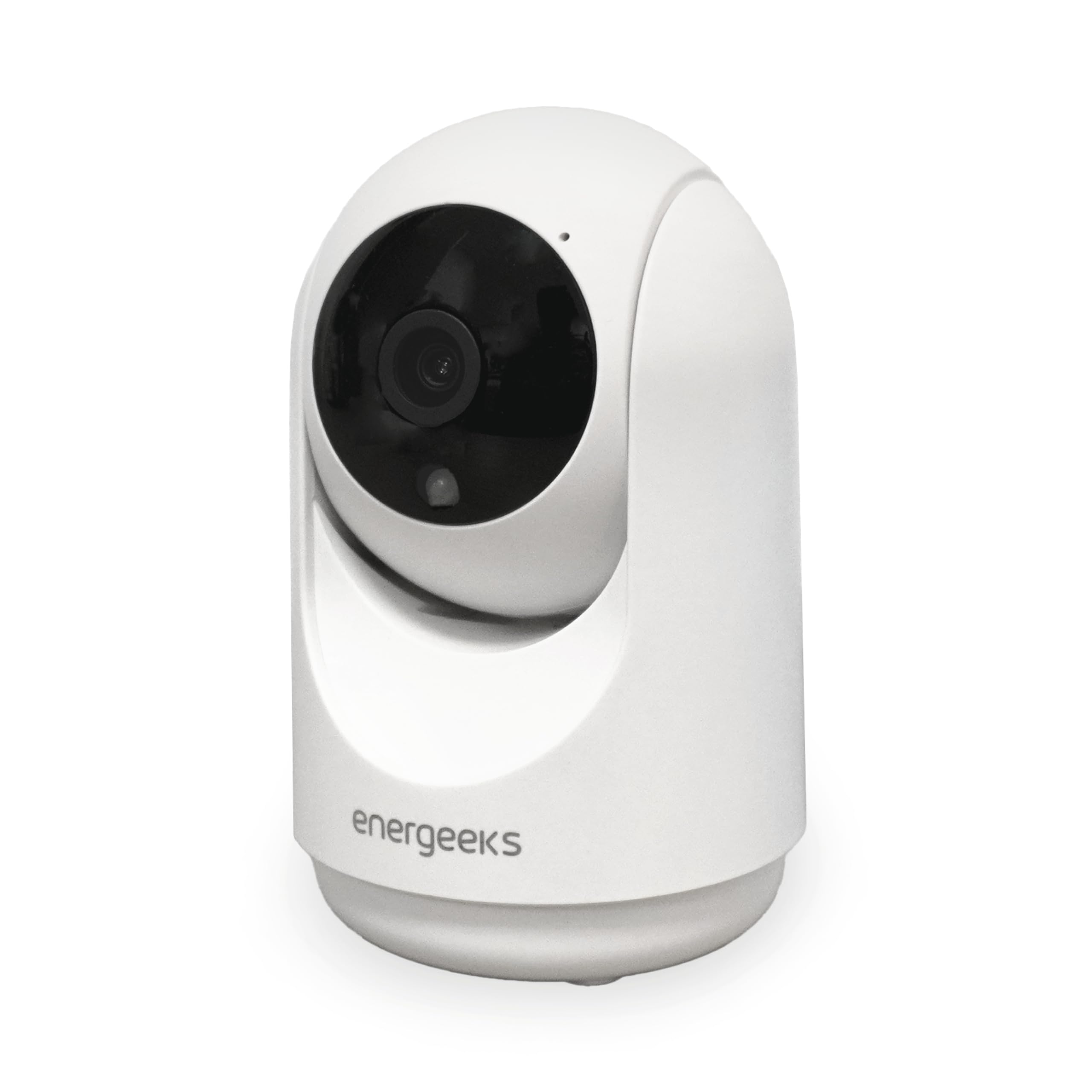
Image 3.1: Front view of the energeeks Sentinel III camera, showing the lens and main body.
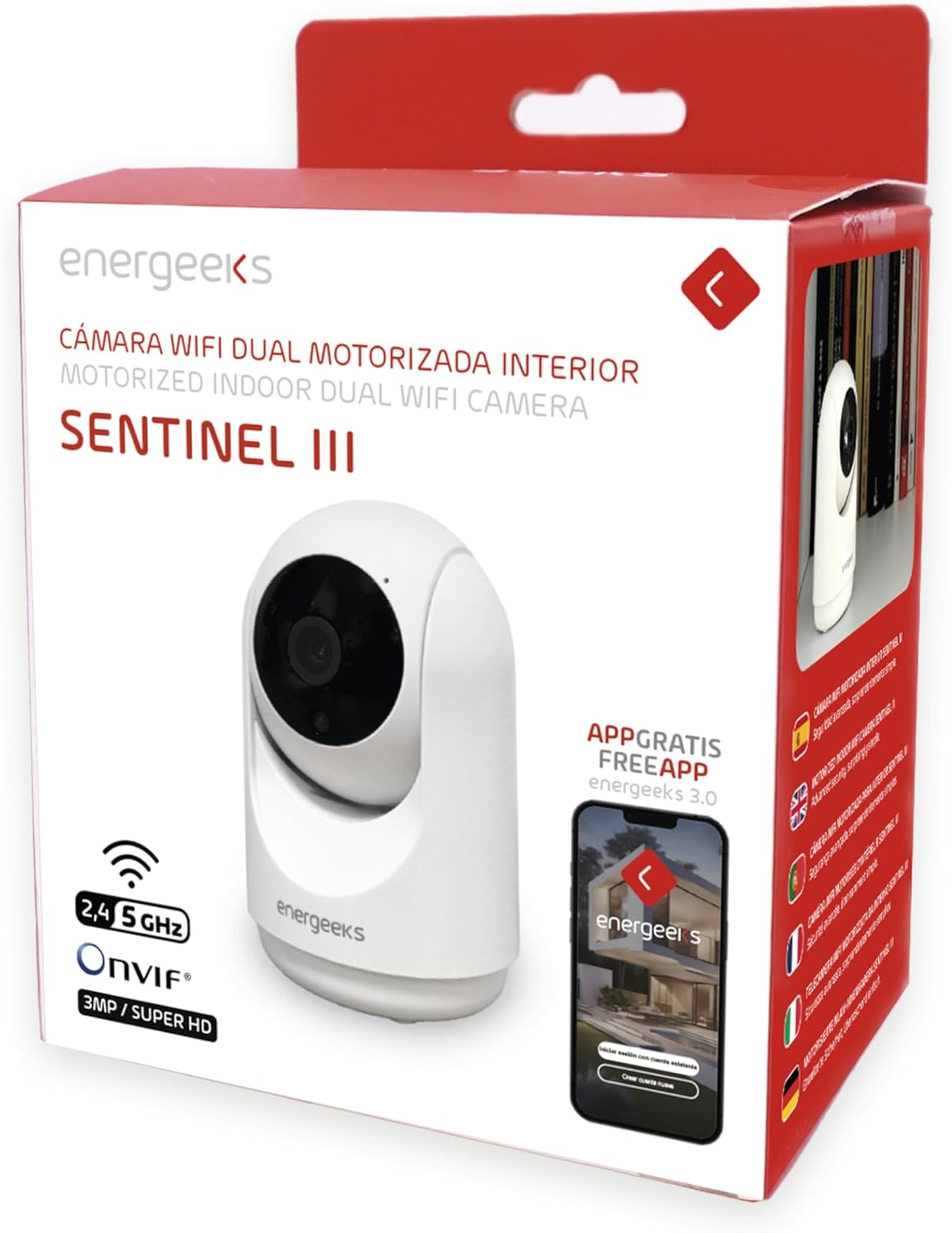
Image 3.2: Side view of the camera illustrating its dimensions (7 cm width, 11 cm height) and indicating the 355° horizontal and 180° vertical rotation capabilities. The image also highlights the reset button and microSD card slot.

Image 3.3: Overview of key features including 2.4GHz/5GHz WiFi support, Bluetooth installation, notification reception, two-way talk, human detection filter, and recording options (Micro SD/Cloud/NVR).
Camera Components:
- Camera Lens: Captures 1080p Full HD video.
- Infrared LEDs: For night vision functionality.
- Microphone: For audio input and two-way communication.
- Speaker: For audio output and two-way communication.
- MicroSD Card Slot: Supports up to 128GB for local storage.
- Reset Button: Used to restore factory settings.
- Power Port: Connects to the power adapter.
- Status Indicator Light: Indicates camera status (e.g., pairing mode, connected).
4. Setup Guide
4.1. App Installation
- Download the Energeeks App from the App Store (iOS) or Google Play Store (Android). Alternatively, you can use the generic SmartLife by Tuya App.
- Register for a new account or log in if you already have one.
4.2. Device Pairing
- Connect the camera to a power source using the provided USB cable and power adapter. The camera will power on, and the status indicator light will begin to flash, indicating it is in pairing mode.
- Ensure your mobile device is connected to a 2.4GHz Wi-Fi network. The camera does not support 5GHz Wi-Fi for initial setup.
- Open the Energeeks App, tap "Add Device" or the "+" icon.
- Select "Security Camera" or "Smart Camera" from the device list.
- Follow the on-screen instructions to connect the camera. This typically involves scanning a QR code generated by the app with the camera lens or using Bluetooth pairing.
- Once connected, the status indicator light will turn solid, and the camera will appear in your app's device list.
4.3. Camera Placement
The energeeks Sentinel III is designed for indoor use only.
- Place the camera on a flat surface or mount it to a wall using the included bracket and screws.
- Ensure the camera is within range of your 2.4GHz Wi-Fi network for stable connectivity.
- Avoid placing the camera in direct sunlight or near strong light sources, which can affect image quality.
- For optimal motion detection, position the camera to cover the desired area without obstructions.
5. Operating Instructions
5.1. Live View
Open the Energeeks App and select your Sentinel III camera from the device list to access the live video feed.

Image 5.1: The Energeeks app displaying multiple camera feeds, demonstrating compatibility with NVR systems for comprehensive surveillance.
5.2. Pan and Tilt Control
From the live view interface in the app, use the directional controls to remotely adjust the camera's viewing angle. The camera supports 355° horizontal rotation and 90° vertical tilt, providing a 360° panoramic view of your indoor space.
5.3. Two-Way Audio
Tap the microphone icon in the app's live view to speak through the camera's speaker. Tap the speaker icon to listen to audio from the camera's environment. This feature allows for real-time communication.
5.4. Motion Detection and Alerts
The camera features advanced motion detection with human filtering to reduce false alarms. When motion is detected, the camera can automatically track the movement and send instant notifications to your mobile device.

Image 5.2: The camera's auto-tracking feature in action, following a child and a cat, demonstrating its ability to detect and monitor movement within its field of view.

Image 5.3: A mobile phone screen displaying a notification received from the energeeks camera, indicating detected activity.
- To enable/disable motion detection and configure sensitivity, navigate to the camera settings in the app.
- The camera also features intelligent sound detection, alerting you to abnormal noises like a baby crying, functioning as a baby monitor.
5.5. Night Vision
The camera automatically switches to infrared night vision in low-light conditions, providing clear black and white video up to 10 meters.
5.6. Recording and Storage
The energeeks Sentinel III offers multiple recording options:
- MicroSD Card: Insert a microSD card (up to 128GB, not included) into the designated slot. The camera will automatically record events or continuous video based on your app settings.
- Cloud Storage: Optional cloud storage plans are available through the app for secure, off-site video backup.
- NVR Compatibility: The camera supports ONVIF protocol, allowing integration with compatible Network Video Recorders (NVRs) for centralized recording and management.
5.7. Smart Home Integration
The camera is compatible with Amazon Alexa and Google Home. Follow the instructions in your smart home assistant app to link your Energeeks account and control the camera using voice commands (e.g., "Show me the living room camera").
6. Maintenance
6.1. Cleaning
To maintain optimal performance, periodically clean the camera lens and body with a soft, dry cloth. Avoid using harsh chemicals or abrasive materials.
6.2. Firmware Updates
Check the Energeeks App regularly for available firmware updates. Keeping your camera's firmware up-to-date ensures you have the latest features and security enhancements.
7. Troubleshooting
| Problem | Possible Solution |
|---|---|
| Camera fails to connect to Wi-Fi. |
|
| No notifications received. |
|
| Poor image quality. |
|
| SD card not recording. |
|
8. Specifications
| Feature | Detail |
|---|---|
| Model Number | EG-CIP004 |
| Resolution | 1080p Full HD (2 Megapixels) |
| Pan/Tilt Range | Horizontal: 355°, Vertical: 90° |
| Night Vision | Infrared, up to 10 meters |
| Audio | Two-way audio (built-in microphone and speaker) |
| Motion Detection | Yes, with human filter and auto-tracking |
| Sound Detection | Yes |
| Storage Options | MicroSD card (up to 128GB, not included), Cloud Storage, NVR (ONVIF) |
| Wireless Connectivity | Wi-Fi 2.4GHz (IEEE 802.11b/g/n), Bluetooth |
| App Compatibility | Energeeks App (iOS/Android), SmartLife by Tuya App |
| Smart Home Integration | Amazon Alexa, Google Home |
| Power Input | 5V DC |
| Power Consumption | 3.7 Watts |
| Dimensions (L x W x H) | 6.5 x 6.5 x 10.7 cm |
| Material | Plastic |
| Mounting Type | Wall Mount |
| Usage Environment | Indoor Only |
9. Warranty and Support
For warranty information, technical support, or any questions regarding your energeeks Sentinel III camera, please refer to the warranty card included in your package or visit the official energeeks website. You can also contact energeeks customer service directly through the contact information provided on their website or within the Energeeks App.

