
1. Introduction
The Energeeks EG-AW003 WiFi Alarm System provides a comprehensive and fee-free security solution for your home or business. This system allows you to monitor and control your property remotely using the free Energeeks 3.0 application. It is designed for quick and easy installation, offering expandable protection with additional sensors and smart home integration.
Key Features:
- WiFi Connectivity: Operates on 2.4 GHz WiFi for reliable connection.
- No Monthly Fees: Enjoy full protection without recurring costs.
- Mobile Notifications: Receive instant alerts via the Energeeks 3.0 app.
- Remote Control: Manage your system from anywhere using your smartphone.
- Expandable System: Supports up to 60 additional sensors (motion, door/window, remote controls).
- Smart Home Compatibility: Works with Amazon Alexa and Google Assistant for voice control.
- Custom Scenarios: Create personalized automation and schedules.
Package Contents:
- 1x Smart WiFi Hub (Central Unit)
- 1x Motion Sensor
- 3x Door/Window Opening Sensors
- 1x Remote Control
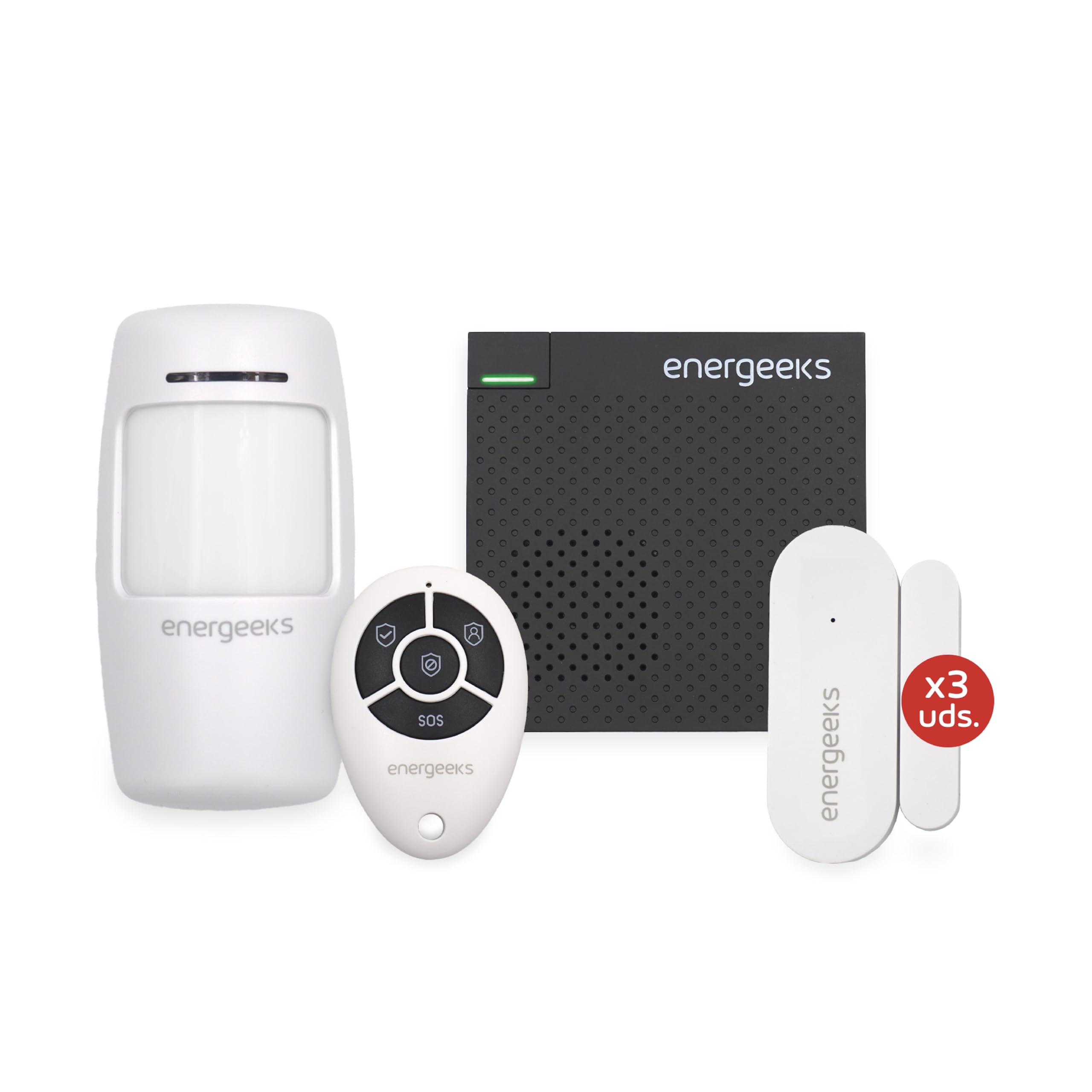
Image 1.1: The Energeeks EG-AW003 WiFi Alarm System kit, including the central unit, motion sensor, three door/window sensors, and a remote control.
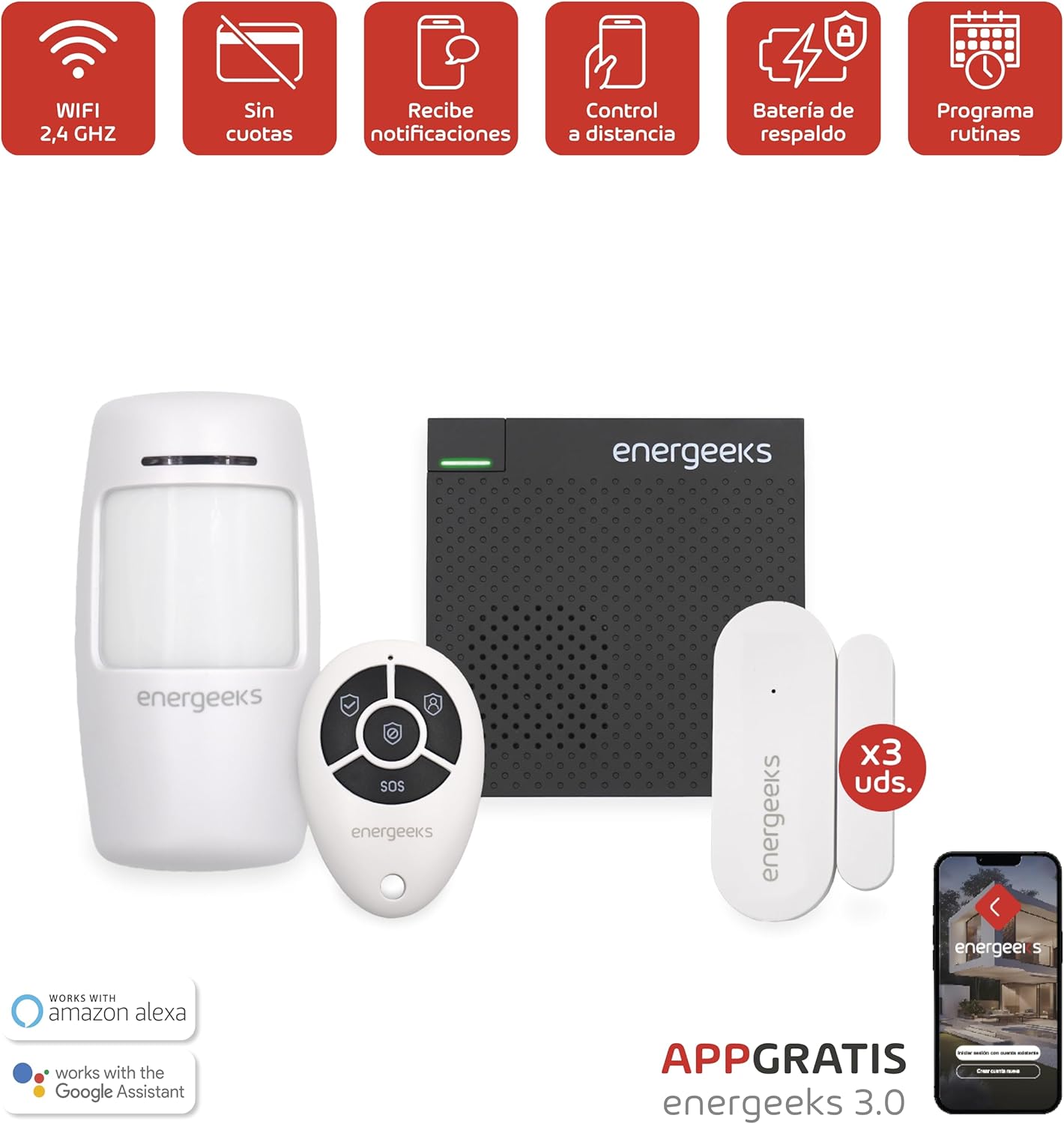
Image 1.2: Icons illustrating key features: WiFi 2.4 GHz, no fees, notifications, remote control, backup battery, and routine programming.
2. Setup
2.1 Initial Installation
The installation process for the Energeeks EG-AW003 system is designed to be quick and straightforward, typically taking around 15 minutes. Follow these steps to get your system operational:
- Power On the Central Unit: Connect the central WiFi hub to a power source. Ensure it is placed in a central location within your home for optimal signal coverage.
- Download the Energeeks 3.0 App: Search for "Energeeks 3.0" in your smartphone's app store (iOS or Android) and download the application.
- Register and Add Device: Open the app, create an account if you don't have one, and follow the in-app instructions to add a new device. Select the EG-AW003 alarm system.
- Connect to WiFi: During the app setup, you will be prompted to connect the central unit to your home's 2.4 GHz WiFi network. Ensure your smartphone is also connected to the same 2.4 GHz network during this process.
2.2 Pairing Sensors and Remote Control
Once the central unit is connected to the app, you can proceed to pair the included sensors and remote control:
- Access Pairing Mode: In the Energeeks 3.0 app, navigate to the device settings for your alarm system and select the option to add new accessories or sensors.
- Activate Sensors: For motion sensors, ensure batteries are inserted and activate them according to their individual instructions (often involves a button press or battery pull tab). For door/window sensors, separate the two parts briefly to trigger them.
- Pair Remote Control: Follow the app's instructions to put the remote control into pairing mode, usually by pressing a combination of buttons.
- Confirm Pairing: The app will confirm when each sensor and the remote control have been successfully paired. Assign names to each sensor for easy identification (e.g., "Front Door," "Living Room Motion").
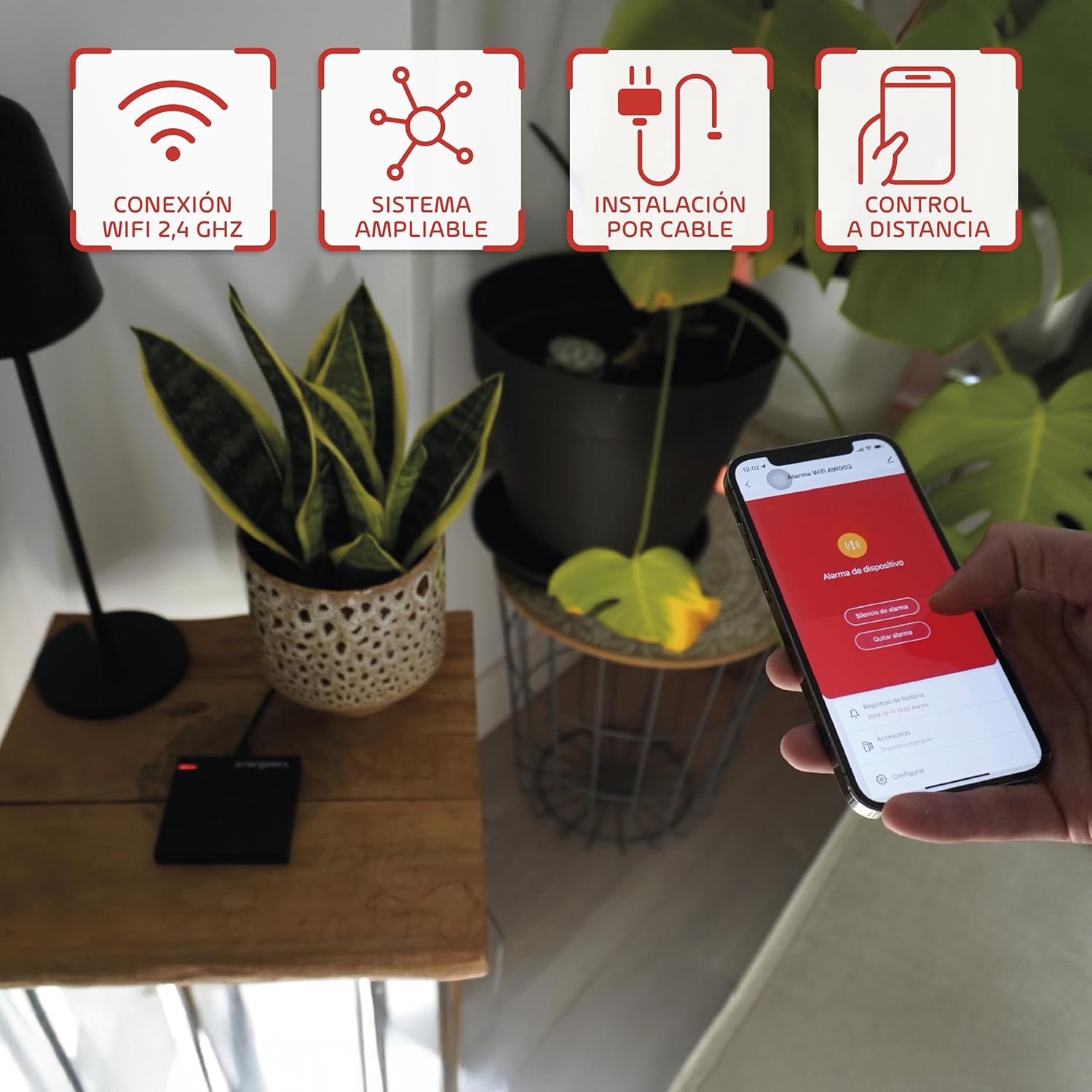
Image 2.1: Illustrates the system's WiFi 2.4 GHz connection, expandability, wired installation option, and remote control via the mobile app.

Image 2.2: The included motion sensor, three door/window opening sensors, and the remote control.
3. Operating the System
3.1 Using the Energeeks 3.0 App
The Energeeks 3.0 app is your primary interface for controlling and monitoring your alarm system. It allows you to manage all aspects of your security from anywhere.
- Arm/Disarm: Easily arm or disarm your system with a tap. Choose between full arming (all sensors active) or home arming (perimeter sensors active, internal sensors inactive).
- Notifications: Receive instant push notifications on your smartphone for any triggered alarms, low battery alerts, or system status changes.
- Device Management: View the status of all connected sensors, add new ones, or remove existing ones.
- Event Log: Review a history of all system events, including arming/disarming times and alarm triggers.
3.2 Creating Scenarios and Schedules
Personalize your security by setting up custom scenarios and schedules within the Energeeks 3.0 app:
- Time-Based Schedules: Program your system to arm or disarm automatically at specific times of the day or on certain days of the week.
- Sensor-Triggered Actions: Create rules where a specific sensor trigger initiates an action, such as turning on smart lights (if integrated) or sending a specific notification.
- Integration with Other Devices: If you have other Energeeks smart home devices, you can integrate them into your security scenarios for enhanced automation.
3.3 Voice Control (Alexa & Google Assistant)
The Energeeks EG-AW003 system is compatible with Amazon Alexa and Google Assistant, allowing for convenient voice control:
- Enable Skill/Action: In the Alexa or Google Home app, search for and enable the "Energeeks" skill or action.
- Link Accounts: Follow the instructions to link your Energeeks 3.0 account with your Alexa or Google account.
- Voice Commands: You can now use voice commands to arm or disarm your system (e.g., "Alexa, arm my home security"), check its status, or activate specific scenarios.
4. Maintenance
4.1 Battery Replacement
Sensors and the remote control are battery-powered. The Energeeks 3.0 app will notify you when a sensor's battery is low. Replace batteries promptly to ensure continuous protection.
- Motion Sensor: Typically uses AA or AAA batteries. Refer to the sensor's specific compartment for battery type.
- Door/Window Sensors: Often use coin cell batteries (e.g., CR2032).
- Remote Control: Usually uses a coin cell battery.
Always use new, high-quality batteries and dispose of old batteries responsibly according to local regulations.
4.2 Cleaning and Placement
- Cleaning: Use a soft, dry cloth to clean the central unit and sensors. Avoid using liquid cleaners or abrasive materials.
- Sensor Placement: Periodically check that all sensors are securely mounted and that their detection areas are unobstructed. For door/window sensors, ensure the two parts are aligned correctly and within the specified gap.
- Central Unit: Ensure the central unit is not covered or placed in an enclosed space that could interfere with its WiFi signal or internal components.
5. Troubleshooting
If you encounter issues with your Energeeks EG-AW003 WiFi Alarm System, refer to the following common troubleshooting steps:
- System Not Connecting to WiFi:
- Ensure your WiFi network is 2.4 GHz. The system does not support 5 GHz networks.
- Check your WiFi password for accuracy.
- Move the central unit closer to your WiFi router.
- Restart your WiFi router and the central unit.
- Sensor Not Responding:
- Check the sensor's battery and replace if necessary.
- Ensure the sensor is within range of the central unit.
- Re-pair the sensor with the central unit via the Energeeks 3.0 app.
- Verify there are no physical obstructions blocking the sensor's signal or detection area.
- App Notifications Not Received:
- Check your smartphone's notification settings for the Energeeks 3.0 app to ensure they are enabled.
- Ensure your phone has an active internet connection.
- Log out and log back into the Energeeks 3.0 app.
- Voice Control Not Working:
- Verify that the Energeeks skill/action is enabled and linked correctly in your Alexa or Google Home app.
- Ensure your voice assistant device is online and functioning correctly.
- Use the exact voice commands specified in the Alexa/Google Home app.
6. Specifications
Detailed technical specifications for the Energeeks EG-AW003 WiFi Alarm System:
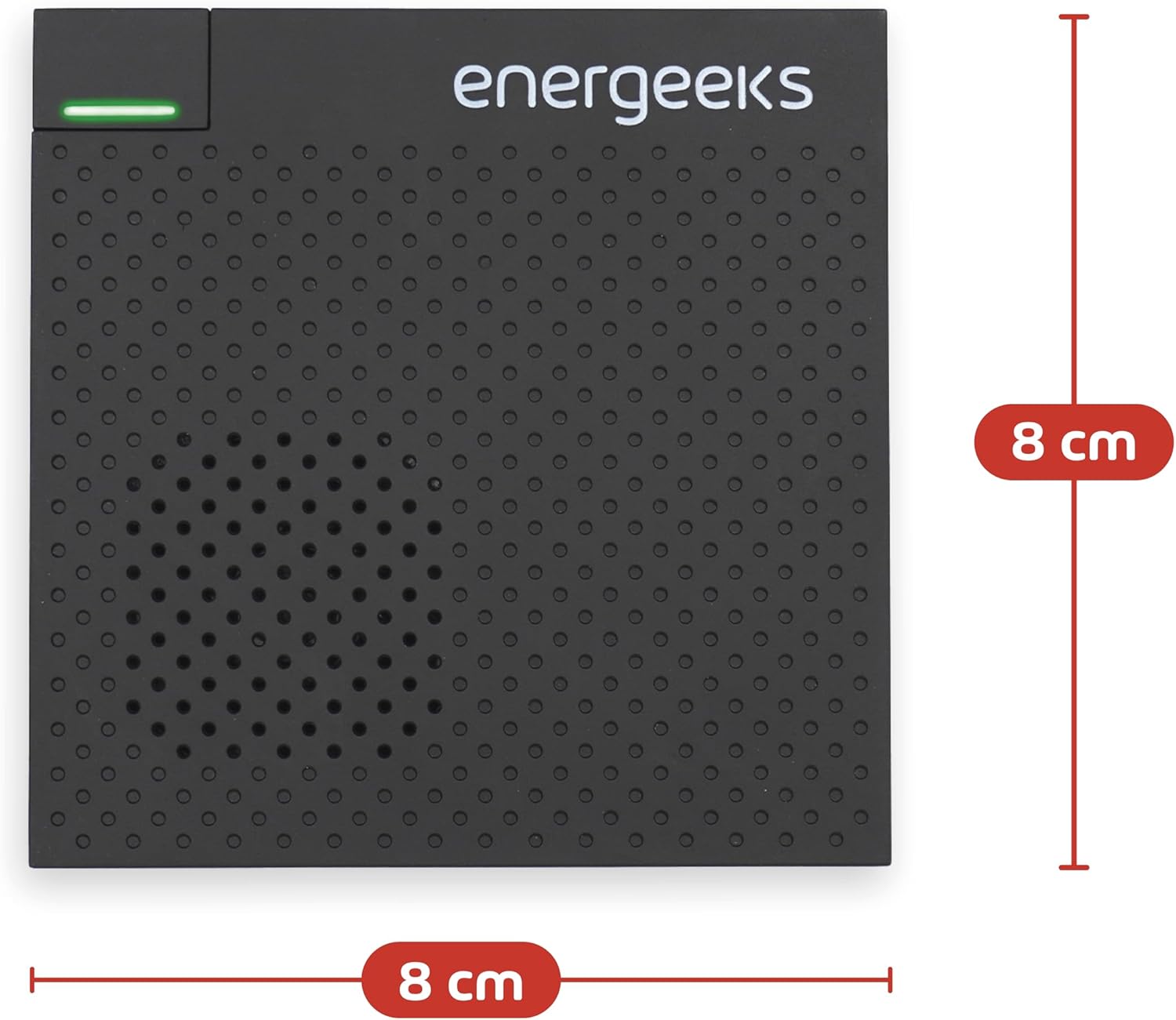
Image 6.1: Dimensions of the Energeeks EG-AW003 central unit, showing it is 8 cm by 8 cm.
| Feature | Detail |
|---|---|
| Brand | energeeks |
| Model Number | EG-AW003 |
| Connectivity Technology | Wireless (WiFi 2.4 GHz) |
| Compatible Devices | Smartphone, Tablet, Personal Computer |
| Product Dimensions (L x W x H) | 8 x 25 x 23 centimeters (packaging) |
| Central Unit Dimensions | Approx. 8 x 8 cm |
| Installation Type | DIY Wireless |
| Alert Type | Motion and Entry |
| Control Method | Application (Energeeks 3.0) |
| Sensor Technology | Motion Sensor |
| Included Components | Remote control, Motion sensors, Opening sensors, Siren (integrated in central unit) |
| Power Source | Hand-powered (refers to battery-operated sensors/remote) |
| Manufacturer | ENERGEEKS |
| Country of Origin | Portugal |
7. Warranty and Support
The Energeeks EG-AW003 WiFi Alarm System is designed to provide reliable home security without the burden of ongoing fees or long-term contracts. This system offers complete protection for your home without additional costs, allowing you to manage your security economically and efficiently.
For technical support, warranty claims, or further assistance, please refer to the contact information provided with your product packaging or visit the official Energeeks website. Ensure you have your product model number (EG-AW003) and purchase details available when contacting support.
