Introduction
This manual provides essential information for the proper setup, operation, and maintenance of your QCY Smart Watch GT2. Please read this manual thoroughly before using the device to ensure optimal performance and longevity.

Image: Front view of the QCY Smart Watch GT2, showcasing its round AMOLED display with a vibrant, abstract watch face. The watch features a black strap and a dark grey metal casing.
Design and Build Quality
The QCY Smart Watch GT2 features a durable zinc alloy watch frame and a stainless-steel spiral crown with vacuum plating, ensuring both aesthetic appeal and robust construction.
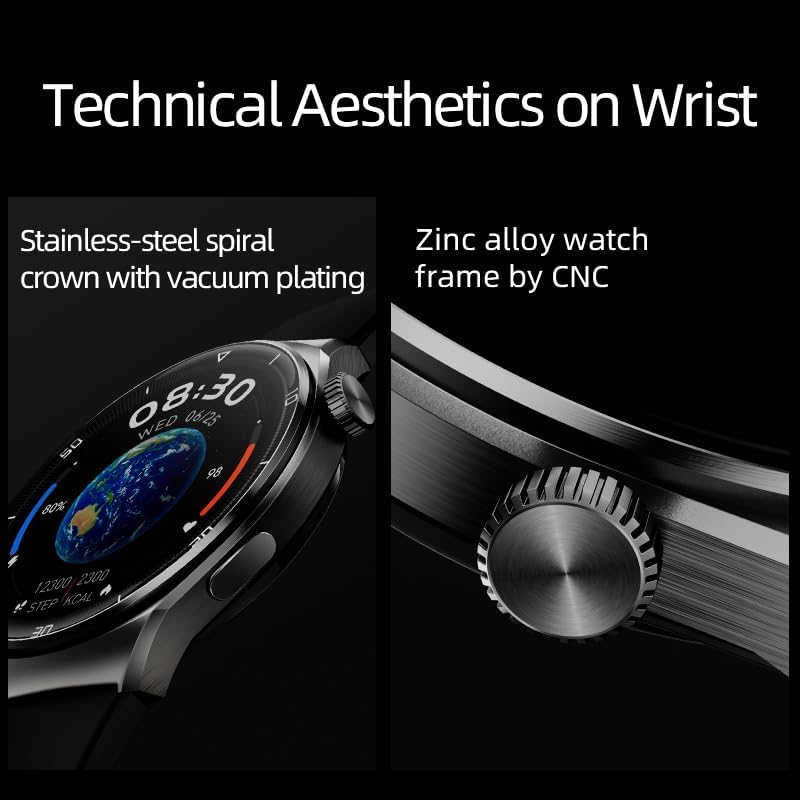
Image: A close-up view highlighting the technical aesthetics of the QCY Smart Watch GT2, specifically showcasing the stainless-steel spiral crown and the zinc alloy watch frame.
Setup Guide
1. Unboxing and Initial Charge
Carefully remove the QCY Smart Watch GT2 from its packaging. Before first use, it is recommended to fully charge the device. Connect the charging cable to the watch's charging port and a compatible USB power adapter.
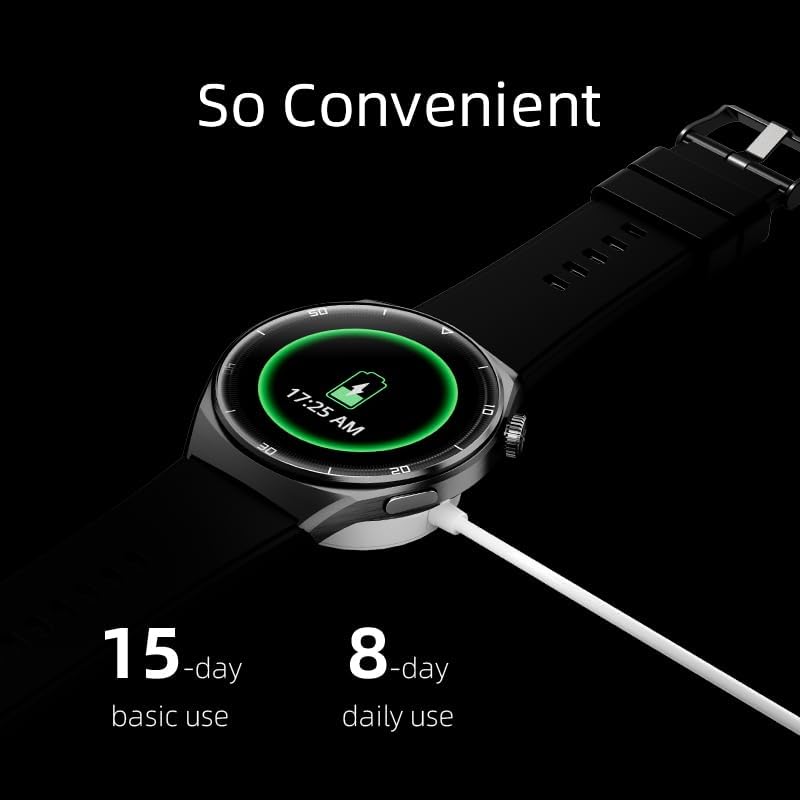
Image: The QCY Smart Watch GT2 connected to its charging cable, displaying a battery icon on its screen. This illustrates the charging process, indicating its 15-day basic use and 8-day daily use battery life.
2. Powering On and Pairing
Press and hold the side button to power on the watch. Once powered on, follow the on-screen instructions to select your language. To pair with your smartphone, download the official QCY application from your device's app store. Open the app, create an account or log in, and follow the in-app instructions to connect your GT2 smartwatch via Bluetooth 5.0.
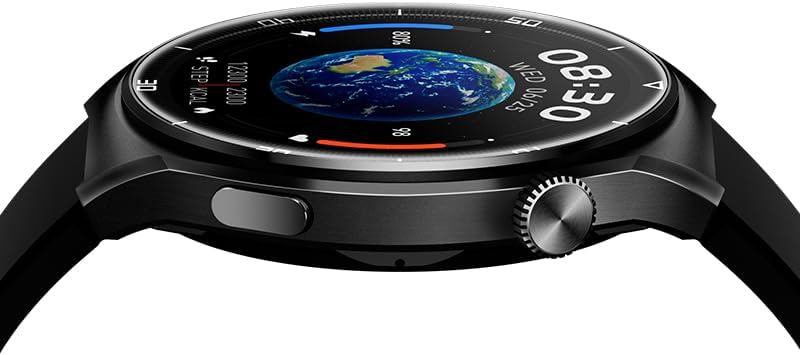
Image: A close-up side view of the QCY Smart Watch GT2, highlighting the functional crown and a rectangular button on the right side of the watch casing. These are used for navigation and control.
Operating Instructions
Display and Navigation
The QCY Watch GT2 features a 1.43-inch AMOLED tempered glass screen with a resolution of 466x466 pixels. Navigation is primarily done via touchscreen gestures and the side button/crown.
- Swipe Up/Down: Access notifications or quick settings.
- Swipe Left/Right: Cycle through widgets and health data.
- Tap: Select items or confirm actions.
- Side Button: Press to return to the home screen or access the app menu. Rotate the crown for scrolling.

Image: A close-up of the QCY Smart Watch GT2's display, highlighting its "Ultra Clear and Smooth Retina-level AMOLED display" with specifications such as 1.43" AMOLED tempered glass screen, 72% screen-to-body ratio, 60Hz refresh rate, and 466x466 pixels resolution.
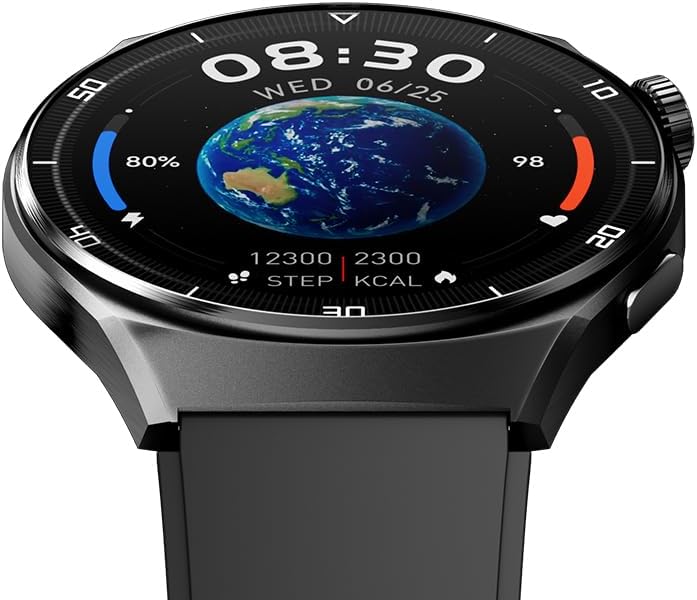
Image: A detailed view of the QCY Smart Watch GT2's display, showing the current time, date, step count, calorie burn, and a world map background, illustrating the watch's ability to present various data points.
Key Features Overview
The QCY Watch GT2 offers a comprehensive set of features designed to enhance your daily life and health monitoring.
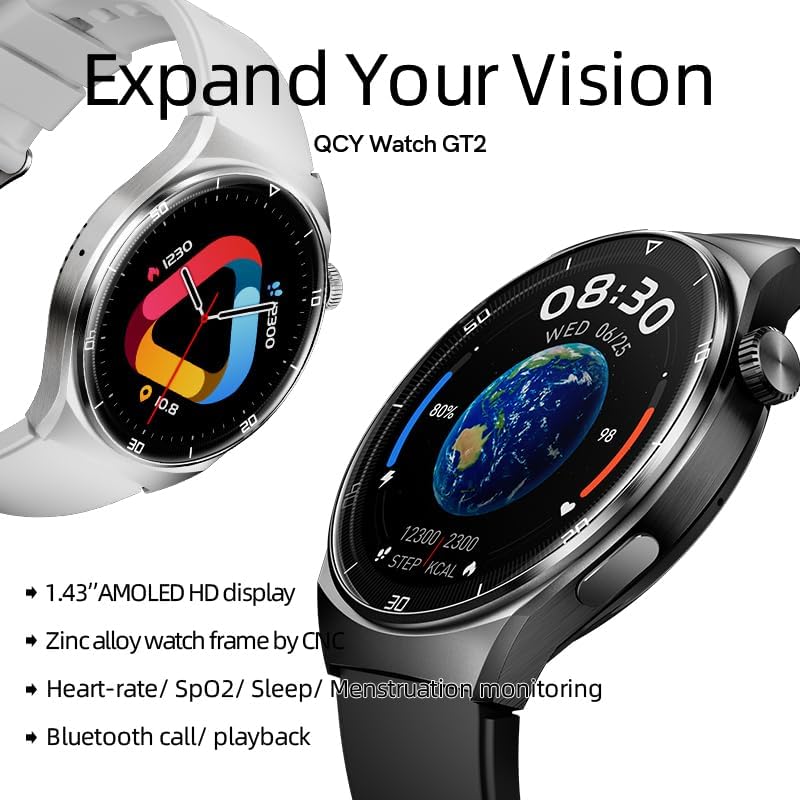
Image: An overview of the QCY Watch GT2's key features, including its 1.43" AMOLED HD display, zinc alloy watch frame, heart-rate/SpO2/sleep/menstruation monitoring, and Bluetooth call/playback capabilities.
Health and Fitness Tracking
The watch is equipped with various sensors to monitor your health and fitness activities.
- Heart Rate Monitoring: Provides 24-hour heart rate tracking.
- SpO2 Sensor: Measures blood oxygen levels.
- Sleep Monitoring: Tracks sleep patterns and quality.
- Activity Tracker: Records steps, distance, and calories burned.
- Sports Modes: Supports over 100 sports modes, including running, cycling, and swimming, for accurate workout tracking.
- Menstruation Reminder: Provides reminders for menstrual cycles.
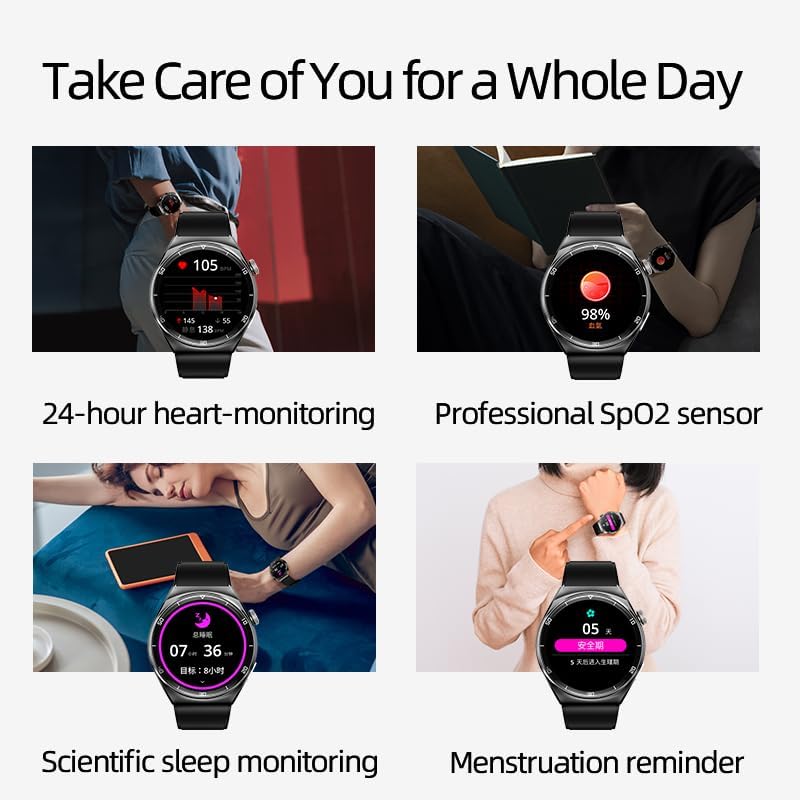
Image: A collage demonstrating the QCY Smart Watch GT2's health features, including 24-hour heart-monitoring, professional SpO2 sensor, scientific sleep monitoring, and menstruation reminder.
Smart Features
- Bluetooth Calling: Make and receive calls directly from your watch when connected to your smartphone.
- Notifications: Receive alerts for text messages, calls, and app notifications.
- Music Control: Control music playback on your paired smartphone.
- Always On Display: Keep essential information visible without raising your wrist.

Image: A person using the QCY Smart Watch GT2 to answer a Bluetooth call, demonstrating the convenience of hands-free communication directly from the wrist.
Maintenance
Cleaning
Regularly clean your watch to ensure proper functioning and hygiene. Use a soft, lint-free cloth to wipe the screen and casing. For stubborn dirt, slightly dampen the cloth with water. Avoid using harsh chemicals or abrasive materials.
Water Resistance
The QCY Smart Watch GT2 is IPX7 waterproof. This means it can withstand immersion in water up to 1 meter for 30 minutes. It is suitable for daily use, such as washing hands or light rain. However, it is not recommended for swimming, showering with hot water, or diving.
Battery Care
To prolong battery life, avoid exposing the watch to extreme temperatures. Charge the watch using the provided cable and a standard USB power adapter. The 220mAh battery provides up to 15 days of basic use or 8 days of daily use.
Troubleshooting
| Problem | Possible Solution |
|---|---|
| Watch does not power on. | Ensure the watch is fully charged. Connect to the charger for at least 30 minutes. |
| Cannot pair with smartphone. |
|
| Inaccurate health data. | Ensure the watch is worn snugly on your wrist, not too tight or too loose. Clean the sensor on the back of the watch. |
| Short battery life. |
|
Specifications
| Feature | Detail |
|---|---|
| Brand | QCY |
| Model Number | GT2-BLACK |
| Operating System | Smartwatch OS |
| Display | 1.43 Inches AMOLED, 466 x 466 Resolution |
| Connectivity | Bluetooth 5.0 |
| GPS | Built-in GPS |
| Water Resistance | IPX7 |
| Battery Capacity | 220 Milliamp Hours |
| Battery Life | Up to 15 days (basic use), 8 days (daily use) |
| Sensors | Heart Rate Monitor, SpO2 Sensor, Pedometer, Sleep Tracker |
| Special Features | Activity Tracker, Alarm Clock, Always On Display, Time Display, Touchscreen, Bluetooth Call/Playback |
| Color | Black |
| Item Weight | 60 g |
| Package Dimensions | 17.9 x 10 x 3.2 cm |
| Material | Zinc Alloy Watch Frame |
Warranty and Support
For warranty information and customer support, please refer to the official QCY website or contact your local retailer. Keep your purchase receipt as proof of purchase for warranty claims.
For further assistance, you may visit the QCY Store on Amazon.