
Armitron 40-8253
Armitron Sport Digital Chronograph Watch
Model: 40/8253
User Manual
Introduction
This manual provides comprehensive instructions for the setup, operation, and maintenance of your Armitron Sport Digital Chronograph Watch, Model 40/8253. Please read this manual thoroughly to ensure proper use and to maximize the lifespan of your watch.
Product Overview
The Armitron Sport Digital Chronograph Watch is designed for active individuals, featuring a durable resin case and strap, a clear LCD display, and multiple functions including a chronograph, alarm, and backlight. Its water resistance makes it suitable for various activities.
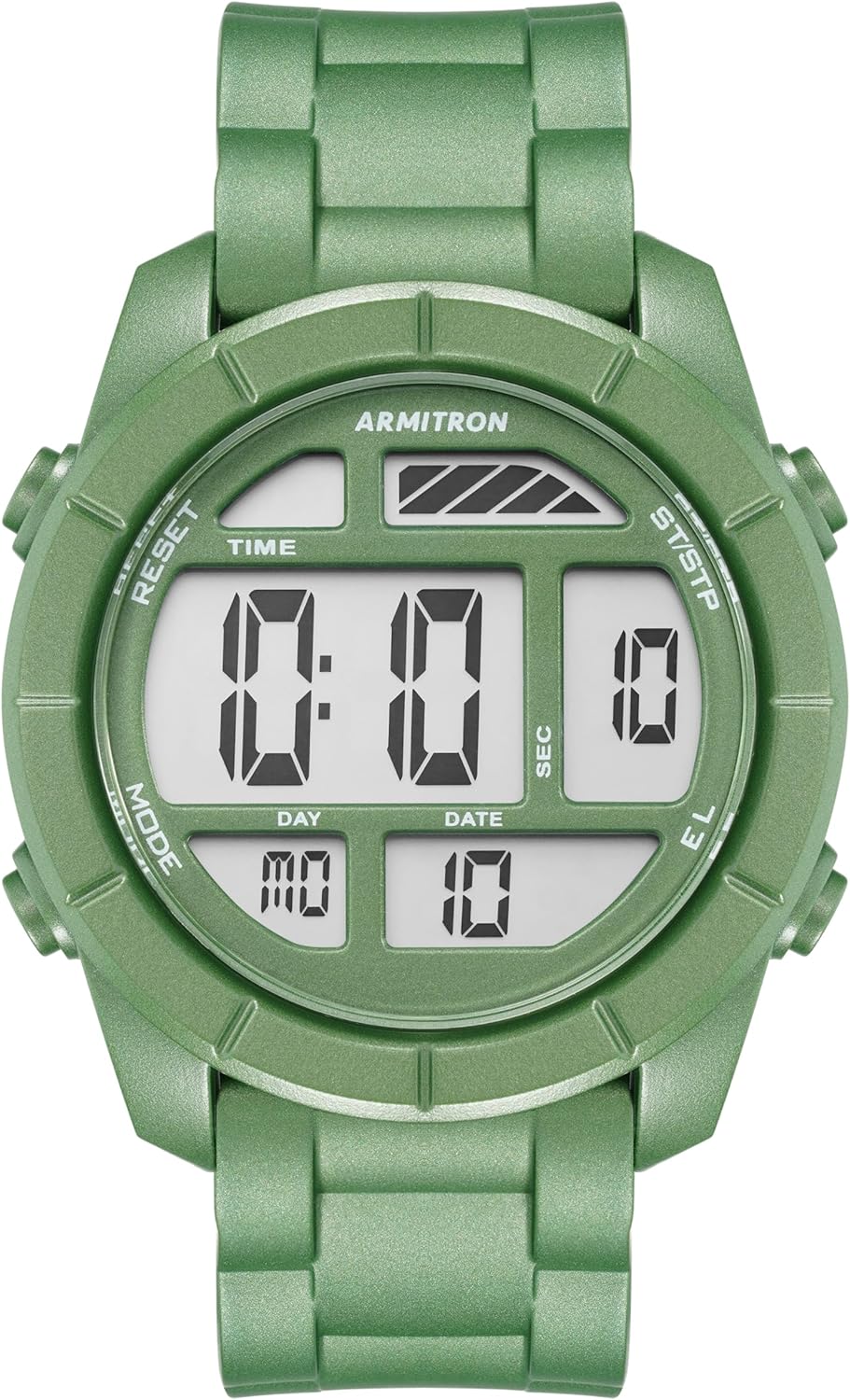
Figure 1: Front view of the Armitron Sport Digital Chronograph Watch, Model 40/8253, showcasing its metallic green resin case and digital display.
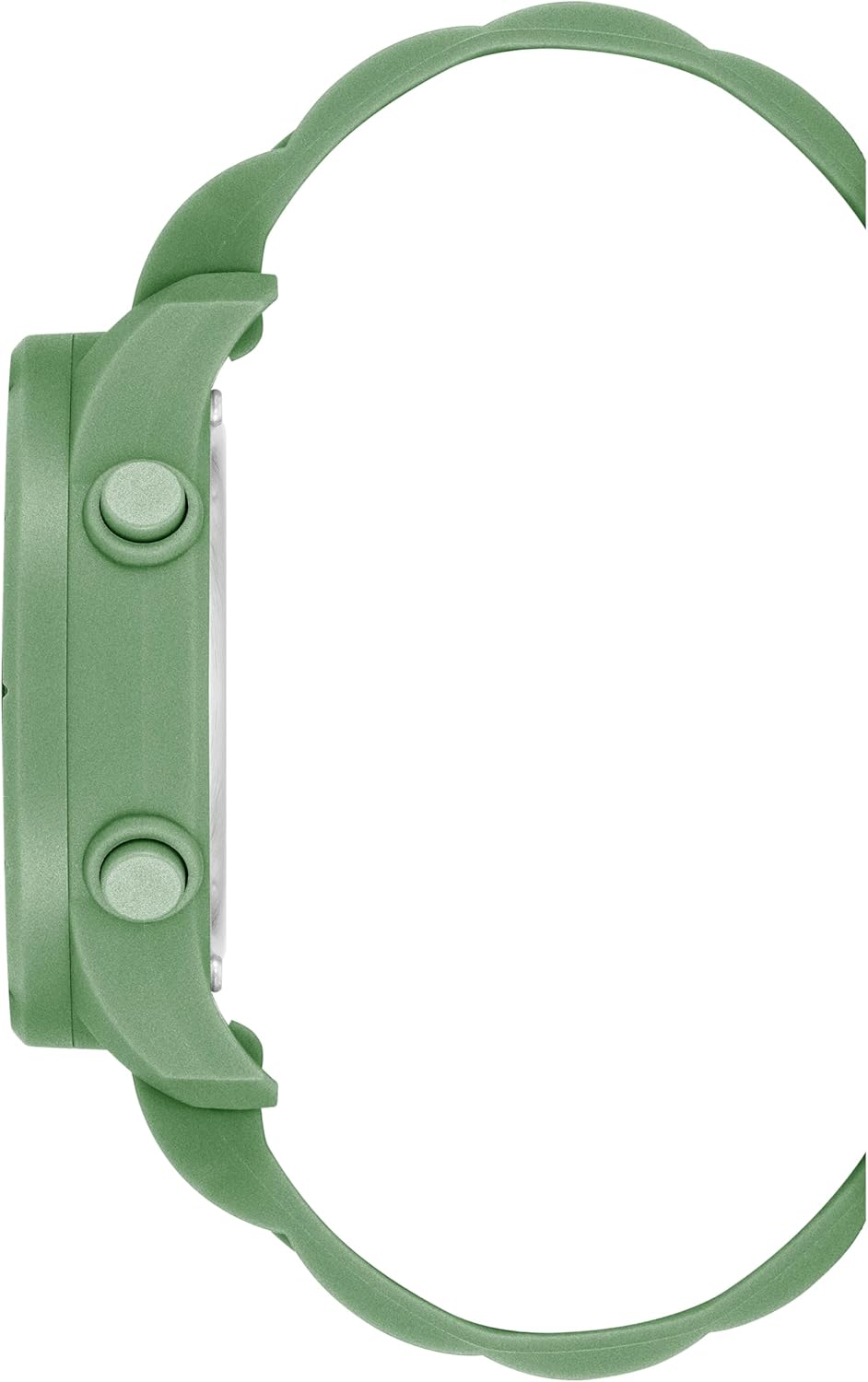
Figure 2: Side view of the watch, highlighting the profile of the metallic green resin case and control buttons.

Figure 3: Back view of the watch, showing the stainless steel case back and the metallic green resin strap with buckle closure.
Key Features
- Metallic green resin case and top ring for durability and style.
- Clear LCD display showing time, seconds, day, and date.
- Multi-functional capabilities: chronograph, lap time, alarm, dual time, military time, and backlight.
- Comfortable metallic green resin strap with a secure buckle closure.
- Water resistant up to 330 feet (100 meters), suitable for swimming and showering.
Setup: Setting Time and Date
To set the time and date on your Armitron Sport watch, follow these steps:
- Enter Setting Mode: Press the MODE button repeatedly until the time display begins to flash, indicating you are in setting mode.
- Adjust Time: Use the RESET button to select the hour, minute, or second digit you wish to adjust. Press the ST/STP button to increase the selected value. Hold ST/STP for faster adjustment.
- Set 12/24 Hour Format: While in time setting mode, pressing the EL button may toggle between 12-hour (AM/PM) and 24-hour (military time) formats.
- Adjust Date: After setting the time, press MODE again to move to date settings. Use RESET to select the year, month, or day, and ST/STP to adjust the values.
- Exit Setting Mode: Once all settings are correct, press the MODE button to return to the normal time display.
Operating Modes
Your watch features several operating modes accessible via the MODE button.
Chronograph (Stopwatch)
The chronograph measures elapsed time. To use it:
- Press MODE until "CHRONO" or "STW" appears on the display.
- Press ST/STP to start the stopwatch.
- Press ST/STP again to stop it.
- Press RESET to reset the stopwatch to zero.
- For lap time, press RESET while the stopwatch is running to display the lap time. The stopwatch continues to run in the background. Press RESET again to return to the running stopwatch display.
Alarm
To set and activate the alarm:
- Press MODE until "ALARM" or "AL" appears.
- Press RESET to select the hour or minute digit.
- Press ST/STP to adjust the selected value.
- Press MODE to confirm and exit alarm setting.
- To turn the alarm ON/OFF, while in alarm mode, press ST/STP to toggle the alarm icon.
Dual Time
The dual time function allows you to track a second time zone.
- Press MODE until "DT" or "DUAL TIME" appears.
- Press RESET to select the hour or minute digit.
- Press ST/STP to adjust the selected value.
- Press MODE to confirm and exit dual time setting.
Backlight
To illuminate the display in low-light conditions:
- Press the EL button (Electro-Luminescent) to activate the backlight. The backlight will remain on for a few seconds.
Maintenance
Water Resistance
Your Armitron Sport watch is water resistant to 100 meters (330 feet). This means it is suitable for recreational swimming and showering. However, it is important to:
- Avoid pressing buttons underwater as this can compromise the water seal.
- Avoid exposure to hot water or steam (e.g., hot showers, saunas) as temperature changes can affect the watch's seals.
- Rinse the watch with fresh water after exposure to salt water or chlorine.
Battery Replacement
The watch uses one product-specific battery (included). When the display dims or functions become erratic, it may be time to replace the battery. Battery replacement should ideally be performed by a qualified watch technician to ensure the water resistance seal is properly maintained.
Cleaning
To clean your watch, wipe it with a soft, damp cloth. Avoid using harsh chemicals or abrasive materials, which can damage the resin case and strap.
Troubleshooting
| Problem | Possible Cause | Solution |
|---|---|---|
| Display is blank or dim. | Low or dead battery. | Replace the battery. |
| Buttons are unresponsive. | Watch may be wet or debris is lodged. | Ensure watch is dry. Clean around buttons. If problem persists, seek professional service. |
| Time is incorrect. | Time not set correctly or accidental adjustment. | Refer to the "Setup: Setting Time and Date" section to reset the time. |
| Water inside the display. | Water resistance compromised. | Stop using the watch immediately and seek professional repair to prevent further damage. |
Specifications
- Model Number: 40-8253
- Case Material: Resin
- Strap Material: Resin
- Display Type: Digital LCD
- Water Resistance: 100 meters (330 feet)
- Functions: Time, Seconds, Day, Date, Chronograph, Lap Time, Alarm, Dual Time, Military Time, Backlight
- Battery: 1 Product Specific battery (included)
- Package Dimensions: 4.25 x 3.5 x 2.8 inches
- Item Weight: 4.13 ounces
Warranty and Support
For warranty information, product support, or service inquiries, please refer to the official Armitron website or contact Armitron customer service directly. Keep your purchase receipt as proof of purchase for warranty claims.
Armitron Official Website: www.armitron.com
Related documents40-8253


Ask a question about this manual
Ask about setup, troubleshooting, compatibility, parts, safety, or missing instructions. Manuals+ will review the question and use this page’s manual context to help answer it.