
Introduction
This manual provides detailed instructions for the installation, operation, and maintenance of your LongPlus 2K Battery Powered WiFi Security Camera. Please read this manual thoroughly before using the product to ensure proper functionality and safety. This camera is designed for both indoor and outdoor home security, offering high-quality video surveillance with advanced features.
What's in the Box
Verify that all components are present in the package:
- Security Camera with Bracket
- Pack of Screws
- Reset Needle
- USB Cable
- Quick Start Guide
Key Features
The LongPlus Security Camera is equipped with several advanced features to enhance your home security:
- 2K QHD Resolution and Color Night Vision: Captures high-quality 2K video and images, offering 50% higher definition than 1080P. Provides both full-color and infrared night vision up to 33ft.
- Rechargeable and IP65 Waterproof: 100% wireless design with a rechargeable battery providing 1 to 5 months of use per charge. IP65 waterproof rating ensures operation in various weather conditions.
- PIR Motion Detection with AI Analysis: Advanced AI motion detection intelligently recognizes people, vehicles, pets, and packages, sending real-time notifications to your phone.
- Two-Way Talk & Smart Instant Siren: Features a built-in microphone and speaker for real-time communication. Includes a siren and flashing white light for deterrence.
- Cloud/SD Storage Options: Supports local storage via Micro SD card (up to 128GB, not included) and complimentary 3-day rolling cloud storage.
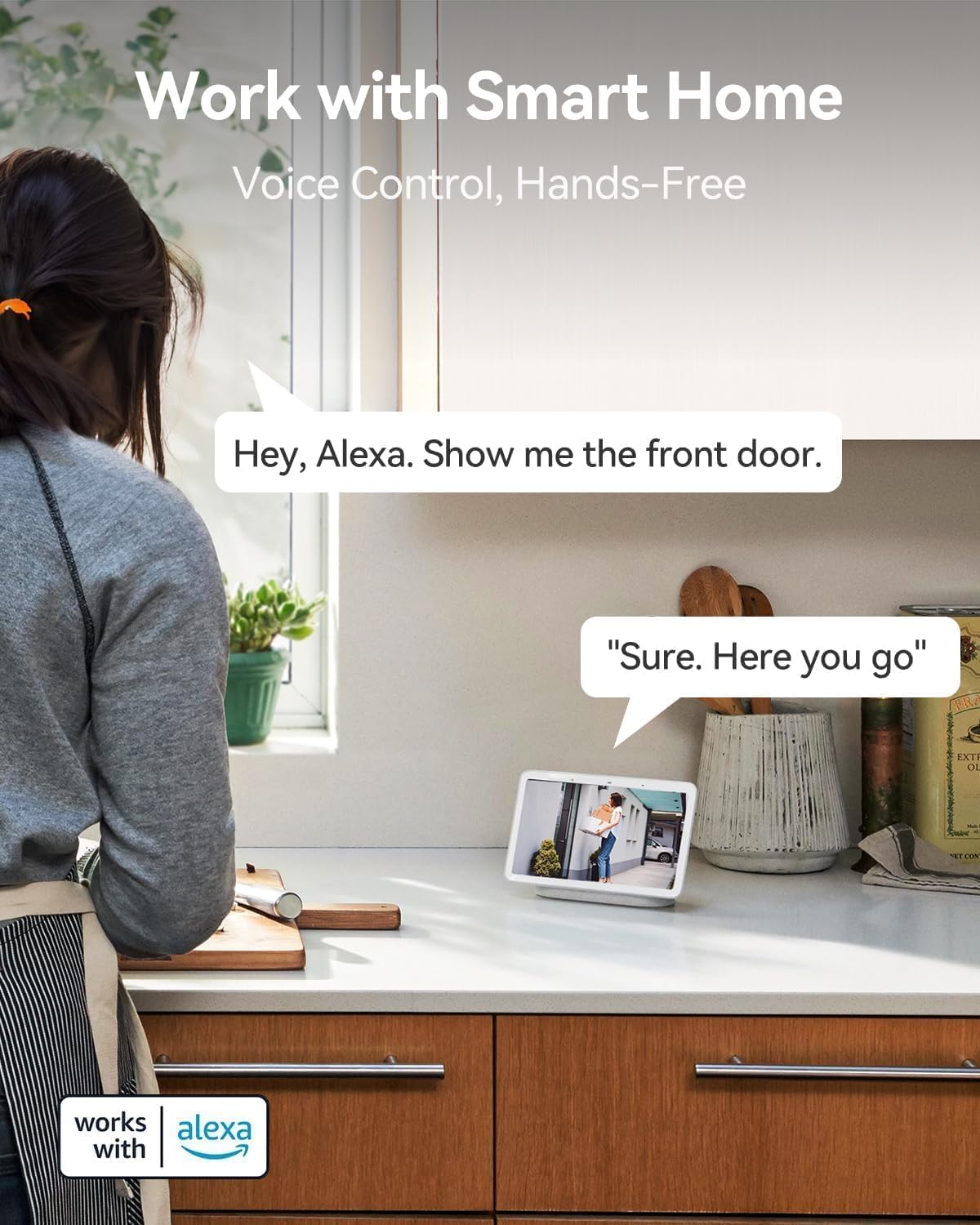
- Works with Alexa: Seamless integration with Amazon Alexa for voice control and hands-free monitoring.


Setup Guide
Follow these steps to set up your LongPlus Security Camera:
- Charge the Camera: Before first use, fully charge the camera using the provided USB cable. The charging indicator will show its status.
- Download the App: Search for "Vicohome" in your smartphone's app store (iOS or Android) and download the application.
- Create an Account: Open the Vicohome app and follow the on-screen instructions to create a new user account.
- Add Device: In the app, tap the "+" icon to add a new device. Select your camera model from the list.
- Connect to Wi-Fi: Follow the app's instructions to connect the camera to your 2.4GHz Wi-Fi network. Note: This camera exclusively supports 2.4GHz Wi-Fi.
- Mount the Camera: Choose a suitable location for installation. Use the provided bracket and screws to securely mount the camera. Ensure the camera has a clear field of view and is within Wi-Fi range.
- Insert SD Card (Optional): If you wish to use local storage, insert a Micro SD card (up to 128GB) into the designated slot on the camera. Format the SD card through the app settings.
Operating Instructions
Once set up, you can utilize the camera's features through the Vicohome app:
Live View
Open the Vicohome app and select your camera from the device list to access the live video feed. You can view real-time footage from anywhere, at any time.
Two-Way Audio
While in live view, tap the microphone icon in the app to enable two-way talk. You can speak through your phone, and your voice will be projected through the camera's speaker. Listen to audio from the camera through your phone's speaker.
Motion Detection and Alerts
The camera's PIR sensor detects motion. When motion is detected, the camera will record an event and send a notification to your phone. You can customize motion detection sensitivity and alert zones within the app settings.
Night Vision Modes
The camera supports both full-color night vision and infrared night vision. You can switch between these modes in the app settings based on your preference and lighting conditions.
Storage Management
Recorded events are stored either on the inserted Micro SD card or in the cloud. You can access and review recorded footage through the "Library" section of the Vicohome app. The free 3-day rolling cloud storage automatically overwrites older footage.
Smart Home Integration
The camera works with Amazon Alexa. To enable this feature, link your Vicohome account with your Alexa app. You can then use voice commands like "Alexa, show me the front door" to view the camera feed on compatible Alexa devices.
Maintenance
Regular maintenance ensures optimal performance and longevity of your camera:
- Battery Charging: Monitor the battery level in the Vicohome app. Recharge the camera promptly when the battery is low to avoid interruptions in surveillance.
- Cleaning: Periodically clean the camera lens and housing with a soft, damp cloth to remove dust, dirt, or smudges that may affect image quality. Do not use harsh chemicals.
- Firmware Updates: Check the Vicohome app regularly for available firmware updates. Install updates to ensure your camera has the latest features, security patches, and performance improvements.
- SD Card Management: If using an SD card, periodically check its status in the app. Consider backing up important footage before the card fills up or if you plan to replace it.
Troubleshooting
If you encounter issues with your LongPlus Security Camera, refer to the following common problems and solutions:
| Problem | Possible Cause | Solution |
|---|---|---|
| Camera not connecting to Wi-Fi | Incorrect Wi-Fi password; Camera too far from router; Only 5GHz Wi-Fi available. | Ensure correct 2.4GHz Wi-Fi password. Move camera closer to router. Verify your router supports 2.4GHz Wi-Fi. |
| Poor image quality | Dirty lens; Low light conditions; Network bandwidth issues. | Clean the camera lens. Ensure adequate lighting or enable night vision. Check your Wi-Fi signal strength. |
| Motion detection not working or too sensitive | Incorrect sensitivity settings; Obstructions in detection zone; Environmental factors. | Adjust motion detection sensitivity in the app. Clear any obstructions. Define specific alert zones to reduce false alarms. |
| Short battery life | Frequent motion events; Live view usage; Cold weather. | Reduce motion detection sensitivity or frequency. Limit live view access. Battery performance can be affected by extreme cold. |
| Cannot view recorded footage | SD card not inserted/formatted; Cloud storage expired; Network issues. | Ensure SD card is correctly inserted and formatted. Check cloud storage subscription status. Verify stable internet connection. |
| Two-way audio not working | Microphone/speaker disabled in app; Volume too low; Network delay. | Check app settings to ensure microphone and speaker are enabled. Adjust volume levels. Ensure strong Wi-Fi signal. |
If the problem persists, please contact LongPlus customer support for further assistance.
Specifications
Detailed technical specifications for the LongPlus Security Camera (Model X84):
| Feature | Specification |
|---|---|
| Model Number | X84 |
| Resolution | 2K QHD (1440p), 3 MP Effective Still Resolution |
| Connectivity | Wireless (Wi-Fi 2.4GHz only) |
| Power Source | Battery Powered (1 Lithium Ion battery included) |
| Indoor/Outdoor Usage | Indoor, Outdoor |
| Waterproof Rating | IP65 |
| Night Vision Range | Up to 33 feet |
| Viewing Angle | 130 Degrees |
| Storage Options | Micro SD (up to 128GB), Cloud Storage |
| Two-Way Audio | Yes |
| Motion Detection | PIR with AI Analysis (People, Vehicles, Pets, Packages) |
| Compatible Devices | Smartphone (Vicohome App), Amazon Alexa |
| Dimensions (L x W x H) | 4 x 2 x 5 inches |
| Item Weight | 12.6 ounces |
| Frame Rate | 15 frames per second |
| Voltage | 5 Volts |
| Wattage | 1 watts |
Warranty and Support
LongPlus provides a 2-year warranty for this product, ensuring peace of mind regarding manufacturing defects and performance issues. Additionally, lifetime technical support is available for all customers. If you have any inquiries, require assistance with setup, operation, or troubleshooting, or need to claim warranty service, please do not hesitate to contact LongPlus customer support. Refer to the Quick Start Guide or the Vicohome app for specific contact information.


