
1. Introduction
This user manual provides detailed instructions for the SMAEL SM8110K Multi-Function Digital Sports Watch. Please read this manual carefully before using your watch to ensure proper operation and to maximize its lifespan. This watch combines analog and digital displays with various functions designed for active lifestyles.
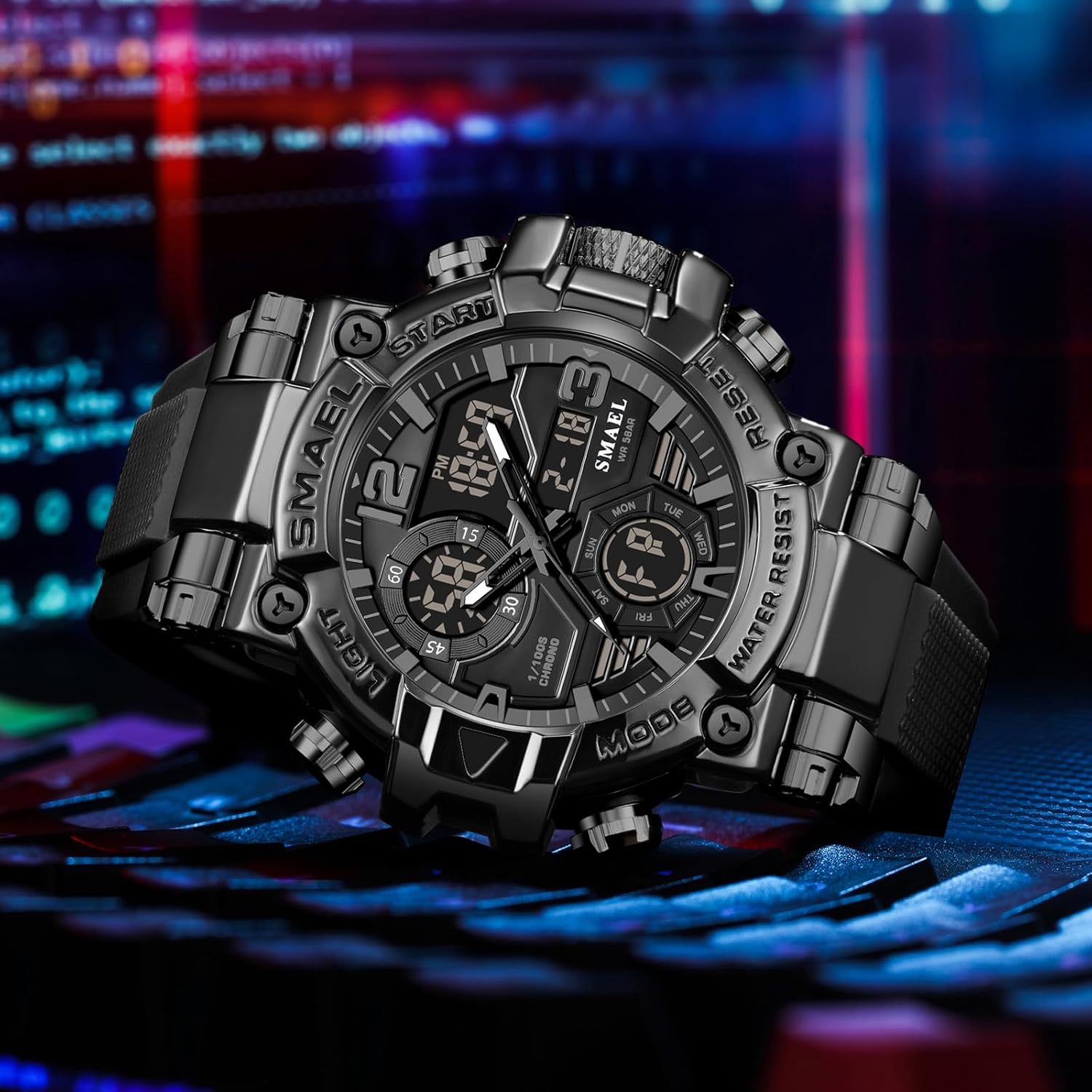
Figure 1: Front view of the SMAEL SM8110K watch.
2. Key Features
The SMAEL SM8110K watch is equipped with a range of features to support your daily activities:
- Dual Time Display: Analog and digital timekeeping for convenience.
- 5ATM Water Resistance: Suitable for daily life use, including hand washing, face washing, and rain exposure. Not suitable for swimming or hot water activities.
- LED Backlight: Provides clear visibility in low-light conditions.
- Alarm Function: Set daily alarms.
- Stopwatch: For timing events with precision.
- Date and Day Display: Keeps track of the current date and day of the week.
- Shock Resistant Design: Durable construction for outdoor and sports use.
- Durable Materials: ABS case, high transparency organic glass mirror, and TPU watch band.

Figure 2: Overview of watch features.
3. Watch Components
Familiarize yourself with the different parts and buttons of your SMAEL SM8110K watch:

Figure 3: Watch components and button functions.
- Button A (LIGHT): Activates the LED backlight.
- Button B (MODE): Cycles through different modes (Time, Alarm, Stopwatch).
- Button C (RESET/SET): Used to reset stopwatch or enter/confirm settings in setting mode.
- Button D (START/INCREMENT): Starts/stops stopwatch or increases values during setting.
- Analog Hands: Display the current analog time.
- Digital Display: Shows digital time, date, day, and other mode-specific information.
4. Setup Instructions
4.1 Setting Digital Time and Date
- In normal time mode, press Button B (MODE) three times until the seconds start flashing, indicating you are in setting mode.
- Press Button C (RESET) to cycle through the settings: seconds → hour → minute → month → date → day of the week.
- Use Button D (START) to adjust the flashing value. Hold Button D to increase values faster.
- Once all settings are correct, press Button B (MODE) to exit the setting mode.
4.2 Setting Analog Time
- Pull out the crown (the knob on the right side of the watch, usually between Button D and Button C).
- Rotate the crown to adjust the analog hands to the desired time.
- Push the crown back in to start the analog timekeeping.
4.3 Setting the Alarm
- From normal time mode, press Button B (MODE) once to enter Alarm mode.
- Press Button C (RESET) to select the hour or minute setting.
- Use Button D (START) to adjust the flashing hour or minute.
- Press Button B (MODE) to exit Alarm setting mode.
- To activate/deactivate the alarm, press Button D (START) while in Alarm mode. An alarm icon will appear/disappear on the digital display.
5. Operating Instructions
5.1 Using the Stopwatch
- From normal time mode, press Button B (MODE) twice to enter Stopwatch mode. The digital display will show "00:00:00".
- Press Button D (START) to start the stopwatch.
- Press Button D (START) again to pause the stopwatch.
- Press Button C (RESET) to reset the stopwatch to "00:00:00" while it is paused.
- Press Button B (MODE) to return to normal time mode.
5.2 Activating the Backlight
Press Button A (LIGHT) at any time to illuminate the digital display. The backlight will remain on for a few seconds.

Figure 4: LED Night Light Display.
5.3 12/24 Hour Format
In digital time setting mode (after pressing Button B three times), press Button D (START) when the hour is flashing to toggle between 12-hour (with AM/PM indicator) and 24-hour formats.
6. Maintenance
6.1 Water Resistance (5ATM)
Your SMAEL SM8110K watch is rated for 5ATM (50 meters) water resistance. This means it is suitable for:
- Daily use
- Washing hands
- Face washing
- Exposure to rain
Important Precautions:
- DO NOT press any buttons underwater.
- Keep the watch away from steam and hot water to prevent damage to the waterproof ring.
- Not suitable for swimming, diving, or showering with hot water.
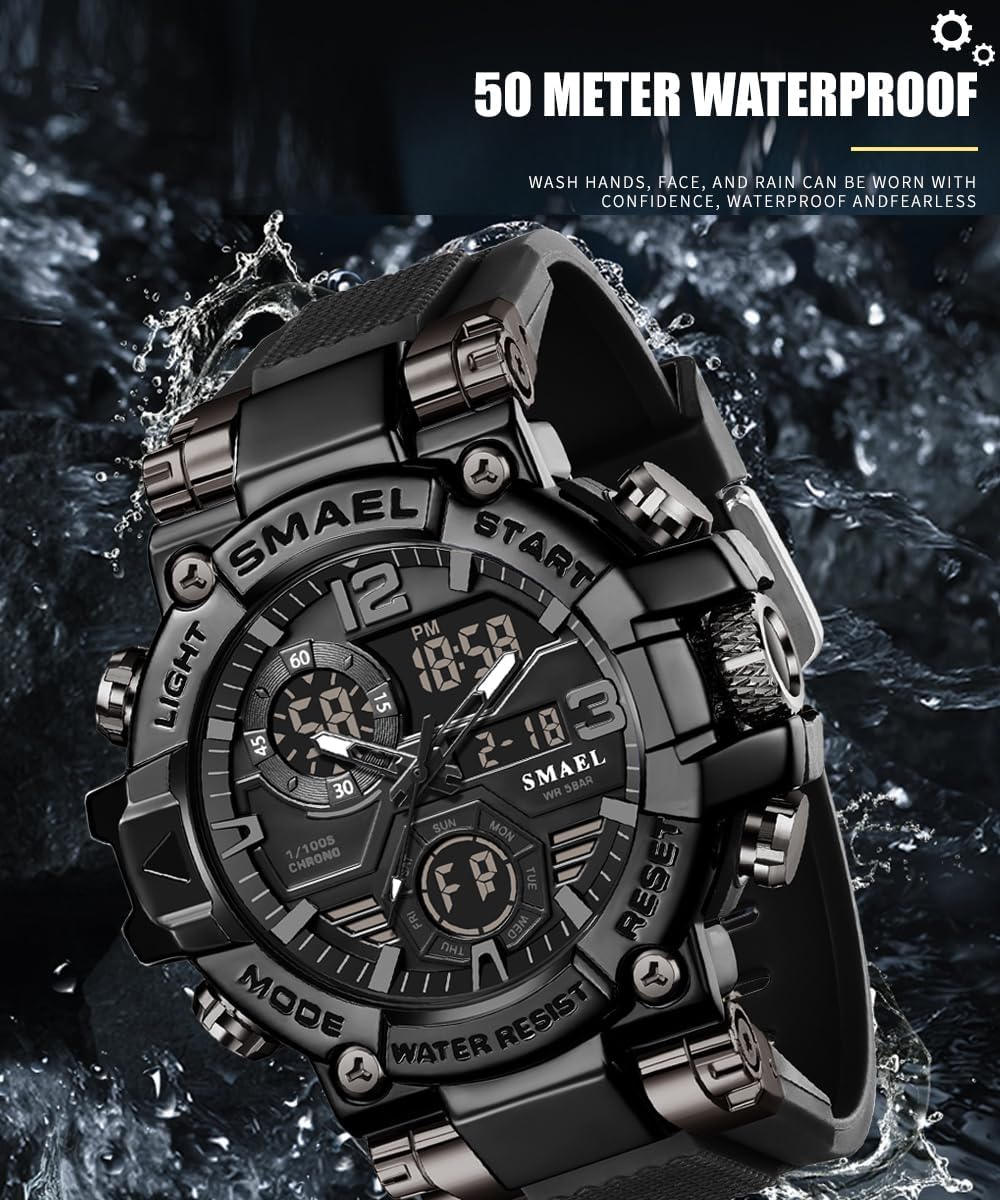
Figure 5: Water resistance demonstration.
6.2 Cleaning Your Watch
Wipe the watch regularly with a soft, dry cloth. For stubborn dirt, a slightly damp cloth can be used, followed by drying thoroughly. Avoid using harsh chemicals or abrasive materials.
6.3 Battery Replacement
The watch uses two long-life batteries. When the display dims or functions become erratic, it may be time for battery replacement. It is recommended to have battery replacement performed by a qualified watch technician to ensure the waterproof seal is maintained.
7. Troubleshooting
| Problem | Possible Cause | Solution |
|---|---|---|
| Digital display is blank or dim. | Low battery. | Replace the battery. |
| Analog hands are not moving. | Crown is pulled out; separate battery for analog movement is low. | Push the crown back in; replace the battery. |
| Time is incorrect. | Time not set correctly; accidental button press. | Refer to Section 4.1 and 4.2 to reset the time. |
| Water inside the watch. | Buttons pressed underwater; exposure to hot water/steam; damaged waterproof seal. | Immediately take the watch to a professional for inspection and repair. Avoid further water exposure. |
8. Specifications

Figure 6: Detailed product specifications.
- Brand: SMAEL
- Model Number: SM8110K (also referred to as 8110)
- Movement Type: Quartz + Electronics (Dual Movement)
- Water Resistance: 5 ATM (50 meters / 164 feet)
- Case Material: ABS / Zinc Alloy
- Mirror Material: High Transparency Organic Glass (Plexiglass)
- Band Material: TPU (Thermoplastic Polyurethane)
- Clasp Type: Buckle
- Dial Width: 55mm
- Case Diameter: 50mm
- Case Thickness: 18mm
- Band Width: 22mm
- Net Weight: 112g
- Battery: MAXELL (Long life)
9. Warranty and Support
SMAEL offers a 12-month warranty for this product, ensuring quality and customer satisfaction. If you encounter any issues or have questions regarding your watch, please do not hesitate to contact our customer service team. We are committed to providing excellent support and will assist you to the best of our ability.
For support, please refer to the contact information provided with your purchase or visit the official SMAEL website.
10. Product Video Display
This video provides a visual overview of the SMAEL SM8110K watch, showcasing its design, features, and various color options. It demonstrates the watch's aesthetic appeal and some of its functionalities.


