Introduction
Thank you for choosing the Jimveo E28 4K Projector. This smart projector is designed to provide an immersive viewing experience with its native 1080P resolution, 4K support, and integrated smart system. Featuring Wi-Fi 6 and Bluetooth 5.2 connectivity, electric focus, and keystone correction, the E28 offers convenience and high-quality projection for both indoor and outdoor use. This manual will guide you through the setup, operation, and maintenance of your new projector.
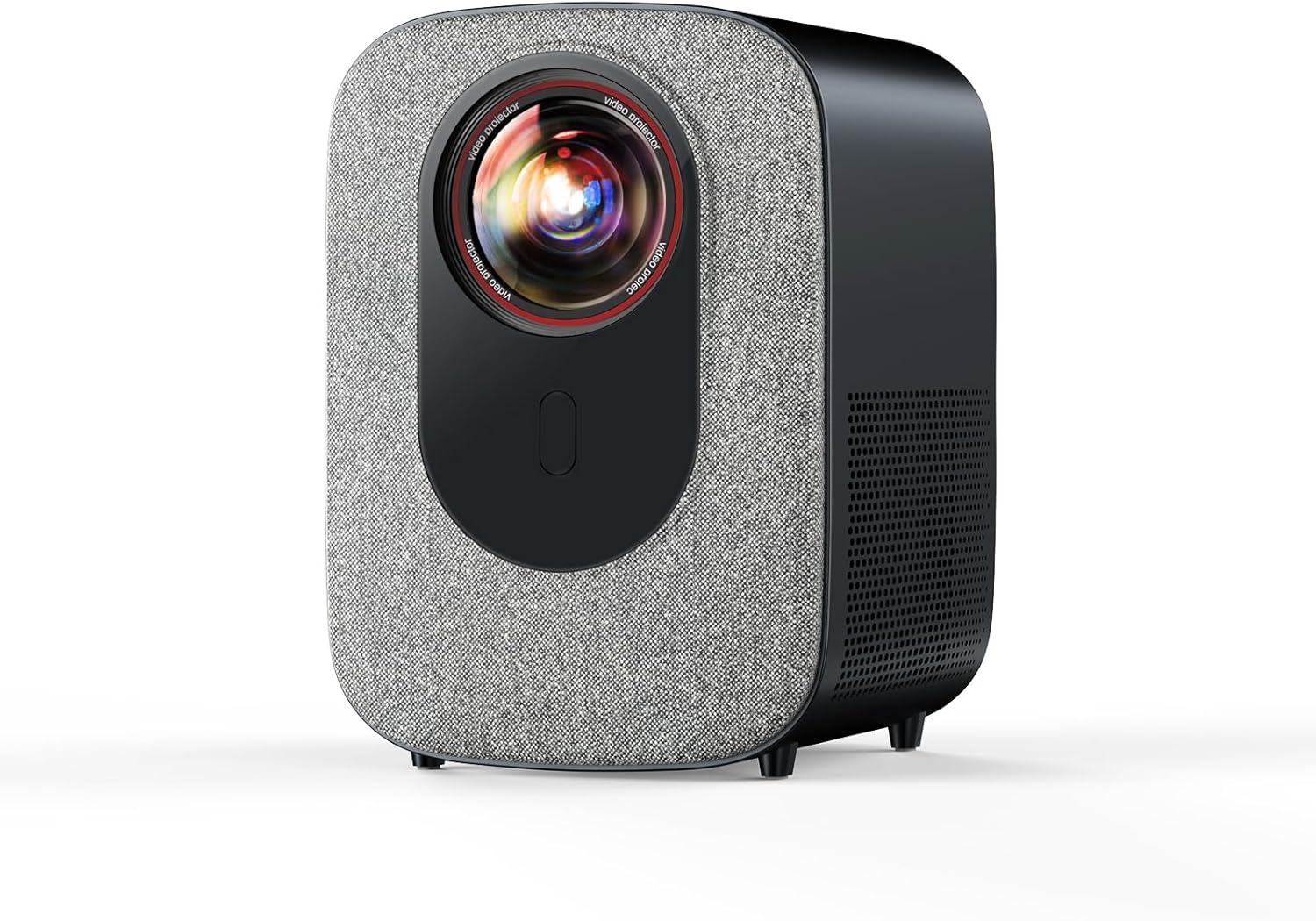
Image: The Jimveo E28 4K Projector, showcasing its compact design.
What's in the Box
Please check the package contents to ensure all items are present:
- Jimveo E28 Projector x 1
- Remote Control x 1
- HDMI Cable x 1
- AV Cable x 1
- Power Cord x 1
Setup
1. Power Connection
- Connect the power cord to the projector's power input.
- Plug the other end of the power cord into a wall outlet.
- Press the power button on the projector or the remote control to turn on the device.
2. Screen Placement and Adjustment
Position the projector on a stable, flat surface or mount it according to your preference (ceiling, table, or wall mount supported). Ensure the projection surface is clear and flat for optimal image quality.

Image: Illustration of the projector's electric focus and 4P keystone correction capabilities.
3. Electric Focus and Keystone Correction
- Electric Focus: Use the remote control to adjust the focus until the image is clear and sharp. The E28 features smart electric focus for effortless clarity.
- 4P Keystone Correction: If the projected image appears distorted (trapezoidal), use the 4P keystone correction feature via the remote to adjust the image corners until it forms a perfect rectangle.
- Zoom Function: Adjust the image size from 100% to 50% without physically moving the projector.
Operating Instructions
1. Smart System Navigation
The Jimveo E28 features an upgraded VE smart system for direct access to streaming platforms. Use the remote control's directional buttons and 'OK' button to navigate the on-screen menu.
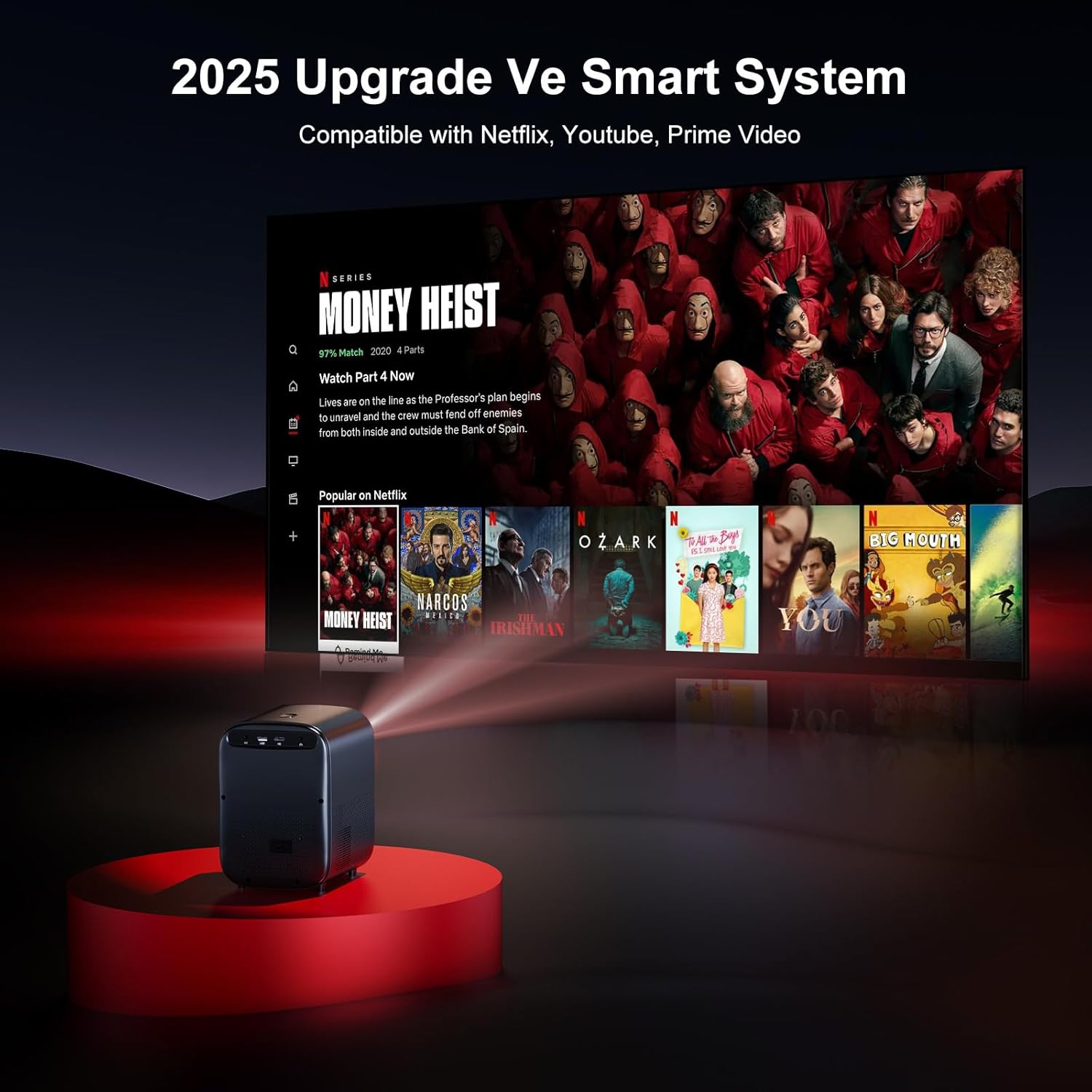
Image: The projector's smart system interface, showing built-in streaming apps like Netflix, YouTube, and Prime Video.
2. Network Connectivity (Wi-Fi 6)
- Go to the 'Settings' menu on the projector.
- Select 'Network' or 'Wi-Fi'.
- Choose your Wi-Fi network from the list and enter the password.
- The projector supports ultra-fast Wi-Fi 6 (compatible with 5G/2.4G Wi-Fi) for stable streaming.
3. Bluetooth Connection (5.2 Bidirectional BT)
The E28 features bidirectional Bluetooth 5.2, allowing it to function as a standalone Bluetooth speaker or connect to external Bluetooth audio devices.
- Connecting to External Speakers:
- Go to 'Settings' and select 'Bluetooth'.
- Enable Bluetooth and search for available devices.
- Select your Bluetooth speaker from the list to pair.
- Using as a Standalone Bluetooth Audio: Refer to the on-screen instructions or dedicated Bluetooth audio mode in the system settings.

Image: Diagram illustrating the bidirectional Bluetooth connection, allowing the projector to connect to external speakers.
4. Using Built-in Applications
The projector comes with pre-installed applications such as Netflix, YouTube, and Prime Video. Select the desired app from the home screen to start streaming. Live updates ensure smooth viewing.

Image: A visual representation of the various streaming applications available on the Jimveo E28 projector.
5. External Device Connectivity
The E28 offers wide connectivity options:
- HDMI Port: Connect laptops, gaming consoles (Switch), TV sticks, or DVD players.
- USB Port: Connect USB drives for media playback.
- AV Port: For older devices requiring AV input.
- 3.5mm Audio Port: For wired external speakers or headphones.
Select the appropriate input source from the 'Inputs' menu on the projector's home screen.
Maintenance
1. Dust-Proof Sealed Engine & Dual Fan Cooling
The Jimveo E28 is designed with a sealed optical engine and dual fans to prevent dust accumulation and reduce heat, which helps in avoiding common issues like discolored screens and ensures a longer lifespan for the projector.
- Regularly ensure the ventilation openings are not blocked to allow for proper airflow.
- Clean the exterior of the projector with a soft, dry cloth. Avoid using abrasive cleaners or solvents.
- For lens cleaning, use a professional lens cleaning cloth and solution. Do not touch the lens directly with your fingers.

Image: An illustration highlighting the sealed optical engine and dual fan cooling system of the Jimveo E28 projector, designed for dust prevention and heat reduction.
Troubleshooting
| Problem | Possible Cause | Solution |
|---|---|---|
| No image projected | Power cable disconnected, projector off, incorrect input source. | Check power connection, turn on projector, select correct input source (HDMI, USB, AV). |
| Image is blurry | Out of focus, incorrect projection distance. | Adjust electric focus using the remote. Ensure projector is within optimal projection distance. |
| Image is distorted (trapezoid) | Projector not perpendicular to the screen. | Use 4P keystone correction to adjust the image shape. |
| No sound | Volume too low, external speakers not connected/paired, internal speakers muted. | Increase volume. Check Bluetooth connection for external speakers. Ensure internal speakers are not muted. |
| Wi-Fi connection unstable | Weak signal, interference. | Move projector closer to the Wi-Fi router. Ensure no obstructions. Restart router and projector. |
Specifications
| Feature | Detail |
|---|---|
| Brand Name | Jimveo |
| Model Number | E28 |
| Display Resolution | Native 1920 x 1080P (4K Support) |
| Brightness | 800 ANSI Lumens |
| Connectivity Technology | Wi-Fi 6 / Bluetooth 5.2 / HDMI / USB / AV / 3.5mm Audio |
| Special Features | Built-in Streaming Apps (Netflix, Prime Video, YouTube), Electric Focus, 4P Keystone Correction, Dual Fan Cooling, Dust-Proof Sealed Engine |
| Item Weight | 4.77 pounds |
| Product Dimensions | 5.79 x 7 x 8.27 inches |
| Recommended Uses | Indoor/Outdoor |
Warranty and Support
Jimveo offers comprehensive support for your E28 projector:
- Warranty: 1 Year Replacement, 3 Year Repair.
- Customer Service: 24/7 support available.
For technical assistance, troubleshooting, or parts replacement (screen, ceiling mount, remote), please contact Jimveo customer support:
Email: Support_us@jimveo.com

Image: Jimveo customer support contact information and service details.


