
Introduction
This manual provides essential instructions for the safe and efficient use of your MafiaNumerique 9V Charger, designed specifically for compatibility with the Domyos VM 150 Exercise Bike. Please read this manual thoroughly before use and retain it for future reference.
Setup
Follow these steps to properly set up your 9V charger:
- Unpack the Charger: Carefully remove the charger from its packaging. Inspect it for any signs of damage.
- Connect to Exercise Bike: Locate the power input port on your Domyos VM 150 Exercise Bike. Insert the charger's output plug firmly into this port.
- Connect to Power Outlet: Plug the charger's input plug into a standard 220V AC wall outlet. Ensure the outlet is easily accessible.
- Verify Connection: Confirm that both connections are secure. The exercise bike should now receive power.
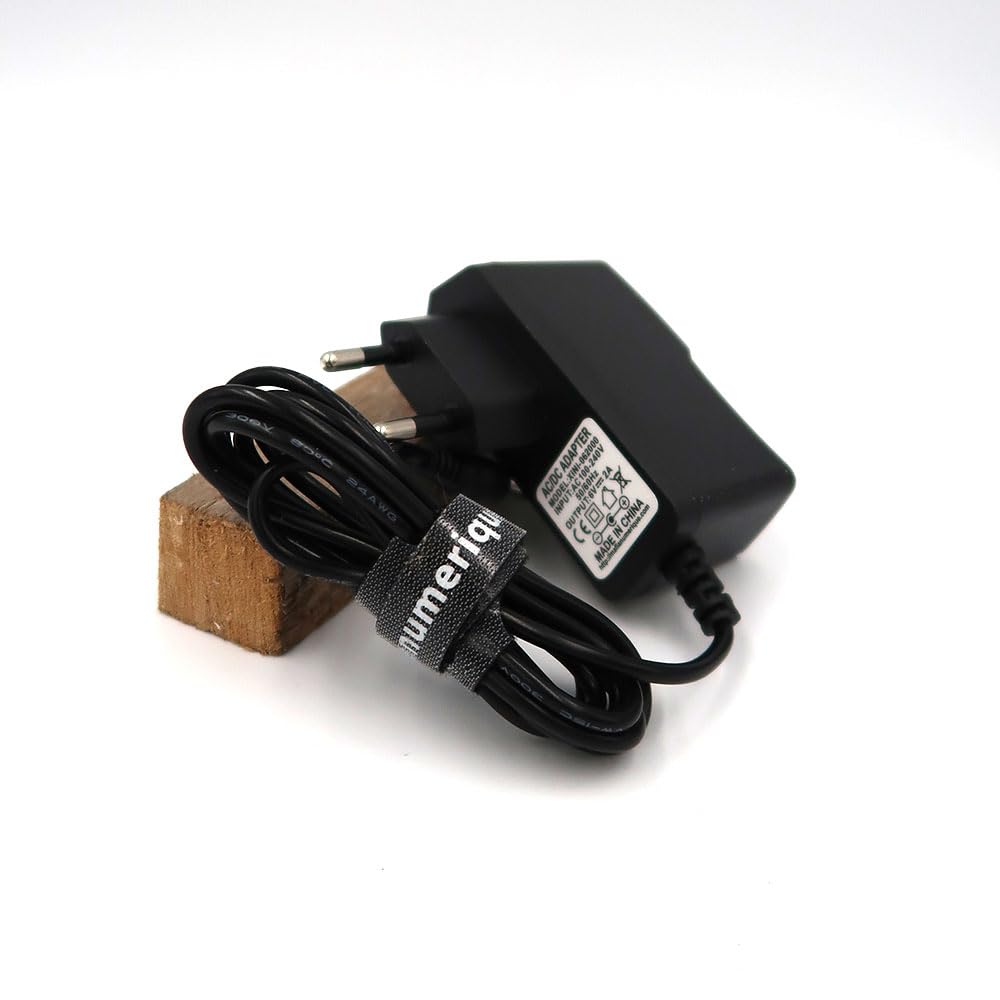
Image: The MafiaNumerique 9V charger, featuring a black adapter and a coiled cable secured with a branded strap.
Operating Instructions
Once properly set up, the charger provides continuous power to your Domyos VM 150 Exercise Bike.
- Power On: After connecting the charger, the exercise bike should power on automatically or be ready to be powered on via its control panel.
- Continuous Power: The charger is designed to provide stable 9V power for the operation of your exercise bike.
- Disconnection: To disconnect, first unplug the charger from the wall outlet, then disconnect it from the exercise bike.
Safety Precautions:
- Use only with compatible devices (Domyos VM 150 Exercise Bike).
- Do not expose the charger to water or excessive moisture.
- Avoid dropping or subjecting the charger to strong impacts.
- Do not attempt to open or modify the charger.
- Unplug the charger during electrical storms or when not in use for extended periods.
Maintenance
Proper care ensures the longevity and optimal performance of your charger.
- Cleaning: Wipe the charger with a dry, soft cloth. Do not use liquid cleaners or solvents.
- Storage: Store the charger in a cool, dry place away from direct sunlight and extreme temperatures. Coil the cable neatly to prevent kinks or damage.
- Cable Inspection: Periodically inspect the cable and connectors for any signs of wear, cuts, or damage. Discontinue use if damage is found.
Troubleshooting
If you encounter issues with your charger, refer to the following common problems and solutions:
- No Power to Exercise Bike:
- Ensure the charger is securely plugged into both the wall outlet and the exercise bike.
- Check if the wall outlet is functional by plugging in another device.
- Inspect the charger cable for any visible damage.
- Charger Feels Warm:
- It is normal for the charger to feel slightly warm during operation. If it becomes excessively hot or emits a burning smell, unplug it immediately and discontinue use.
If the problem persists after attempting these solutions, please contact customer support.
Specifications
| Brand | MafiaNumerique |
| Model Number | 1 |
| Input Voltage | 220 Volts |
| Output Voltage | 9.00 Volts |
| Cable Length | 1.20 meters |
| Number of Items | 1 |
| Country of Origin | China |
| UPC | 715235848333 |
| ASIN | B0CVS989NM |
Warranty
This MafiaNumerique charger comes with a 2-year warranty from the date of purchase.
The warranty covers defects in materials and workmanship under normal use. It does not cover damage resulting from misuse, accident, unauthorized modification, or improper installation. Please retain your proof of purchase for warranty claims.
Support
For further assistance, technical support, or warranty inquiries, please contact MafiaNumerique customer service. Refer to your product packaging or the retailer's website for contact information.
When contacting support, please have your product model number (1) and ASIN (B0CVS989NM) available.