
Product Overview
The Purell ES10 Automatic Hand Soap Dispenser Kit is designed for touch-free dispensing of Purell Healthy Soap with Clean Release Technology. This system features a battery integrated into each refill, eliminating the need for separate battery changes. Transparent refills allow for easy monitoring of soap levels.

Image: The Purell ES10 Automatic Hand Soap Dispenser Kit, showing the dispenser unit and a 1200 mL foam soap refill.
The kit includes one Purell ES10 Automatic Hand Soap Dispenser in Graphite and one 1200 mL Purell Healthy Soap with Clean Release Technology Fragrance-Free Foam refill.
Setup and Installation
The Purell ES10 dispenser can be mounted using either the included adhesive tape or screws (screws not included).
Mounting Instructions:
- Select a suitable location for the dispenser. Ensure the surface is clean, dry, and smooth for optimal adhesive tape performance.
- For adhesive mounting: Remove the protective backing from the adhesive tape located on the back of the dispenser. Press the dispenser firmly against the wall for at least 30 seconds.
- For screw mounting: Mark the desired screw locations on the wall using the dispenser's mounting holes as a template. Drill pilot holes if necessary. Secure the dispenser to the wall using appropriate screws (not included).
Refill Installation:
- Open the dispenser cover.
- Insert the 1200 mL Purell Healthy Soap refill into the dispenser. Ensure it clicks securely into place. The battery for the dispenser is integrated into the refill, so no separate battery installation is required.
- Close the dispenser cover.

Image: A close-up view of the Purell ES10 soap refill, highlighting the integrated battery mechanism at the bottom.
The dispenser is now ready for use.
Operating Instructions
The Purell ES10 is an automatic, touch-free dispenser.
Dispensing Soap:
- Place your hand under the dispenser's sensor.
- The dispenser will automatically dispense a measured amount of foam soap into your hand.
- Rub your hands together thoroughly to clean them.
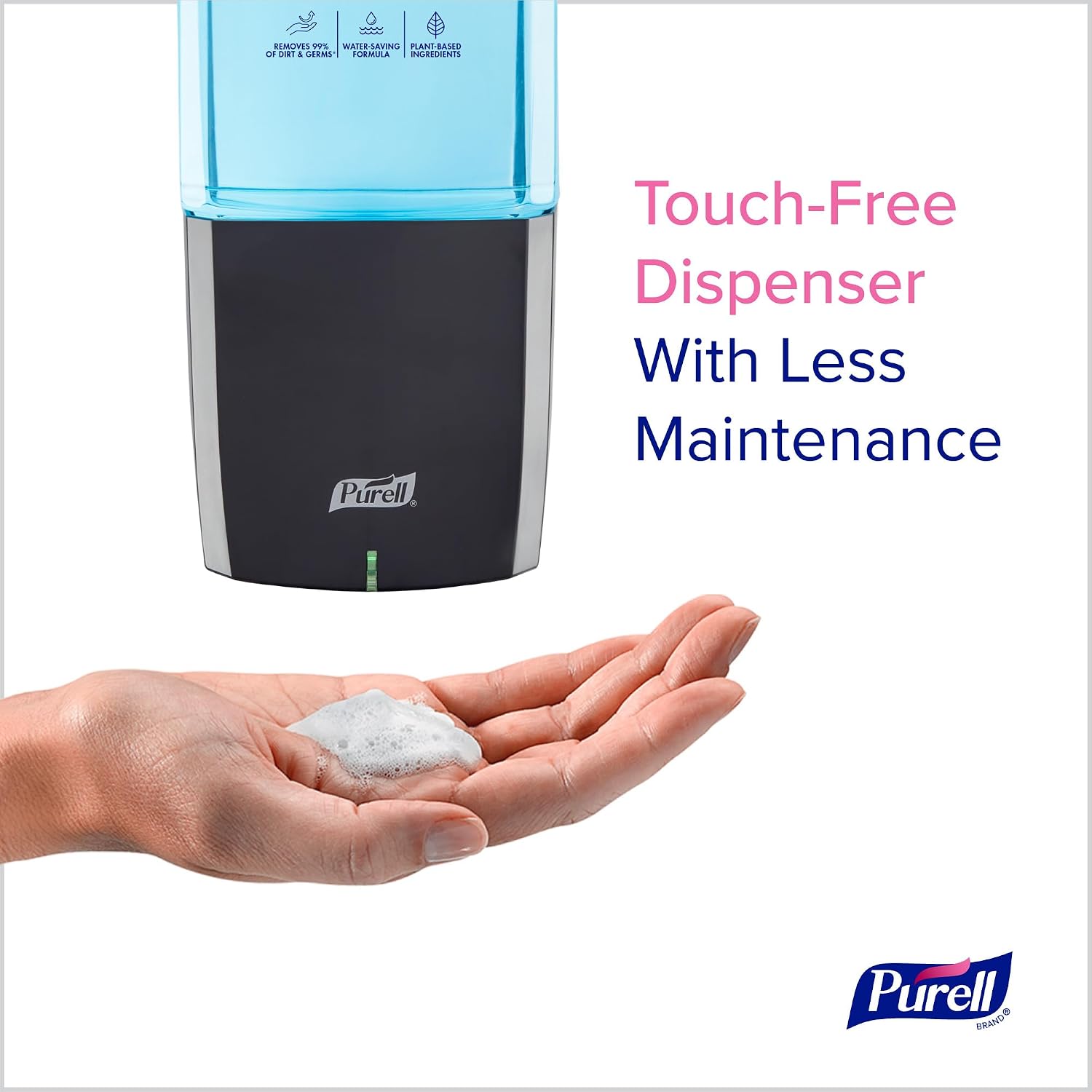
Image: A hand positioned under the Purell ES10 dispenser, receiving a dollop of foam soap.
Video: PURELL ES10 Automatic Dispenser Kit Overview
Video: An official overview of the PURELL ES10 Automatic Dispenser Kit, demonstrating its features and ease of use.
Video: PURELL HEALTHY SOAP with CLEAN RELEASE Technology
Video: An official video detailing the benefits and features of PURELL HEALTHY SOAP with CLEAN RELEASE Technology.
Maintenance
Refill Replacement:
When the soap level in the transparent refill is low, it is time to replace the refill.
- Open the dispenser cover.
- Remove the empty refill by pulling it out.
- Dispose of the empty refill. The refill bottle, collar, and AA battery are designed for easy separation and recycling.
- Insert a new 1200 mL Purell Healthy Soap refill, ensuring it is securely seated.
- Close the dispenser cover.

Image: An exploded view of the Purell ES10 soap refill, showing how the bottle, collar, and integrated battery can be separated for recycling.
Cleaning:
Wipe the exterior of the dispenser with a soft, damp cloth. Avoid using abrasive cleaners or solvents.
Troubleshooting
Dispenser Not Dispensing:
- Check Refill: Ensure the soap refill is correctly installed and contains soap. The battery is integrated into the refill, so a new refill provides a fresh battery.
- Sensor Obstruction: Verify that nothing is blocking the sensor at the bottom of the dispenser.
- Hand Placement: Ensure your hand is placed directly under the sensor.
Soap Not Foaming Properly:
- Refill Type: Ensure you are using an official Purell ES10 foam soap refill.
- Expiration Date: Check the expiration date on the soap refill.
Specifications
| Feature | Detail |
|---|---|
| Model Number | 8372-1G |
| Brand | Purell |
| Color | Graphite Dispenser |
| Product Dimensions (H x W x L) | 10.31" x 4.33" x 3.96" (Dispenser) |
| Liquid Volume | 1200 mL |
| Included Components | 1 ES10 Automatic Hand Soap Dispenser, 1 1200 mL Purell Healthy Soap Refill, Adhesive Tape |
| Material Type Free | Fragrance Free Soap Refill |
| Manufacturer | GOJO Industries, Inc. |
Warranty and Support
For warranty information and customer support, please contact GOJO Industries, Inc. directly. Refer to the product packaging or the official Purell website for the most current contact details.
Manufacturer: GOJO Industries, Inc.
Purell Store on Amazon: Visit the Purell Store