
1. Introduction
Welcome to the user manual for your new realme C53 smartphone. This guide provides detailed instructions on how to set up, operate, maintain, and troubleshoot your device. Please read this manual carefully to ensure optimal performance and longevity of your realme C53.
The realme C53 is designed for a seamless mobile experience, featuring a powerful 5000 mAh battery, a high-resolution 50MP AI camera, and a vibrant 6.74-inch 90Hz display. It operates on Android 13 with realme UI T, offering 8GB RAM and 256GB storage.
2. What's in the Box
Upon unboxing your realme C53, please verify that all the following items are included:
- realme C53 Smartphone
- Power Adapter
- USB Cable
- SIM Tray Ejector
- Phone Case
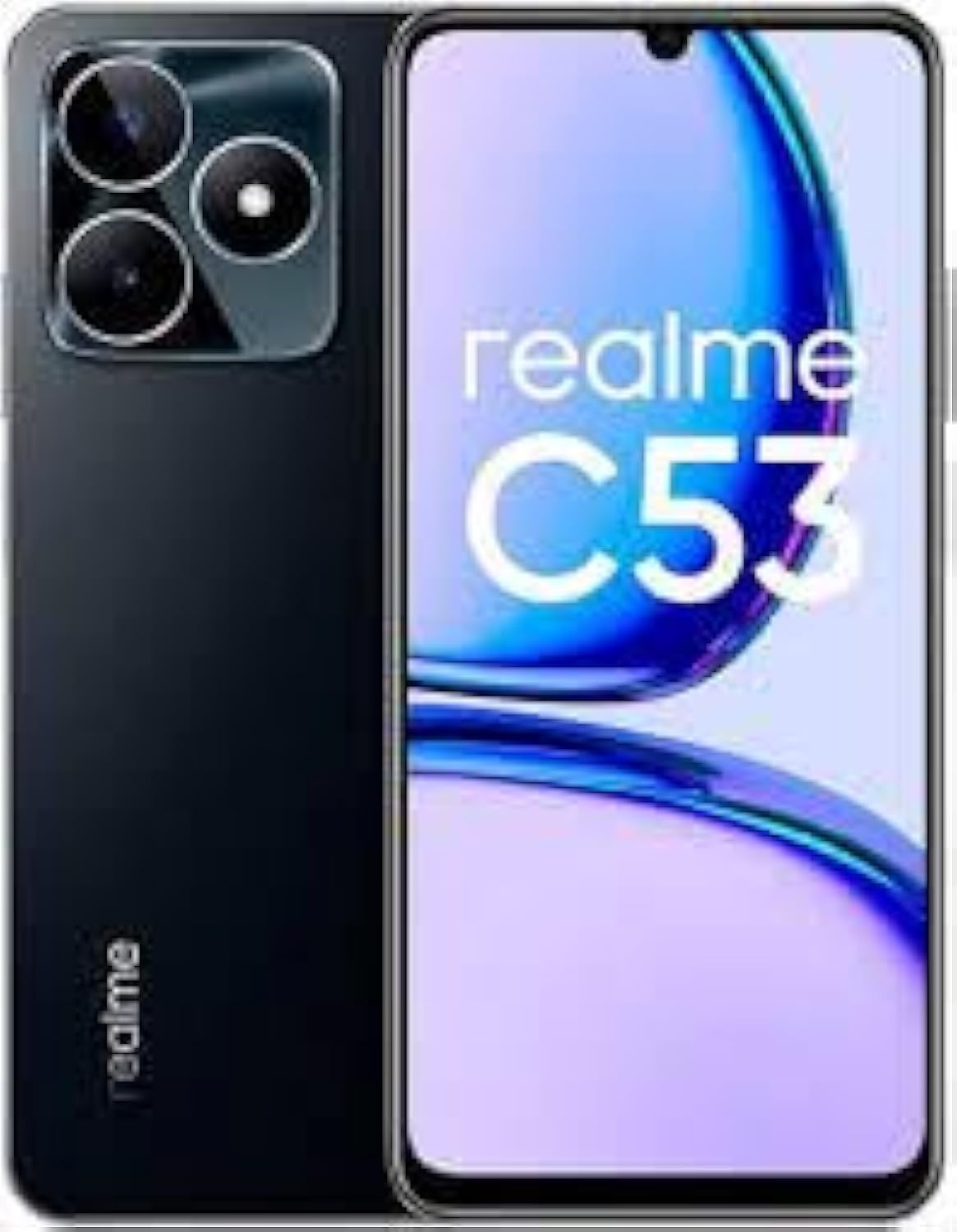
Image: Front view of the realme C53 smartphone, highlighting its display and sleek design.
3. Setup
3.1 Initial Charge
Before first use, it is recommended to fully charge your realme C53. Connect the provided USB cable to the phone's charging port and the power adapter, then plug the adapter into a wall outlet. The device supports 33W wired fast charging.
3.2 Inserting SIM Card(s) and MicroSD Card
- Locate the SIM card tray on the side of your phone.
- Insert the SIM tray ejector tool into the small hole next to the tray and press firmly until the tray pops out.
- Place your Nano-SIM card(s) and/or a MicroSD card into the designated slots on the tray. Ensure the gold contacts face downwards.
- Carefully reinsert the tray into the phone until it clicks into place.

Image: Back view of the realme C53 smartphone, illustrating the camera setup and overall design.
3.3 First Power On and Setup Wizard
Press and hold the Power button until the realme logo appears. Follow the on-screen instructions to complete the initial setup, including language selection, Wi-Fi connection, Google account sign-in, and security settings.
4. Operating Your Device
4.1 Basic Navigation
- Touchscreen Gestures: Tap, swipe, pinch-to-zoom for various functions.
- Home Screen: Access apps, widgets, and notifications.
- Notification Panel: Swipe down from the top to view notifications and quick settings.
4.2 Making Calls and Sending Messages
Use the Phone app to dial numbers or select contacts. The Messages app allows you to send and receive SMS/MMS messages. Ensure your SIM card is active and has network coverage.
4.3 Camera Usage
The realme C53 features a 50MP AI camera. Open the Camera app to switch between photo, video, portrait, and other modes. Tap the shutter button to capture images or start/stop video recording.
4.4 Connectivity
- Wi-Fi: Connect to wireless networks via Settings > Network & internet > Wi-Fi.
- Bluetooth: Pair with Bluetooth devices like headphones or speakers via Settings > Connected devices > Bluetooth.
- NFC: Use NFC for quick pairing or mobile payments (if supported by your region/bank).
- USB: Connect to a computer for file transfer or charging.
4.5 Battery Management
The 5000 mAh battery provides an average battery life of 2 days. To optimize battery life, adjust screen brightness, disable unused features like Wi-Fi or Bluetooth when not needed, and close background apps.
5. Maintenance
5.1 Cleaning Your Device
Use a soft, lint-free cloth to clean the screen and body of your phone. Avoid using harsh chemicals or abrasive materials. Keep the charging port and speaker grilles free of dust and debris.
5.2 Software Updates
Regularly check for system updates to ensure your device has the latest features, security patches, and performance improvements. Go to Settings > About phone > Software update.
5.3 Data Backup
It is recommended to regularly back up your important data (photos, contacts, documents) to a cloud service or a computer to prevent data loss.
5.4 Storage Management
Your device comes with 256GB of internal storage. To manage storage, regularly clear cache, uninstall unused apps, and transfer large files to external storage (MicroSD card) or cloud services.
6. Troubleshooting
If you encounter issues with your realme C53, refer to the following common solutions:
- Device won't turn on: Ensure the battery is charged. Connect to the power adapter for at least 10 minutes, then try powering on.
- Poor battery life: Reduce screen brightness, disable background app refresh, turn off Wi-Fi/Bluetooth when not in use.
- Network issues (no signal/calls): Check if SIM card is properly inserted. Verify network settings and ensure you are in an area with GSM coverage (not for CDMA carriers).
- Apps crashing/freezing: Close and restart the app. Clear the app's cache (Settings > Apps > [App Name] > Storage > Clear cache). Restart the phone.
- Screen unresponsive: Force restart the device by holding the Power button for about 10-15 seconds.
- Storage full: Delete unnecessary files, uninstall unused apps, or move data to cloud storage/MicroSD card.
For persistent issues, consider performing a factory reset (back up your data first) or contact realme customer support.
7. Technical Specifications
| Feature | Specification |
|---|---|
| Model Number | RMX3760 |
| Display | 6.74 inches IPS LCD, 90Hz, 1080 x 2400 pixels |
| Operating System | Android 13, Realme UI T |
| RAM | 8 GB |
| Internal Storage | 256 GB |
| Main Camera | 50MP AI Camera |
| Battery Capacity | 5000 mAh Li-Po |
| Charging | 33W wired fast charging |
| Connectivity | 4G LTE, Wi-Fi, Bluetooth, NFC, USB |
| Dimensions | 6.81 x 3.5 x 2.24 inches (Package) |
| Weight | 14.8 ounces |
| Audio Jack | 3.5 mm |
8. Warranty and Support
Your realme C53 smartphone comes with a standard manufacturer's warranty. Please refer to the warranty card included in your product packaging for specific terms and conditions, including warranty period and coverage details.
For technical support, service, or further inquiries, please visit the official realme support website or contact their customer service hotline. Keep your proof of purchase handy when seeking support.
Note: This device is an International Model and is designed for GSM networks only. It is not compatible with CDMA carriers such as Verizon, Sprint, Boost Mobile, Cricket, Xfinity, or US Cellular in the USA.