
Hasbro Gaming HAS-F8252
Hasbro Gaming Travel Battleship Instruction Manual
Model: HAS-F8252
Introduction
The Hasbro Gaming Travel Battleship is a compact, portable version of the classic naval combat game. Designed for two players, this game allows you to enjoy strategic ship-sinking action anywhere. This manual provides instructions for setup, gameplay, and care of your game.
Safety Information
- Recommended Age: Suitable for ages 7 and up.
- Adult Assembly Required: Some initial assembly may require adult assistance.
- Choking Hazard: Contains small parts. Not suitable for children under 3 years.
What's in the Box
Before you begin, ensure all components are present:
- 2 Game Cassettes (game boards)
- 10 Ships (various sizes)
- Red Pegs (for marking hits)
- White Pegs (for marking misses)
- Game Rules (this manual)
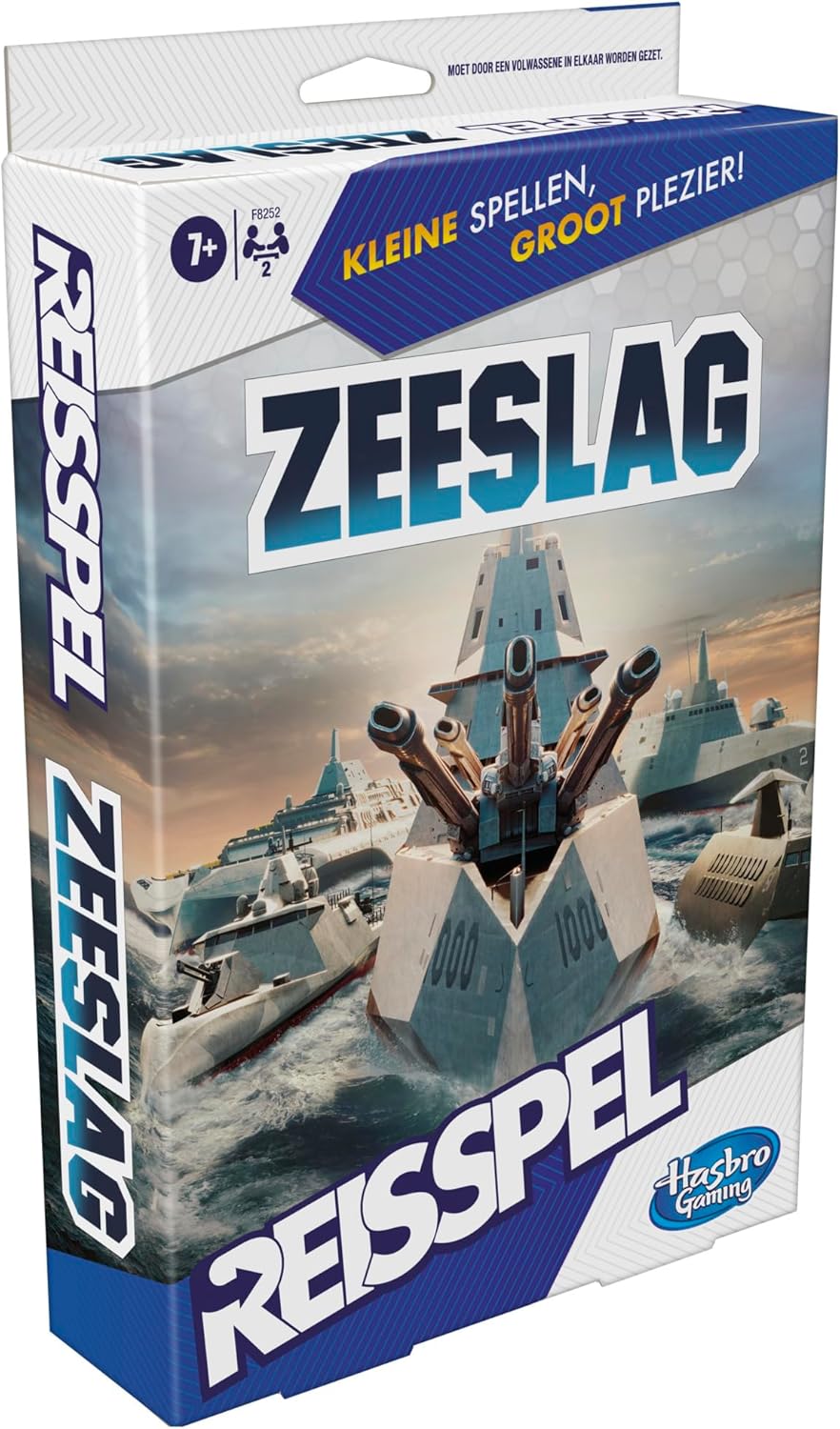
Image: The game contents laid out, including the two foldable game units, various ship pieces, and red and white pegs.
Setup
- Prepare Game Cassettes: Each player takes one game cassette. Open the cassette so that the two grids are visible. The larger grid is your ocean grid (where you place your ships), and the smaller grid is your target grid (where you mark your opponent's shots).
- Place Ships: Each player secretly places their 5 ships on their ocean grid. Ships can be placed horizontally or vertically, but not diagonally. Ships cannot overlap. Ensure no part of a ship extends beyond the grid.
- Conceal Your Grid: Position the game cassettes so that your opponent cannot see your ship placements. The design of the cassette helps block the view.
- Separate Pegs: Place the red pegs (hits) and white pegs (misses) in the designated storage areas within your cassette for easy access during play.

Image: A close-up view of the two game units, demonstrating how ships are placed on the lower grid and how pegs are used on the upper grid to track shots.
Operating (How to Play)
- Starting the Game: Players decide who goes first.
- Taking a Shot: On your turn, call out a grid coordinate (e.g., "A-5") to target a spot on your opponent's ocean grid.
- Opponent's Response: Your opponent checks their ocean grid at the called coordinate.
- If you hit a ship, your opponent says "Hit!" and places a red peg in the hit part of their ship on their ocean grid.
- If you miss, your opponent says "Miss!" and places a white peg on the missed coordinate on their ocean grid.
- Marking Your Shots: On your target grid, place a red peg for a hit and a white peg for a miss at the corresponding coordinate. This helps you track your shots.
- Sinking a Ship: When all parts of a ship have been hit, your opponent must declare, "You sank my [ship name]!"
- Winning the Game: The first player to sink all 5 of their opponent's ships wins the game.
Maintenance
- Storage: After playing, carefully remove all pegs and ships. Store them in the designated compartments within the game cassettes. Close the cassettes securely to keep all components together, making it easy to transport and store.
- Cleaning: Wipe the game cassettes and pieces with a soft, dry cloth if needed. Avoid using harsh chemicals or abrasive cleaners.
- Handling: Handle the game pieces and cassettes with care to prevent damage.
Troubleshooting
- Missing Pieces: If you find any pieces missing upon opening, please contact Hasbro Gaming customer support.
- Difficulty with Pegs: If pegs are difficult to insert or remove, ensure they are aligned correctly with the holes. Do not force them.
- Game Not Closing Properly: Ensure all ships and pegs are correctly stored in their compartments before attempting to close the game cassettes.
Specifications
| Brand | Hasbro Gaming |
| Model Number | HAS-F8252 |
| Recommended Age | 7+ years |
| Number of Players | 2 |
| Material | Plastic |
| Dimensions (L x W) | 25.4 cm x 15.9 cm (approximate, when closed) |
| Color | Blue and White |
Customer Support
For further assistance, missing parts, or warranty information, please visit the official Hasbro Gaming website or contact their customer service department. Refer to the packaging for specific contact details.
Ask a question about this manual
Ask about setup, troubleshooting, compatibility, parts, safety, or missing instructions. Manuals+ will review the question and use this page’s manual context to help answer it.