
Introduction
Welcome to the user manual for your GOBOULT UFO Truly Wireless Earbuds. These earbuds are designed to provide an immersive audio experience with features tailored for gaming and everyday use. This manual will guide you through the setup, operation, and maintenance of your new earbuds, ensuring you get the most out of their advanced capabilities.

Image: The GOBOULT UFO Truly Wireless Earbuds, showcasing both earbuds and their unique charging case in black gloss finish.
Package Contents
Please ensure all items are present in your package:
- GOBOULT UFO Truly Wireless Earbuds (Left and Right)
- Charging Case
- USB Type-C Charging Cable
- User Manual
- Additional Eartips (various sizes)
Setup
Initial Charging
Before first use, fully charge the earbuds and the charging case. Connect the provided USB Type-C cable to the charging port on the case and a power source. The LED indicators on the case will show charging status. A full charge provides up to 48 hours of total playtime with the charging case.

Image: The GOBOULT UFO charging case connected via a Type-C cable, illustrating the fast charging capability. A 10-minute charge provides 1.5 hours of playtime.
Pairing with Your Device
- Ensure the earbuds are in the charging case and the case lid is open.
- On your device (smartphone, tablet, etc.), enable Bluetooth.
- Search for "GOBOULT UFO" in the list of available Bluetooth devices.
- Select "GOBOULT UFO" to connect. The earbuds will automatically pair with your device using Blink & Pair™ technology.
- Once paired, the earbuds are ready for use.
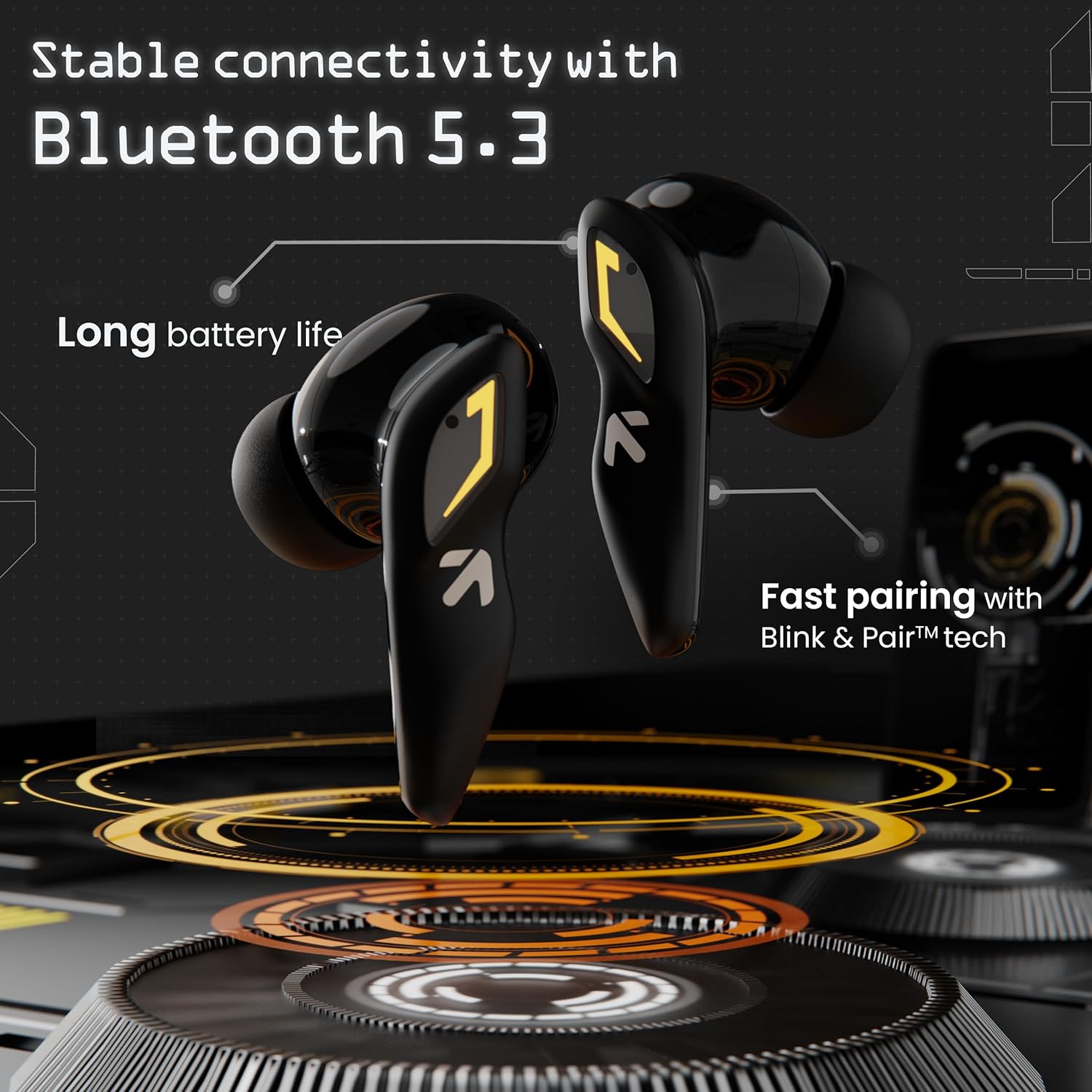
Image: Illustration of the GOBOULT UFO earbuds demonstrating stable connectivity with Bluetooth 5.3 and fast pairing capabilities.
Operating Instructions
Touch Controls
The GOBOULT UFO earbuds feature intuitive touch controls on each earbud. Refer to the table below for specific functions:

Image: A visual guide detailing the various touch control gestures and their corresponding functions on the GOBOULT UFO earbuds.
| Gesture | Function |
|---|---|
| Single Tap (Left/Right Earbud) | Play/Pause Music, Answer/End Call |
| Double Tap (Left Earbud) | Previous Track |
| Double Tap (Right Earbud) | Next Track |
| Triple Tap (Left Earbud) | Volume Down |
| Triple Tap (Right Earbud) | Volume Up |
| Four Taps (Left/Right Earbud) | Activate Combat™ Gaming Mode |
| Long Press (Left/Right Earbud) | Activate Voice Assistant (Google/Siri) |
Combat™ Gaming Mode
Activate Combat™ Gaming Mode for an ultra-low latency experience of 45ms, ideal for gaming. To activate, simply tap either earbud four times. This mode minimizes audio delay, providing seamless synchronization between audio and visuals during gameplay.

Image: The GOBOULT UFO earbuds and case, highlighting the 45ms ultra-low latency Combat™ Gaming Mode, activated by four taps.
Voice Assistant
Access your device's voice assistant (Google Assistant or Siri) by performing a long press on either earbud. This allows for hands-free control of your device.

Image: The GOBOULT UFO earbuds and case, illustrating the long-press gesture to activate the voice assistant.
Built-in App Support (GOBOULT Amp)
Enhance your experience by downloading the "GOBOULT Amp" application. The app allows you to:
- Switch between 6 Equalizer Modes to customize your audio.
- Customize touch controls to suit your preferences.
- Rename your earbuds.
- Access additional features and firmware updates.
Maintenance
Cleaning Your Earbuds
Regular cleaning helps maintain sound quality and hygiene. Use a soft, dry, lint-free cloth to wipe the earbuds and charging case. For earwax or debris in the ear tips, gently remove the tips and clean them with a mild soap solution, then rinse and dry thoroughly before reattaching. Do not use abrasive cleaners or submerge the earbuds or case in liquid.
Storage
When not in use, store your GOBOULT UFO earbuds in their charging case to protect them from dust, damage, and to keep them charged for your next use. Store in a cool, dry place away from extreme temperatures.
Water Resistance (IPX5)
The GOBOULT UFO earbuds are rated IPX5 water resistant. This means they are protected against low-pressure water jets from any direction. They are sweatproof, rainproof, and splashproof, making them suitable for workouts and outdoor activities. However, they are not designed for submersion in water or for use during swimming. Ensure the earbuds are dry before placing them back in the charging case to prevent damage.

Image: The GOBOULT UFO earbuds on a metallic surface, illustrating their IPX5 water resistance, indicating they are sweatproof, rainproof, and splashproof.
Troubleshooting
If you encounter issues with your GOBOULT UFO earbuds, please refer to the common solutions below:
- Earbuds not pairing:
- Ensure both earbuds are charged.
- Place earbuds back in the case, close the lid, wait a few seconds, then open the lid to re-enter pairing mode.
- Turn off and on Bluetooth on your device.
- Forget "GOBOULT UFO" from your device's Bluetooth list and try pairing again.
- No sound from one earbud:
- Ensure both earbuds are charged.
- Place both earbuds back in the case and close the lid. Take them out again.
- Check if the earbud is properly seated in your ear.
- Charging issues:
- Ensure the charging cable is securely connected to both the case and the power source.
- Try a different USB Type-C cable or power adapter.
- Clean the charging contacts on the earbuds and inside the case with a dry cotton swab.
- Low volume or poor sound quality:
- Adjust the volume on both your device and through the earbud touch controls.
- Ensure the ear tips are clean and properly sealed in your ear canal. Try different sized ear tips for a better fit.
- Check your device's equalizer settings or the GOBOULT Amp app settings.
Specifications
| Feature | Detail |
|---|---|
| Model Name | Airbass Earbuds |
| Brand | Boult |
| Color | UFO Black Gloss |
| Ear Placement | In Ear |
| Form Factor | In Ear |
| Playtime | Up to 48 hours (with charging case) |
| Standby Time | Up to 120 hours |
| Low Latency | 45ms (Combat™ Gaming Mode) |
| Microphones | Quad Mic ENC |
| Drivers | 13mm Bass Drivers (BoomX™ Technology) |
| Connectivity | Bluetooth 5.3 |
| Charging Port | Type-C Fast Charging Jack |
| Water Resistance | IPX5 (Sweatproof, Rainproof, Splashproof) |
| Impedance | 32 Ohm |
| Frequency Response | 20 Hz |
| Sensitivity | 115 dB |
| Product Dimensions | 5.6 x 5 x 2.9 cm |
| Weight | 60 g |
| Batteries | 1 Lithium Polymer (included) |
Warranty and Support
Your GOBOULT UFO Truly Wireless Earbuds come with a manufacturer's warranty. Please refer to the warranty card included in your package for specific terms and conditions. For technical support, troubleshooting assistance beyond this manual, or warranty claims, please contact Boult customer service through their official website or the contact information provided with your product documentation.
For the latest information and support, visit the official Boult website.


