1. Introduction
This instruction manual provides guidance for the installation, use, and maintenance of the FRTEC DEMON SLAYER Custom Kit for PlayStation 5 DualSense controllers. This kit includes a hard protective case, joystick grips, and a touchpad sticker, designed to personalize and protect your controller.
The kit features official licensing and a unique design inspired by the Demon Slayer anime, enhancing both the aesthetic and tactile experience of your gaming setup.
2. Package Contents
Verify that all components are present in the package:
- 1x Hard Protective Case for DualSense Controller
- 2x Joystick Grips
- 1x Touchpad Sticker
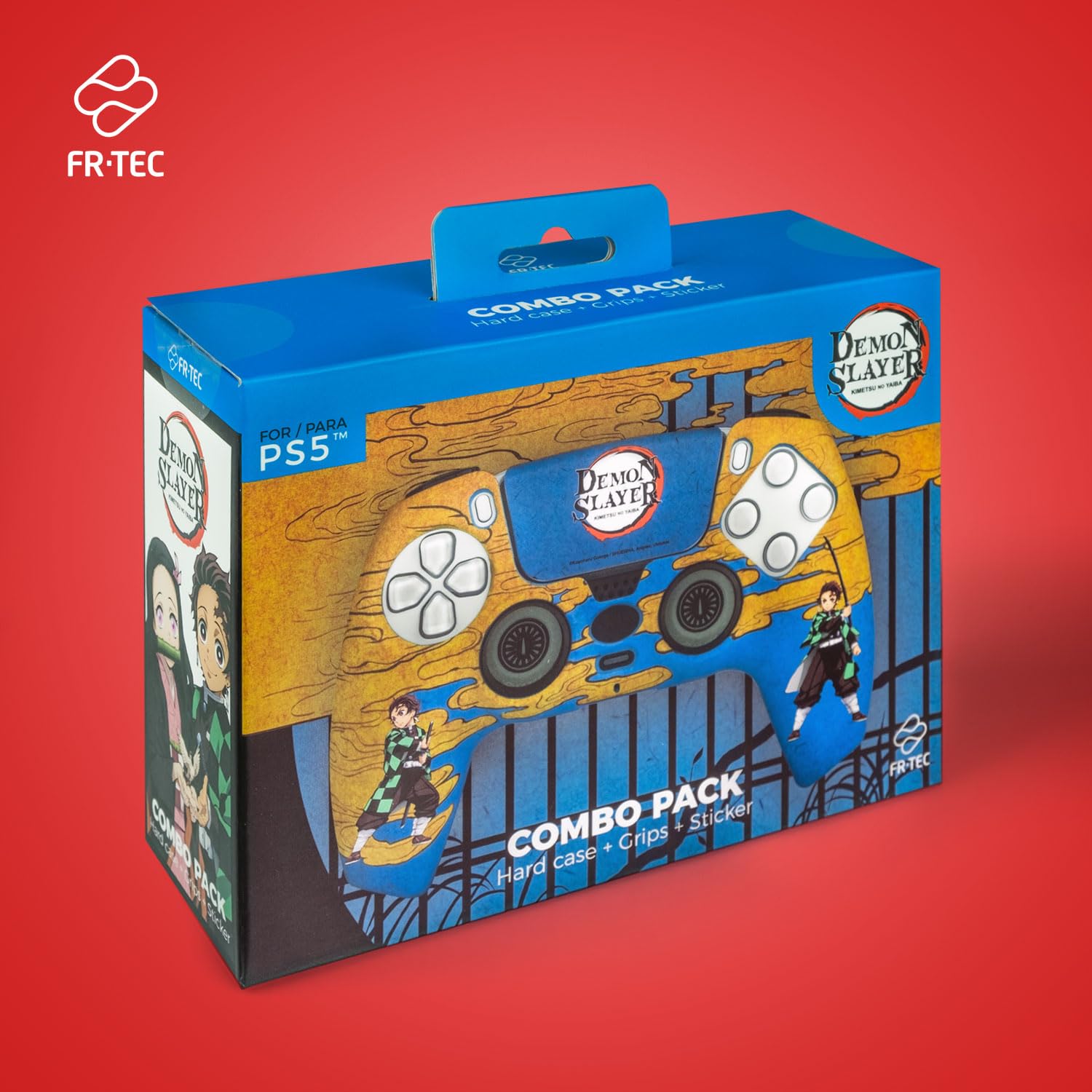
Image 2.1: The FRTEC Demon Slayer Custom Kit packaging, showing the hard case, grips, and touchpad sticker components.
3. Setup and Installation
Follow these steps to install the custom kit components onto your PlayStation 5 DualSense controller.
3.1. Hard Protective Case Installation
- Ensure your DualSense controller is clean and free of dust or debris.
- Align the hard case with the front shell of your DualSense controller. The case is designed to fit precisely over the existing controller shell.
- Gently press the case onto the controller, starting from one side and working your way around, ensuring all clips engage securely. The case should snap into place without excessive force.
- Verify that all buttons, joysticks, and ports are unobstructed and function correctly.
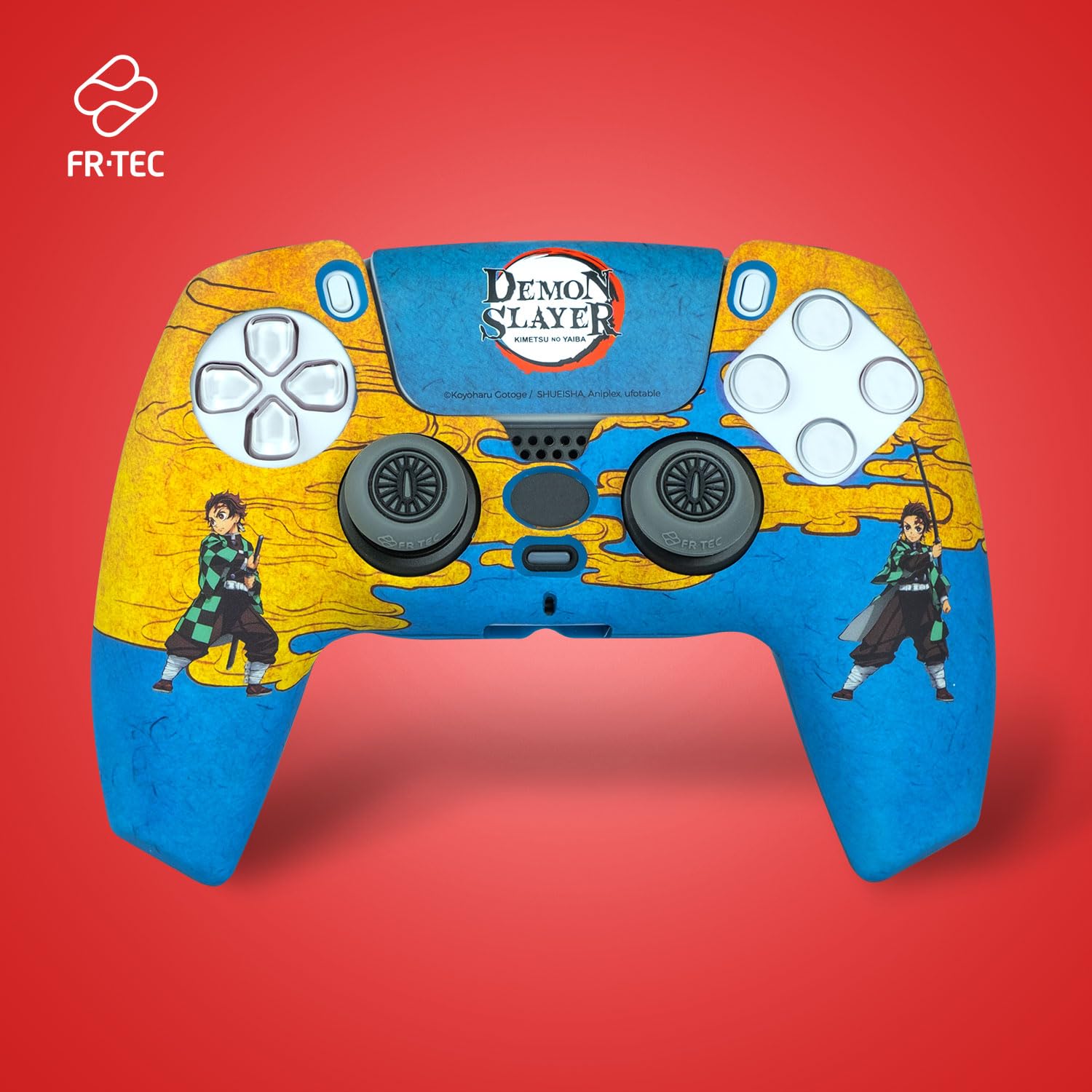
Image 3.1: A PlayStation 5 DualSense controller with the FRTEC Demon Slayer hard case fully installed, showcasing the custom design.

Image 3.2: An angled view of the controller with the hard case, highlighting the fit and design elements.
3.2. Joystick Grips Installation
- Carefully place each joystick grip over the top of the analog sticks on your DualSense controller.
- Push down firmly until the grip is seated securely around the joystick.
- Ensure the grips do not interfere with the full range of motion of the joysticks.

Image 3.3: A close-up view of the installed joystick grips and touchpad sticker, showing the textured surface of the grips for enhanced control.
3.3. Touchpad Sticker Application
- Clean the touchpad surface of your DualSense controller to remove any dust or oils.
- Carefully peel the touchpad sticker from its backing.
- Align the sticker precisely over the touchpad area of the controller.
- Gently press the sticker down, smoothing out any air bubbles from the center outwards.
4. Operating Instructions
Once installed, the FRTEC DEMON SLAYER Custom Kit enhances your gaming experience in several ways:
- Enhanced Grip: The joystick grips provide improved tactile feedback and prevent slippage during intense gameplay.
- Protection: The hard case and touchpad sticker protect your controller from scratches, minor impacts, and daily wear and tear.
- Personalization: The official Demon Slayer design offers a unique aesthetic, allowing you to customize your gaming setup.

Image 4.1: A direct front view of the PlayStation 5 DualSense controller, fully equipped with the FRTEC Demon Slayer hard case, joystick grips, and touchpad sticker, displaying the complete custom design.
5. Maintenance
To ensure the longevity and appearance of your FRTEC DEMON SLAYER Custom Kit, follow these maintenance guidelines:
- Cleaning the Case and Grips: Use a soft, damp cloth to wipe down the hard case and joystick grips. Avoid abrasive cleaners or solvents, as these may damage the finish or design.
- Cleaning the Touchpad Sticker: Gently wipe the touchpad sticker with a dry or slightly damp cloth. Do not scrub vigorously.
- Storage: When not in use, store your controller in a clean, dry environment to prevent dust accumulation.
6. Troubleshooting
If you encounter any issues with your custom kit, refer to the following common solutions:
- Case does not fit properly: Ensure the case is correctly aligned with the controller and that no foreign objects are obstructing the fit. Apply gentle, even pressure to snap it into place.
- Joystick grips feel loose: Re-seat the grips firmly onto the analog sticks. If they continue to feel loose, ensure they are not worn or damaged.
- Touchpad sticker peeling: Ensure the touchpad surface was clean and dry before application. If peeling occurs, gently press the edges back down.
- Controller charging issues with case: Some charging docks may not accommodate the controller with the hard case installed due to increased thickness. If this occurs, remove the case before placing the controller on a charging dock, or use a USB-C cable for charging.
7. Specifications
| Feature | Detail |
|---|---|
| Product Name | FRTEC DEMON SLAYER Custom Kit |
| Model Number | DSPS5CPTAN |
| Compatibility | PlayStation 5 DualSense Controller |
| Material (Hard Case) | High-quality plastic with matte finish |
| Product Dimensions | Approximately 5.91 x 3.94 x 6.69 inches (15 x 10 x 17 cm) |
| Item Weight | Approximately 2.2 pounds (1 kg) (Note: This weight likely includes packaging) |
| Official License | Yes, Demon Slayer |
8. Warranty and Support
For information regarding warranty coverage, returns, or technical support, please refer to the retailer where the product was purchased or visit the official FRTEC website. Keep your proof of purchase for warranty claims.
For general inquiries, you may contact FRTEC customer service through their official channels.