
Introduction
Welcome to the user manual for your new Brookstone Over Ear Headphones with Playful Meters. These headphones are designed to provide a dynamic and fun listening experience with their unique visual meters and comfortable over-ear design. This manual will guide you through the setup, operation, maintenance, and troubleshooting of your headphones to ensure you get the most out of your audio adventures.

Image: The Brookstone Over Ear Headphones in White/Silver, showcasing their sleek design and the playful VU meter on the earcup.
Product Features
- Dynamic Sound: Immerse yourself in rich, clear audio for an enhanced listening experience.
- Playful Meters: Unique visual meters on the earcups add a fun and interactive element, allowing others to see how loud your music is.
- All-Day Comfort: Designed for extended wear with a comfortable over-ear fit.
- Hassle-Free Setup: Easy to connect and use with user-friendly controls.
- Wireless Freedom: Bluetooth connectivity allows for unrestricted movement.
- Versatile Usage: Ideal for casual music listening, gaming, and various entertainment needs.
- Reliable Quality: Built with durability in mind for a long-lasting audio accessory.

Image: A man wearing the Brookstone headphones, highlighting the backlit VU meter feature that visually represents music volume.

Image: A woman wearing the headphones, demonstrating the noise-isolating design that helps provide crisp, rich audio without external distractions.
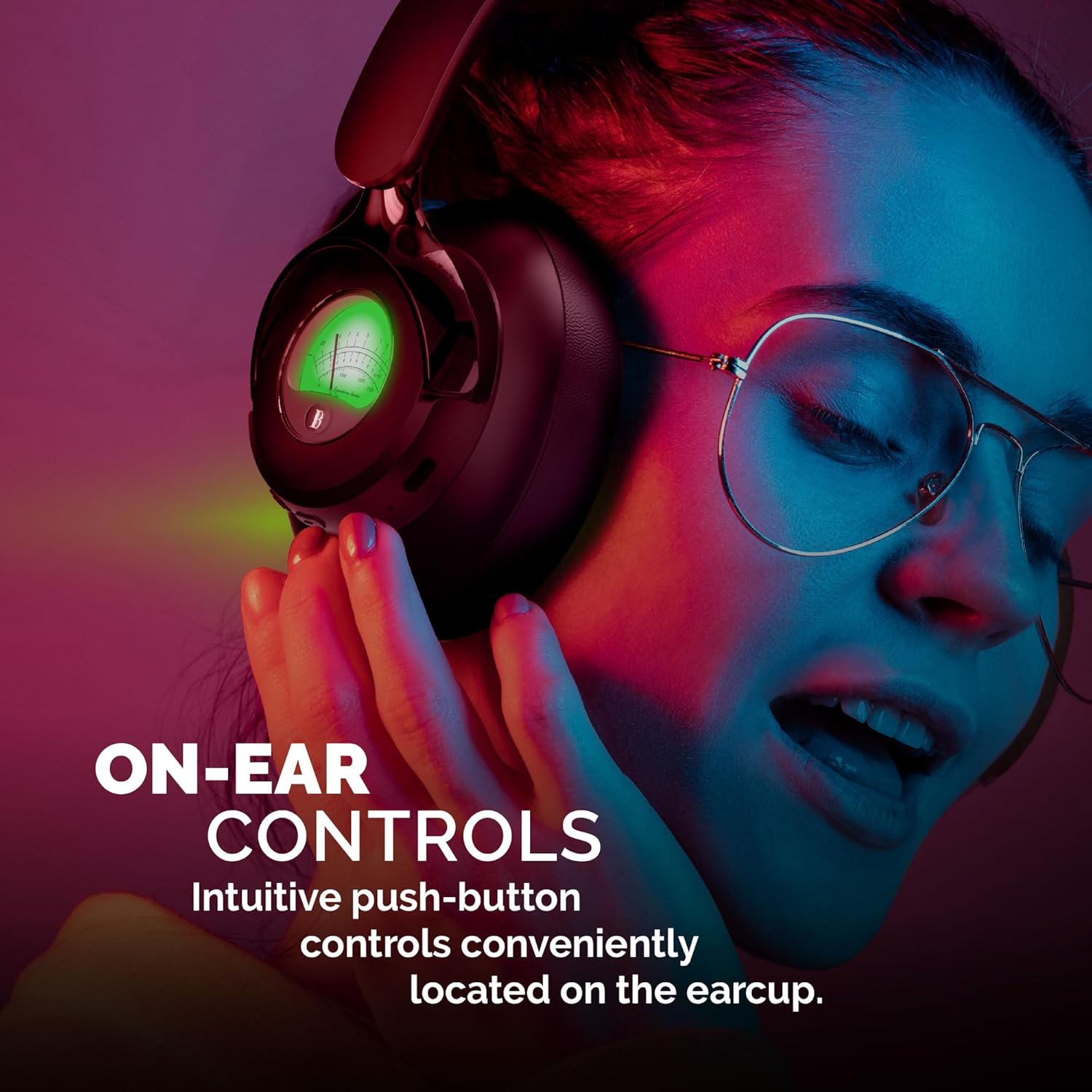
Image: A woman adjusting the headphones, illustrating the intuitive push-button controls conveniently located on the earcup for easy access.

Image: A woman smiling while looking at her phone and wearing the headphones, emphasizing the impressive 35 hours of playtime on a single charge.
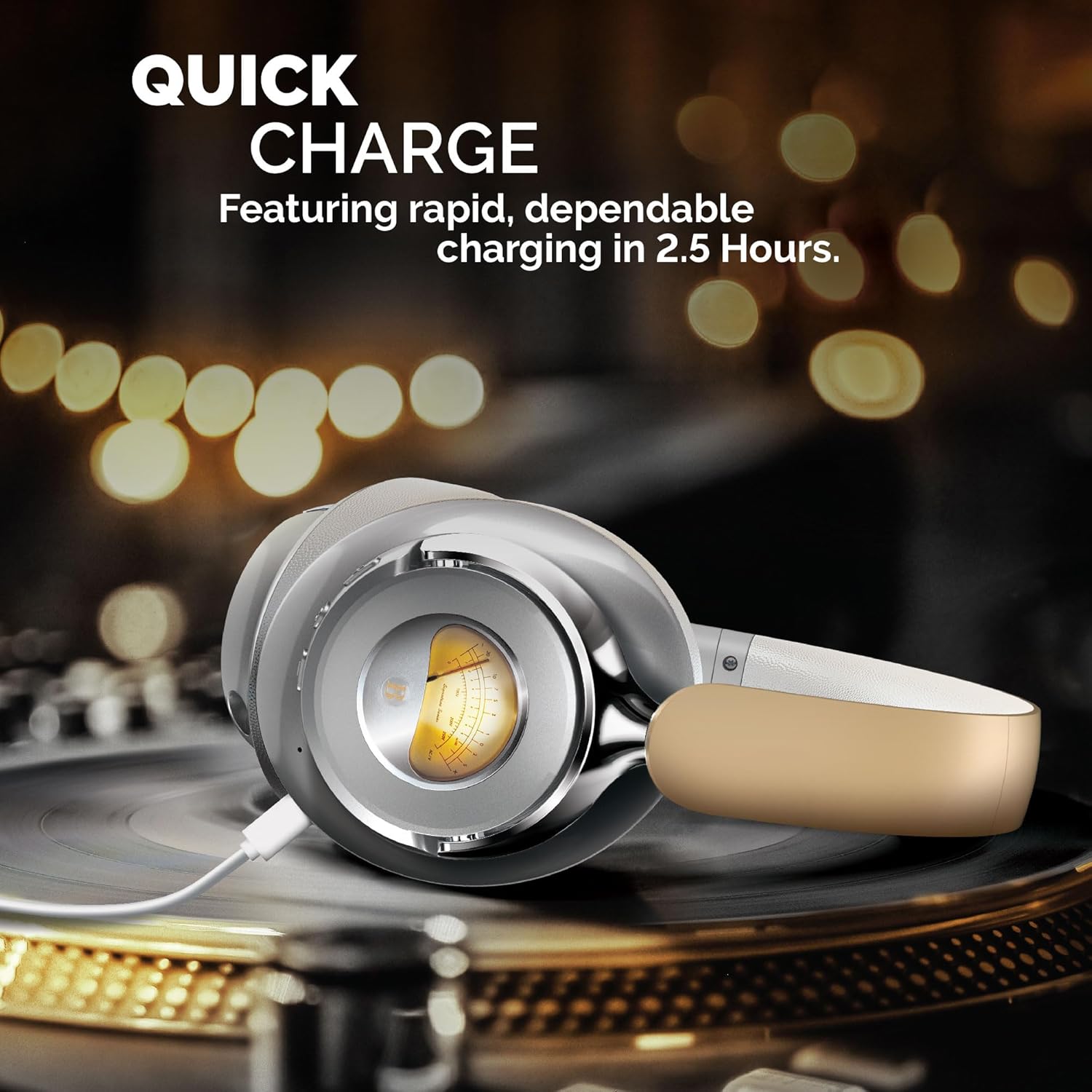
Image: The headphones are shown charging on a turntable, illustrating the quick charge feature that allows for rapid and dependable charging in 2.5 hours.
Official Product Video
Video: An official product video showcasing the Brookstone Over Ear Playful Meter Headphones, highlighting their dynamic sound, comfortable design, and unique visual meters. This video provides a comprehensive overview of the product's key features and benefits.
Setup
Charging Your Headphones
Before first use, fully charge your headphones. Connect the included charging cable to the charging port on the headphones and the other end to a USB power source. The LED indicator will show charging status and turn off when fully charged. A full charge takes approximately 2.5 hours.
Pairing with a Bluetooth Device
- Ensure your headphones are fully charged and powered off.
- Press and hold the power button until the LED indicator flashes blue and red, indicating pairing mode.
- On your device (smartphone, tablet, computer), enable Bluetooth and search for available devices.
- Select "Brookstone BSBTH21WHSL" from the list of devices.
- Once connected, the LED indicator on the headphones will turn solid blue.
Wearing Your Headphones
Adjust the headband to comfortably fit your head. Ensure the earcups fully cover your ears for optimal sound quality and noise isolation. The earcups are designed for extended wear, providing a balanced and comfortable experience.
Operating Your Headphones
Power On/Off
- Power On: Press and hold the power button for 3 seconds. The LED indicator will light up.
- Power Off: Press and hold the power button for 3 seconds. The LED indicator will turn off.
Music Playback
- Play/Pause: Press the multi-function button once.
- Next Track: Press and hold the "+" button.
- Previous Track: Press and hold the "-" button.
Call Management
- Answer/End Call: Press the multi-function button once.
- Reject Call: Press and hold the multi-function button for 2 seconds.
Volume Control
- Increase Volume: Press the "+" button.
- Decrease Volume: Press the "-" button.
Maintenance
Proper maintenance ensures the longevity and optimal performance of your headphones.
- Cleaning: Use a soft, dry cloth to clean the earcups and headband. Do not use abrasive cleaners or solvents.
- Storage: When not in use, store the headphones in a cool, dry place, away from direct sunlight and extreme temperatures.
- Avoid Moisture: Do not expose the headphones to water or excessive moisture.
- Handle with Care: Avoid dropping or subjecting the headphones to strong impacts.
Troubleshooting
If you encounter any issues with your headphones, refer to the following common problems and solutions:
| Problem | Solution |
|---|---|
| Headphones do not power on. | Ensure the headphones are fully charged. Connect to a power source and allow sufficient charging time. |
| Cannot pair with a device. | Make sure Bluetooth is enabled on your device and the headphones are in pairing mode (flashing blue/red LED). Move closer to the device and ensure no other devices are connected. |
| No sound or low volume. | Check the volume levels on both the headphones and your connected device. Ensure the headphones are properly paired and connected. |
| Sound is distorted or intermittent. | Move closer to your device to avoid interference. Check for obstacles between the headphones and the device. Disconnect and re-pair the headphones. |
Specifications
| Feature | Detail |
|---|---|
| Model Name | BSBTH21WHSL |
| Connectivity Technology | Wireless |
| Wireless Communication Technology | Bluetooth |
| Ear Placement | Over Ear |
| Form Factor | Over Ear |
| Material | Fabric, Plastic/Silicone |
| Control Type | Media Control |
| Control Method | Remote |
| Audio Driver Type | Dynamic Driver |
| Color | White/Silver |
| UPC | 680079013318 |
What's in the Box
Your Brookstone Over Ear Headphones package includes:
- Over Ear Headphones
- Charging Cable (not explicitly listed but implied for wireless headphones)
- User Manual (this document)
Warranty and Support
Brookstone products are designed for quality and reliability. For information regarding warranty coverage, technical support, or service inquiries, please refer to the warranty card included with your product or visit the official Brookstone website. Please retain your proof of purchase for warranty claims.