1. Introduction
The KEY SMART SlimCard AirTag Holder is designed to securely house your Apple AirTag within your wallet or other personal items, enabling discreet tracking. Its ultra-slim profile ensures minimal bulk while providing robust protection for your AirTag.

Image: Two KEY SMART SlimCard AirTag Holders, illustrating the product's compact design.
2. Product Overview
The SlimCard AirTag Holder combines functionality with a minimalist aesthetic. Key features include:
- Slim and Lightweight Design: At just 0.2 inches thick and weighing only 0.5 ounces, the holder is crafted from high-quality polycarbonate, ensuring durability and water resistance. It is designed for a snug fit in wallets or handbags without adding bulk.
- Discreet and Functional: The cardholder design conceals the AirTag while maintaining signal reception, protecting it from scratches and loss. Its minimalist, ID card-like shape integrates seamlessly into your wallet.
- Practical Design: Features a flat offset hole and credit card-sized dimensions to fit most wallet slots. It adds 18g of weight and 0.2 inches of thickness, securely stabilizing the AirTag.
- Secure Placement: Protects the AirTag from scratches and loss with a non-slip pattern. It is suitable for various uses, including slim wallets, women's wallets, handbags, and business card holders.
- Easy Installation: The AirTag holder features an auto-lock mechanism for secure device retention and a lanyard hole for flexible attachment options.

Image: The SlimCard's wallet-ready design, highlighting its 5mm (0.20in) thickness, shaped like a credit card.
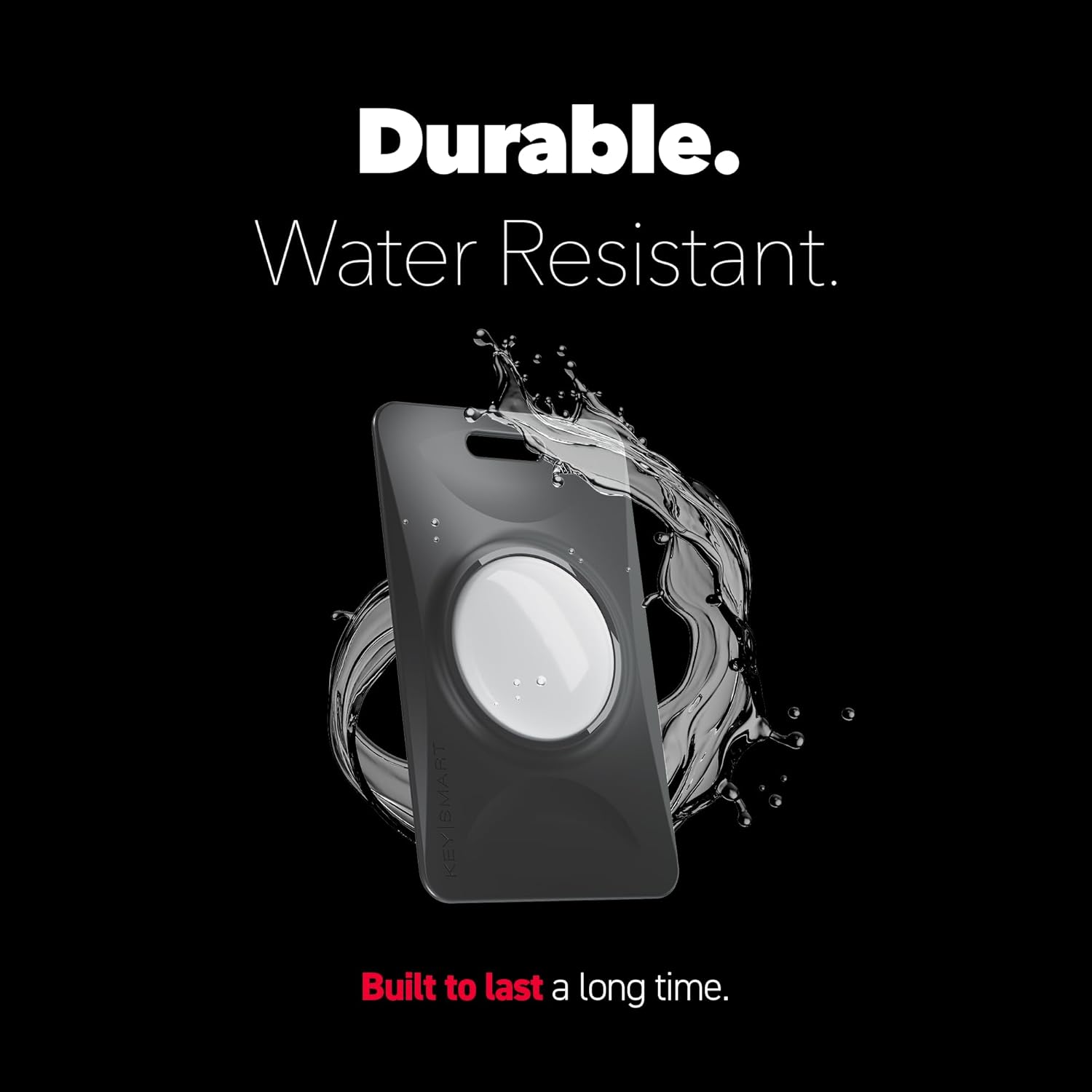
Image: Demonstration of the SlimCard's durable and water-resistant properties.

Image: Close-up of the SlimCard's soft-touch finish, showing its slim design, lanyard hole, self-locking design, and water resistance.
3. Setup Instructions
3.1 Inserting Your AirTag
- Locate the circular opening on the KEY SMART SlimCard AirTag Holder.
- Align your Apple AirTag with the opening.
- Gently press the AirTag into the holder until it snaps securely into place. The auto-lock mechanism will engage to prevent accidental dislodgement.

Image: Illustration of the easy snap-in design, showing how to insert an Apple AirTag into the holder.
3.2 Placing the Holder
Once your AirTag is secured, the SlimCard holder can be placed in various locations:
- In a Wallet: Slide the SlimCard into any standard credit card slot in your wallet. Its thin profile ensures it won't add significant bulk.
- In a Handbag or Backpack: Place the holder in an internal pocket or use the integrated lanyard hole to attach it to a zipper or internal loop.
- On an ID Badge: Utilize the lanyard hole to attach the holder to an ID badge or lanyard for easy tracking of work or access cards.

Image: The AirTag holder discreetly placed inside a wallet, demonstrating its slim fit.
4. Operating Instructions
The KEY SMART SlimCard AirTag Holder works in conjunction with your Apple AirTag and the Apple Find My app.
4.1 Using the Apple Find My App
- Ensure your Apple AirTag is paired with your Apple ID via the Find My app on your iPhone, iPad, or Mac.
- To locate your item, open the Find My app.
- Navigate to the Items tab.
- Select your AirTag from the list of items.
- You can then view its location on a map, play a sound to help you find it if it's nearby, or get directions to its last known location.
5. Maintenance
5.1 Cleaning
To clean your SlimCard AirTag Holder, wipe it gently with a soft, damp cloth. Avoid using harsh chemicals or abrasive materials, as these may damage the polycarbonate finish.
5.2 Durability and Water Resistance
The holder is designed to be durable and water-resistant, protecting your AirTag from minor splashes and everyday wear. However, it is not fully waterproof and should not be submerged in water.
6. Troubleshooting
6.1 AirTag Not Responding in Find My App
- Ensure your AirTag's battery is not depleted. Replace the battery if necessary.
- Verify that your AirTag is properly inserted and secured within the SlimCard holder.
- Check your device's Bluetooth connection and ensure it is enabled.
- Confirm that your Apple device is connected to the internet (Wi-Fi or cellular data).
6.2 Difficulty Inserting/Removing AirTag
- Apply gentle, even pressure when inserting the AirTag to engage the snap-in mechanism.
- To remove, carefully push the AirTag from the opposite side of the holder. Avoid excessive force.
7. Specifications
| Feature | Detail |
|---|---|
| Brand | KEY SMART |
| Model Number | 2 Pack AirTag Holder Card |
| Item Dimensions (L x W x H) | 3.28 x 1.96 x 0.37 inches |
| Item Weight | 0.8 ounces (22.68 g) |
| Material | Polycarbonate (PC) |
| Color | Black (2-pack) |
| Special Features | Ultra Slim Design, Auto Locking Mechanism, Includes Lanyard Hole, Durable and Water Resistant |
| Form Factor | Wallet AirTag Holder |
| UPC | 810024055326 |
8. Warranty and Support
For warranty information or customer support, please refer to the official KEY SMART website or contact their customer service directly. Keep your proof of purchase for any warranty claims.