
W-KING T9 PRO
W-KING T9 PRO Bluetooth Party Speaker User Manual
Model: T9 PRO | Brand: W-KING
1. Introduction
Thank you for choosing the W-KING T9 PRO Bluetooth Party Speaker. This manual provides essential information for setting up, operating, and maintaining your speaker to ensure optimal performance and longevity. Please read it thoroughly before use.

Figure 1: Front view of the W-KING T9 PRO Bluetooth Party Speaker, showcasing its dual woofers and integrated LED lighting.
2. Key Features
- Powerful Audio Output: Equipped with two 6.5-inch woofers and two 2.5-inch tweeters, delivering 120W-200W peak power with deep bass and clear highs.
- Advanced DSP Technology: Enhances audio quality across all music genres.
- Customizable Bass (EQ): Features a dedicated bass control panel with 12 customized bass levels and a one-click BASS mode. Rotary control for mic and music EQ adjustments.
- Versatile Connectivity: Bluetooth 5.3 for stable wireless connections, plus auxiliary (AUX), TF card, and USB playback options.
- Microphone & Guitar Ports: 6.35mm jacks for dynamic microphones and guitars, with built-in echo reverb effects for enhanced vocal performance.
- True Wireless Stereo (TWS): Wirelessly pair two T9 PRO speakers for a massive 240W cinema-level dual stereo audio experience.
- Dynamic LED Lighting: Seven different colors and six light effects that pulse and dance to the music, creating an immersive party atmosphere.
- Long-lasting Battery: Provides up to 24 hours of playtime on a single charge.
- Durable & Portable Design: IPX5 splash-proof rating for outdoor use, with a convenient handle for easy transport.
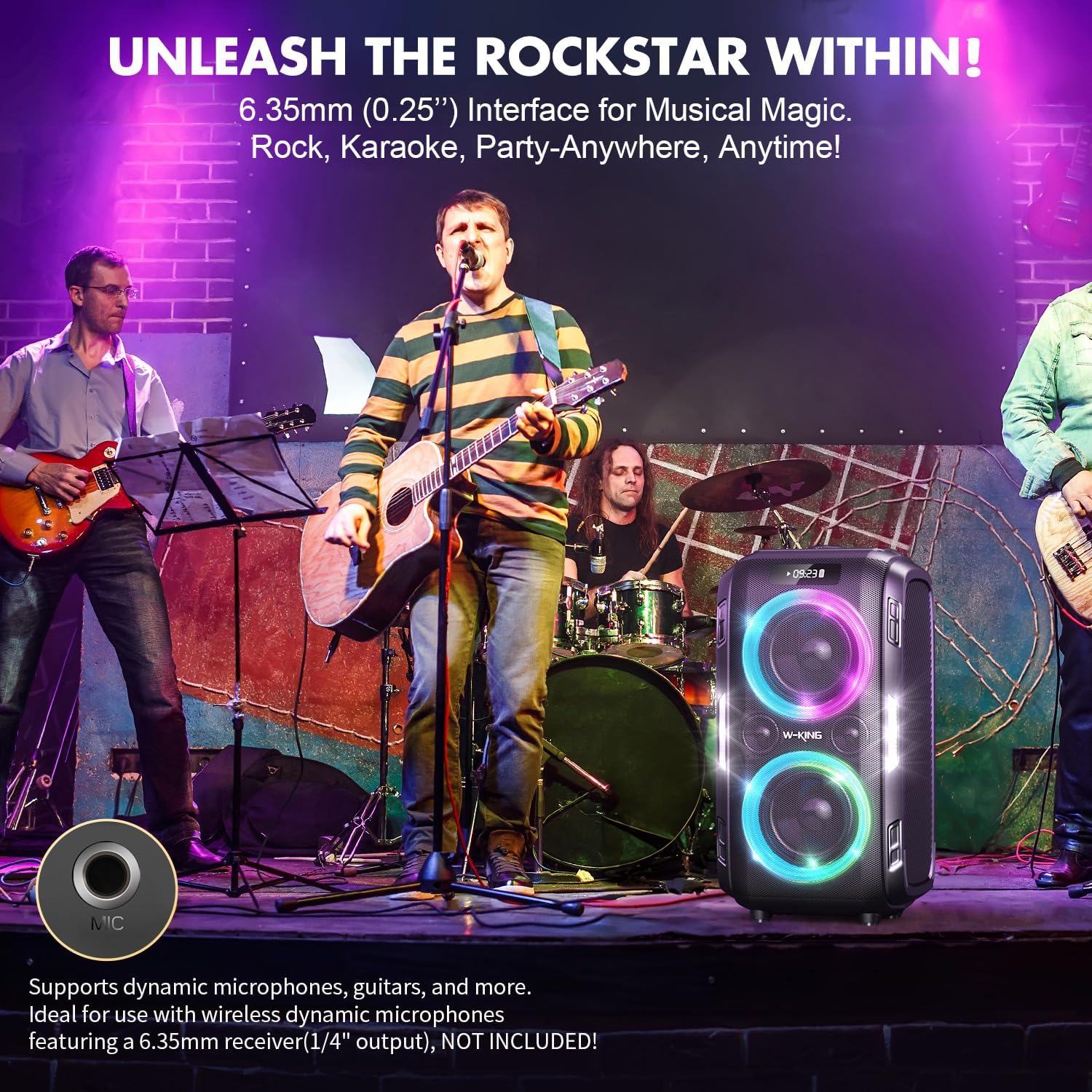
Figure 2: The W-KING T9 PRO speaker delivering monumental sound, capable of reaching 120dB.
3. Package Contents
Please ensure all items are present upon unboxing:
- W-KING T9 PRO Bluetooth Party Speaker
- Power Adapter
- Auxiliary Cable
- User Manual (this document)
Figure 3: The W-KING T9 PRO speaker alongside its retail packaging, indicating included accessories.
4. Setup and First Use
4.1 Charging the Speaker
- Connect the provided power adapter to the DC 15V port on the back of the speaker.
- Plug the power adapter into a wall outlet.
- The digital display will show the charging status. A full charge provides up to 24 hours of playtime.
4.2 Powering On/Off
- To power on, press and hold the Power button on the control panel until the display lights up.
- To power off, press and hold the Power button again until the display turns off.

Figure 4: Top control panel of the W-KING T9 PRO, showing buttons for power, volume, and mode selection.
5. Operating Instructions
5.1 Bluetooth Connectivity
- Ensure the speaker is powered on and in Bluetooth mode (indicated by "BL" on the display).
- On your device (smartphone, tablet, etc.), enable Bluetooth and search for "W-KING T9 PRO".
- Select the speaker from the list to pair. A confirmation sound will indicate successful pairing.
- The Bluetooth range is approximately 15 meters (49 feet).
5.2 True Wireless Stereo (TWS) Pairing
To achieve a 240W dual stereo sound, you can pair two W-KING T9 PRO speakers:
- Ensure both T9 PRO speakers are powered on and in Bluetooth mode.
- On one speaker, press and hold the M (Mode) button until you hear a pairing tone.
- The speakers will automatically connect to each other. Once connected, they will function as a single stereo system.
- Connect your device to the primary speaker via Bluetooth as described in section 5.1.

Figure 5: Two W-KING T9 PRO speakers operating in True Wireless Stereo (TWS) mode, providing an expanded soundstage.
5.3 Other Playback Modes
- AUX Input: Connect an external audio device using the provided auxiliary cable to the AUX port. The speaker will automatically switch to AUX mode.
- USB Playback: Insert a USB flash drive into the USB port. The speaker will automatically detect and play audio files.
- TF Card Playback: Insert a TF (microSD) card into the TF slot. The speaker will automatically detect and play audio files.

Figure 6: Rear view of the W-KING T9 PRO, highlighting the various input ports including MIC, USB, TF, AUX, and DC 15V.
5.4 Audio Customization (EQ & Bass)
- Bass Control: Press the BASS button to activate the bass mode. Use the rotary knob to select from 12 customized bass levels.
- EQ Adjustment: The rotary knob also allows for customizing the EQ for both microphone and music playback.
- Echo Effect: Press the ECHO button to adjust the echo effect for microphone input. Set to 0 for no echo.

Figure 7: Close-up of the W-KING T9 PRO's control panel, detailing the bass and EQ adjustment features.
5.5 Lighting Effects
- Press the Light button on the control panel to cycle through 7 different colors and 6 light effects.
- The lights will pulse and dance to the beat of the music, enhancing the party atmosphere.
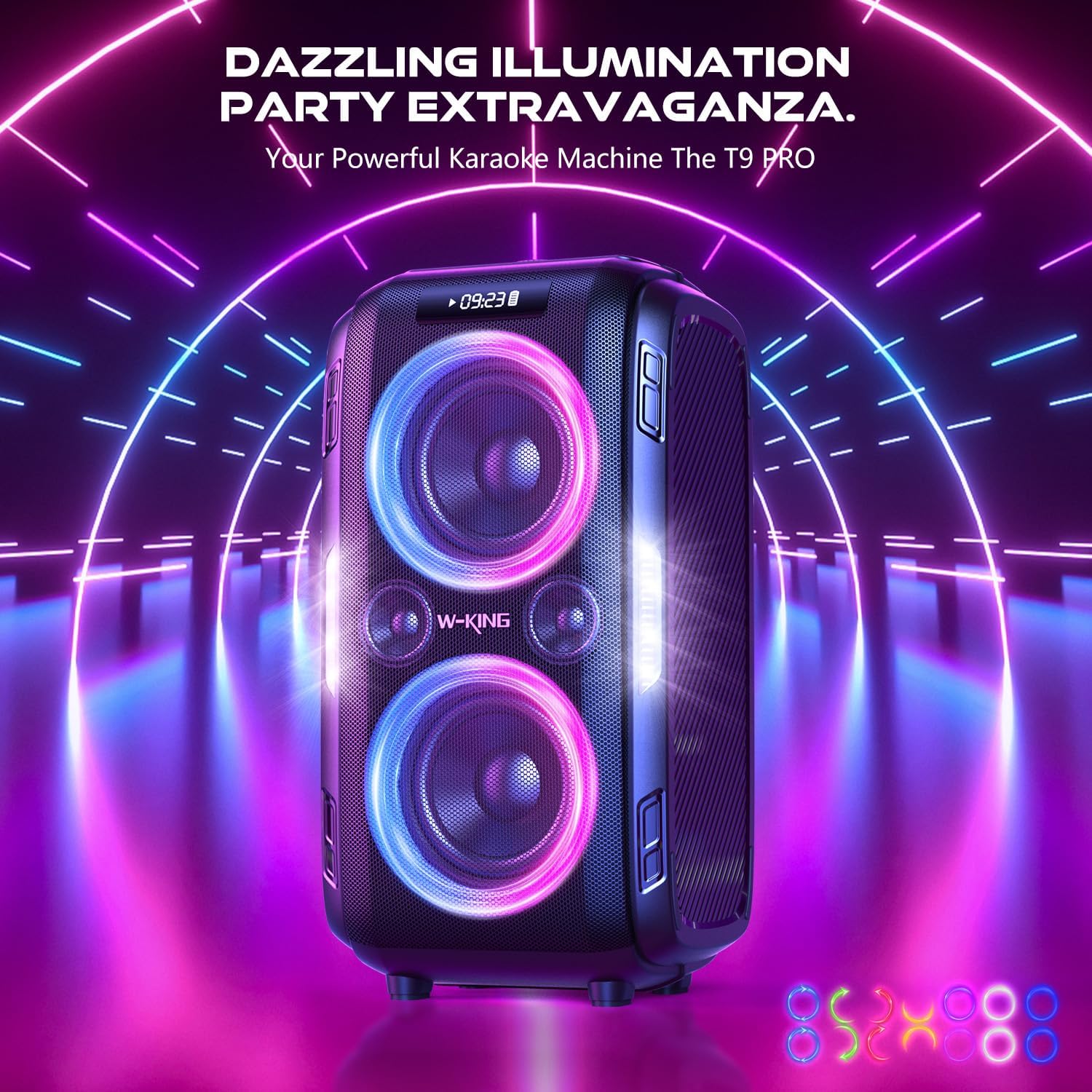
Figure 8: The W-KING T9 PRO speaker displaying its vibrant, beat-synced LED illumination, creating a dynamic visual experience.
6. Maintenance and Care
- Clean the speaker with a soft, dry cloth. Do not use abrasive cleaners or solvents.
- Store the speaker in a cool, dry place away from direct sunlight and extreme temperatures.
- While the speaker has an IPX5 splash-proof rating, avoid submerging it in water or exposing it to heavy rain for extended periods.
- Do not attempt to disassemble or repair the speaker yourself. This will void the warranty.

Figure 9: The W-KING T9 PRO speaker demonstrating its IPX5 splash-proof capability in a snowy outdoor environment.
7. Troubleshooting
| Problem | Possible Cause | Solution |
|---|---|---|
| Speaker does not power on. | Low battery or no power. | Charge the speaker using the provided power adapter. Ensure the power outlet is working. |
| No sound from the speaker. | Volume too low, incorrect mode, or device not connected. | Increase speaker and device volume. Check if the correct input mode (Bluetooth, AUX, USB, TF) is selected. Re-pair Bluetooth device. |
| Bluetooth connection unstable or failing. | Device too far, interference, or pairing issue. | Move device closer to the speaker (within 15m). Avoid obstacles. Forget "W-KING T9 PRO" on your device and re-pair. |
| TWS pairing fails. | Speakers not in correct mode or too far apart. | Ensure both speakers are in Bluetooth mode and close to each other. Follow TWS pairing steps carefully. |
8. Specifications
- Model Name: T9 PRO
- Brand: W-KING
- Speaker Type: Woofer
- Audio Output Mode: Stereo
- Speaker Maximum Output Power: 200W (Peak)
- Woofer Diameter: 6.5 Inches (x2)
- Tweeter Diameter: 2.5 Inches (x2)
- Wireless Communication Technology: Bluetooth 5.3
- Bluetooth Range: 15 Meters
- Connectivity Technology: Bluetooth, Auxiliary, USB, TF Card
- Compatible Devices: Guitar, Smartphone, other audio devices
- Power Source: Battery Powered
- Battery Life: Up to 24 hours (varies with volume and lighting)
- Waterproof Rating: IPX5 (Splash-proof)
- Control Method: Touch (Physical Buttons)
- Mounting Type: Floor Standing
9. Warranty and Support
For warranty information and customer support, please refer to the warranty card included with your product or visit the official W-KING website. Keep your purchase receipt as proof of purchase for warranty claims.
W-KING Official Store: Visit W-KING Store on Amazon
Related documentsT9 PRO


Ask a question about this manual
Ask about setup, troubleshooting, compatibility, parts, safety, or missing instructions. Manuals+ will review the question and use this page’s manual context to help answer it.