Introduction
Thank you for choosing the OLIXIS 50-Inch L-Shaped Computer Desk. This manual provides essential information for the safe assembly, operation, and maintenance of your new desk. Please read these instructions carefully before beginning assembly and retain them for future reference.
Safety Information
- Keep all small parts and packaging materials away from children and pets to prevent choking hazards.
- Ensure all screws and fasteners are securely tightened before use. Periodically check and re-tighten as necessary.
- Do not overload the desk. Refer to the specifications section for weight limits.
- Assemble the desk on a soft, clean surface to prevent scratches.
- Use proper lifting techniques when moving the desk to avoid injury.
Package Contents
Before assembly, verify that all components are present. If any parts are missing or damaged, please contact customer service.
- Desk components (particle board panels, metal frame parts)
- Assembly tools (e.g., Allen wrench)
- Instruction Manual
- Hardware pack (screws, bolts, etc.)
Setup and Assembly
Assembly typically takes approximately 20 minutes. It is recommended to have a second person assist with assembly for ease and safety.
General Assembly Steps:
- Unpack all components and lay them out on a clean, soft surface.
- Identify all parts using the provided parts list in the separate instruction sheet.
- Attach the metal frame components together using the provided screws and assembly tools. Do not fully tighten screws until all parts are aligned.
- Secure the desktop panels to the assembled frame.
- Install the CPU stand and side storage bag as desired.
- Once all parts are in place, fully tighten all screws.
Reversible Splicing:
The L-shaped design allows for reversible splicing, meaning the longer and shorter sections of the desk can be configured to either the left or right side to suit your room layout and personal preference. This flexibility enables optimal space utilization.
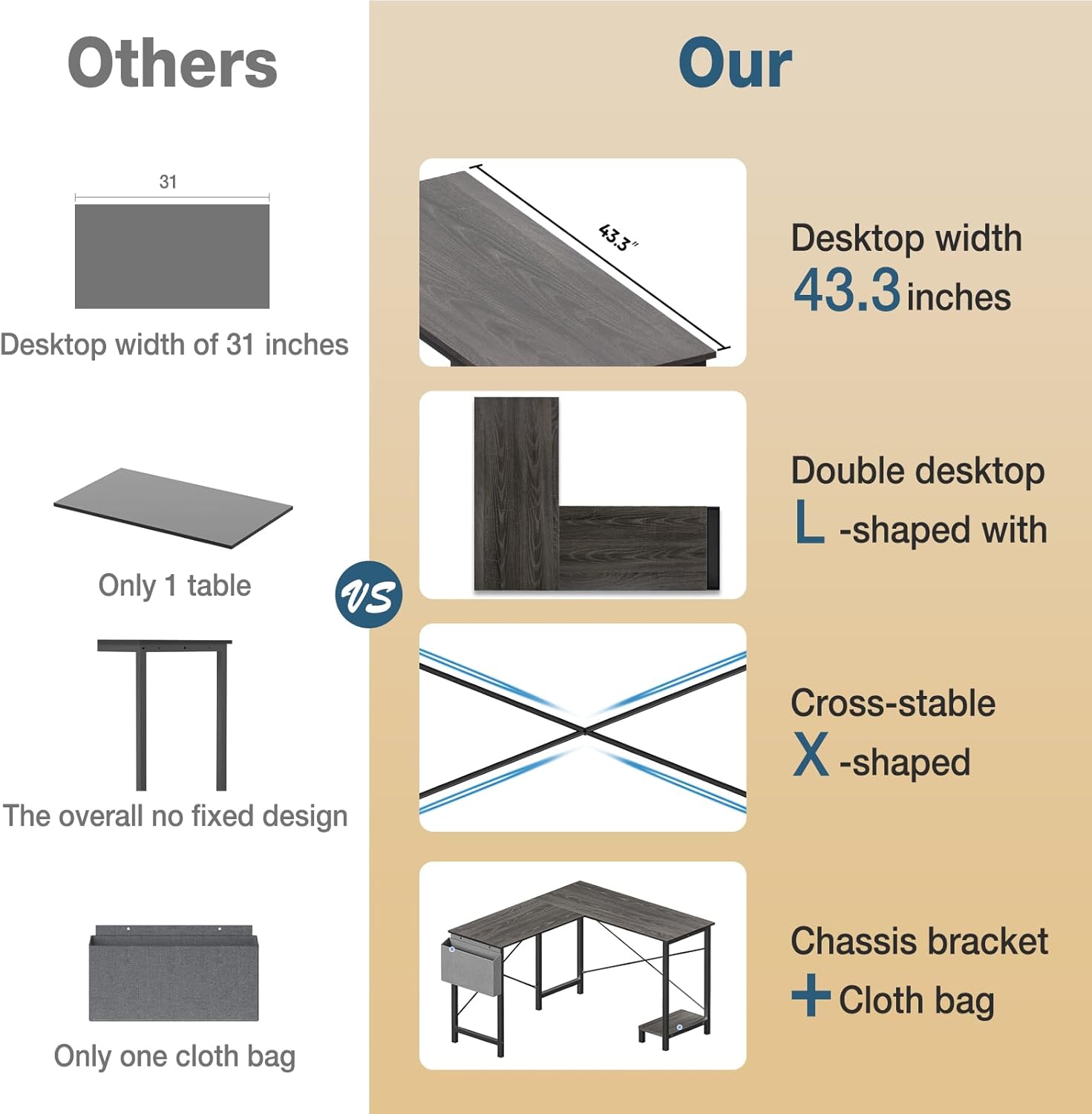
Image: Reversible Splicing Diagram. This image illustrates how the L-shaped desk can be assembled with the longer section on either the left or right side, offering flexible configuration options to fit your space.
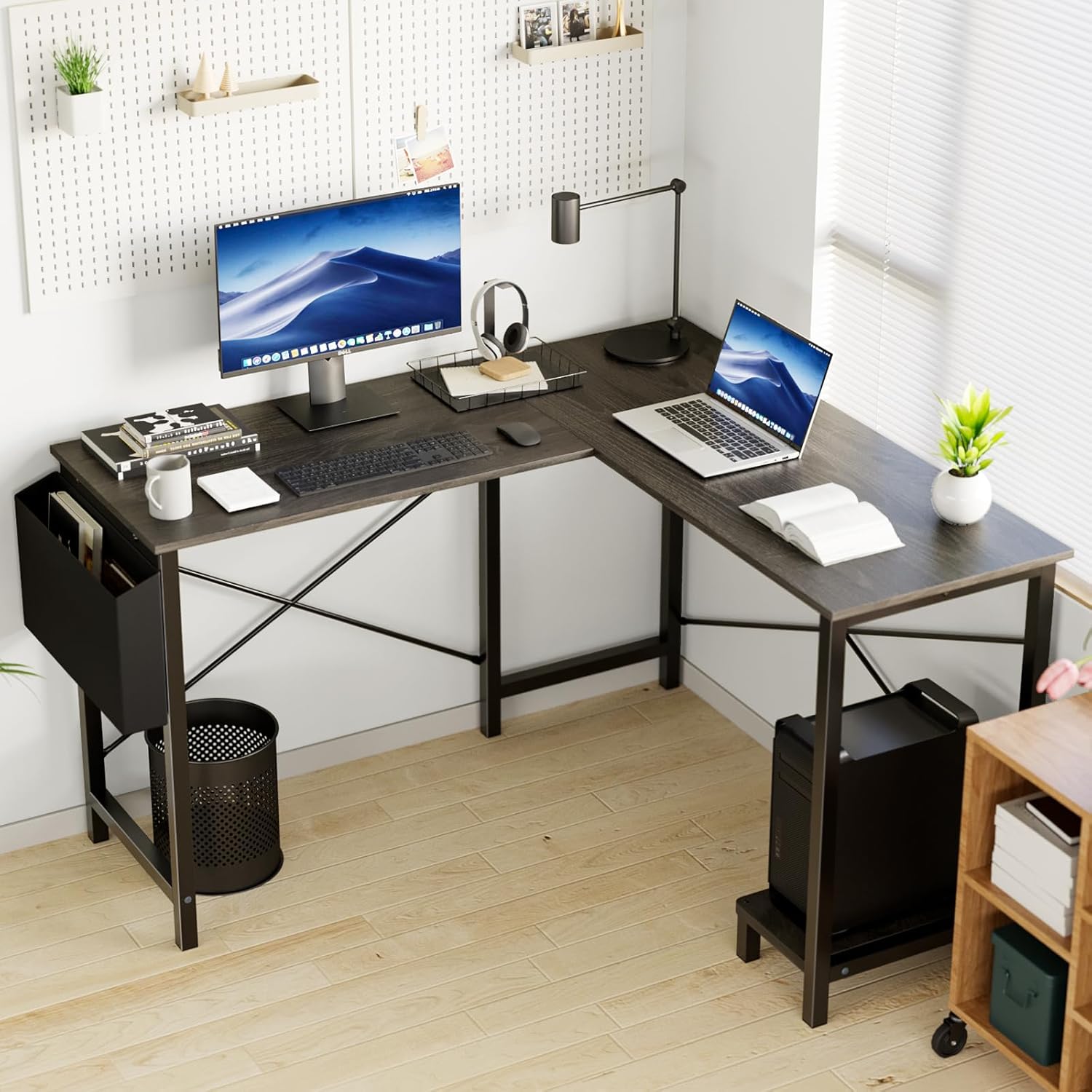
Image: Reversible Installation of CPU Stand and Side Bag. This image highlights the CPU stand and the fabric side bag, demonstrating that these components can be installed on either side of the desk to match the reversible splicing and user preference.
Operating and Usage
The OLIXIS L-Shaped Computer Desk is designed for various uses, including office work, gaming, and studying. Its spacious surface and thoughtful features enhance functionality.
Key Features:
- Ample Desktop Space: The 50-inch L-shaped desktop provides generous room for multiple monitors, laptops, and other office essentials, allowing for an organized workspace.
- Integrated CPU Stand: A dedicated stand at the bottom of the frame keeps your CPU off the floor, protecting it from dust and improving airflow, while also freeing up legroom.
- Side Storage Bag: A convenient fabric side pocket is included for storing documents, magazines, headphones, or other small items, keeping your desktop clutter-free.
- Durable Construction: The desk features a medium-density chipboard tabletop that is anti-slip and wear-resistant, supported by a heavy-duty powder-coated steel frame with X-shaped metal brackets for enhanced stability.
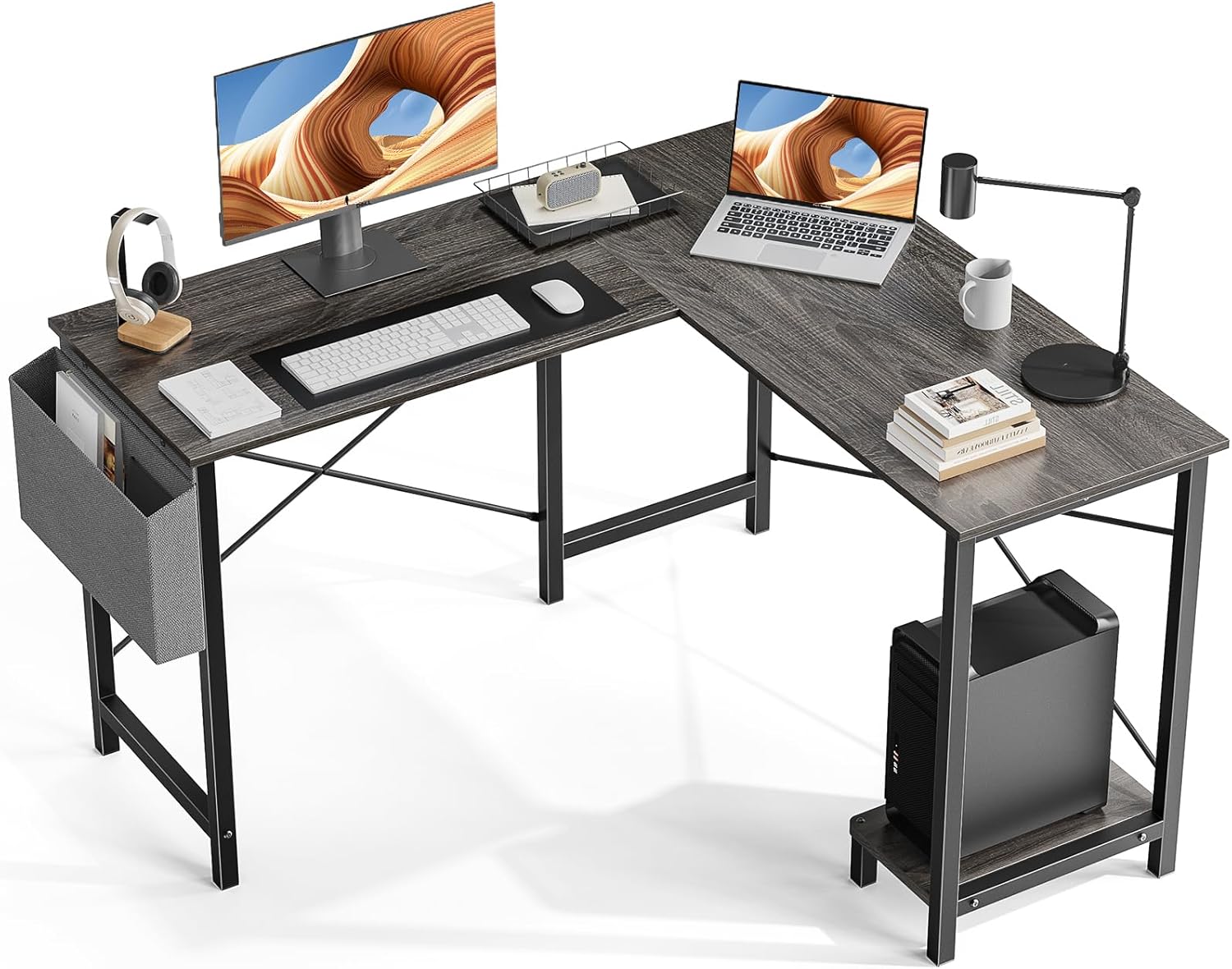
Image: Desk in Use (Office Setup). This image displays the OLIXIS L-Shaped Computer Desk configured for an office environment, showcasing its capacity to hold two monitors, a laptop, and various office supplies, highlighting its spacious and functional design.

Image: Desk in Use (Gaming Setup). This image shows the OLIXIS L-Shaped Computer Desk set up for gaming, featuring two monitors, a gaming PC, and other gaming peripherals, demonstrating its suitability for gaming enthusiasts.
Maintenance
To ensure the longevity and appearance of your OLIXIS L-Shaped Computer Desk, follow these simple maintenance guidelines:
- Cleaning: Wipe the desktop and frame with a soft, damp cloth. Avoid using harsh chemicals or abrasive cleaners, which can damage the finish.
- Spills: Immediately wipe up any spills to prevent staining or damage to the wood finish.
- Protection: Use coasters for drinks and placemats for hot items to protect the desktop surface.
- Inspection: Periodically check all screws and connections to ensure they remain tight. Re-tighten if necessary.
Troubleshooting
If you encounter any issues with your OLIXIS L-Shaped Computer Desk, please refer to the following common solutions:
- Wobbling Desk: Ensure all screws are fully tightened. Check that the desk is placed on a level surface. Adjust any leveling feet if present.
- Difficulty during Assembly: Double-check the instruction manual and ensure all parts are correctly oriented. Do not force parts together. If a part seems ill-fitting, re-examine the assembly steps.
- Missing or Damaged Parts: If you find any parts missing or damaged upon unboxing, do not proceed with assembly. Contact OLIXIS customer service immediately for assistance.
Specifications
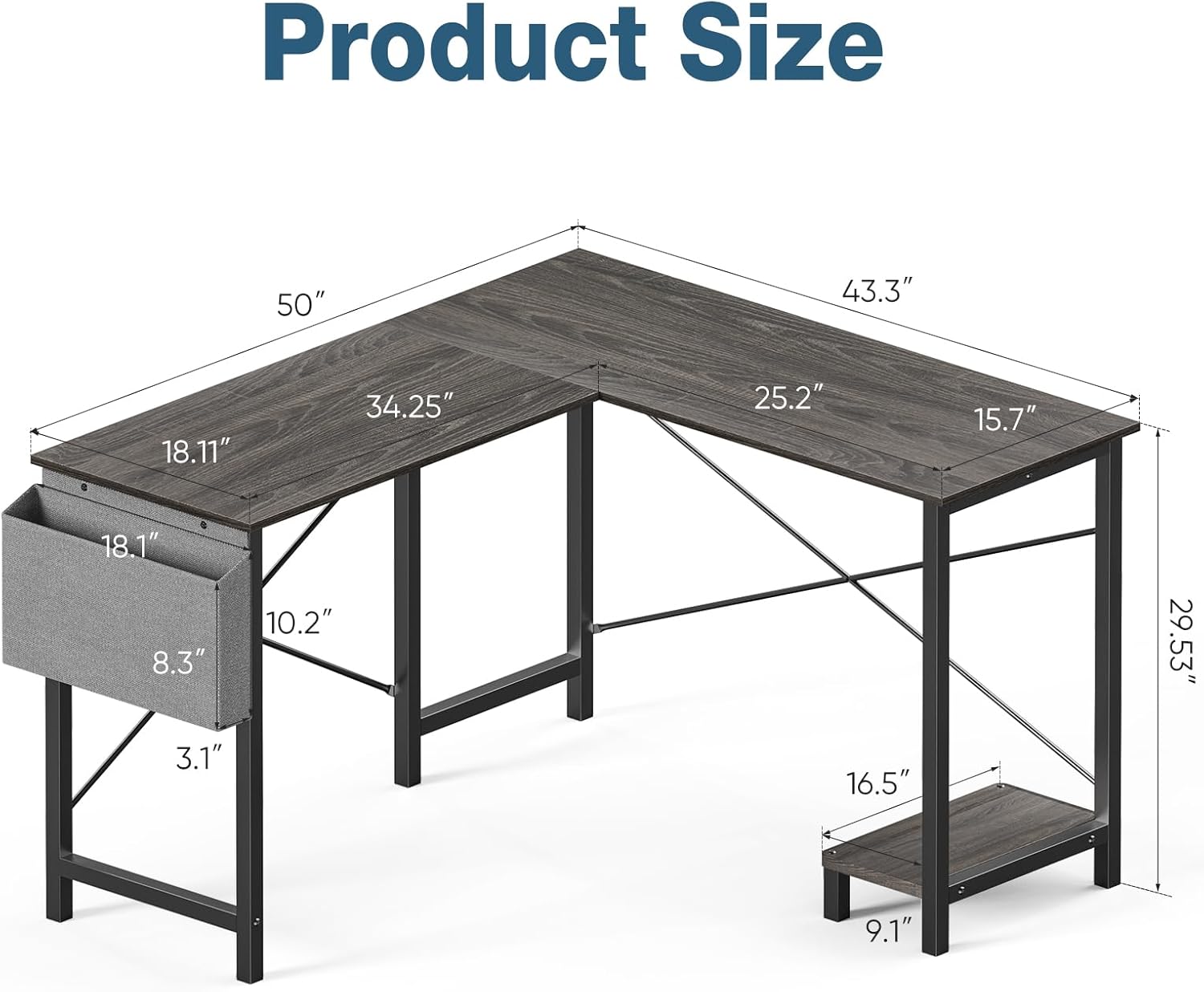
Image: Product Size Diagram. This image provides a detailed diagram of the OLIXIS L-Shaped Computer Desk, illustrating its overall dimensions and the measurements of individual sections, including the desktop length (50 inches), width (43.3 inches), and height (29.53 inches).
| Feature | Detail |
|---|---|
| Brand | OLIXIS |
| Model | 50-Inch L-Shaped Computer Desk |
| Shape | L-Shape |
| Colour | Grey |
| Material | Particle board (Top), Metal (Base) |
| Finish Type | Wood |
| Item Weight | 28.62 Pounds |
| Number of Shelves | 1 (CPU stand) |
| Assembly Required | Yes |
Warranty and Support
OLIXIS is committed to providing quality products and customer satisfaction. If you have any questions, concerns, or require assistance with assembly or product issues, please do not hesitate to contact our customer service team. We aim to provide support within 24 hours.
Please refer to your purchase documentation or the OLIXIS official website for specific warranty details and contact information.


