
1. Product Overview
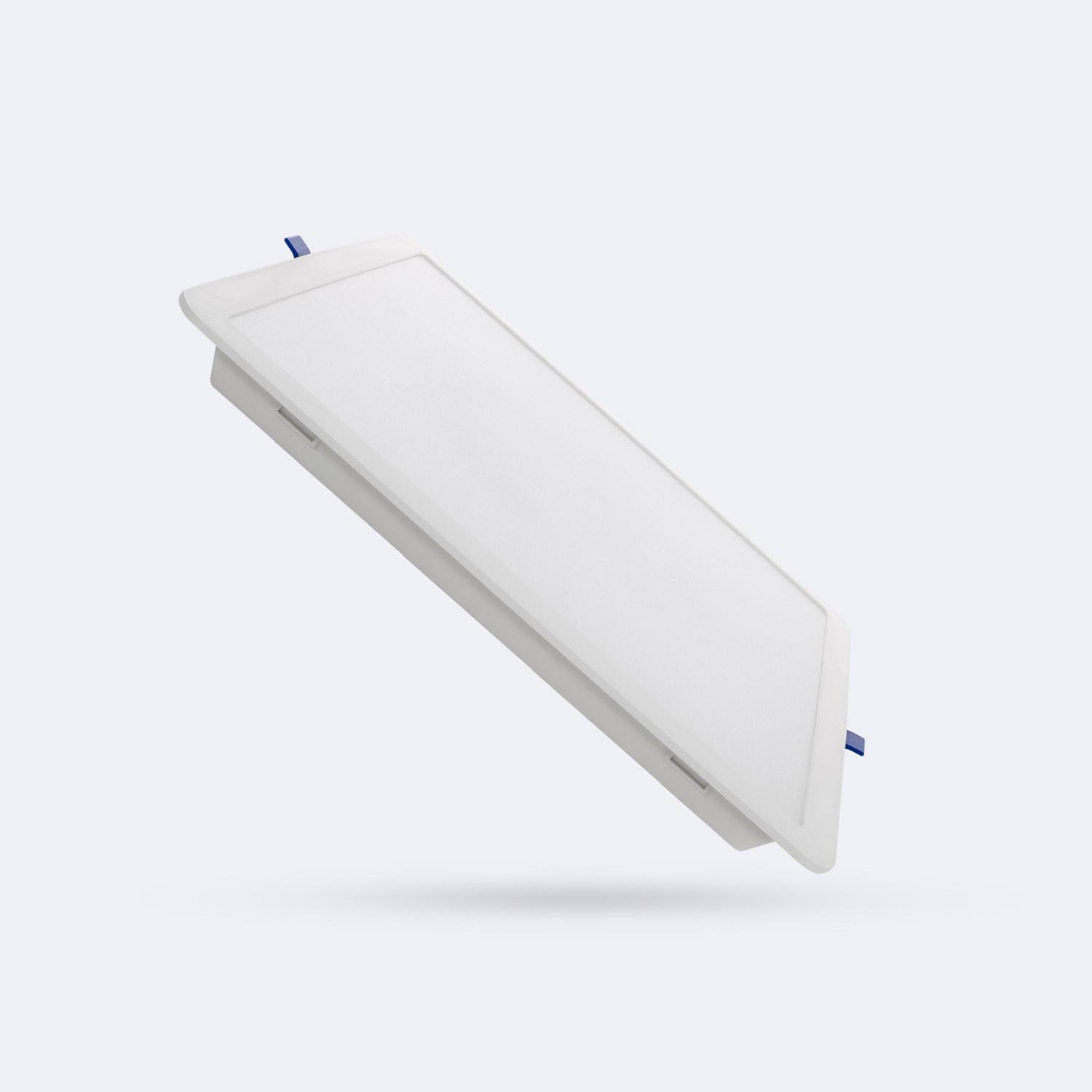
The LEDKIA LIGHTING 30W Square LED Panel is designed for general illumination in various commercial and residential settings. This slim panel features an SMD 2835 LED source, providing efficient and consistent lighting with a 3150 lumen output and a warm white color temperature of 3000K.
It operates directly on a 220-240V AC power supply, simplifying installation by eliminating the need for an earth connection. The panel's aluminum body ensures effective heat dissipation, allowing it to function reliably within an ambient temperature range of -22°C to 45°C.
Important Note:
- This LED panel is suitable for ceiling cutouts ranging from 275x275 mm to 290x290 mm.
- Products equipped with DOB (Driver On Board) technology are not compatible with external sensors, timers, or similar control devices.
2. Safety Information
Please read all safety instructions carefully before installation and use. Failure to follow these instructions may result in electric shock, fire, or other hazards.
- Always disconnect the main power supply before attempting any installation, maintenance, or cleaning.
- Installation should be performed by a qualified electrician in accordance with local electrical codes.
- This product is designed for indoor use only. Do not expose to moisture or outdoor elements.
- Ensure the mounting surface can support the weight of the fixture.
- Do not modify the product in any way.
- Avoid direct eye exposure to the light source when illuminated.
For additional safety details, please refer to the official Safety Information PDF.
3. Package Contents
The LEDKIA LIGHTING 30W Square LED Panel is supplied as a single unit. No additional components are included in the standard package.
4. Specifications
| Feature | Specification |
|---|---|
| Model Number | 106968_217785 |
| Power Consumption | 30 Watts |
| Input Voltage | 220-240V AC |
| Luminous Flux | 3150 lumens |
| Color Temperature | 3000K (Warm White) |
| Product Dimensions (L x W x H) | 29.7 cm x 29.7 cm x 2.6 cm |
| Recommended Cutout Size | 275x275 mm to 290x290 mm |
| Base Material | Aluminum |
| Shade Material | Polycarbonate (PC) |
| Item Weight | 1 Kilogram |
| Operating Temperature | -22°C to 45°C |
| Mounting Type | Ceiling Mount |
| Water Resistance Level | Not water-resistant |
| Energy Efficiency Class | F |
| Usage Environment | Indoor Use Only |
5. Setup and Installation
Follow these steps for proper installation of your LED panel:
- Preparation: Ensure the main power supply to the installation area is switched off at the circuit breaker.
- Cutout: Create a square cutout in the ceiling. The recommended dimensions for the cutout are between 275x275 mm and 290x290 mm.
- Wiring: Connect the panel's wires directly to your 220-240V AC power supply. This panel does not require an earth connection. Ensure all connections are secure and insulated.
- Mounting: Gently push the LED panel into the prepared ceiling cutout. The integrated spring clips on the sides of the panel will secure it in place. Ensure the panel is flush with the ceiling surface.
- Power On: Once the panel is securely installed and wired, restore power at the circuit breaker.


6. Operating Instructions
Operating the LEDKIA LIGHTING 30W Square LED Panel is straightforward:
- Once the panel is correctly installed and connected to the electrical supply, it will illuminate when the connected wall switch or power source is turned on.
- To turn off the light, simply switch off the connected power source.
Compatibility Reminder:
As noted in the Product Overview, this LED panel utilizes DOB technology and is not designed for use with external dimmers, sensors, or timers. Attempting to use such devices may result in malfunction or damage to the product.
7. Maintenance
Regular maintenance will help ensure the longevity and optimal performance of your LED panel:
- Cleaning: Before cleaning, always ensure the power supply to the panel is disconnected. Use a soft, dry, or slightly damp cloth to wipe the surface of the panel. Do not use abrasive cleaners, solvents, or harsh chemicals, as these can damage the finish or internal components.
- Inspection: Periodically inspect the panel for any signs of damage or loose connections. If any issues are found, disconnect power immediately and consult a qualified electrician.
8. Troubleshooting
If you encounter issues with your LEDKIA LIGHTING 30W Square LED Panel, refer to the following common troubleshooting steps:
- Panel does not light up:
- Check if the main power supply is on.
- Verify that the wall switch controlling the light is in the 'ON' position.
- Ensure all electrical connections are secure and correctly wired. If unsure, consult a qualified electrician.
- Light is flickering or dim:
- Check for a stable power supply. Fluctuations in voltage can cause flickering.
- Ensure all wiring connections are tight and free from corrosion.
- Incompatibility with external control devices (sensors, timers):
- This panel is not designed to work with external sensors, timers, or dimmers due to its DOB technology. Remove any such devices if they are connected.
If the problem persists after attempting these steps, please contact customer support or a qualified electrician.
9. Warranty and Support
For information regarding product warranty, returns, or technical assistance, please contact your original retailer or LEDKIA LIGHTING customer service. Please have your model number (106968_217785) and proof of purchase ready when contacting support.
You can also visit the official LEDKIA LIGHTING store for more product information and updates.