
Lucyd LCD006-70 v2
Lucyd Lyte (2025 Version) Smart Glasses
Model: Millennia (LCD006-70 v2) - Brown Gradient Polarized Lens
Your guide to smart eyewear technology.
1. Introduction
The Lucyd Lyte (2025 Version) Smart Glasses combine timeless eyewear design with cutting-edge technology, offering a seamless blend of style and functionality. These smart glasses feature Bluetooth connectivity, UV400 polarized lenses, open-ear speakers, and an integrated microphone, providing a versatile audio experience while protecting your eyes.

Figure 1.1: Lucyd Lyte (2025 Version) Smart Glasses.
Key Features:
- Bluetooth Connectivity: Easily connect to your devices for hands-free calls and wireless music.
- UV400 Polarized Lenses: Protect your eyes from harmful UV rays and reduce glare for clearer vision.
- Open-Ear Speakers and Microphone: Enjoy comfortable, hands-free communication and audio playback while maintaining situational awareness.
- Elegant Crystal Design: A sleek finish that adds sophistication, making these smart glasses a stylish accessory.
- AI-Powered Features: Connect to advanced AI functionalities for enhanced interaction.
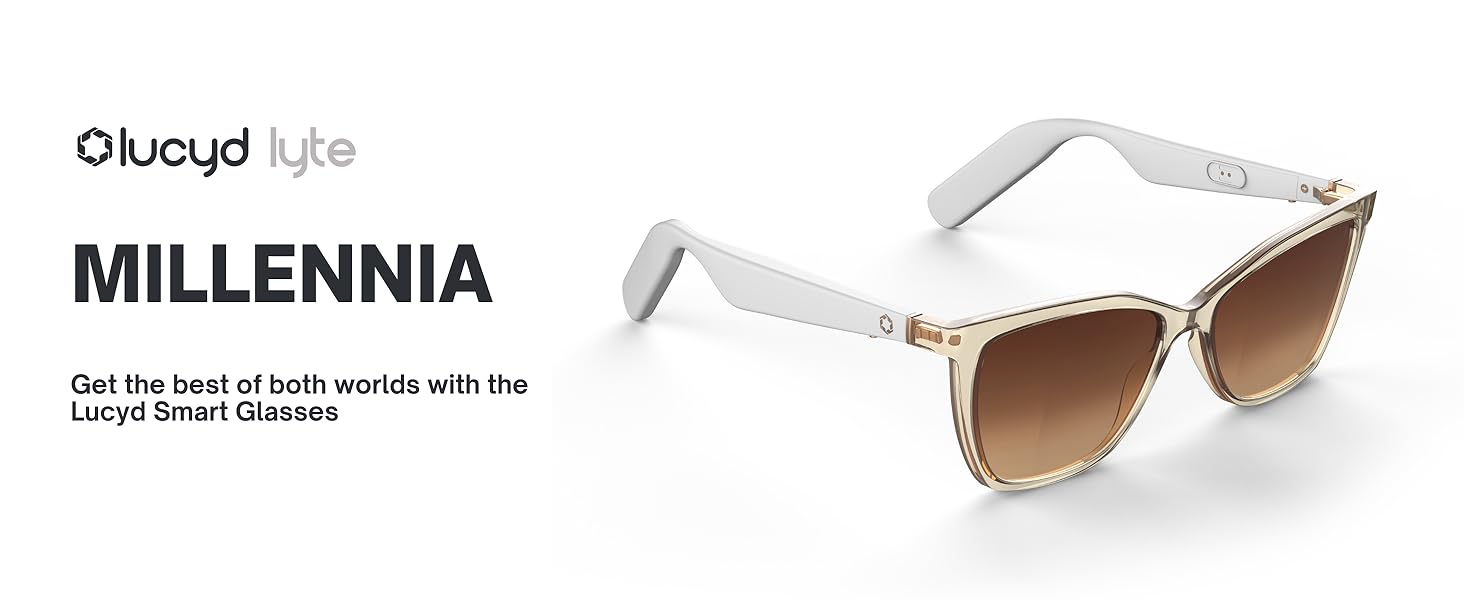
Figure 1.2: Overview of Lucyd Lyte Smart Glasses features.
2. What's in the Box
Upon unboxing your Lucyd Lyte Smart Glasses, please ensure all the following items are present:
- Lucyd Audio Glasses (Smart Glasses)
- Slip Case
- Cleaning Cloth
- User Manual (this document)
- Quick Start Guide
3. Setup
3.1 Charging the Glasses
Your Lucyd Lyte Smart Glasses are equipped with two Lithium Ion batteries, one in each temple. Before initial use, it is recommended to fully charge the glasses. Connect the provided charging cable to the charging port located on the temple of the glasses and plug the other end into a compatible USB power source. A full charge typically provides up to 12 hours of music/talk time.
3.2 Bluetooth Pairing
To connect your Lucyd Lyte Smart Glasses to your smartphone or other Bluetooth-enabled device:
- Ensure both temples of the glasses are powered on. Note that each temple may need to be activated independently.
- On your smart glasses, activate Bluetooth pairing mode. Refer to the Quick Start Guide for specific button presses if needed.
- On your device (e.g., smartphone), go to the Bluetooth settings.
- Search for available devices. You should see "Lucyd Lyte" or a similar name appear in the list.
- Select "Lucyd Lyte" to initiate the pairing process.
- Once paired, the glasses will indicate a successful connection (e.g., an audio prompt or LED indicator).
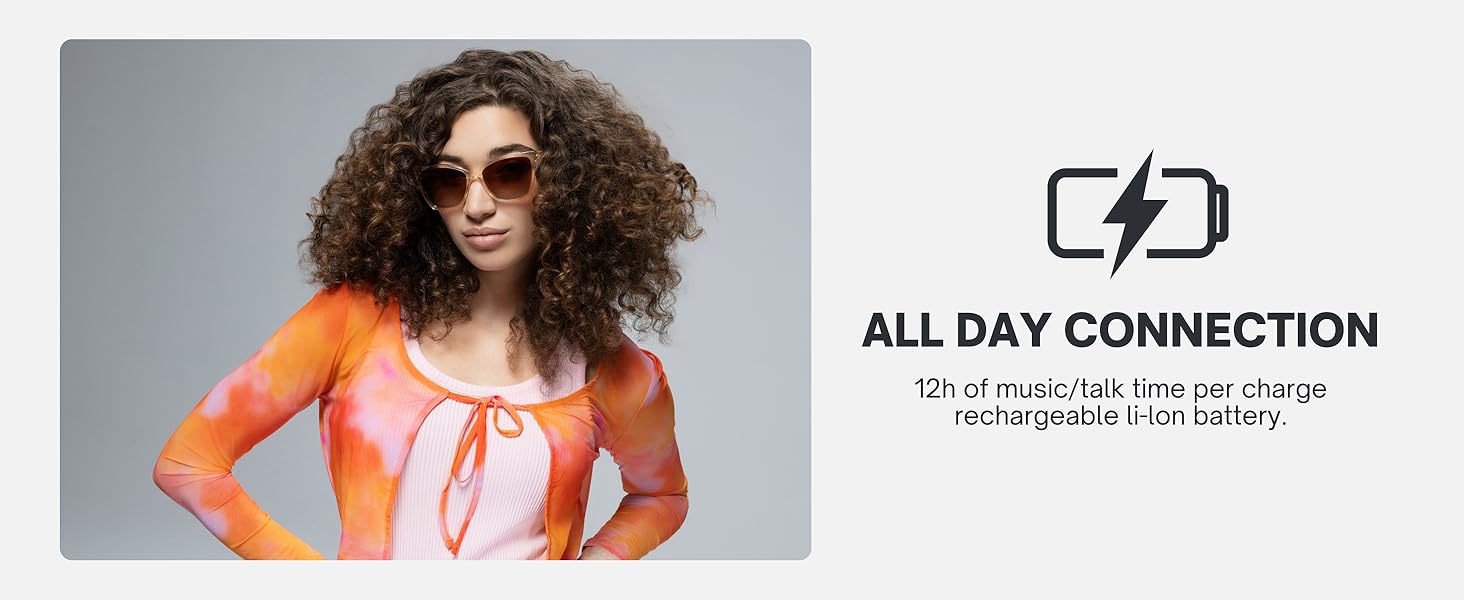
Figure 3.1: All-day connection capability of Lucyd Lyte Smart Glasses.
4. Operating Your Smart Glasses
The Lucyd Lyte Smart Glasses are designed for intuitive control of your audio and communication needs.
4.1 Audio Playback
Once paired, you can stream music, podcasts, and other audio directly to your glasses. The open-ear speakers provide immersive sound while allowing you to remain aware of your surroundings.
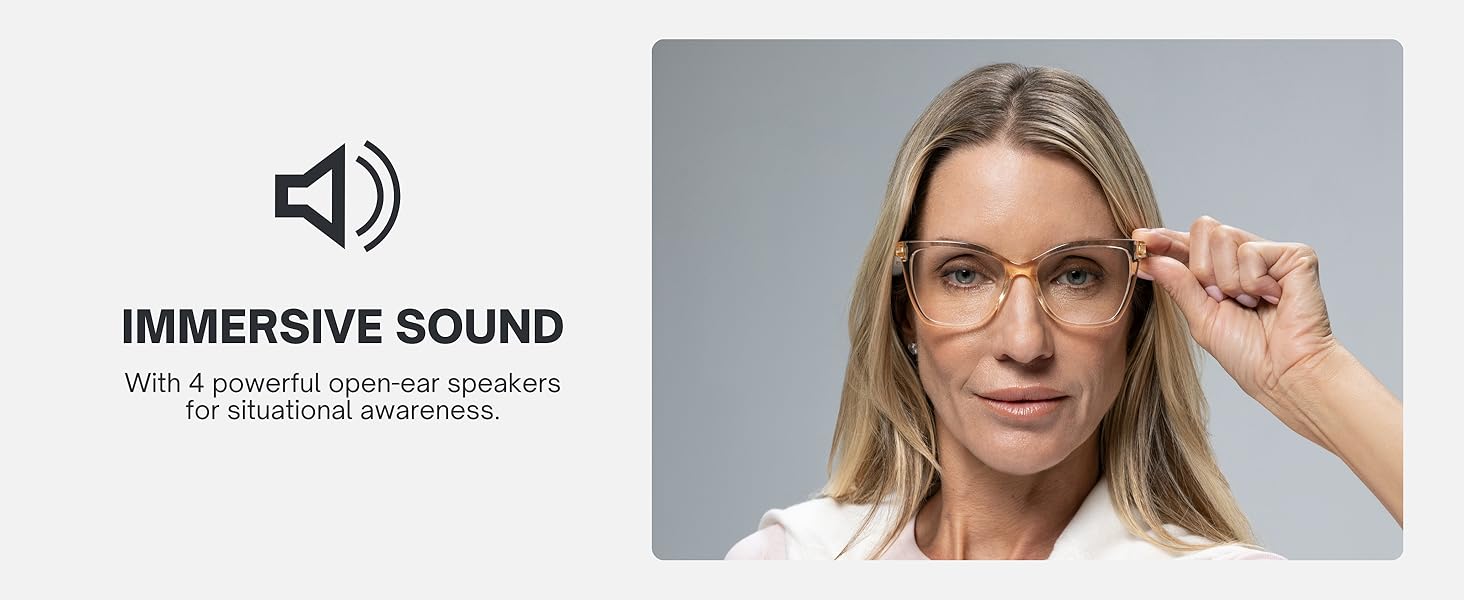
Figure 4.1: Immersive sound experience with open-ear speakers.
4.2 Making and Receiving Calls
The integrated microphone allows for clear, hands-free calls. When a call comes in, you can answer directly through the glasses. Your voice will be picked up by the microphone, and the caller's voice will be heard through the open-ear speakers.
4.3 Voice Assistant Integration
Leverage the AI-powered features by connecting to your device's voice assistant (e.g., Siri). This allows for voice commands to control music, make calls, get directions, and more, all without needing to take out your phone.

Figure 4.2: AI-powered features for enhanced interaction.
4.4 Controls
Specific controls for volume, track skipping, call answering/ending, and voice assistant activation are located on the temples of the glasses. Please refer to the Quick Start Guide for a detailed diagram of button functions. Remember that both temples may have independent power controls.


Figure 4.3: Key functionalities: Play Music, Take Calls Handsfree, Use Voice Assistants.
5. Maintenance and Care
Proper care will extend the life and performance of your Lucyd Lyte Smart Glasses.
5.1 Cleaning the Lenses and Frame
- Use the provided cleaning cloth to gently wipe the lenses. For stubborn smudges, slightly dampen the cloth with lens cleaning solution or water. Avoid using harsh chemicals or abrasive materials.
- Clean the frame and temples with a soft, damp cloth. Ensure no liquid enters the speaker or microphone openings.
5.2 Storage
When not in use, store your smart glasses in the provided slip case to protect them from scratches and dust. Avoid exposing the glasses to extreme temperatures or direct sunlight for prolonged periods.
5.3 Water Resistance
The Lucyd Lyte Smart Glasses are designed for everyday use and are resistant to light splashes and sweat. They are not waterproof and should not be submerged in water or exposed to heavy rain.
6. Troubleshooting
If you encounter issues with your Lucyd Lyte Smart Glasses, refer to the following common problems and solutions:
| Problem | Possible Cause / Solution |
|---|---|
| No Sound / Sound from one side only | Ensure both temples are powered on. Check Bluetooth connection. Increase volume on both glasses and connected device. Recharge batteries. |
| Cannot Pair with Device | Ensure glasses are in pairing mode. Turn Bluetooth off and on again on your device. Move glasses closer to the device. Forget the device in Bluetooth settings and re-pair. |
| Poor Sound Quality | Check Bluetooth connection stability. Ensure no obstructions between glasses and device. Reduce interference from other wireless devices. Ensure glasses are clean and free of debris. |
| Glasses not responding to controls | Recharge batteries. Power cycle the glasses (turn off and on). Ensure you are pressing the correct buttons as per the Quick Start Guide. |
| Glasses do not take photos or record video | The Lucyd Lyte Smart Glasses are designed for audio and communication, not for photo or video capture. This is not a supported feature. |
| Physical damage to temples/hinges | Handle glasses with care. Avoid excessive force when opening or closing. Store in the provided case. Contact support if damage occurs. |
If the issue persists after trying these solutions, please contact Lucyd customer support for further assistance.
7. Specifications
| Feature | Detail |
|---|---|
| Model Name | Millennia V2 |
| Model Number | LCD006-70 v2 |
| Product Dimensions | 5.43 x 2.28 x 5.31 inches |
| Item Weight | 11.3 ounces (0.32 Kilograms) |
| Connectivity Technology | Bluetooth |
| Wireless Communication Standard | Bluetooth |
| Battery Type | 2 Lithium Ion batteries (included) |
| Lens Type | UV400 Polarized, Brown Gradient |
| Speakers | Open-Ear Speakers |
| Microphone | Integrated |
| Frame Material | TR90 (Adjustable & Durable) |
| Hinges | Spring Hinges for better fit |
| GPS | No GPS |
| Department | Women |
| Manufacturer | Lucyd |
8. Warranty and Support
8.1 Warranty Information
Lucyd products typically come with a limited manufacturer's warranty covering defects in materials and workmanship. For detailed information regarding the warranty period and terms specific to your Lucyd Lyte (2025 Version) Smart Glasses, please refer to the warranty card included in your product packaging or visit the official Lucyd website.
8.2 Customer Support
For technical assistance, troubleshooting beyond this manual, or warranty claims, please contact Lucyd customer support:
- Online Support: Visit the official Lucyd website for FAQs, support articles, and contact forms.
- Amazon Store: You can also visit the Lucyd Store on Amazon for additional product information and seller contact options.
Related documentsLCD006-70 v2


Ask a question about this manual
Ask about setup, troubleshooting, compatibility, parts, safety, or missing instructions. Manuals+ will review the question and use this page’s manual context to help answer it.