
LifePro LP-BRJVNTN-BLK
Contents
LifePro Biorejuvenate Red Light Therapy Device User Manual
Model: LP-BRJVNTN-BLK
Introduction
Thank you for choosing the LifePro Biorejuvenate Red Light Therapy Device. This compact and portable device is designed to provide targeted red light and near-infrared therapy for your nose and ears, aiming to improve circulation, alleviate discomfort, and support overall wellness. Please read this manual thoroughly before use to ensure safe and effective operation.
Product Overview
The Biorejuvenate device utilizes dual-wavelength LEDs (660nm red light and 810nm near-infrared light) to deliver therapeutic benefits. It features a screen display, adjustable power, and time settings, and is designed for ease of use.
Components
- Main Unit with Display Screen
- Nasal/Ear Probes with Dual Wavelength LEDs (detachable for ear use)
- USB-C Charging Cable
- User Manual (this document)
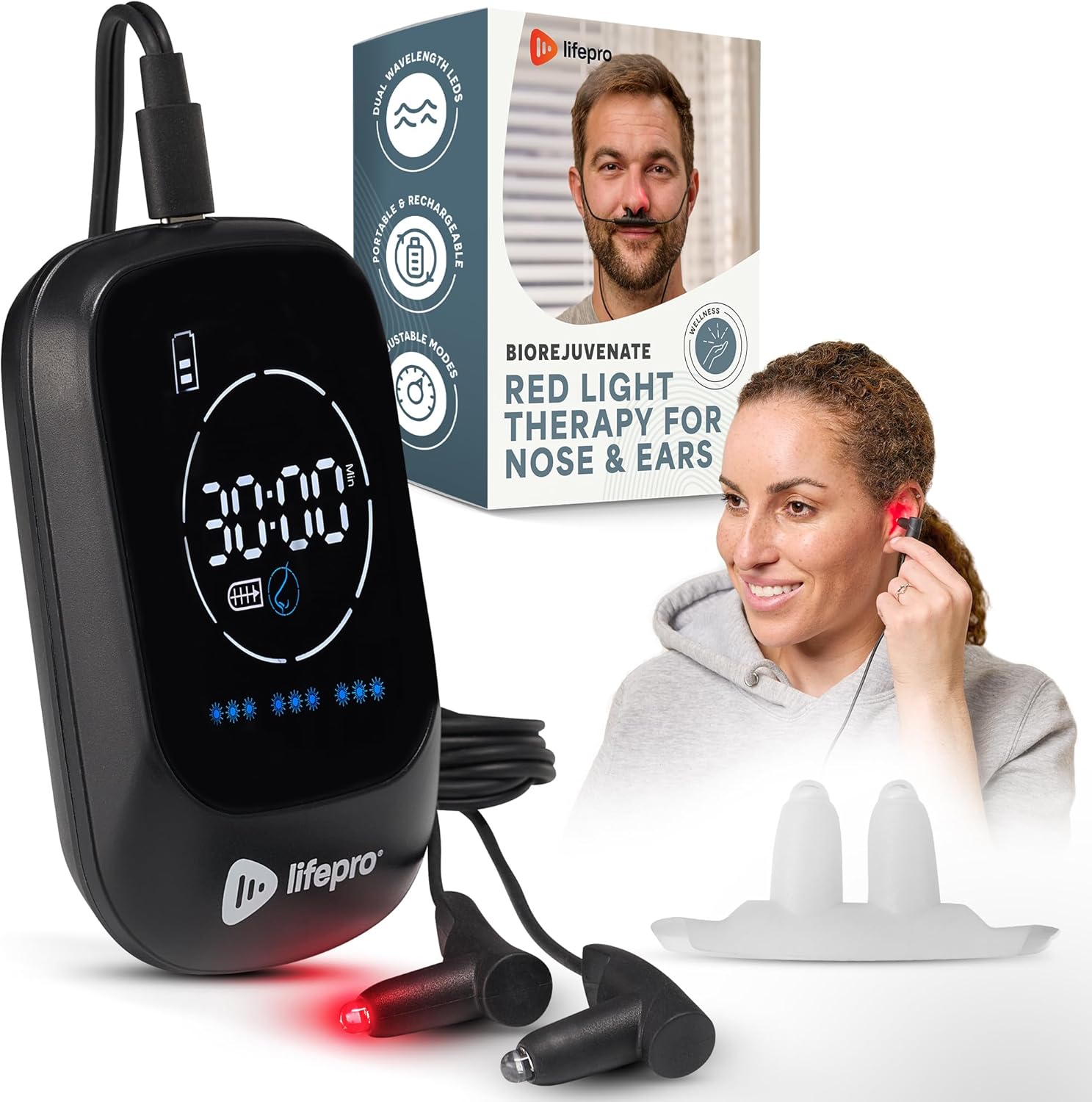
Figure 1: LifePro Biorejuvenate Red Light Therapy Device and its components.
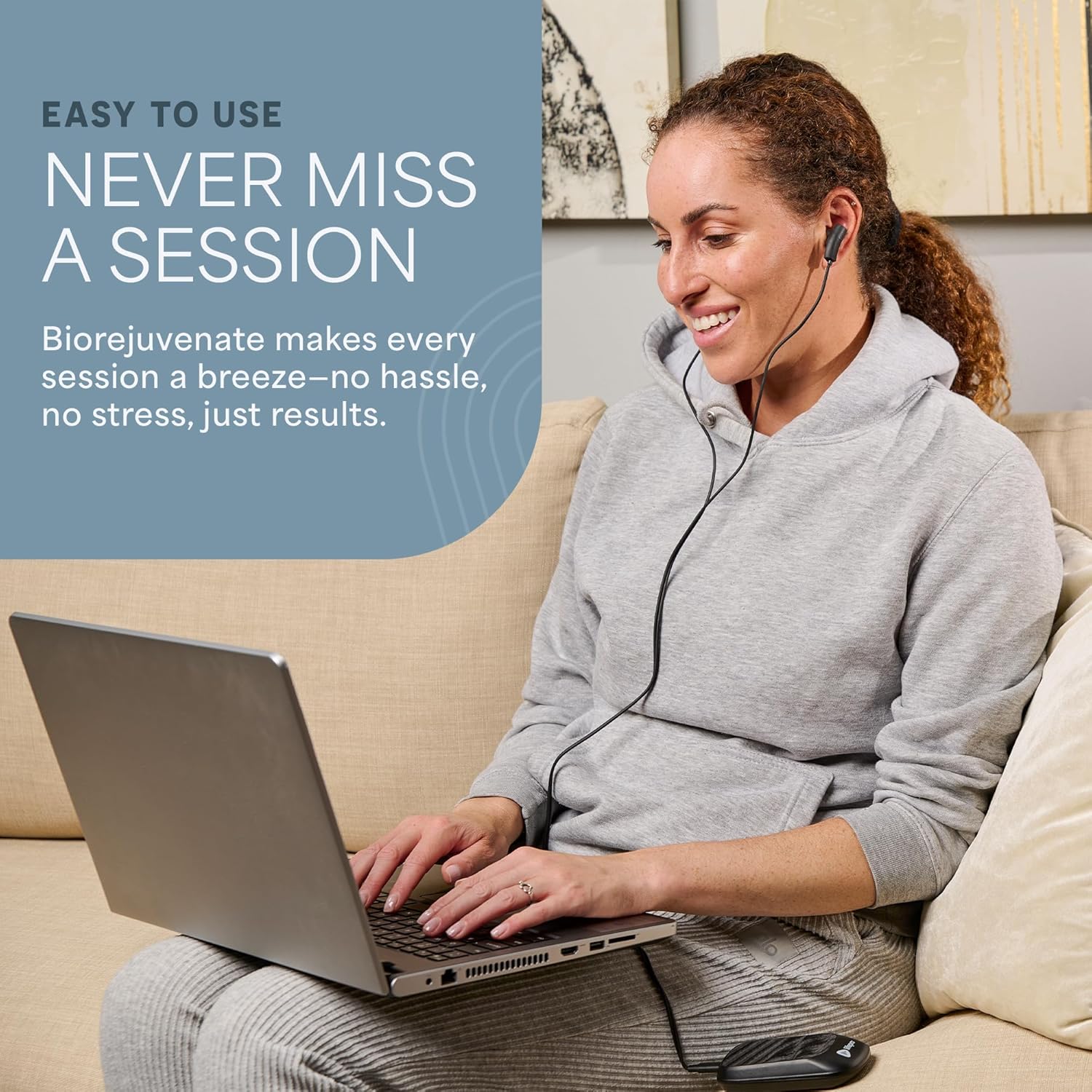
Figure 2: Detailed view of the Biorejuvenate main unit's intuitive design, highlighting controls and ports.
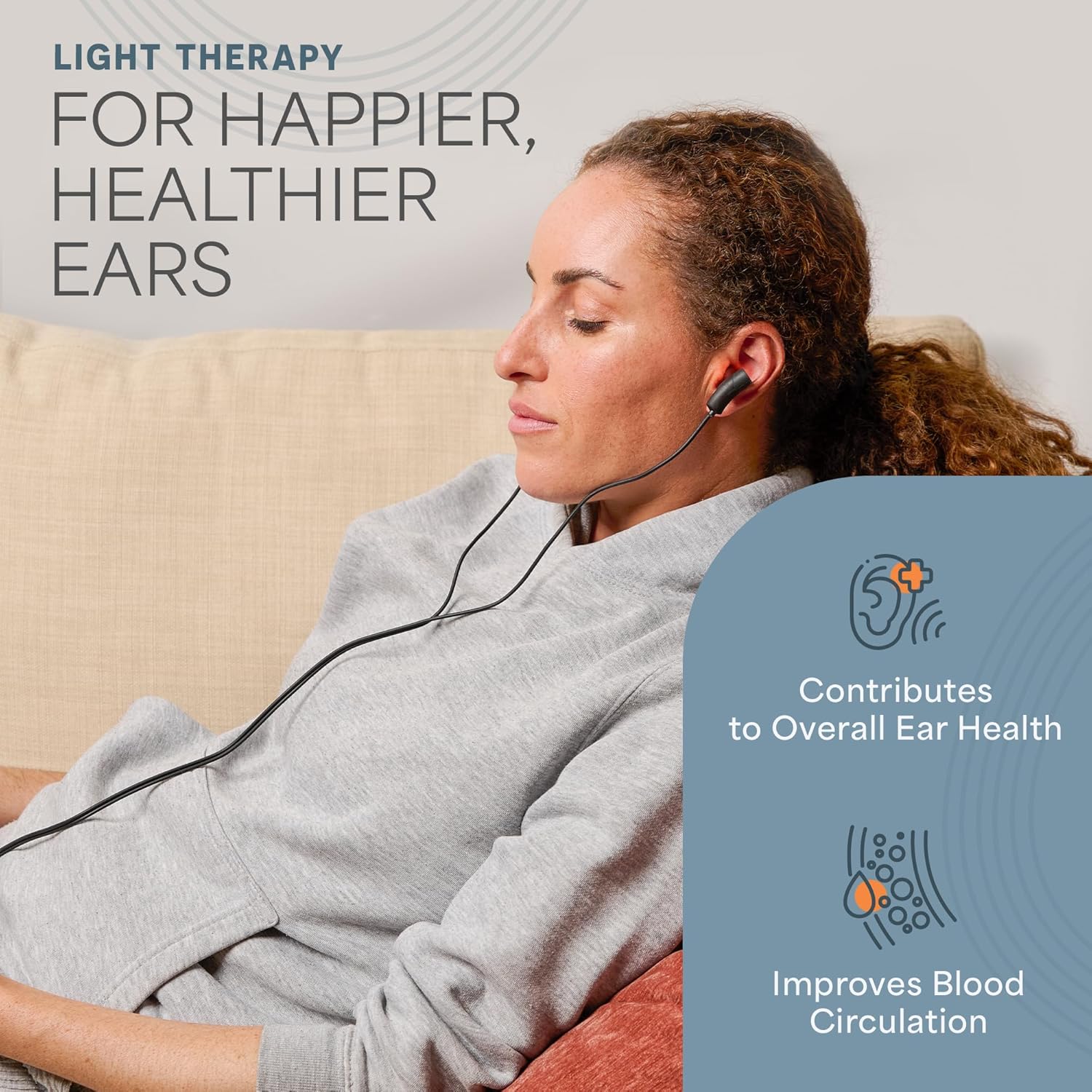
Figure 3: Explanation of the dual wavelength LEDs (660nm visible red light and 810nm invisible NIR light) and their magnetic connection.
Setup
Charging the Device
- Locate the USB-C charging port on the bottom of the main unit.
- Connect the provided USB-C cable to the device and plug the other end into a compatible USB power adapter (not included) or a computer USB port.
- The battery indicator on the display will show charging status. A full charge typically allows for a week of continuous use.
Operating Instructions
General Use
- Ensure the device is sufficiently charged.
- Press the On/Off button to power on the device. The display will illuminate.
- The default session time is 30 minutes. You can adjust the time settings if desired (refer to the "Adjusting Settings" section).
- Select the desired mode using the Mode Setting button.
- Insert the probes into your nostrils for nasal therapy or detach them and place them in your ears for ear therapy.
- The device will automatically turn off after the session concludes.
Nasal Therapy
- Keep the two probes connected.
- Gently insert the probes into each nostril.
- Ensure comfortable placement.
- Recommended usage: 30 minutes, 2 to 3 times daily.
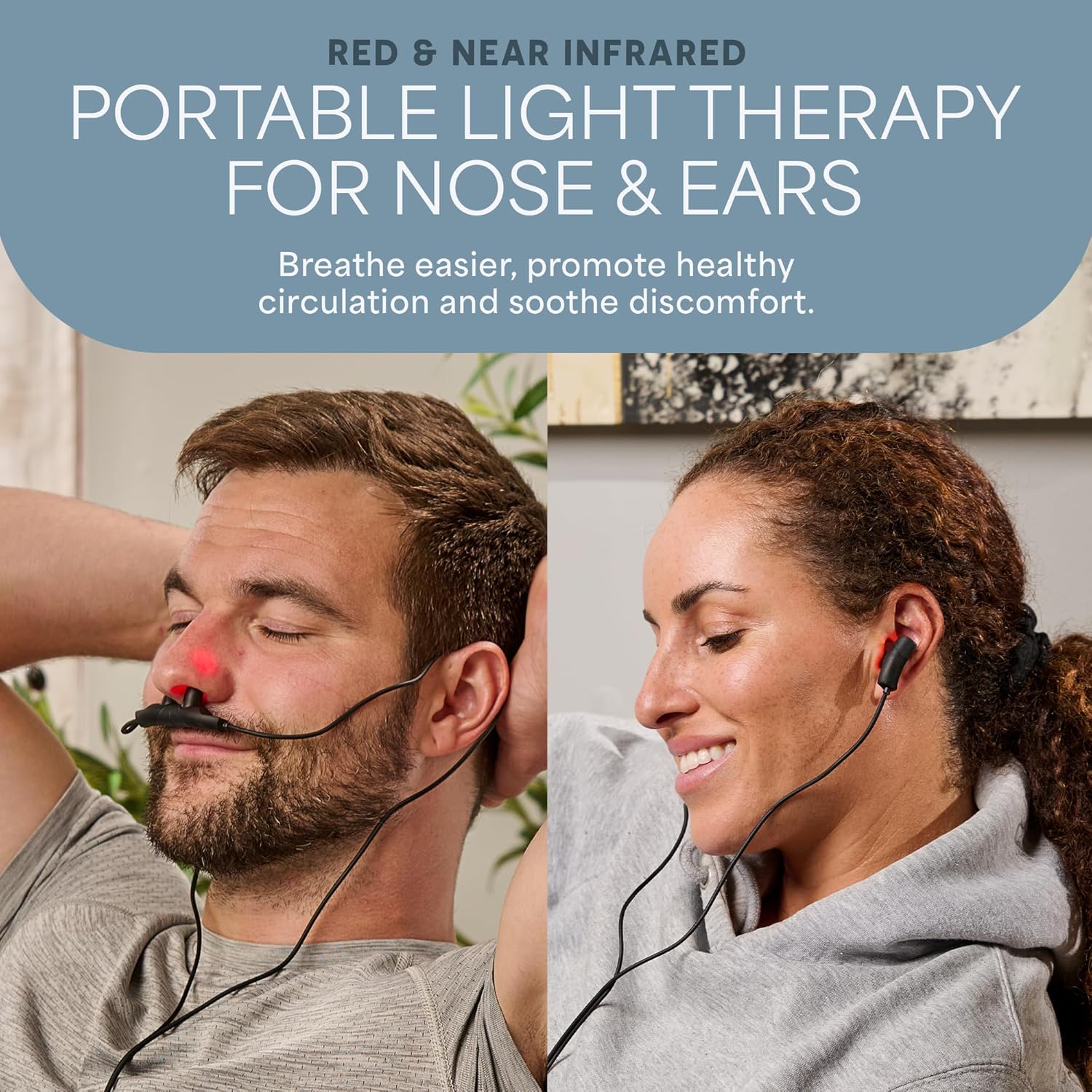
Figure 4: Man demonstrating nasal therapy with the Biorejuvenate device.
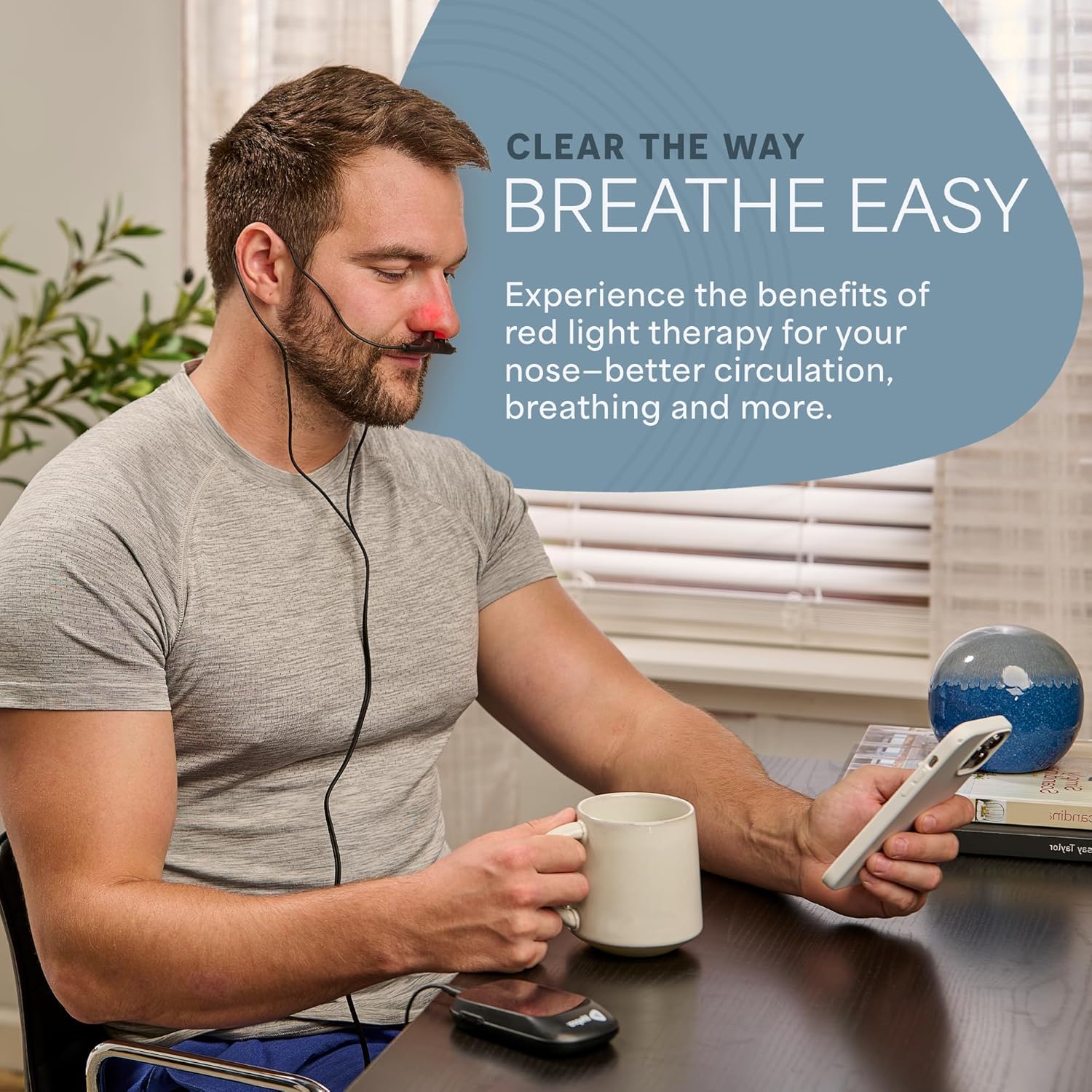
Figure 5: The Biorejuvenate device in use for nasal therapy during a work session.
Ear Therapy
- Gently pull the two probes apart at their magnetic connection point.
- Insert one probe into each ear canal.
- Ensure comfortable and secure placement.
- Recommended usage: 30 minutes, 2 to 3 times daily.
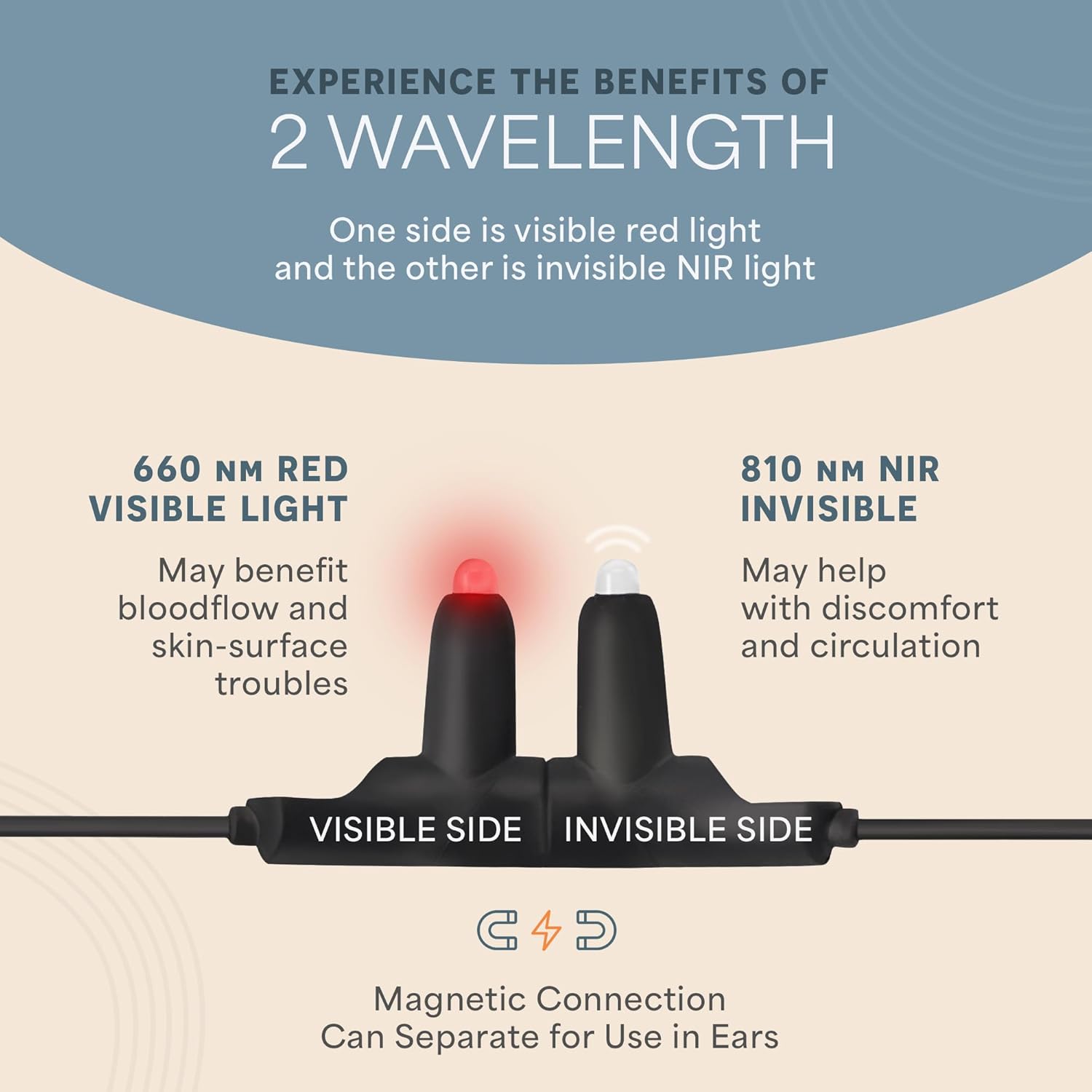
Figure 6: Woman demonstrating ear therapy with the Biorejuvenate device.
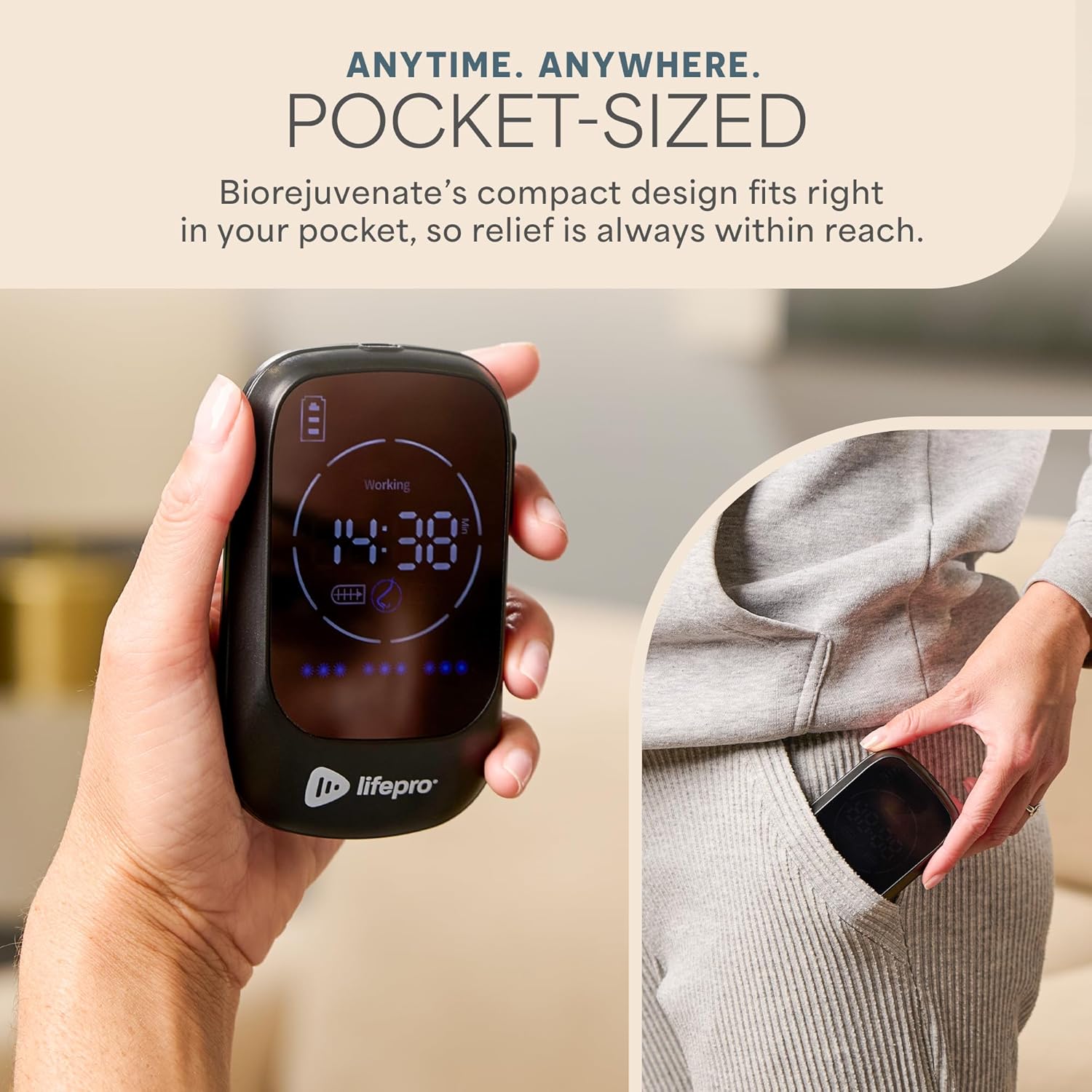
Figure 7: The Biorejuvenate device in use for ear therapy during a laptop session.
Adjusting Settings
- Time Setting: Use the appropriate button (refer to Figure 2) to cycle through available session durations.
- Mode Setting: Use the Mode Setting button to switch between different light modes (e.g., continuous, pulse).
Maintenance
Cleaning
- Before cleaning, ensure the device is powered off and disconnected from any power source.
- Wipe the main unit and probes with a soft, damp cloth.
- Do not use abrasive cleaners or immerse the device in water.
- Allow the device to air dry completely before storage or next use.
Storage
- Store the device in a cool, dry place away from direct sunlight and extreme temperatures.
- Keep out of reach of children.
Troubleshooting
| Problem | Possible Cause | Solution |
|---|---|---|
| Device does not turn on. | Battery is depleted. | Charge the device fully using the provided USB-C cable. |
| One light does not appear to be working. | The 810nm near-infrared (NIR) light is invisible to the naked eye. | This is normal operation. Only the 660nm red light is visible. The invisible NIR light is still functioning. |
| Probes fall out during use. | Improper placement or excessive movement. | Ensure probes are securely and comfortably placed. Minimize head movement during nasal use. For ear use, consider using headphones to help secure them if needed. |
Specifications
| Feature | Detail |
|---|---|
| Model Name | LP-BRJVNTN-BLK |
| Wavelengths | 660nm (Red Light), 810nm (Near-Infrared Light) |
| Item Dimensions (LxWxH) | 4.5 x 2.7 x 1 inches |
| Item Weight | 5 Ounces |
| Power Source | Rechargeable Battery (USB-C) |
| Color | Black |
Warranty and Support
LifePro offers Lifetime Customer Support for the Biorejuvenate Red Light Therapy Device. If you encounter any issues or have questions regarding your device, please contact LifePro customer service for assistance.
For returns, please refer to the retailer's return policy. Typically, a 30-day return policy applies for refunds or replacements.
Ask a question about this manual
Ask about setup, troubleshooting, compatibility, parts, safety, or missing instructions. Manuals+ will review the question and use this page’s manual context to help answer it.