
1. Introduction
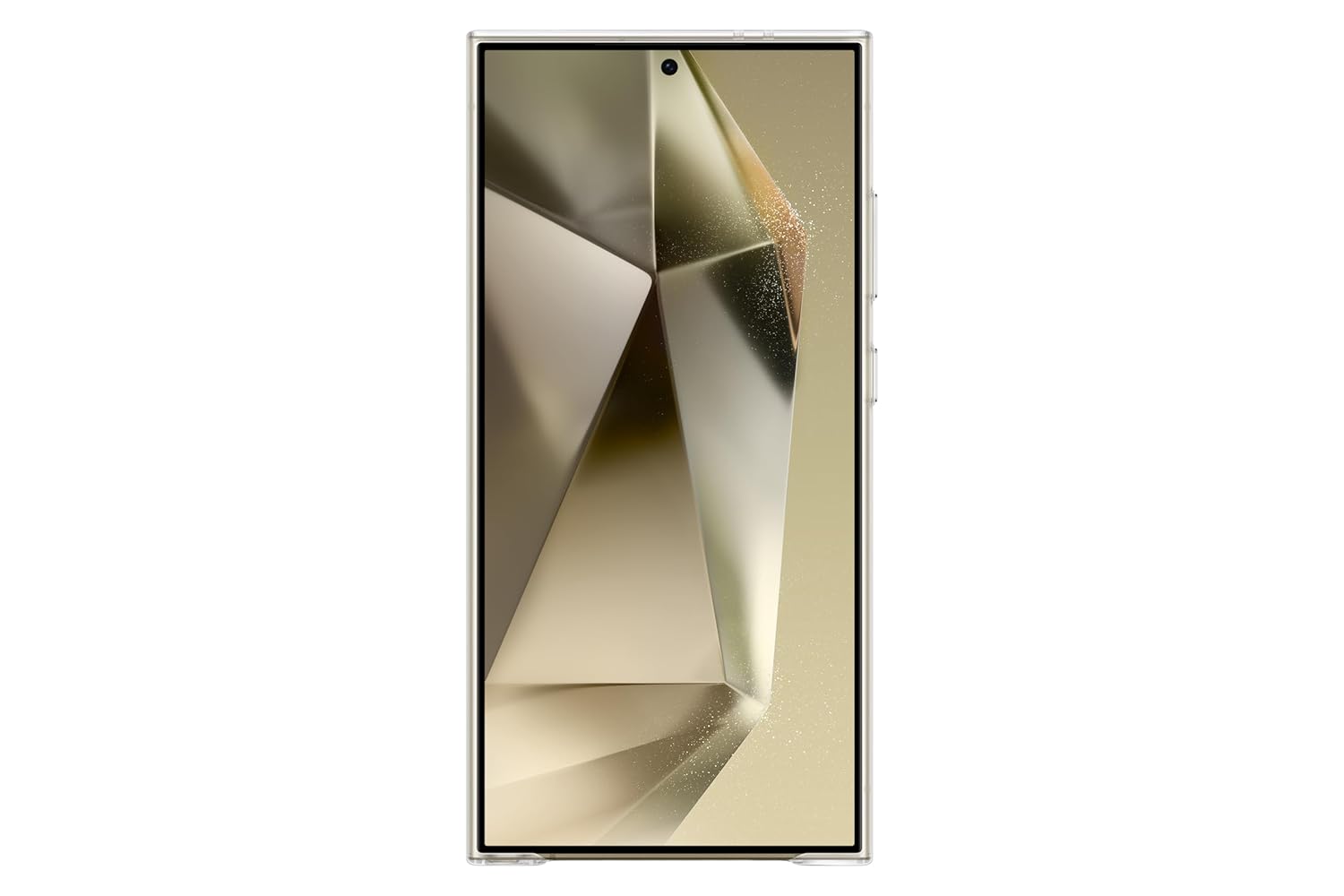
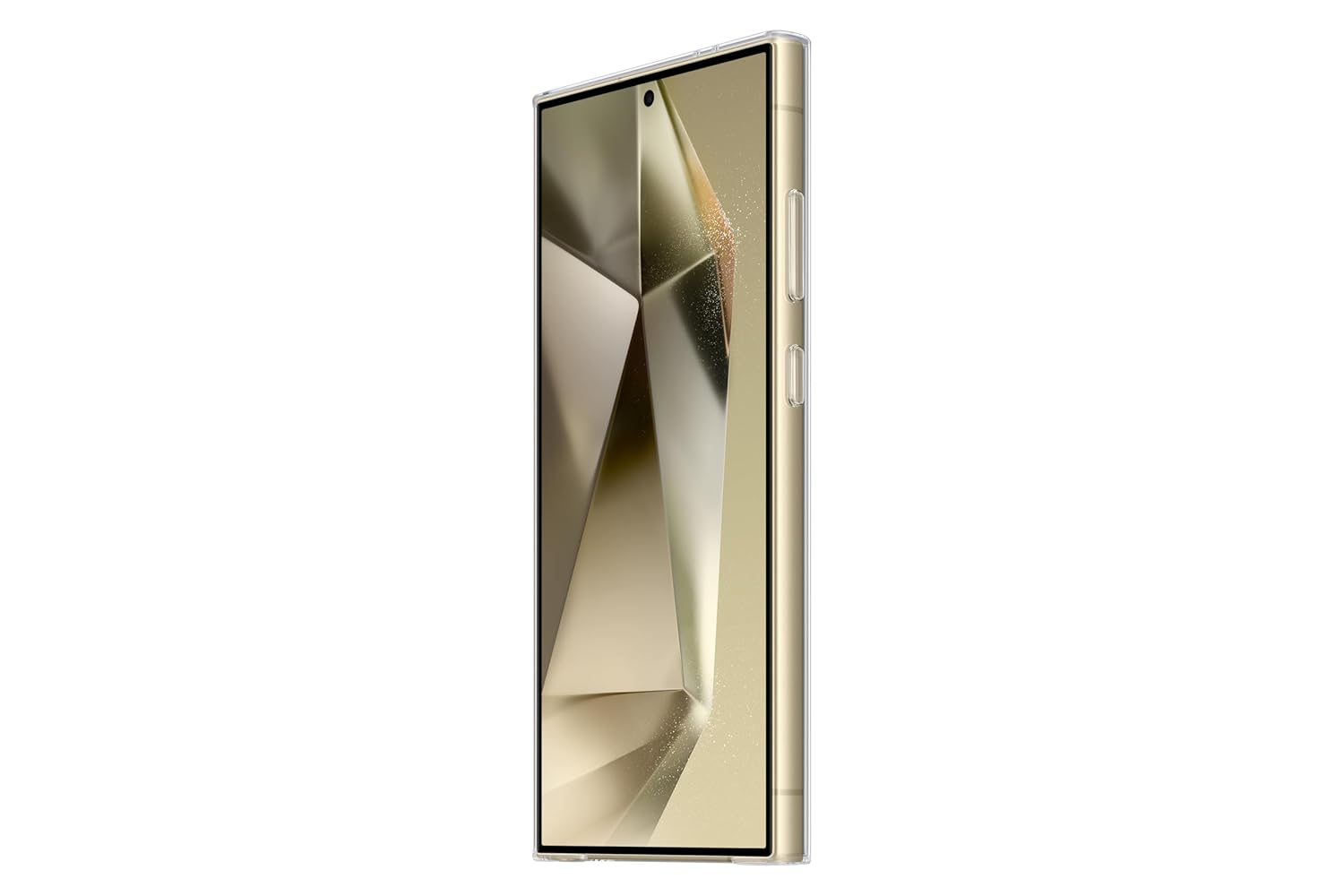
This manual provides instructions for the proper installation, use, and maintenance of your Samsung Galaxy S24 Ultra 5G Clear Case. This case is designed to protect your device while maintaining its original aesthetic with supreme transparency and clarity. It features a slim profile and a scratch-resistant coating on both inner and outer surfaces.
2. Setup: Installing the Case
Follow these steps to correctly install the clear case on your Samsung Galaxy S24 Ultra 5G:
- Prepare Your Device: Ensure your Samsung Galaxy S24 Ultra 5G is clean and free of dust or debris. A clean surface prevents scratches during installation and maintains clarity.
- Align the Case: Hold the clear case with the camera cutouts facing upwards. Align your phone with the case, ensuring the buttons and ports match the case openings precisely.
- Insert the Phone: Gently press your phone into the case, starting from one side (e.g., the top or bottom). Apply even pressure around the edges until the phone is fully seated within the case.
- Verify Fit: Check that all edges of the phone are securely covered by the case and that all buttons and ports are accessible and functional. The fit should be tight and secure.
3. Operating Instructions
The clear case is designed for daily use, providing protection without hindering phone functionality.
3.1. Daily Use
- Ensure the case remains securely fitted to your device at all times to provide optimal protection.
- The case provides full access to all ports, buttons, and camera functions without obstruction.
- The high raised camera bump feature offers additional protection for the camera lenses against direct impact and surface scratches.
3.2. Removing the Case
To remove the case safely, follow these steps:
- Start from a corner of the phone, preferably one without buttons.
- Gently peel back the edge of the case from the phone.
- Work your way around the phone until the case can be safely removed. Avoid excessive force to prevent damage to the phone or the case itself.

4. Maintenance
Proper care will extend the life and clarity of your clear case.
- Cleaning: Use a soft, damp cloth to wipe the case clean. For stubborn marks, a small amount of mild soap can be used, followed by wiping with a clean, damp cloth. Ensure the case is completely dry before re-installing.
- Avoid Harsh Chemicals: Do not use abrasive cleaners, alcohol, or strong solvents (e.g., acetone, ammonia-based cleaners), as these can damage the polycarbonate material and compromise the scratch-resistant coating.
- Storage: When not in use, store the case in a clean, dry place away from direct sunlight and extreme temperatures to prevent material degradation or discoloration.
- Prevent Scratches: While the case has a scratch-resistant coating, avoid placing it on rough surfaces or with sharp objects to maintain its pristine appearance.
5. Troubleshooting
5.1. Case is difficult to install or remove.
Ensure the phone is correctly aligned with the case. Apply gentle, even pressure during installation. When removing, start from a corner and gradually peel the case off. Avoid forcing it, as this can damage both the phone and the case.
5.2. Dust or debris accumulates inside the case.
This can happen over time due to microscopic gaps or environmental factors. Remove the case, clean both your phone and the inside of the case with a soft, lint-free cloth, then re-install. Regular cleaning can minimize this issue.
5.3. Case appears cloudy or discolored.
Over time, clear cases can show signs of wear or slight discoloration due to prolonged exposure to UV light, environmental factors, or certain chemicals. Ensure regular cleaning as per the maintenance instructions. If discoloration persists, it may be a natural aging process of the material.
6. Specifications
| Feature | Detail |
|---|---|
| Model Number | GP-FPS928 |
| Compatible Phone Model | Samsung Galaxy S24 Ultra 5G |
| Color | Transparent |
| Material | Polycarbonate |
| Product Features | Slim profile, scratch-resistant coating, high raised camera bump |
| Item Dimensions (L x W x H) | 16.7 x 1.3 x 8.1 Centimeters |
| Item Weight | 40 Grams |
7. Warranty & Support
7.1. Manufacturer's Warranty
This Samsung Galaxy S24 Ultra 5G Clear Case comes with a 3 Months Manufacturer Warranty from the date of purchase. This warranty covers manufacturing defects under normal use. It does not cover damage caused by misuse, accidents, unauthorized modifications, or normal wear and tear.
7.2. Customer Support
For support inquiries, technical assistance, or warranty claims, please contact Samsung customer service:
- Email: support.india@samsung.com
- Telephone (Toll Free): 1800-40-7267864
- Address: Samsung India Electronics Pvt ltd, 6th Floor, DLF Centre, Sansad Marg, New Delhi - 110001.


