1. Introduction
Thank you for choosing the Naturewater CTO-PAD2 Granular Activated Carbon Filter Cartridge. This manual provides essential information for the proper installation, operation, and maintenance of your filter cartridge to ensure optimal performance and water quality. Please read these instructions carefully before use and retain them for future reference.
2. Product Overview
The Naturewater CTO-PAD2 filter cartridge is designed to enhance the quality of your drinking water by effectively removing various contaminants.
2.1 Key Features
- Granular activated carbon for comprehensive water treatment.
- Eliminates rust, pesticides, and organic impurities from water.
- Reduces chlorine, drug residues, and unpleasant tastes/odors.
- Decreases the concentration of heavy metals such as lead and copper.
- High filtration capacity suitable for various applications.
- Easy replacement to maintain water treatment system performance.
2.2 Product Function
This filter cartridge utilizes granular activated carbon, which has a highly porous structure, to adsorb and trap impurities as water passes through it. This process ensures the removal of a wide range of contaminants, improving the taste, odor, and safety of your water.
2.3 Important Notes
- For drinking water applications, do not use with water that is microbiologically unsafe or of unknown quality without adequate disinfection before or after the unit.
- Replace the filter cartridge within 6-12 months, or sooner if water flow significantly decreases or water quality deteriorates.
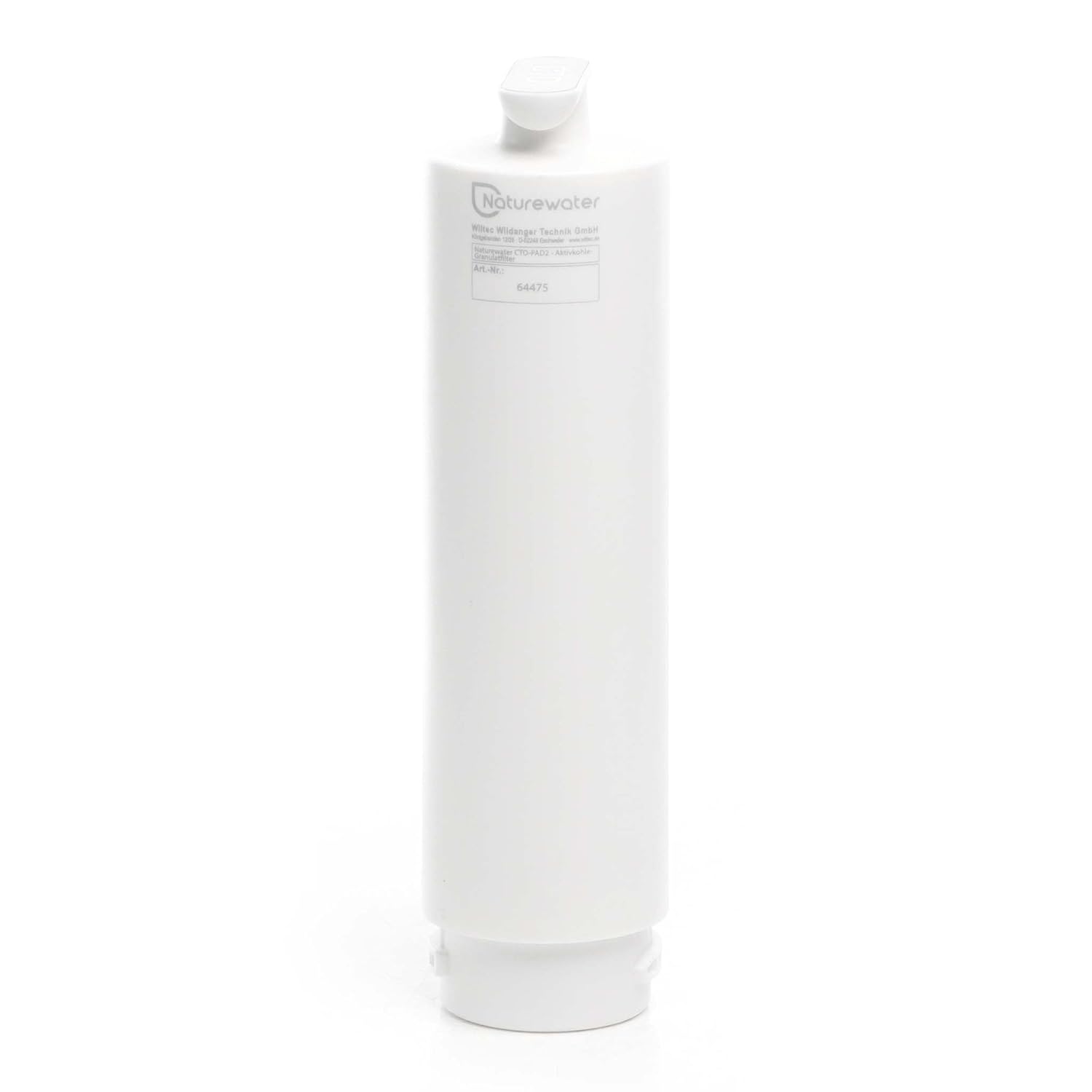
Image 1: Naturewater CTO-PAD2 filter cartridge, showing the brand logo and model number 64475. This view highlights the product's identification details.
3. Safety Instructions
- Always turn off the water supply before installing or replacing the filter cartridge.
- Ensure all connections are secure to prevent leaks.
- Do not use with hot water; this filter is designed for cold water applications only.
- Do not expose the filter cartridge to freezing temperatures.
- Dispose of used cartridges according to local regulations.
4. Installation
Follow these general steps for installing your Naturewater CTO-PAD2 filter cartridge. Specific installation may vary depending on your existing water filtration system housing.
- Turn off Water Supply: Locate the main water shut-off valve and turn it off to prevent water flow to the filter housing.
- Depressurize System: Open a nearby faucet to release any pressure in the water lines.
- Open Filter Housing: Use a filter wrench (if necessary) to unscrew and open the filter housing.
- Remove Old Cartridge: Carefully remove the old filter cartridge and dispose of it.
- Clean Housing: Clean the inside of the filter housing with warm, soapy water and rinse thoroughly. Inspect the O-ring for any damage and replace if needed. Lubricate the O-ring with a silicone-based lubricant if desired.
- Insert New Cartridge: Place the new Naturewater CTO-PAD2 filter cartridge into the housing, ensuring it is seated correctly.
- Close Housing: Screw the filter housing back onto the cap, hand-tightening it. Do not overtighten.
- Restore Water Supply: Slowly turn on the main water supply.
- Flush System: Open a nearby cold water faucet and let the water run for 5-10 minutes to flush out any air and carbon fines. The water may appear cloudy initially; this is normal and will clear up.
- Check for Leaks: Inspect the filter housing for any leaks. If leaks occur, turn off the water, tighten the housing slightly, and recheck.
5. Operation
Once installed, the Naturewater CTO-PAD2 filter cartridge operates continuously as water flows through your system. It requires no active user intervention during its operational lifespan. Ensure that the water flow rate is within the recommended limits for optimal filtration.
6. Maintenance
The primary maintenance for your Naturewater CTO-PAD2 filter cartridge is timely replacement.
- Replacement Schedule: Replace the filter cartridge every 6-12 months. This duration can vary based on water quality and usage volume.
- Indicators for Replacement: You may need to replace the cartridge sooner if you notice a significant decrease in water flow, a return of unpleasant tastes or odors, or visible sediment in your filtered water.
- Replacement Procedure: Follow the installation steps outlined in Section 4 to replace the used cartridge with a new one.
7. Troubleshooting
If you encounter issues with your filter cartridge, consider the following common problems and solutions:
- Reduced Water Flow: This often indicates a clogged filter cartridge. It's time for a replacement. Ensure the main water supply valve is fully open.
- Unusual Taste or Odor: If filtered water develops an unusual taste or odor, the filter's capacity may be exhausted. Replace the cartridge. Ensure the system was properly flushed after installation.
- Leaks from Housing: Turn off the water supply immediately. Check if the filter housing is properly tightened. Inspect the O-ring for damage or improper seating. Replace the O-ring if necessary.
- Cloudy Water After Installation: This is usually normal and due to air or carbon fines. Flush the system for a longer period (10-15 minutes) until the water runs clear.
8. Specifications
Refer to the table below for detailed product specifications:

Image 2: Naturewater CTO-PAD2 filter cartridge, illustrating its cylindrical form factor and general appearance.
| Attribute | Value |
|---|---|
| Brand | Naturewater |
| Model Number | 64475 (CTO-PAD2) |
| Product Dimensions (L x W x H) | 35 x 9 x 9 cm (13.78 x 3.54 x 3.54 inches) |
| Item Weight | 1.02 Kilograms (2.25 lbs) |
| Material | Polypropylene (PP) |
| Country of Origin | China |
| Units | 1.0 unit |
9. Warranty and Support
For specific warranty information or technical support regarding your Naturewater CTO-PAD2 filter cartridge, please contact Naturewater customer service or the retailer from whom you purchased the product. Information regarding spare parts availability is not provided at this time.


