
1. Introduction
This manual provides detailed instructions for the safe and efficient operation of your Retekess TT126 Two-Way Tour Guide System. Please read this manual thoroughly before use and retain it for future reference.

The Retekess TT126 Two-Way Tour Guide System, featuring a transmitter and multiple receivers with headsets.
2. Package Contents
Verify that all items listed below are included in your package:
- 1 Retekess TT126 wireless transmitter
- 2 microphones
- 1 Retekess TT126 wireless receiver
- 2 USB charging cables
- 2 straps
- 1 user manual

An illustration showing the contents of the Retekess TT126 package, including one transmitter, five receivers, six headsets, six straps, six USB charging cables, and one user manual.
3. Product Overview
The Retekess TT126 system is designed for clear and reliable two-way communication in various tour and instructional settings.
Key Features:
- Two-Way Communication: Supports both one-way explanation and two-way intercom modes.
- Long Communication Distance: Up to 280m/919ft outdoors.
- Clear Sound Quality: Ensures smooth and interference-free audio transmission.
- One-Key Mute: Instantly mute the transmitter without changing modes.
- Power Saving Protection: Automatic shutdown when no signal is received for 20 seconds.
- Long Battery Life: Transmitter provides 10 hours, receivers 10-70 hours on a full charge.
- Versatile Wearing Options: Can be worn via chest mount or back clip.
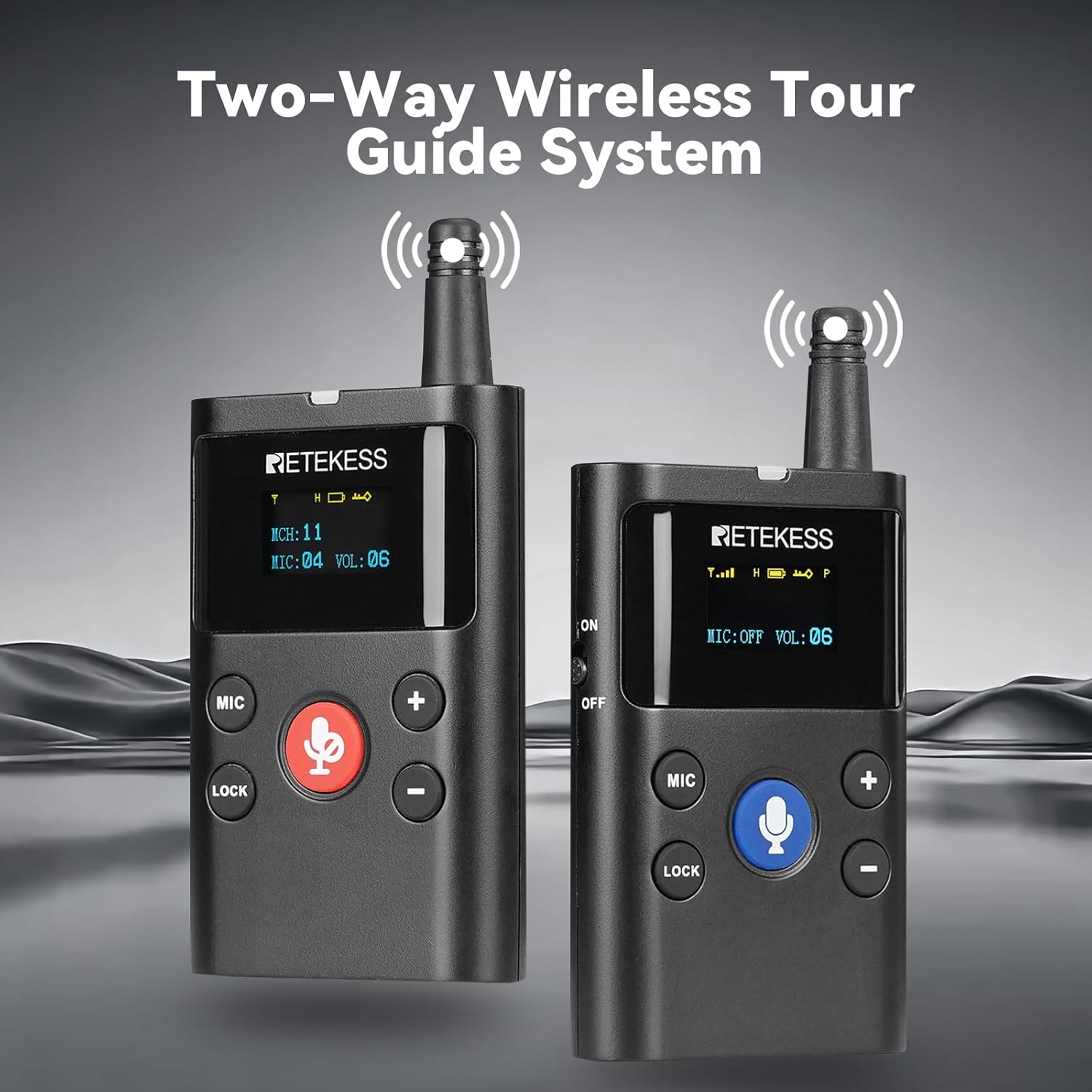
Two Retekess TT126 units, one configured as a transmitter and one as a receiver, demonstrating their two-way communication capability.

A person wearing a headset, illustrating the clear sound quality of the system.
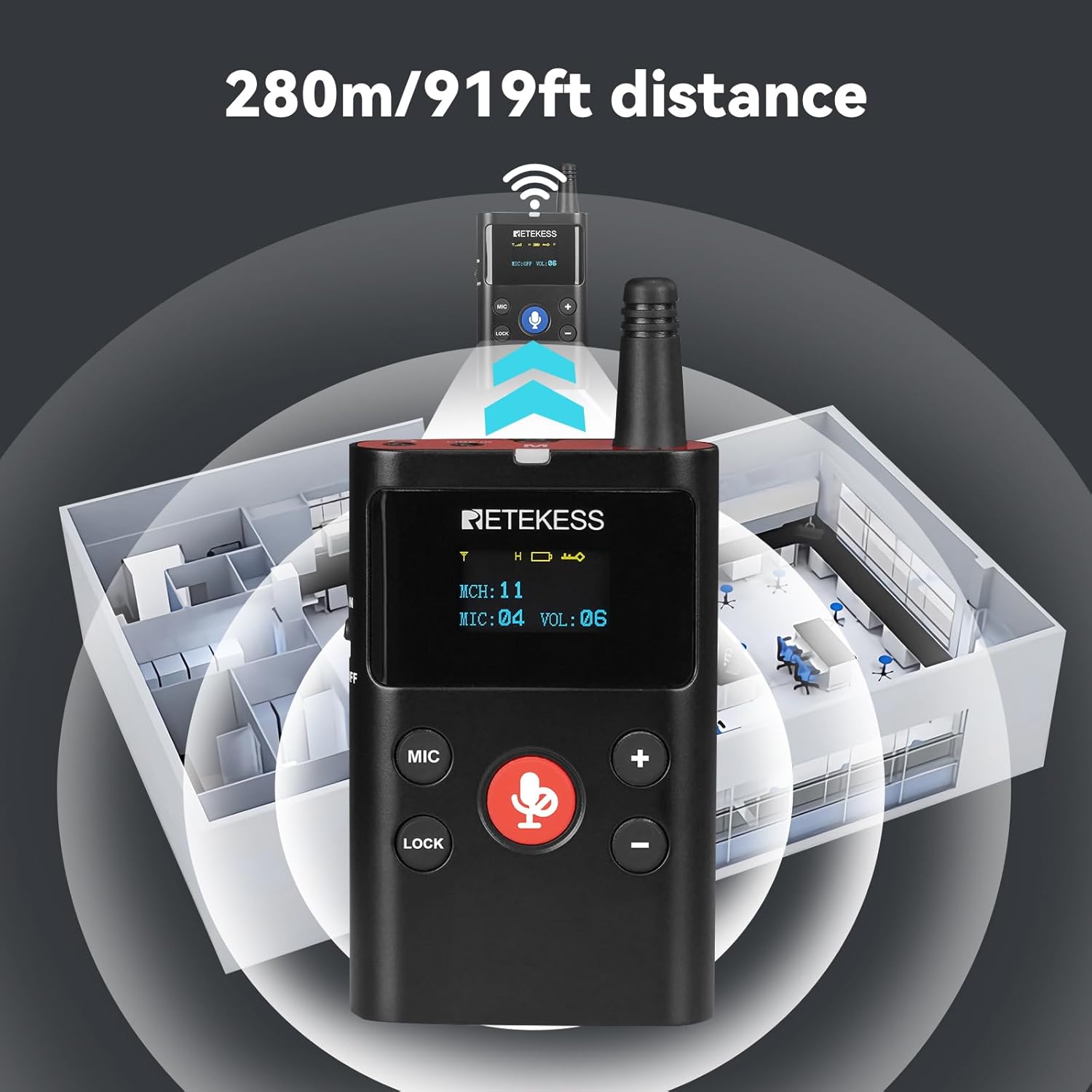
An illustration showing the effective communication range of 280 meters (919 feet) between two Retekess TT126 units.

Two examples of wearing the device: one with a chest mount and another with a back clip.
4. Setup
4.1 Power On/Off
To power on or off the transmitter and receiver units, use the dedicated ON/OFF switch located on the side of each device. The display will illuminate upon successful power-on.
Video demonstrating how to power on and power off the Retekess TT126 transmitter and receiver units.
4.2 Transmitter-Receiver Pairing
To establish communication, ensure both the transmitter and receiver are powered on. Press and hold the 'MIC' button on the transmitter until the pairing indicator on the receiver turns solid green, indicating successful pairing.
Video illustrating the one-button frequency pairing process between the Retekess TT126 transmitter and receiver.
4.3 Attaching the Back Clip
The back clip allows for convenient attachment to clothing or belts. Align the clip with the designated slot on the back of the unit and slide it into place until it clicks securely.
Video demonstrating the correct method for attaching and using the back clip on the TT126 unit.
5. Operating Instructions
5.1 Two-Way Communication Modes
The TT126 transmitter offers two modes:
- One-Way Explanation: The transmitter broadcasts audio to all connected receivers.
- Two-Way Intercom: Allows the transmitter and a selected receiver to communicate bi-directionally.

An image showing two people using the Retekess TT126 system for two-way communication in a tour setting.
5.2 One-Key Mute Function
Press the red microphone button on the transmitter to instantly mute your audio transmission. Press it again to unmute. This feature allows for quick and discreet control over your broadcast.
Video demonstrating the one-button mute feature on the Retekess TT126 transmitter.

A close-up of the transmitter showing the red microphone button for one-key mute, with an illustration of the mute function.
5.3 Volume Adjustment
Adjust the volume on both the transmitter and receiver units using the '+' and '-' buttons. Ensure a comfortable listening level for all participants.
5.4 Channel Adjustment
The system supports 25 channels. To change the channel, use the channel selection buttons on the device. Ensure all connected units are on the same channel for proper communication.
5.5 Microphone Gain Adjustment
Adjust the microphone gain on the transmitter to optimize audio input levels. This helps prevent distortion and ensures clear voice transmission.
5.6 Power Adjustment (High/Low)
The transmitter allows for adjustment between high and low power output. Use high power for maximum range and low power to conserve battery in shorter-range environments.
6. Charging
The Retekess TT126 units are equipped with Type-C charging ports for convenient recharging. Connect the provided USB charging cables to the units and a compatible power source.

A close-up image highlighting the Type-C charging port on the Retekess TT126 unit.
6.1 Battery Life
- Transmitter Battery: 2500mAh Lithium-Ion, providing approximately 10 hours of working time.
- Receiver Battery: 350mAh (estimated from video, actual may vary), providing approximately 10-70 hours of working time depending on usage.

An image illustrating the 2500mAh lithium battery capacity and working hours for the transmitter and receiver.
7. Maintenance
7.1 Cleaning and Storage
- Wipe units with a soft, dry cloth. Avoid abrasive cleaners or solvents.
- Store in a cool, dry place away from direct sunlight and extreme temperatures.
- Ensure units are fully charged before long-term storage.
7.2 Power Saving Protection
The Retekess TT126 features an automatic shutdown function to conserve battery life. If the microphone does not receive a signal for 20 seconds, the unit will power down automatically.

An image illustrating the automatic shutdown feature of the Retekess TT126 after 20 seconds of no signal to protect battery life.
8. Troubleshooting
If you encounter any issues, please try the following basic troubleshooting steps. For more complex problems, refer to the full user manual or contact customer support.
| Problem | Possible Cause | Solution |
|---|---|---|
| No sound from receiver | Receiver off, low volume, wrong channel, out of range | Power on, adjust volume, check channel, move closer to transmitter |
| Poor sound quality | Interference, low battery, microphone gain too high/low | Change channel, charge battery, adjust microphone gain |
| Units not pairing | Incorrect pairing procedure, units too far apart | Repeat pairing steps, ensure units are close during pairing |
9. Specifications
| Feature | Specification |
|---|---|
| Brand | Retekess |
| Model Number | FF9651C-F9651DX5 |
| Item Weight | 2.7 pounds |
| Product Dimensions | 5.63 x 2.76 x 2.01 inches |
| Batteries | 6 Lithium Ion batteries required (included) |
| Number of Channels | 25 |
| Frequency Range | European version: 823-832/863-865MHz, US version: 902-928MHz |
| Talking Range Maximum | 280 Meter |
| Water Resistance Level | Not Water Resistant |
| Special Feature | Digital signal transmission, Longer distance with high confidentiality, One click to turn off all connected receivers; One click to make all receiver mute, Two-way communication, stronger anti-interference ability |
| Compatible Devices | Speaker |
10. Warranty and Support
The Retekess TT126 comes with a 3-year warranty and 30 days no-reason return policy. Lifetime customer support is provided. For any inquiries, please contact us on Amazon, and we will respond within 12 hours.