
Introduction
The Q Acoustics M40 powered micro-tower wireless audio system offers a convenient and effective way to experience full-size, powerful, and immersive sound. These speakers are designed to integrate seamlessly into any home environment without requiring large, imposing loudspeakers.
Standing at just 71cm high, the M40 speakers are compact and discreet. Their high-quality finish, available in Black, White, and Walnut, complements various home decors while delivering powerful, precise, and engaging sonic performance.
The M40 supports high-resolution wireless streaming via Bluetooth 5.0, compatible with aptX HD and aptX Low Latency technologies. This allows for high-resolution audio (up to 24bit/48kHz) to be streamed from compatible devices such as smartphones, laptops, or tablets.
Multiple connectivity options are available, enabling connection to devices like gaming consoles, TVs, set-top boxes, pre-amplified turntables, and other audio sources. A subwoofer output is also included for enhanced bass.
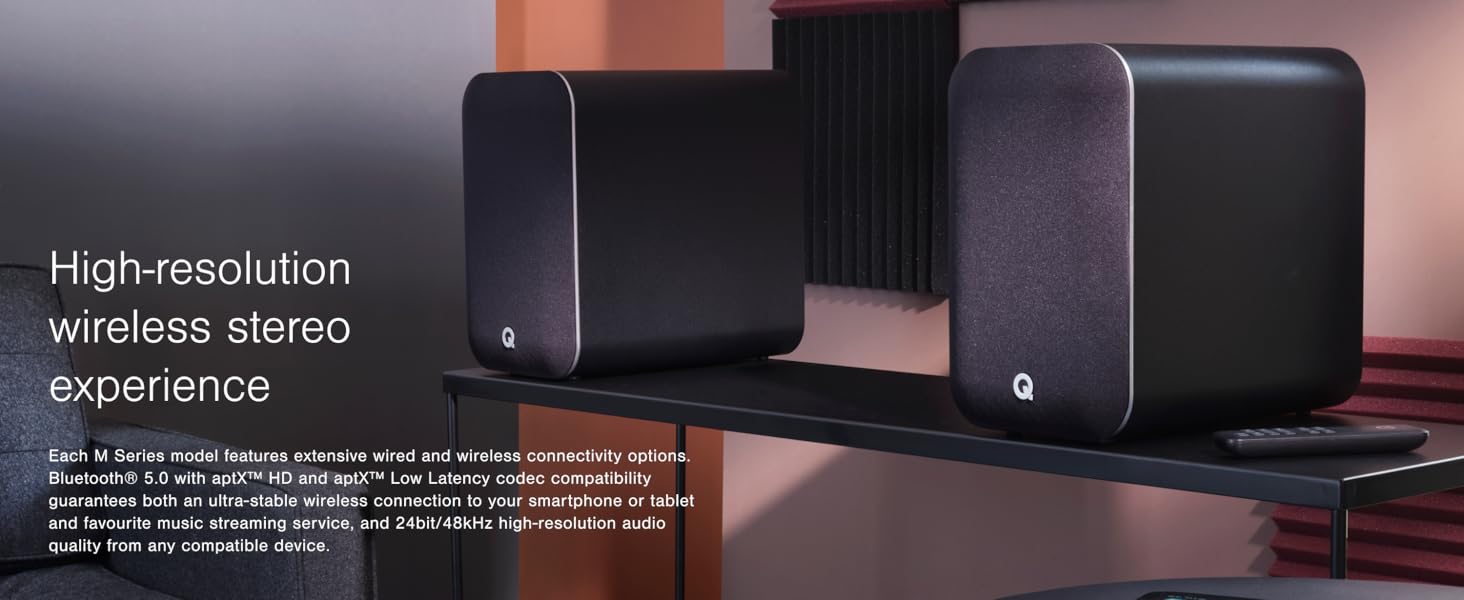
Image: Two Q Acoustics M40 speakers in a living room, highlighting their compact and discreet design.
What's in the Box
Please check the packaging carefully to ensure all items are present:
- 1 x Powered Speaker (approx. 27 lbs 5 oz)
- 1 x Passive Speaker (approx. 26 lbs)
- 1 x Remote Handset (including batteries)
- 1 x Speaker Cable (13.1 feet)
- 1 x US Power Cord (5.9 feet)
- 4 x Rear Stabilizers
- 8 x M5 Screws
- 8 x Spike Feet
- 8 x Spike Covers
- 2 x Foam Bungs
- 1 x User Manual
Setup
1. Speaker Placement
Position your M40 speakers in your desired listening area. Ensure adequate space around each speaker for optimal sound dispersion. The system is designed to perform optimally regardless of room placement.
2. Attaching Stabilizers and Spikes
Attach the provided rear stabilizers to the base of each speaker using the M5 screws. For carpeted floors, screw the spike feet into the stabilizers. For hard floors, use the spike covers over the spike feet to prevent damage.
3. Connecting the Speakers
Connect the powered speaker to the passive speaker using the supplied speaker cable. Ensure the positive (+) and negative (-) terminals on both speakers are correctly matched.

Image: Rear view of the Q Acoustics M40 speakers, illustrating the various connection ports including speaker output, optical, USB, and analog inputs.
4. Power Connection
Connect the US power cord to the powered speaker and then to a wall outlet. The powered speaker can be designated as either the left or right channel for convenient mains power access.
5. EQ Switch Adjustment
Locate the EQ switch on the powered speaker. This switch allows you to optimize audio performance based on speaker positioning. Adjust the switch to indicate if the speaker is positioned in a corner, against a wall, or in free space. This enables the digital sound processing to optimize the audio output.
Operating Instructions
Powering On/Off
Press the power button on the top panel of the powered speaker or on the remote control to turn the speakers on or off. The LED indicator will illuminate when the speakers are powered on.

Image: Close-up of the top panel of a Q Acoustics M40 speaker, displaying the power button and other controls.
Bluetooth Pairing
- Ensure the M40 speakers are powered on.
- Press the Bluetooth input button on the remote control or the top panel of the powered speaker. The Bluetooth indicator light will flash, indicating pairing mode.
- On your compatible device (smartphone, tablet, laptop), navigate to the Bluetooth settings.
- Select "Q Acoustics M40" from the list of available devices.
- Once connected, the Bluetooth indicator light on the speaker will become solid. You can now stream high-resolution audio (up to 24bit/48kHz) wirelessly.
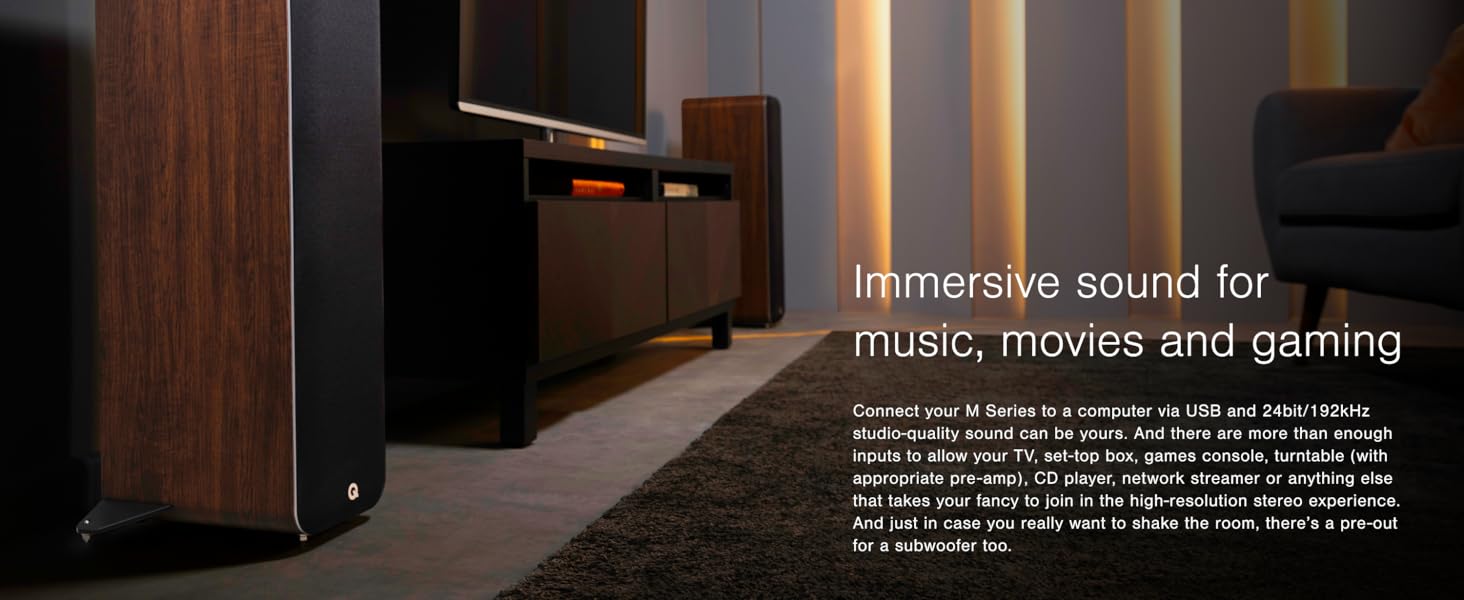
Image: A smartphone connected via Bluetooth to a Q Acoustics M40 speaker, demonstrating wireless music streaming.
Wired Connections
The M40 speakers offer various wired input options:
- Optical (S/PDIF): Connect your TV, set-top box, or other digital audio sources using an optical cable.
- USB Type B: Connect to a computer for high-resolution audio playback (Max. resolution: 24 bit/192 kHz).
- RCA (Phono): Use the two Phono inputs for analog audio sources, such as a pre-amplified turntable or CD player.
- 3.5mm Jack (AUX): Connect portable devices or other analog sources using a 3.5mm audio cable.
To select an input, press the corresponding input button on the remote control or cycle through inputs using the input selector on the top panel of the powered speaker.
Remote Control
Use the supplied remote control to manage power, input selection, volume, and playback functions. Ensure the batteries are correctly inserted.

Image: A Q Acoustics M40 speaker shown with its dedicated remote control.
Maintenance
To ensure the longevity and optimal performance of your Q Acoustics M40 speakers, follow these maintenance guidelines:
- Cleaning: Gently wipe the speaker cabinets with a soft, dry, lint-free cloth. Avoid using abrasive cleaners, waxes, or solvents, as these can damage the finish.
- Dust Removal: Use a soft brush or a vacuum cleaner with a brush attachment to carefully remove dust from the speaker grilles and drivers.
- Placement: Avoid placing speakers in direct sunlight, near heat sources, or in areas with high humidity, as these conditions can affect performance and material integrity.
- Ventilation: Ensure that the rear of the powered speaker has adequate ventilation to prevent overheating. Do not block any vents.
- Cable Management: Periodically check all cable connections to ensure they are secure and free from damage.
Troubleshooting
If you encounter issues with your M40 speakers, please refer to the following common troubleshooting steps:
- No Power:
- Ensure the power cord is securely connected to both the speaker and a working wall outlet.
- Check if the power button on the speaker or remote has been pressed.
- Try a different power outlet to rule out an issue with the current one.
- No Sound:
- Verify that the correct input source is selected on the speakers.
- Check the volume level on both the speakers and the connected source device.
- Ensure the speaker cable connecting the powered and passive speakers is securely attached and correctly wired (positive to positive, negative to negative).
- If using Bluetooth, ensure the device is paired and connected, and that the volume on the source device is not muted.
- If using wired connections, check the integrity of the audio cables.
- Bluetooth Connectivity Issues:
- Ensure the speakers are in Bluetooth pairing mode (flashing indicator).
- Move your source device closer to the speakers to ensure it is within range.
- Try unpairing and re-pairing the device.
- Restart both the speakers and your source device.
- Distorted Sound:
- Reduce the volume on both the speakers and the source device.
- Check for loose cable connections.
- Ensure the audio source is not overdriven or of poor quality.
If the issue persists after attempting these steps, please refer to the Support section for further assistance.
Specifications
| Feature | Detail |
|---|---|
| Brand | Q Acoustics |
| Model Number | M40 |
| Speaker Type | Tower, Floor Standing |
| Connectivity Technology | Bluetooth 5.0, Wired |
| Wireless Technology | Bluetooth (aptX HD, aptX Low Latency) |
| Audio Output Mode | Stereo |
| Speaker Maximum Output Power | 2 x 100 Watts (Peak), 2 x 50 Watts (Continuous) |
| Frequency Response | 38 Hz – 22 kHz |
| Crossover Frequency | 2.5 kHz |
| Mid/Bass Driver | 2 x 125 mm (5.0 inches) |
| Tweeter Diameter | 1 x 22 mm (0.9 inches) |
| Inputs | 2 x Phono, 3.5mm Jack, Optical (S/PDIF), USB Type B (Max. resolution: 24 bit/192 kHz) |
| Outputs | Sub out |
| Control Method | Remote, Button |
| Enclosure Material | Wood |
| Item Dimensions (D x W x H) | 10"D x 11.7"W x 28"H (250 mm x 710 mm x 296 mm with stabilizers) |
| Color | White (also available in Black, Walnut) |

Image: Q Acoustics M40 speakers displayed in Black, Walnut, and White finishes.
Warranty Information
The Q Acoustics M40 speakers come with a 5-Year Manufacturer's Warranty. This warranty covers defects in materials and workmanship under normal use. Please retain your proof of purchase for warranty claims.
For detailed terms and conditions of the warranty, please refer to the official Q Acoustics website or contact customer support.
Support
For further assistance, technical support, or inquiries regarding your Q Acoustics M40 speakers, please visit the official Q Acoustics website or contact their customer service department. You may find FAQs, additional resources, and contact information on their support pages.
Q Acoustics Official Website: www.qacoustics.co.uk