Introduction
The Q Acoustics M40 powered micro-tower wireless audio system offers a convenient and effective solution for immersive, full-size sound in your home without requiring large, imposing loudspeakers. Designed for optimal audio performance and seamless integration into any living space, the M40 provides high-resolution wireless streaming and versatile connectivity options.

Image: Front view of the Q Acoustics M40 speakers in black, showcasing their sleek, tall design.
Setup
Unpacking and Contents
Carefully unpack all components from the box. Ensure all items listed below are present:
- 1 Powered speaker (approx. 27 lbs 5 oz)
- 1 Passive speaker (approx. 26 lb)
- 1 Remote handset (including batteries)
- 1 Speaker cable (13.1 feet)
- 1 US power cord (5.9 feet)
- 4 Rear Stabilisers
- 8 M5 screws
- 8 Spike feet
- 8 Spike covers
- 2 Foam bungs
- 1 User manual (this document)
Each speaker measures approximately W10 x D11.7 x H28 inches.
Speaker Placement
The M40 speakers are designed to perform optimally in various room environments. For best sound quality, consider the following:
- Stereo Imaging: Position the speakers to form an equilateral triangle with your primary listening position for optimal stereo imaging.
- Distance from Walls: While compact, the M40 benefits from some distance from rear and side walls. Experiment with placement to find the best balance of bass response and soundstage.
- EQ Switch: The M40 features a clever EQ switch to optimize audio performance based on the speaker's position in the room (e.g., corner, against a wall, or in free space). Adjust this switch according to your setup.
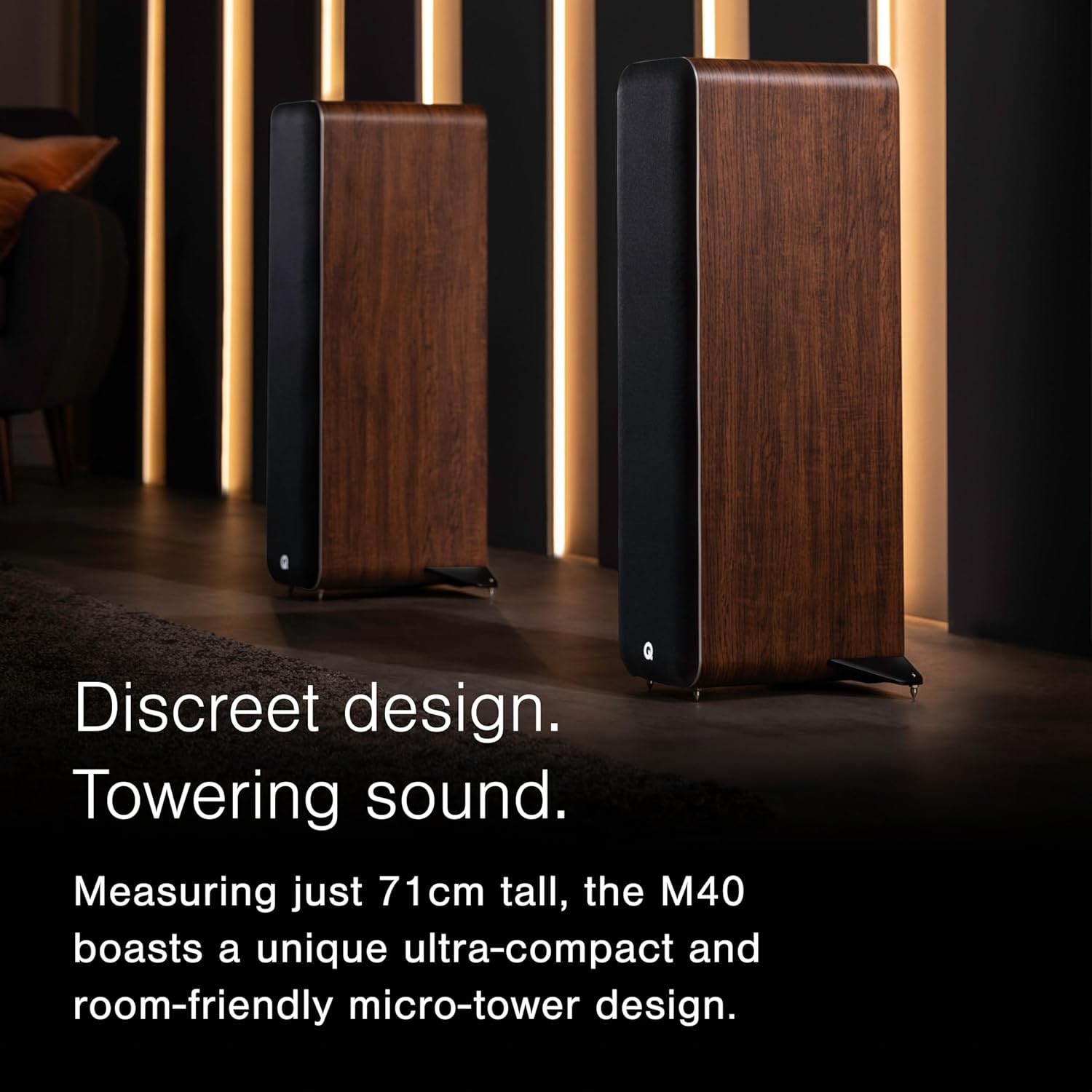
Image: Q Acoustics M40 speakers in walnut, demonstrating their discreet design and how they blend into a home environment.
Connecting Your Speakers
The M40 system includes one powered speaker and one passive speaker. Connect the passive speaker to the powered speaker using the provided speaker cable. Ensure correct polarity (red to red, black to black) for optimal sound.
The powered speaker offers multiple input options for various audio sources:
- Bluetooth 5.0: For wireless streaming from smartphones, tablets, and laptops. Supports aptX HD and aptX Low Latency for high-resolution audio (up to 24bit/48kHz).
- 2 x Phono (RCA): For connecting devices like CD players or pre-amplified turntables.
- 3.5mm Jack (AUX): For general audio devices.
- Optical (S/PDIF): For connecting TVs, set-top boxes, or gaming consoles.
- USB Type B: For connecting to a computer, supporting high-resolution audio up to 24bit/192kHz.
- Sub Out: An output for connecting an optional external subwoofer for enhanced bass.
Connect the power cord to the powered speaker and then to a wall outlet. The system has a peak power output of 2 x 100W and continuous power of 2 x 50W.

Image: Detailed view of the M40's rear panel, highlighting the comprehensive range of digital and analog input connections.
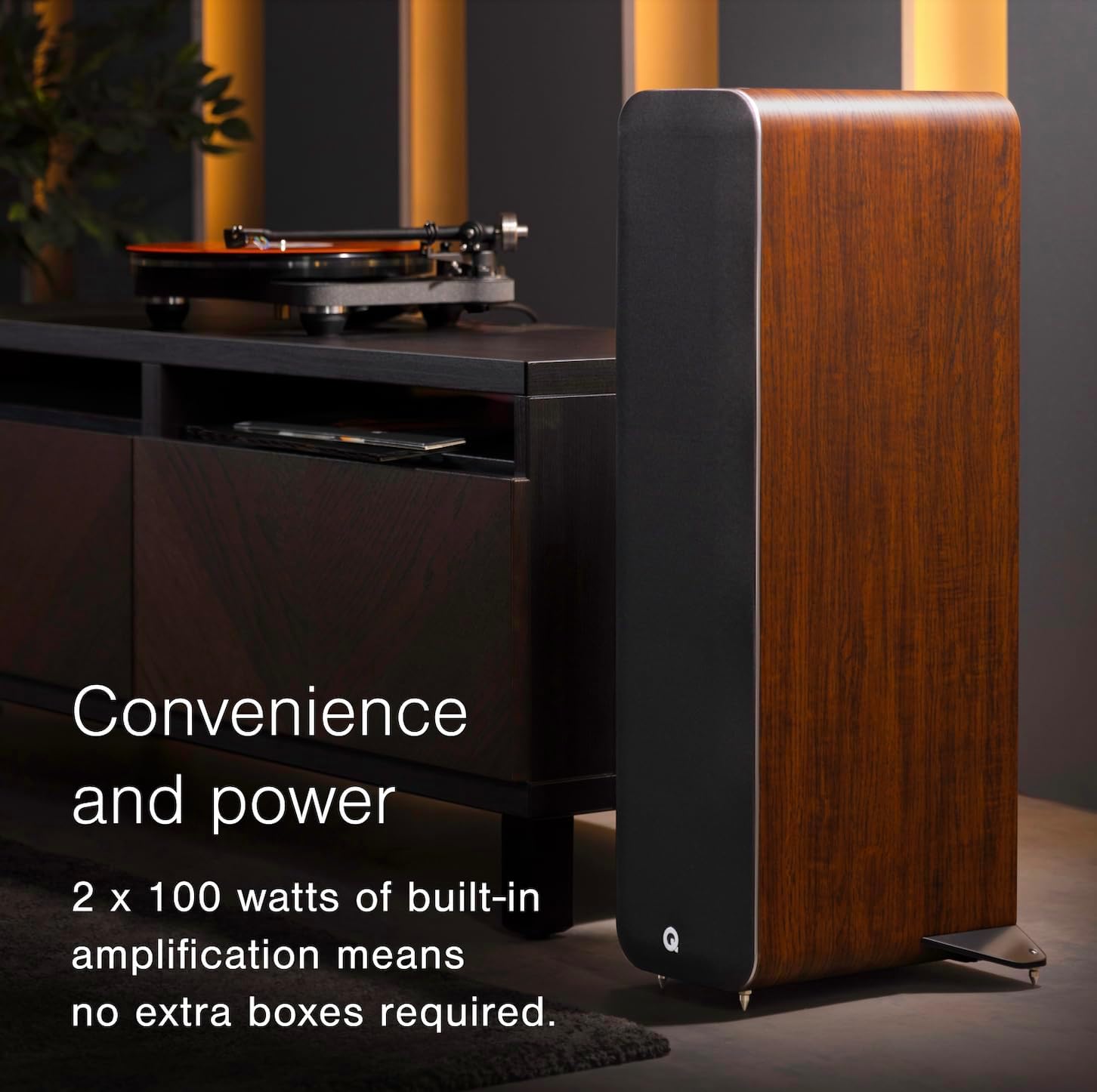
Image: The M40 speaker integrated into a home setup, demonstrating its ability to connect with various audio sources like a turntable.
Operating Instructions
Power On/Off
To power on the speakers, ensure the power cord is connected and press the power button on the remote control or the top of the powered speaker. The LED indicator will illuminate. To power off, press the power button again.
Source Selection
Use the input selector buttons on the remote control or the powered speaker to cycle through the available audio sources (Bluetooth, AUX, Optical, USB, Phono).
Bluetooth Pairing
- Select Bluetooth as the input source on the M40 speakers. The Bluetooth indicator light will flash, indicating pairing mode.
- On your device (smartphone, tablet, laptop), enable Bluetooth and search for "Q Acoustics M40" in the list of available devices.
- Select the M40 to pair. Once connected, the Bluetooth indicator light on the speaker will become solid.
- You can now stream audio wirelessly from your device to the M40 speakers.
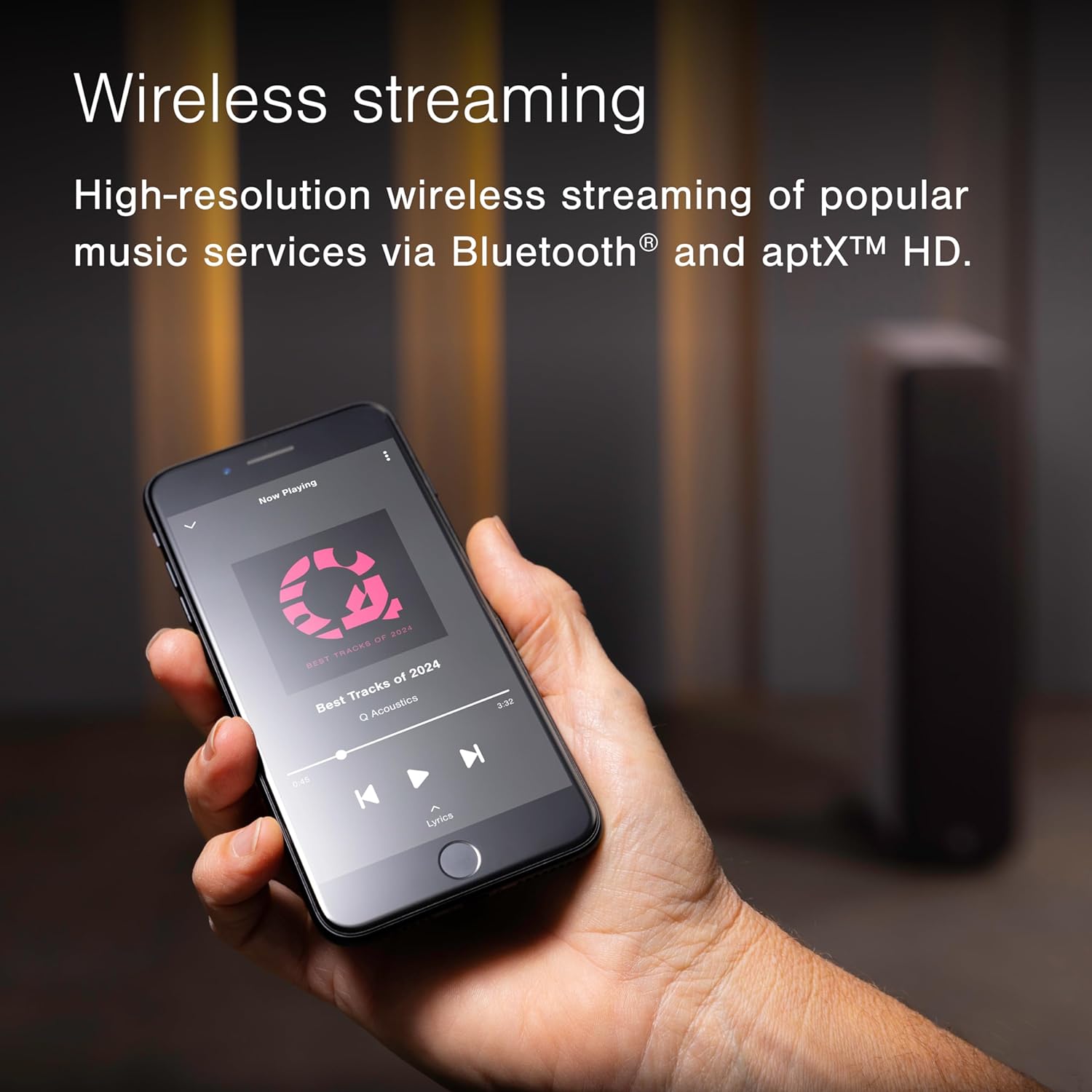
Image: Demonstrating high-resolution wireless streaming via Bluetooth from a smartphone to the M40 speakers.
Adjusting EQ Settings
The M40 features an EQ switch on the powered speaker to optimize sound based on speaker placement. Refer to the diagram or markings on the speaker for specific settings (e.g., 'Corner', 'Wall', 'Free Space'). Adjust this switch to match your speaker's position for the most balanced audio output.

Image: Illustrates the concept of optimized audio performance through the EQ switch, adapting sound to room positioning.
Maintenance
To ensure the longevity and optimal performance of your Q Acoustics M40 speakers, follow these maintenance guidelines:
- Cleaning: Use a soft, dry, lint-free cloth to clean the speaker cabinets. Avoid abrasive cleaners, solvents, or polishes, as they may damage the finish.
- Grilles: The speaker grilles are designed to protect the drivers. If they become dusty, gently brush them with a soft brush or use a low-power vacuum cleaner with a brush attachment.
- Placement: Avoid placing speakers in direct sunlight, near heat sources, or in areas with high humidity. Ensure adequate ventilation around the powered speaker.
- Cables: Periodically check all cable connections for secure fit. Avoid kinking or pinching cables.
Troubleshooting
If you encounter issues with your M40 speakers, refer to the following common problems and solutions:
| Problem | Possible Cause | Solution |
|---|---|---|
| No power / Speakers do not turn on | Power cord not connected; Power outlet issue; Internal fault. | Ensure power cord is securely plugged into the speaker and a working wall outlet. Try a different outlet. If the issue persists, contact customer support. |
| No sound | Incorrect input source selected; Volume too low; Speaker cable disconnected; Bluetooth not paired. | Verify the correct input source is selected. Increase volume. Check the speaker cable connection between powered and passive speakers. Re-pair Bluetooth device. |
| Bluetooth connection unstable or drops | Device too far from speakers; Interference; Multiple devices trying to connect. | Move your device closer to the speakers. Avoid placing speakers near other wireless devices. Disconnect other Bluetooth devices from the speakers. |
| Distorted sound | Volume too high; Poor audio source quality; Incorrect EQ setting. | Reduce volume. Try a different audio source. Adjust the EQ switch on the powered speaker to match room placement. |
| Speakers turn off automatically (unexpectedly) | Auto-standby feature; Power supply issue. | The speakers may have an auto-standby feature to save power. If they turn off during active use, ensure stable power supply. If the problem is frequent, contact support. |
Specifications
The following table details the technical specifications of the Q Acoustics M40 speakers:
| Feature | Detail |
|---|---|
| Model Name | M40 |
| Speaker Type | Tower |
| Connectivity Technology | Bluetooth |
| Wireless Communication Technology | Bluetooth 5.0 (aptX HD, aptX Low Latency) |
| Audio Output Mode | Stereo |
| Speaker Maximum Output Power | 2 x 100 Watts (Peak) |
| Continuous Power | 2 x 50 Watts |
| Mid/Bass Driver | 2 x 125 mm (5.0 inches) |
| Tweeter Diameter | 0.9 inches |
| Frequency Response (-6dB) | 38 Hz – 22 kHz |
| Crossover Frequency | 2.5 kHz |
| Inputs | 2 x Phono, 3.5mm Jack, Optical (S/PDIF), USB Type B |
| USB Max. Resolution | 24 bit/192 kHz |
| Outputs | Sub out |
| Product Dimensions (W x D x H) | 10"D x 11.7"W x 28"H (with stabilisers) |
| Item Weight | 76.1 pounds (total for pair) |
| Color Options | Black, Walnut, White |
| Control Method | Remote, Button |
| Manufacturer | Q Acoustics |
| Country of Origin | China |
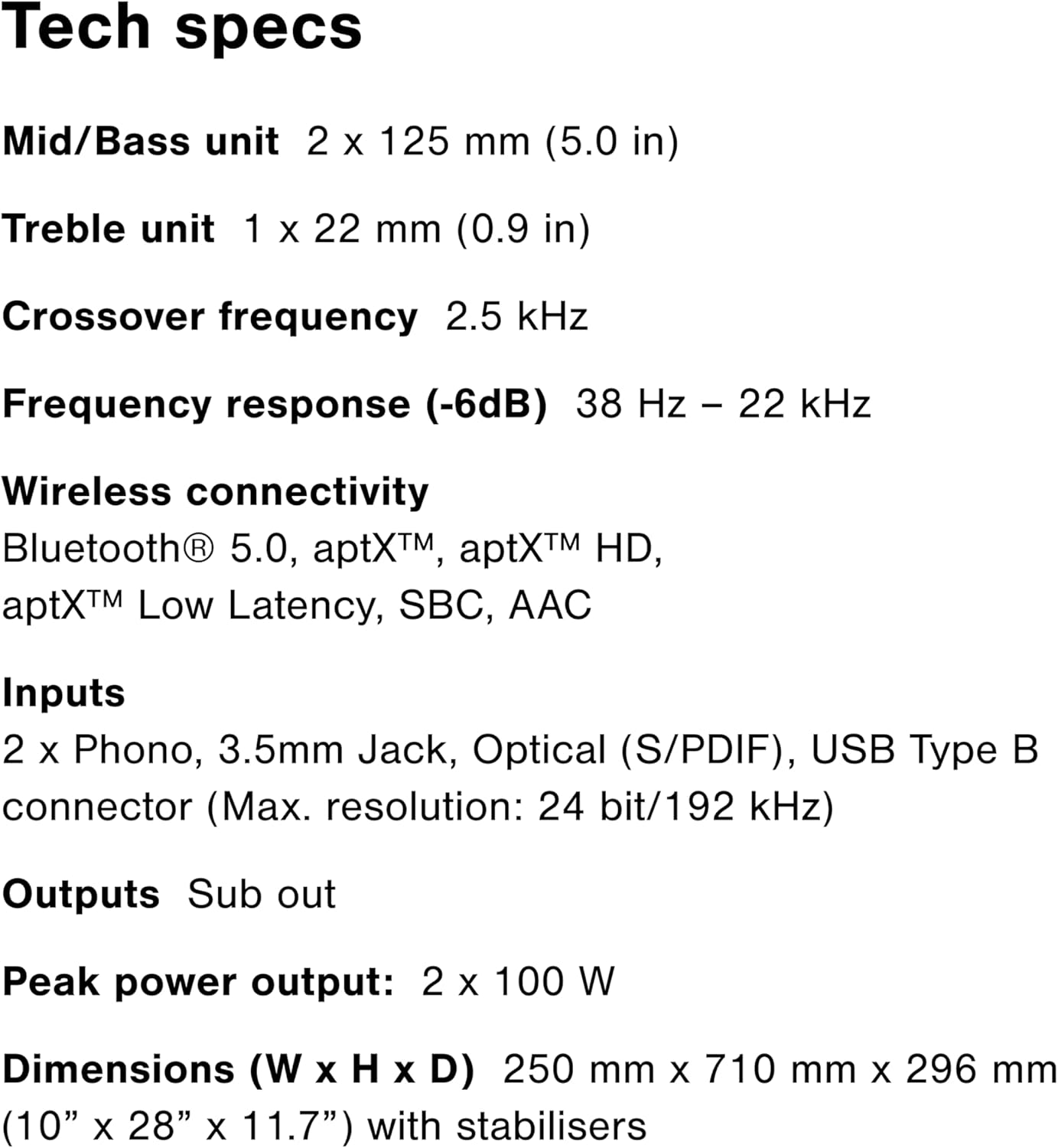
Image: A visual summary of the M40's technical specifications for quick reference.
Warranty and Support
Warranty Information
The Q Acoustics M40 speakers come with a limited warranty. For specific details regarding the warranty period and coverage, please refer to the warranty card included in your product packaging or visit the official Q Acoustics website.
Optional protection plans may be available for extended coverage:
- 2-Year Protection Plan
- 3-Year Protection Plan
- Complete Protect (monthly plan)
Please note that return policies typically allow for a 30-day refund/replacement period from the date of purchase.
Customer Support
For technical assistance, troubleshooting beyond this manual, or warranty claims, please contact Q Acoustics customer support. You can find contact information on the official Q Acoustics website or through the retailer where you purchased the product.
Visit the official Q Acoustics Store for more information and support resources.