
Portronics POR-2006
Portronics Vayu Lite Portable Tyre Inflator
Model: POR-2006
Introduction
Thank you for choosing the Portronics Vayu Lite Portable Tyre Inflator. This device is designed for convenient and efficient inflation of various items, including car, bike, and cycle tyres, as well as sports equipment like footballs. Featuring a digital display, auto shut-off function, and a built-in LED light, it provides a reliable solution for your inflation needs. Please read this manual thoroughly before use to ensure proper operation and safety.

Image: The Portronics Vayu Lite Portable Tyre Inflator, a compact device with a digital display and cigarette lighter power connector.
Safety Information
- Ensure the vehicle engine is running when using the inflator to prevent draining the car battery.
- Do not leave the inflator unattended during operation.
- Keep out of reach of children.
- Avoid continuous operation for more than 10 minutes. Allow the device to cool down for at least 15 minutes after each 10-minute use.
- Do not expose the inflator to rain or wet conditions.
- Always check the recommended pressure for your tyres or inflatable items before inflation.
Package Contents
Verify that all items are present in the package:
- Portronics Vayu Lite Portable Tyre Inflator
- 3 x Multifunctional Nozzles
- User Manual
Product Overview
The Portronics Vayu Lite is equipped with several features for user convenience and efficiency:
- Digital Display: Shows current tyre pressure and allows setting target pressure.
- Auto Shut-Off: Automatically stops inflation once the preset pressure is reached.
- 150 PSI Max Pressure: Suitable for various inflation tasks.
- Built-in LED Light: Provides illumination for use in low-light conditions.
- 2.7m Power Cord: Long cord for easy access to all tyres from a single cigarette lighter socket.
- Multipurpose Nozzles: Includes 3 different nozzles for diverse applications.

Image: Close-up of the digital display showing pressure readings and control buttons.
Setup and Initial Use
- Connect to Power: Insert the 12V power plug into your vehicle's cigarette lighter socket. Ensure the vehicle engine is running.
- Attach Nozzle: Select the appropriate nozzle for the item you wish to inflate and securely attach it to the air hose.
- Connect to Valve: Screw the air hose connector onto the tyre valve stem or insert the nozzle into the inflatable item's valve.
- Power On: Flip the power switch on the inflator to the 'ON' position. The digital display will illuminate, showing the current pressure.
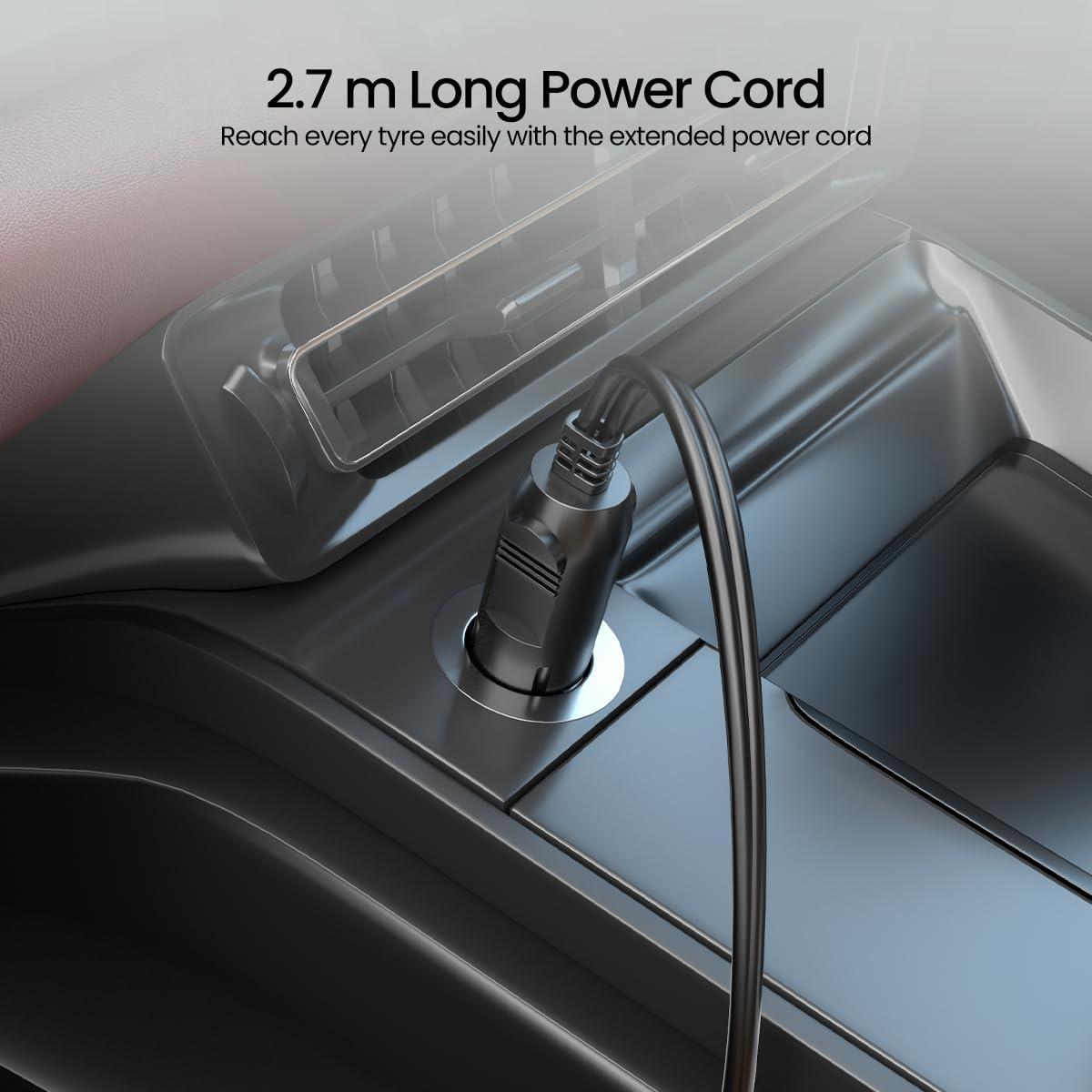
Image: The 12V power plug inserted into a car's cigarette lighter socket.
Operating Instructions
General Inflation Process:
- Check Current Pressure: Once connected and powered on, the digital display will show the current pressure of the tyre/item.
- Set Desired Pressure: Use the '+' and '-' buttons to adjust the target pressure. The unit of measurement (PSI, BAR, KPA) can typically be cycled using the 'R' button. Refer to your vehicle's manual or the item's specifications for recommended pressure.
- Start Inflation: Press the power button (or designated start button) to begin inflation. The inflator will start pumping air.
- Auto Shut-Off: The inflator will automatically stop once the preset pressure is reached.
- Disconnect: Turn off the inflator, then carefully disconnect the air hose from the valve.

Image: A person using the Portronics Vayu Lite to inflate a car tire, demonstrating the practical application.
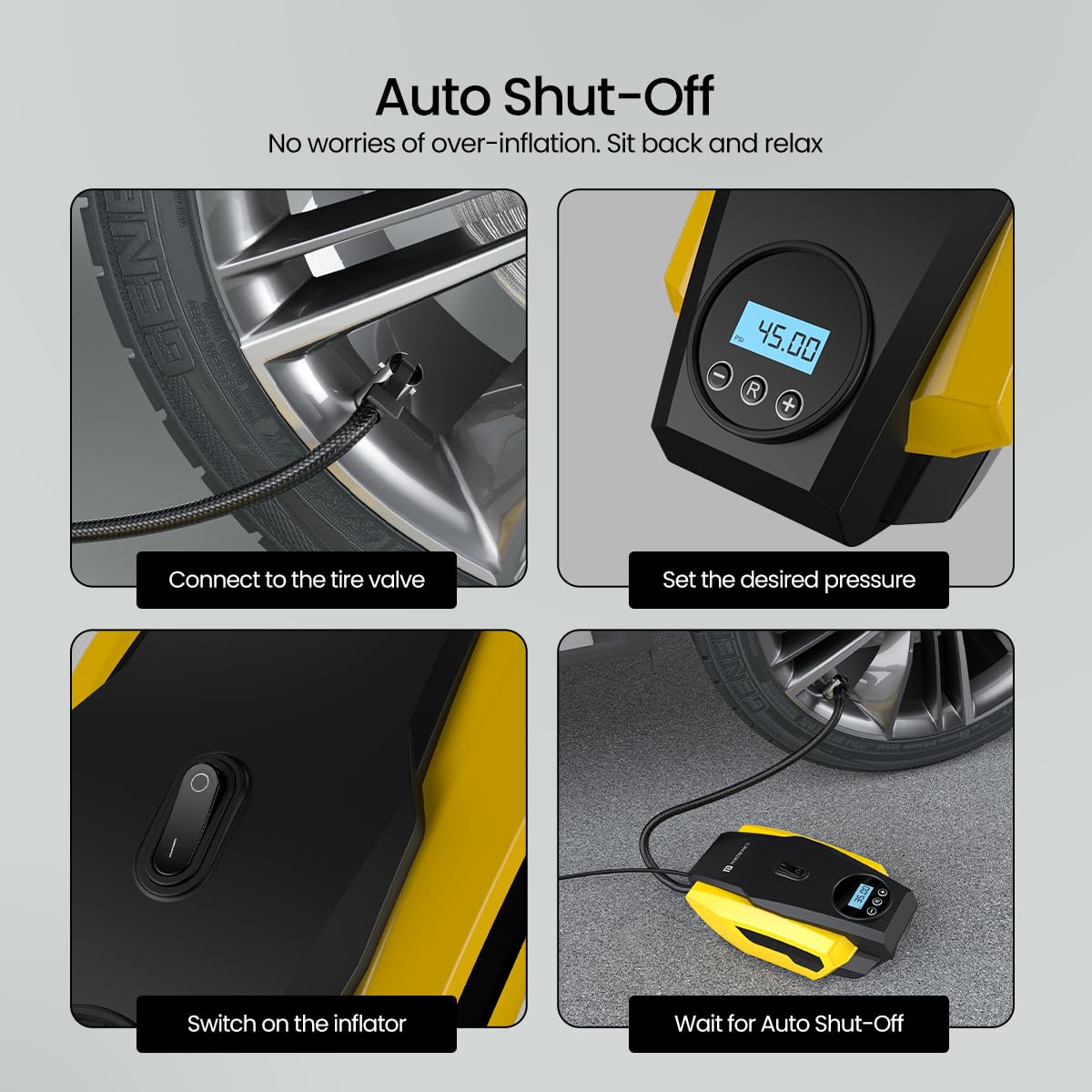
Image: Visual guide demonstrating the auto shut-off feature: connect, set pressure, switch on, and wait for automatic stop.
Using the LED Light:
The built-in LED light can be activated by a dedicated button (if available) or by a long press of the power button, depending on the model. This feature is useful for illuminating the work area during nighttime or in low-light conditions.
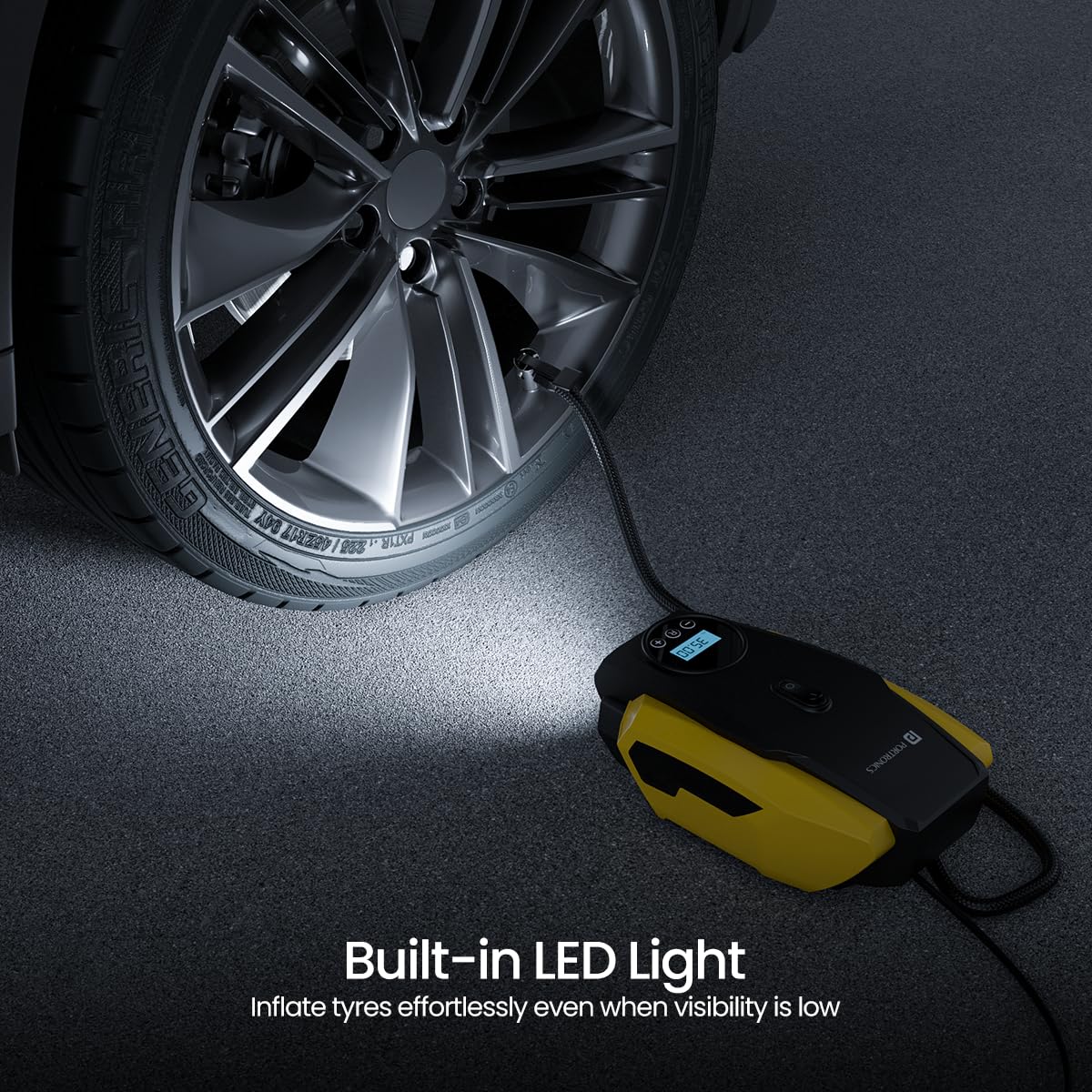
Image: The inflator's LED light illuminating a car tire for visibility during inflation.
Multipurpose Nozzles:
The Vayu Lite comes with three different nozzles to accommodate various inflation needs:
- Standard Nozzle: For car, motorcycle, and bicycle tyres.
- Ball Needle: For sports balls (e.g., footballs, basketballs).
- Cone Adapter: For inflatable toys, air mattresses, etc.

Image: The Portronics Vayu Lite demonstrating its versatility by inflating a car tire, motorbike tire, bicycle tire, and football.
Maintenance
- Cleaning: Wipe the exterior of the inflator with a soft, dry cloth. Do not use liquid cleaners or immerse the device in water.
- Storage: Store the inflator in a cool, dry place, away from direct sunlight and extreme temperatures. Ensure the power cord and air hose are neatly coiled to prevent damage.
- Check for Damage: Periodically inspect the power cord, air hose, and nozzles for any signs of wear or damage. Do not use the device if any components are damaged.
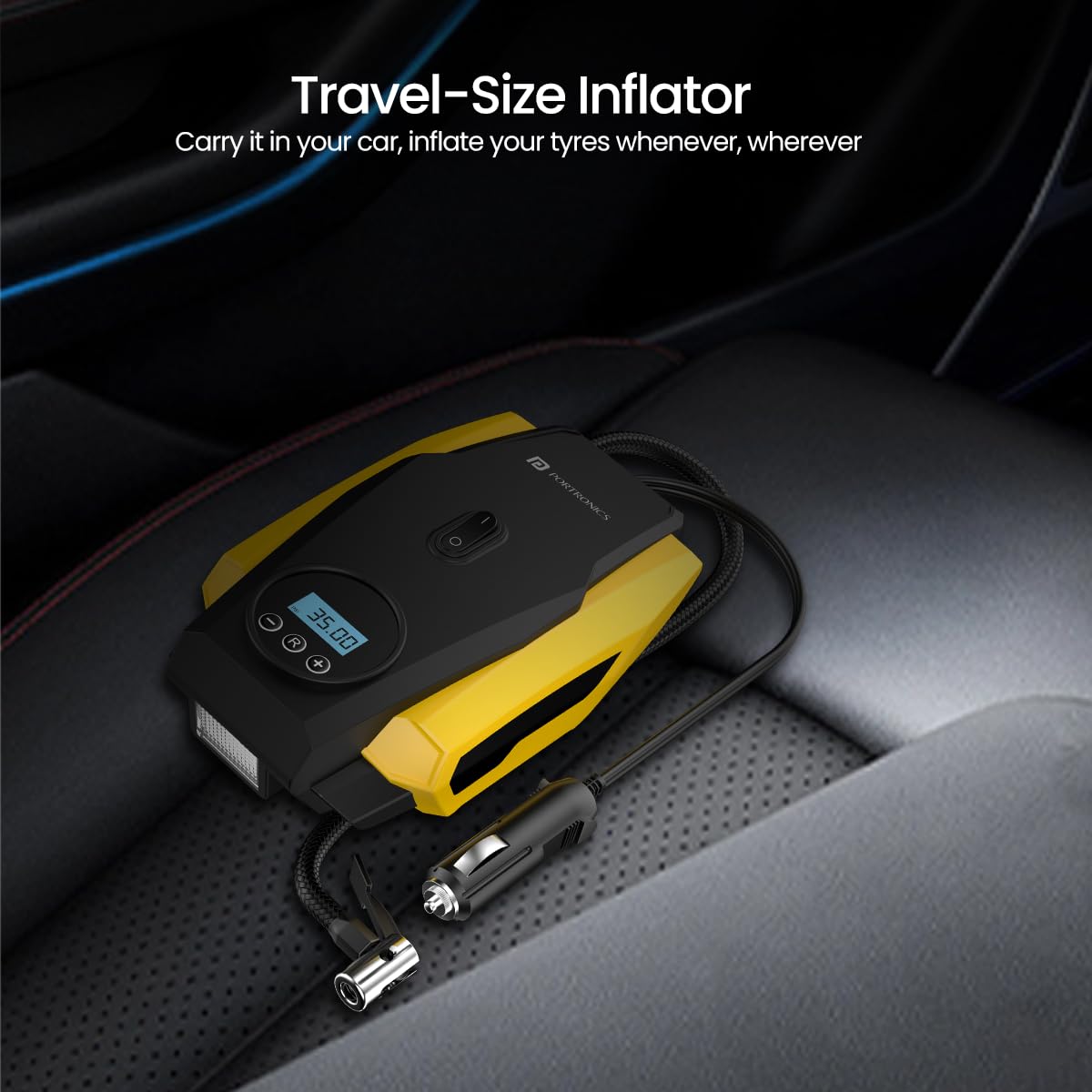
Image: The compact Portronics Vayu Lite stored in a car's trunk, highlighting its portability.
Troubleshooting
| Problem | Possible Cause | Solution |
|---|---|---|
| Inflator does not turn on. |
|
|
| Inflator runs but no air comes out. |
|
|
| Inflator does not stop at preset pressure. |
|
|
| Slow inflation. |
|
|
Specifications
| Feature | Detail |
|---|---|
| Model Number | POR-2006 |
| Brand | Portronics |
| Maximum Pressure | 150 PSI (Pound per Square Inch) |
| Power Source | 12V DC (Cigarette Lighter Socket) |
| Operation Mode | Automatic (with Auto Shut-Off) |
| Power Cord Length | 2.7 meters |
| Item Weight | 740 Grams |
| Product Dimensions | 20.5 x 13 x 10.5 cm |
| Special Features | Digital Display, Auto Shut-Off, LED Light |
| Included Nozzles | 3 Multifunctional Nozzles |
Warranty and Support
Portronics products are designed for reliability and performance. For warranty information and customer support, please refer to the details below:
- Manufacturer: Portronics Digital Pvt Ltd
- Contact Email: help@portronics.com
- Contact Phone: +91 9555-245-245
- Address: First Floor Property No D 8 Upper Basement Sector 8 Noida Uttar Pradesh 201301
- For the most up-to-date warranty terms and conditions, please visit the official Portronics website or contact customer support directly.
Ask a question about this manual
Ask about setup, troubleshooting, compatibility, parts, safety, or missing instructions. Manuals+ will review the question and use this page’s manual context to help answer it.