
1. Introduction
Thank you for choosing the Yanmis Mini Projector. This compact and portable device is designed to provide a versatile viewing experience for movies, games, and presentations. Please read this manual carefully to ensure proper setup, operation, and maintenance of your projector.

Image: The Yanmis Mini Projector is designed to be compact and easily portable, fitting comfortably in one hand.

Image: The projector is constructed from environmentally friendly ABS plastic and weighs approximately 290 grams, highlighting its lightweight design.
2. Package Contents
Please check the package for the following items:
- Yanmis Mini Projector
- Power Adapter (US Plug)
- User Manual
- Remote Control (if included with your model)
3. Setup
3.1 Powering the Projector
The projector does not have an internal battery. It requires an external 5V 2A power supply. Connect the provided power adapter to the projector's power input port and then to a standard electrical outlet.
3.2 Connecting Input Devices
The mini projector is equipped with multiple ports for various input sources:
- USB Port: For connecting USB flash drives or external hard drives.
- HD Multimedia Interface (HDMI) Port: For connecting devices such as laptops, TV sticks, gaming consoles (e.g., Xbox, PlayStation), or other HDMI-enabled devices.
- AV Port: For connecting older devices using an AV cable.
- Storage Card Slot (MicroSD): For inserting a MicroSD card with media files.
- 3.5mm Audio Jack: For connecting external speakers or headphones.
For direct connection to smartphones or tablets, an additional adapter may be required:
- For iOS devices: An HD multimedia interface device or a Lightning to HD multimedia interface adapter.
- For Android devices: A Micro USB to HD multimedia interface or a Type-C to HD multimedia interface adapter.

Image: Top view of the projector, illustrating the control buttons and various input ports for connectivity.

Image: Side view of the projector, highlighting the lens, ventilation, and approximate dimensions of 12x8.5x4.6 cm (4.7x3.3x1.8 inches).
3.3 Positioning the Projector
Place the projector on a stable, flat surface. Ensure there is adequate ventilation around the device. The optimal projection distance is between 1.5 to 2 meters (4.9 to 6.6 feet) to achieve a screen size of up to 60 inches.

Image: This diagram illustrates the relationship between projection distance and screen size, showing that a distance of 1.6m can produce a 47-inch screen, and 2.0m can produce an 80-inch screen.

Image: Another diagram demonstrating the range of possible projection sizes, from 24 inches up to 152 inches, depending on the distance from the projection surface.
4. Operating Instructions
4.1 Power On/Off
Press the power button on the projector or remote control to turn the device on or off.
4.2 Focus Adjustment
Rotate the focus ring located near the lens to achieve a clear image. Adjust until the projected image is sharp.
4.3 Source Selection
Use the input source button on the projector or remote control to cycle through available input sources (HDMI, USB, AV, MicroSD).
4.4 Navigation and Playback
Use the directional buttons and OK button on the projector or remote control to navigate menus, select files, and control media playback (play, pause, stop, fast forward, rewind).
4.5 Audio Output
The projector has built-in speakers for audio playback. For a more immersive experience or private listening, connect external speakers or headphones to the 3.5mm audio jack.
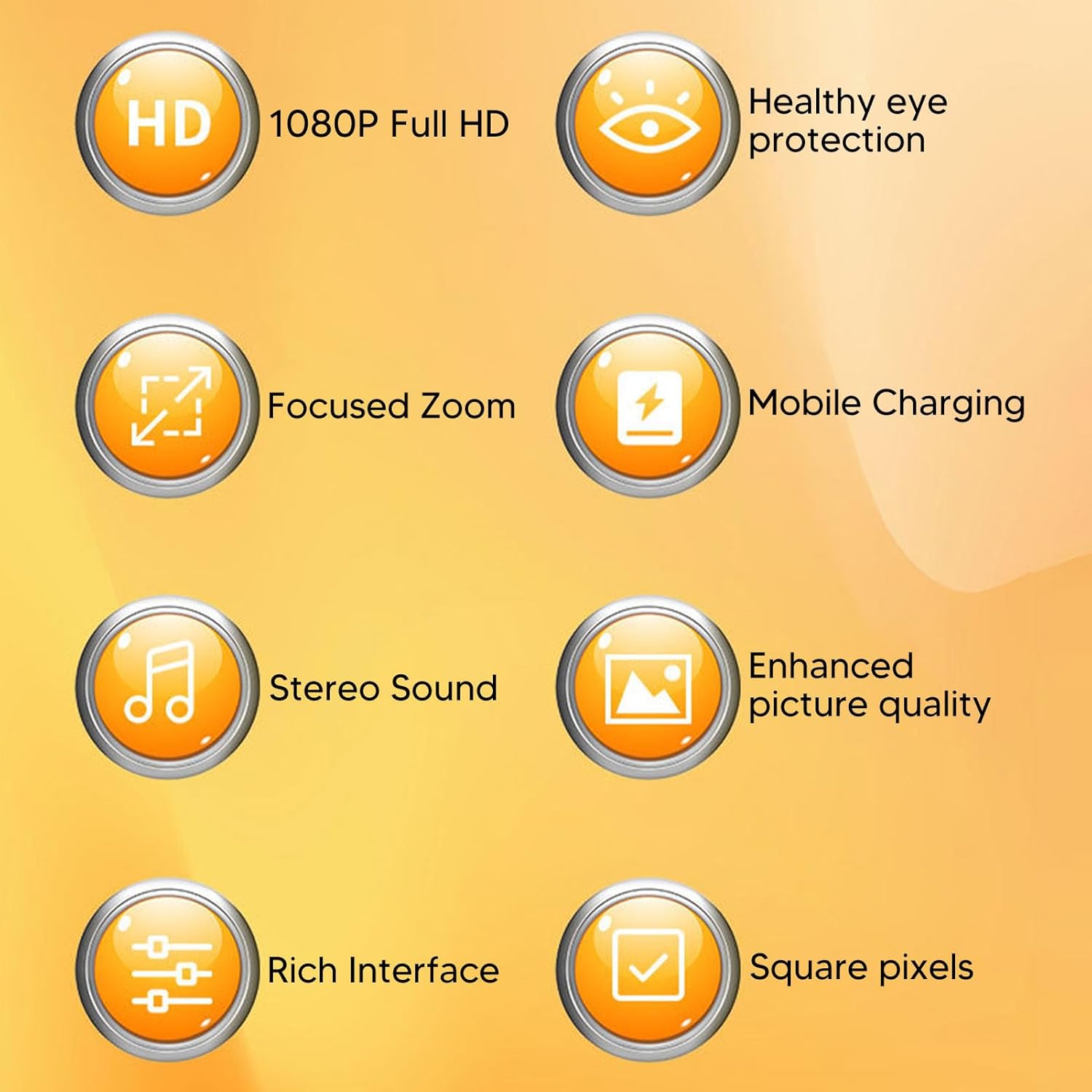
Image: This graphic highlights key features such as 1080P Full HD support, focused zoom capability, stereo sound, and a rich interface for diverse connectivity.
5. Maintenance
5.1 Cleaning the Lens
Gently wipe the projector lens with a soft, lint-free cloth specifically designed for optical surfaces. Avoid using abrasive materials or harsh chemicals.
5.2 Cleaning the Projector Body
Use a soft, dry cloth to clean the exterior of the projector. Do not use liquid cleaners directly on the device.
5.3 Ventilation
Ensure that the ventilation openings are not blocked to prevent overheating. Regular cleaning of dust from these vents with a soft brush or compressed air can help maintain optimal performance.
5.4 Storage
When not in use, store the projector in a cool, dry place, away from direct sunlight and extreme temperatures. Consider using a protective cover to prevent dust accumulation.
6. Troubleshooting
- No Power: Ensure the power adapter is securely connected to both the projector and a working electrical outlet. Verify the power supply meets the 5V 2A requirement.
- No Image: Check that the correct input source is selected. Ensure the input device (laptop, TV stick, etc.) is powered on and sending a signal. Verify all cables are securely connected.
- Blurry Image: Adjust the focus ring on the projector lens until the image is clear. Ensure the projection distance is within the recommended range (1.5-2m).
- No Sound: Check the projector's volume settings and the volume of the input device. If using external speakers, ensure they are properly connected and powered on.
- Remote Control Not Working: Check the batteries in the remote control. Ensure there are no obstructions between the remote and the projector's IR receiver.
If you encounter issues not listed here, please refer to the manufacturer's website for further support.
7. Specifications
| Brand | Yanmis |
| Model Number | Yanmis73bh0icrk4-13 |
| Projection Light Source Life | 30,000 hours |
| Brightness | 200 ANSI Lumens |
| Native Resolution | 320 x 240 |
| Supported Resolution | Up to 1920 x 1080 (1080P) |
| Contrast Ratio | 800:1 |
| Aspect Ratio | 4:3 |
| Projection Distance | 1.5 - 2 meters (4.9 - 6.6 feet) |
| Maximum Projection Size | 60 inches |
| Connectivity | USB, HDMI, AV, MicroSD Card, 3.5mm Audio Jack |
| Special Features | USB Connectivity, Built-In Speaker, Portable, HDMI Connectivity, Lightweight |
| Power Supply | 5V 2A (external) |
| Dimensions (Approx.) | 12 x 8.5 x 4.6 cm (4.7 x 3.3 x 1.8 inches) |
| Weight (Approx.) | 290g |
| Material | ABS |
8. Warranty and Support
8.1 Warranty Information
Specific warranty details for the Yanmis Mini Projector are not provided in this manual. Please refer to the product packaging, the retailer's purchase terms, or the official Yanmis website for comprehensive warranty information.
8.2 Customer Support
For technical assistance, troubleshooting beyond this manual, or inquiries regarding your product, please visit the official Yanmis support website or contact their customer service department. Contact information can typically be found on the manufacturer's website or product packaging.