1. Product Overview
The Coolwell RGB Matrix Power Adapter is a versatile solution designed to simplify power delivery and wiring for RGB LED matrix panels. It integrates two primary power input interfaces: a Type-C USB connector and a DC-044 socket, ensuring compatibility with a wide array of power sources. This adapter is equipped with essential safety features, including onboard over-current protection and TVS protection devices, safeguarding your components. Additionally, it provides regulated 5V and 3.3V outputs, capable of supplying up to 7W, making it an ideal and reliable power hub for microcontroller (MCU) systems within a comprehensive RGB Matrix Panel setup.
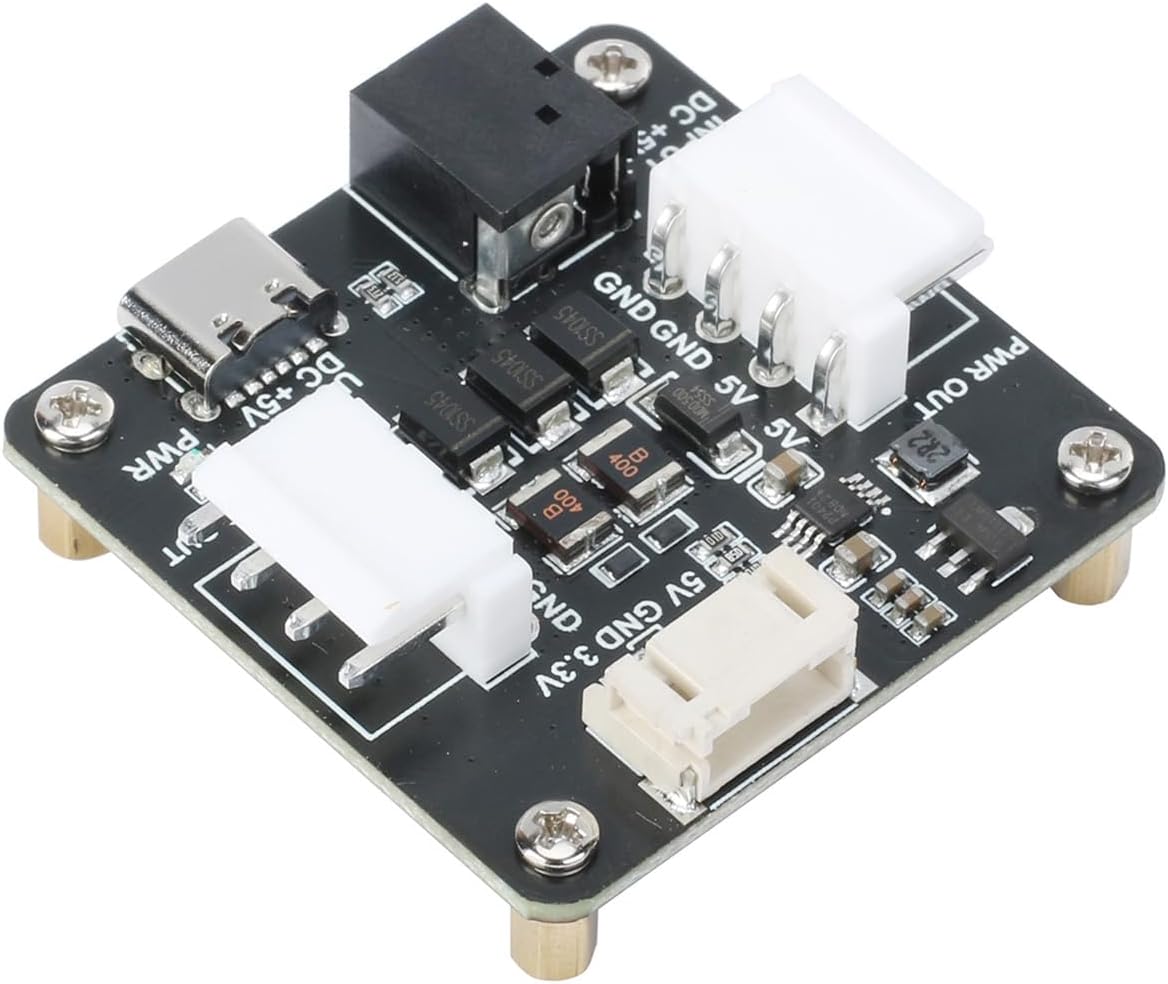
Figure 1.1: Top-down view of the Coolwell RGB Matrix Power Adapter, showcasing its compact design and various ports.
2. Key Features
- Dual Power Input: Supports Type-C USB (up to 5V/4A) and DC-044 socket (up to 5V/8A) for flexible power sourcing.
- Integrated Protection: Features onboard over-current and TVS (Transient Voltage Suppressor) protection devices for enhanced safety and component longevity.
- RGB Matrix Panel Outputs: Equipped with two 3.96mm pitch VH-4P connectors specifically designed for powering RGB LED matrix panels (5V/4A output).
- MCU Power Supply: Includes one PH2.0-4P connector providing regulated 5V (up to 1.5A) and 3.3V (up to 1A) outputs for powering microcontrollers and other low-power components.
3. Technical Specifications
| Specification | Value |
|---|---|
| Size | 43.5mm (length) * 43mm (width) |
| Power Input (Type-C USB) | Up to 5V/4A |
| Power Input (DC-044 Socket) | Up to 5V/8A |
| RGB Matrix Power Output | Two 3.96mm pitch VH-4P interfaces, 5V/4A |
| MCU Power Output (PH2.0-4P) | 5V (up to 1.5A), 3.3V (up to 1A) |
| Item Weight | 2.39 ounces |
| Item Model Number | CL-RGB Matrix Power Adapter |

Figure 3.1: Diagram illustrating the physical dimensions of the RGB Matrix Power Adapter in millimeters.
4. Package Contents
Verify that all items listed below are included in your package:
- RGB Matrix Power Adapter x1
- VH3.96 Cable x2 (for RGB Matrix Panel connection)
- HP2.0-4P Cable x1 (for MCU power output)

Figure 4.1: Visual representation of the package contents, including the adapter and its accompanying cables.
5. Setup Guide
Follow these steps to set up your RGB Matrix Power Adapter:
- Connect Power Input: Choose one of the two available power input ports. You can use a Type-C USB cable (e.g., from a phone charger or power bank) or a DC-044 barrel jack power supply. Ensure your power supply meets the voltage (5V) and current requirements (up to 4A for Type-C, up to 8A for DC-044) for your RGB matrix panel.
- Connect RGB Matrix Panel: Use the provided VH3.96 cables to connect the power input of your RGB LED matrix panel(s) to the "PWR OUT" ports on the adapter. The adapter has two such ports, allowing you to power up to two panels if the total current draw does not exceed the adapter's capacity.
- Connect MCU (Optional): If you are powering a microcontroller (e.g., ESP32, Raspberry Pi) from this adapter, use the provided HP2.0-4P cable. Connect one end to the PH2.0-4P port on the adapter and the other end to the appropriate 5V and 3.3V power input pins on your MCU. This eliminates the need for a separate power supply for your MCU.

Figure 5.1: Detailed connection diagram illustrating how to connect the power inputs (Type-C USB, DC Input) and power outputs (5V, 3.3V for MCU, and power for RGB matrix panels).
6. Operation
Once all connections are securely made as described in the Setup Guide, the RGB Matrix Power Adapter will automatically begin supplying power to the connected RGB matrix panels and MCU. The onboard over-current and TVS protection mechanisms will actively monitor the power flow, providing safeguards against potential electrical surges or excessive current draw, ensuring stable and reliable operation of your system.
7. Maintenance and Care
To ensure the longevity and optimal performance of your RGB Matrix Power Adapter, please observe the following guidelines:
- Keep Dry: Avoid exposing the adapter to moisture or liquids. Damp environments can cause short circuits and damage the electronic components.
- Handle with Care: The adapter contains sensitive electronic components. Avoid dropping it or subjecting it to strong impacts.
- Static Electricity: Be cautious of static electricity, especially when handling the adapter or connecting components. Discharge any static buildup before touching the device.
- Cleaning: Use a dry, soft cloth to clean the adapter. Do not use harsh chemicals or abrasive cleaners.
- Ventilation: Ensure adequate airflow around the adapter, especially during prolonged operation, to prevent overheating.
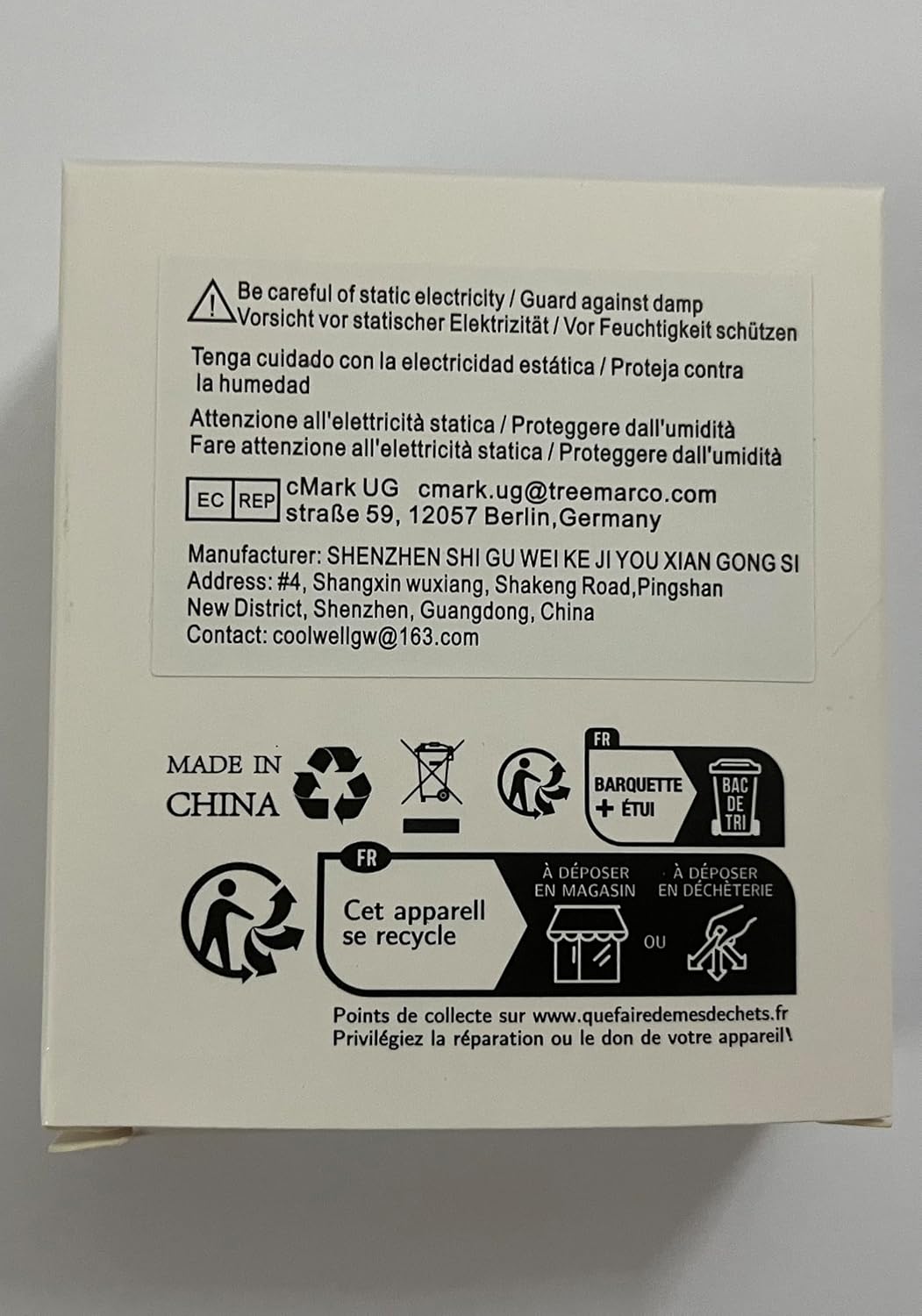
Figure 7.1: Product packaging highlighting important safety warnings regarding static electricity and moisture.
8. Troubleshooting
If you encounter issues with your RGB Matrix Power Adapter, consider the following common troubleshooting steps:
- No Power Output:
- Verify that the power input source (Type-C or DC-044) is properly connected and providing the correct 5V.
- Ensure the power supply itself is functional and capable of delivering sufficient current for your connected devices.
- Check all cable connections to the RGB matrix panel and MCU for secure fit.
- Intermittent Power:
- This could indicate an unstable power input. Try a different power adapter or cable.
- Ensure the total current draw of your connected devices does not exceed the adapter's maximum output capacity.
- Device Not Functioning:
- Confirm that the RGB matrix panel or MCU is correctly wired to the adapter's output ports (5V, GND, 3.3V).
- Rule out issues with the connected device itself by testing it with an alternative power source if possible.
9. Warranty and Support
The Coolwell RGB Matrix Power Adapter is manufactured by Coolwell. For technical support, warranty inquiries, or further assistance, please contact the manufacturer directly.
Manufacturer: Coolwell
Contact Email: coolwellgw@163.com
Please retain your proof of purchase for any warranty claims.